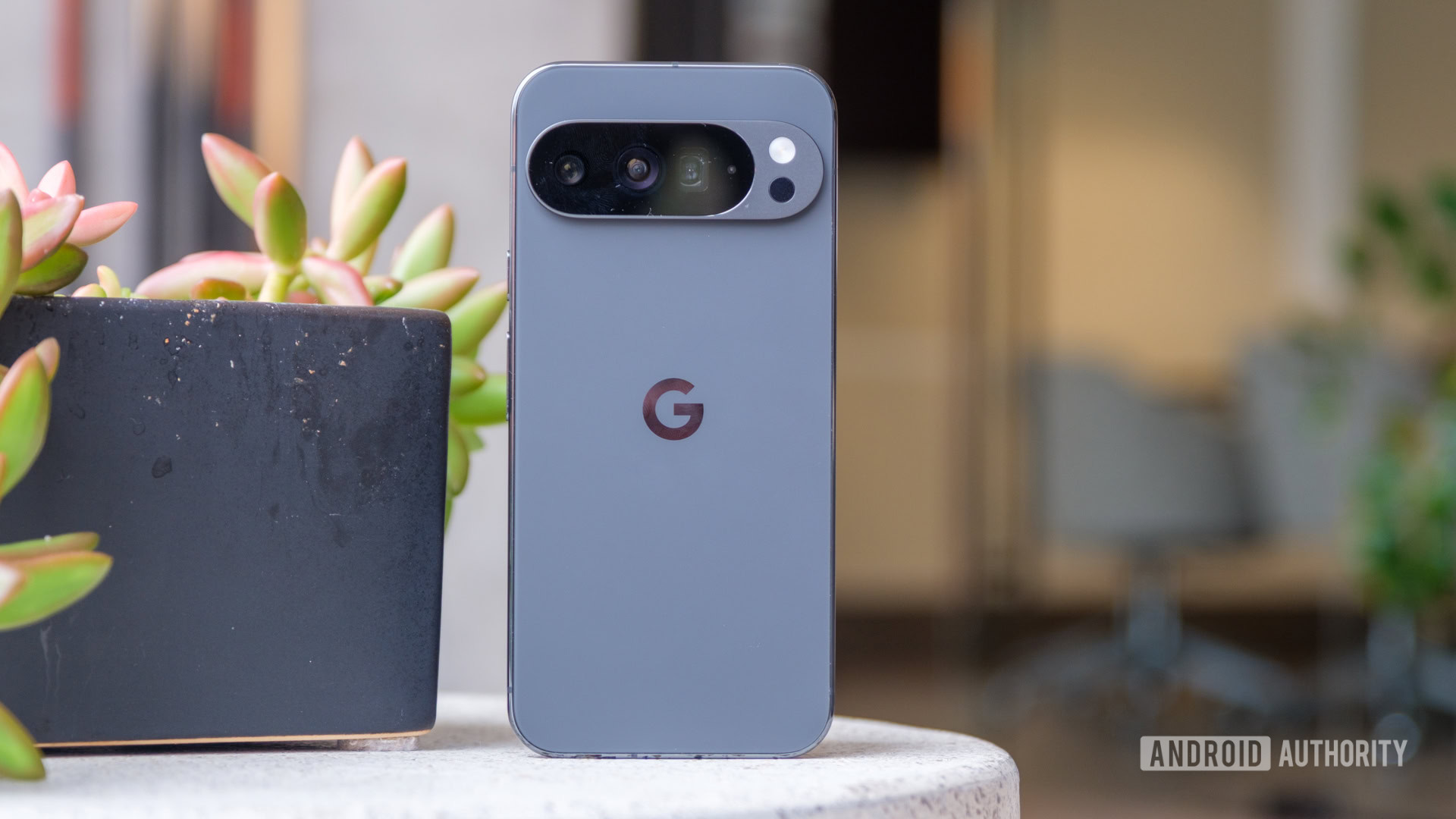
Mishaal Rahman / Android AuthorityBillions of people rely on public transit every day, and if you’re one of them, you know the drill: You step onto a crowded train and immediately turn down the volume so your Reels don’t annoy your fellow commuters.Maybe you also enable Do Not Disturb mode to silence incoming calls and alerts or tweak other settings to settle in.These manual adjustments are a daily ritual for many people, but they may soon be a thing of the past.
Google appears to be working on a new Android feature that automatically detects when you’re on public transit and optimize your device settings accordingly.You’re reading the Authority Insights Newsletter, a weekly newsletter that reveals some new facet of Android that hasn’t been reported on anywhere else.If you’re looking for the latest scoops, the hottest leaks, and breaking news on Google’s Android operating system and other mobile tech topics, then we’ve got you covered.Subscribe here to get this post delivered to your email inbox every Saturday.
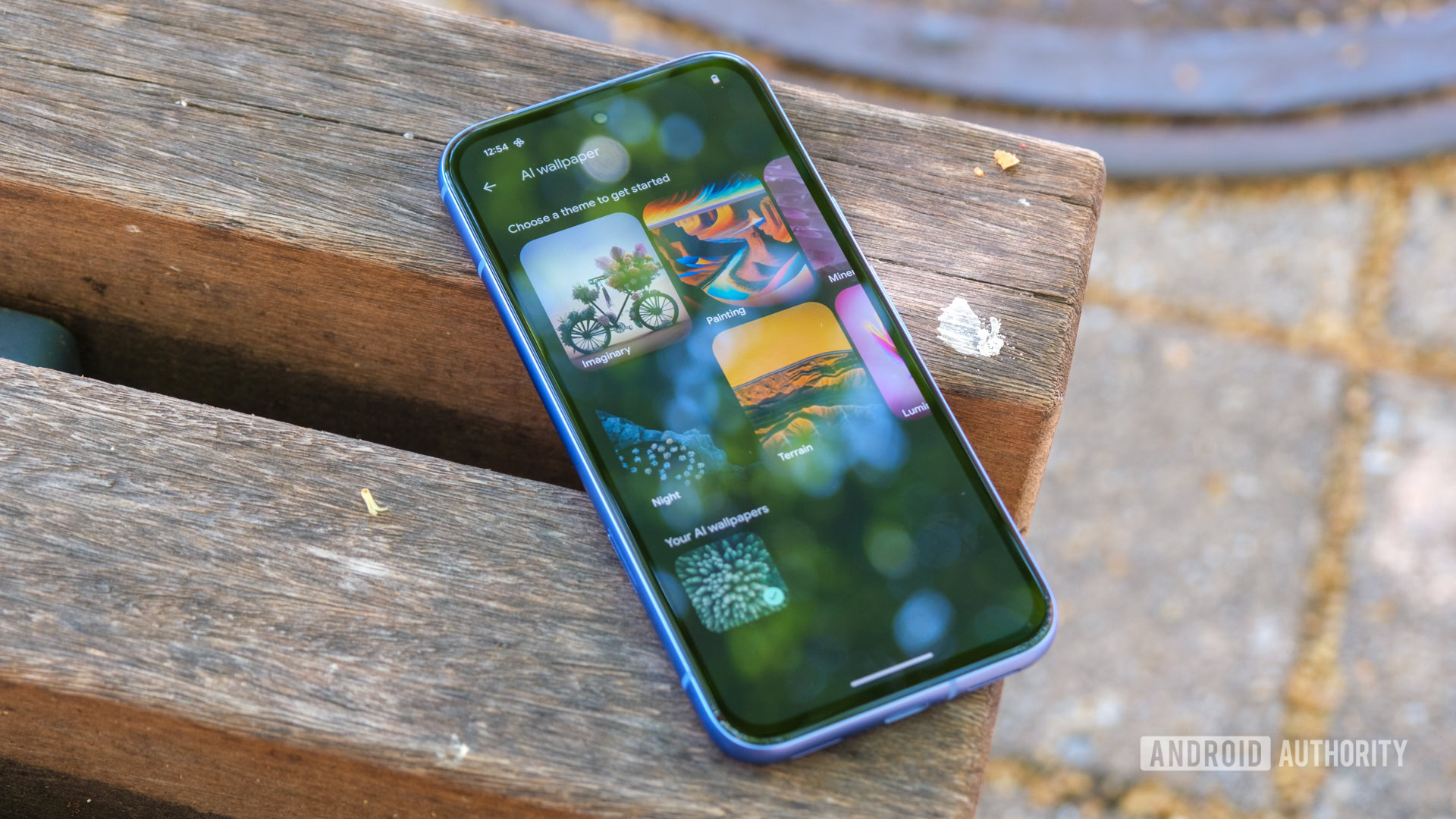
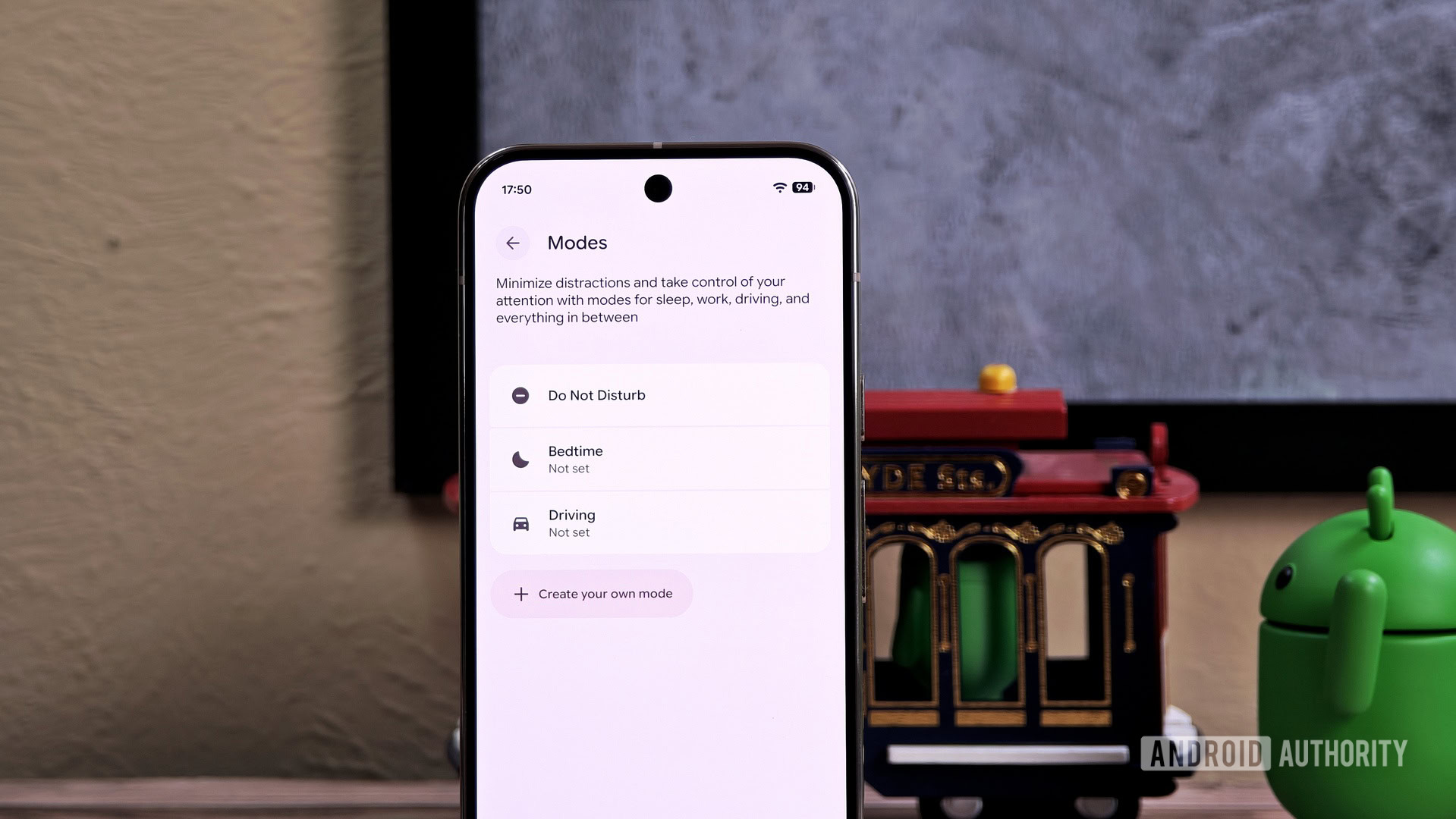
Most Android phones are already smart enough to know when you’re driving thanks to the clever use of onboard motion sensors and Bluetooth connections.When enabled, Android’s Driving Mode automatically silences incoming calls, texts, and notifications to minimize distractions.While Android phones could theoretically use those same sensors to detect when you’re on a bus or train, the OS doesn’t currently recognize public transit, forcing you to manually toggle settings every time you step on board.Mishaal Rahman / Android AuthorityWhile digging through the most recent Android Canary release, I found evidence indicating the operating system will soon add a new Mode called “Transiting.” Modes, a feature introduced in Android 15 QPR2, lets you create custom sound and notification profiles that activate based on a schedule or calendar event.While standard Modes rely on manual or scheduled activation, preset Modes like Driving utilize special triggers.
Evidence suggests the new “Transiting” mode will include a unique “while transiting” trigger that presumably activates when your device detects you’re taking public transit.When triggered, Android will “optimize your device for a smoother public transit experience.” Exactly how it will do so remains to be seen, but the intro screen suggests it will make “automatic settings adjustments.”Here are the strings we discovered in the Android Canary release pointing to this new feature: CodeCopy Text<string name="zen_mode_trigger_title_transit">While transiting</string> <string name="zen_mode_inspiration_transit">Optimize your device for a smoother public transit experience</string> <string name="zen_mode_blurb_transit">Enjoy a better transit ride with automatic settings adjustments</string> Unfortunately, the Android build didn’t reveal much more information about this new Transiting Mode.However, we can speculate on how it might work.
Like other Modes, you’ll likely be able to fully customize which apps, alarms, and contacts can interrupt you while you’re on public transit.You’ll presumably also be able to toggle specific display settings or adjust notification behavior — for example, automatically enabling dark mode or hiding notification icons.We also assume that, as with Driving Mode, Google Play Services will be responsible for detecting when you’re on public transit.If that’s the case, I’m curious to see if Google will allow you to automatically enable its upcoming Motion Cues feature when Transiting Mode kicks in.
This would make perfect sense, as Motion Cues is designed to reduce motion sickness in moving vehicles.Perhaps Google is waiting to release both features together.Mishaal Rahman / Android AuthorityUsing KineStop, a third-party Android app, to reduce motion sickness while riding in a vehicle.Transiting Mode could arrive as early as the Android 16 QPR3 release next March, but we don’t know for sure just yet.Once Google initiates the QPR3 beta, we might find more clues.
We’ll keep you updated.Want more?Authority Insights is more than a newsletter — it’s the hub for all our best content.If you care about Android, you won’t want to miss any of our other exclusive reports.Don’t have time to read them all? Subscribe to our Authority Insights Podcast to hear me and my co-host, C.
Scott Brown, break down our top stories of the week.This week’s top Authority Insights App-solutely necessary: Upcoming features you didn’t know you needed Google Messages is making SIM switching while texting a little less painfulRelatedGoogle Messages preps useful changes to saving media, sharing location, and moreRelatedFinally, WhatsApp is working on the one status tool users actually needRelatedNow Brief Spotify and YouTube suggestions should be much more useful in One UI 8.5RelatedGoogle is integrating Nano Banana right into its app's search barRelatedGoogle finally listened! New gestures are coming to Pixel WatchRelatedExclusive: This is your first look at the upcoming face editor in Google PhotosRelatedHear we go again: We’ve got more leaks of the Samsung Galaxy Buds 4 Samsung One UI leak reveals upcoming Galaxy Buds 4 designRelatedThis Galaxy Buds 4 gesture could supercharge Samsung's real-time Interpreter modeRelatedIt's both good news and bad news for Samsung Galaxy Buds 4 and Buds 4 Pro battery lifeRelated…and more leaks of the Galaxy S26, too Samsung just leaked Galaxy S26 series designs via its softwareRelatedSamsung's My Files might soon know when you're on vacation — and act on itRelatedYour Samsung phone may soon read your PDFs before you doRelatedAndroid enters its heavy metal phase Google's new 'Aluminium OS' project brings Android to PC: Here's what we knowRelatedSamsung is gearing up to supercharge its “Super Fast Charging” Get ready for Super Fast Charging 3.0: One UI 8.5 code teases speed upgradeRelatedHidden code reveals Samsung phones are in for a major wireless charging upgradeRelatedReality checks: We did the testing so you don’t have to Don't buy a new Qi2 charger if you have these Pixel phonesRelatedCan you really improve game performance with a spoof emulator?RelatedI tested the Pixel 10 Pro camera against the Pixel 8 Pro, and the results surprised meRelatedChasing ChatGPT Early look: Gemini's ChatGPT-style 'projects' are taking shapeRelatedGemini is getting a ChatGPT-flavored tweak and new Maps featuresRelatedDesign quirks & red flags Google might soon show your phone's IMEI on the lock screen, but should you be worried?RelatedGoogle Contacts' Expressive redesign may have an annoying drawbackRelatedOther top stories Sweet Android 16: Round 2 Google's second big Android 16 update is rolling out for Pixel phones: Here’s EVERYTHING new!RelatedGoogle quietly restores a lost Pixel unlocking convenience with latest Android 16 updateRelatedThree’s Company: Samsung debuts the Galaxy Z TriFold Move over, tablets: Samsung finally launches its Galaxy Z TriFoldRelatedFirst Galaxy Z TriFold hands-on video shows major strengths and weaknessesRelatedThat’s a Wrap(ped) Spotify Wrapped 2025 brings your friends in on the fun with Wrapped PartyRelatedYouTube joins the Wrapped party and rolls out its first RecapRelatedGoogle Photos 2025 Recap is here with the ability to hide unwanted facesRelatedGoogle TV is hopping on the year-end recap bandwagonRelatedSunsets & shutdowns Netflix quietly killed casting from phonesRelatedMKBHD's Panels wallpaper app is shutting down, here's what's nextRelatedTips, tricks & new downloads Your Pixel Pro camera has a lesser-known viewfinder trick you may have missedRelatedGoogle's fix for the worst part of setting up a new Android phone is actually workingRelated5 of the best new Android apps you need to try this DecemberRelatedTech aches & hot takes 'Smartphone pinky' is a growing problem.Have you experienced it?RelatedThe Kindle store is getting wrecked by SEO-stuffed book titles — and readers are fed upRelatedA big YouTube TV overhaul with cheaper packages may be in the worksRelatedBetter than Samsung and Google’s best? This might be my phone of the yearRelatedAuthority InsightsNewsAndroid CanaryAuthority InsightsAuthority Insights NewsletterFollowThank you for being part of our community.
Read our Comment Policy before posting.