Many homelab projects can get quite expensive—it's why I don't do nearly as many of them as I'd like to.But an ESP32 is actually the perfect cheap upgrade for your homelab's network because of how capable (and low-cost) it is.Add How-To Geek on Google Add as Preferred Source Follow on Google Discover ESP32 development boards have built-in Wi-Fi and Bluetooth, allowing them to connect to your network and receive or send various bits of information.
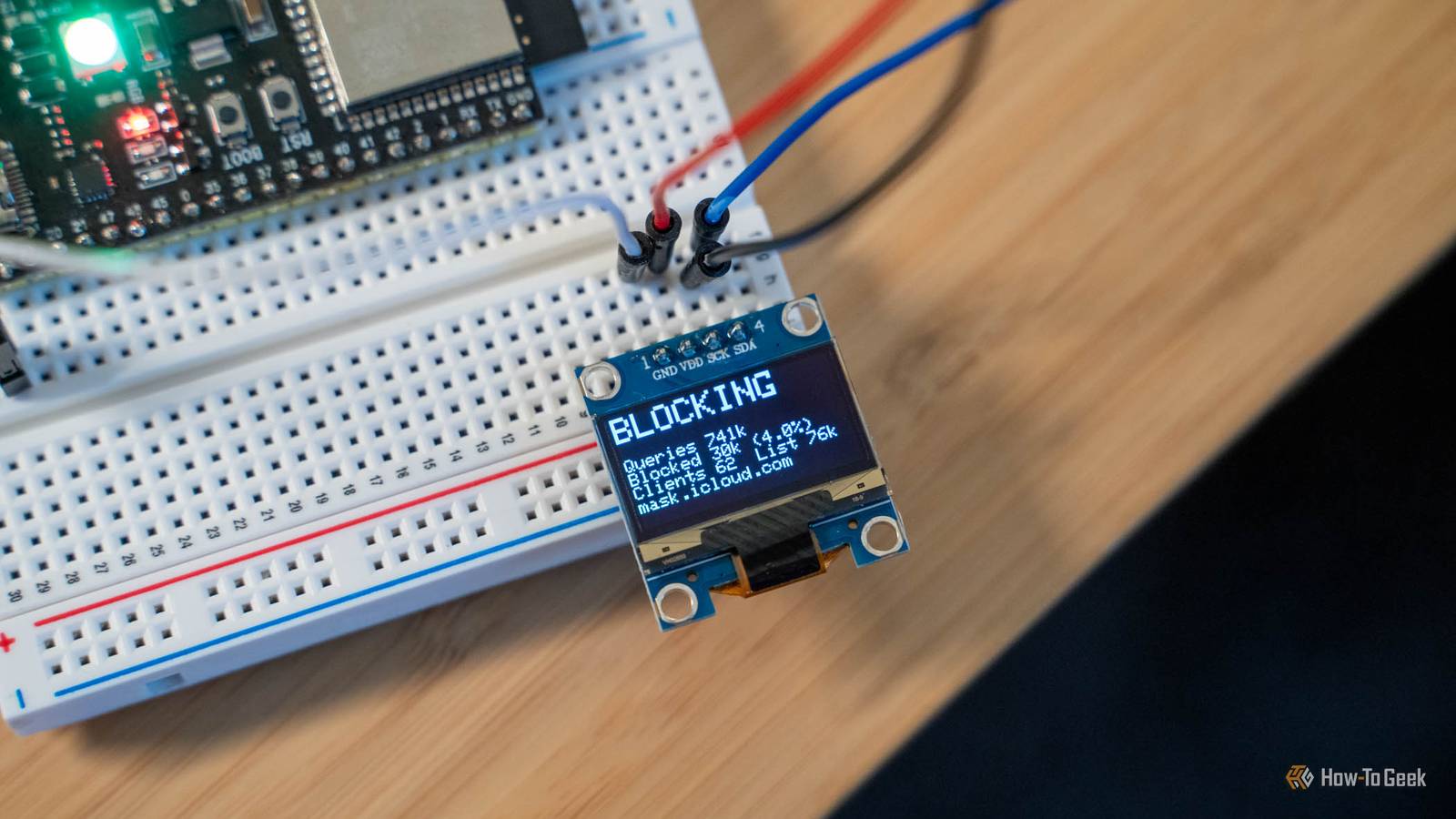
That means that you can use an ESP32 to serve data your homelab, like as a network time server, or to receive information your homelab, such as to display stats on a small OLED screen.Your Pi-hole deserves a screen that isn't a browser tab One tap and blocking takes a five-minute break Close One of my favorite ESP32s is the CYD, or the Cheap Yellow Display.It’s an ESP32 attached to a 2.8-inch 320x240 touchscreen.
The screen can be programmed to display just about anything you want, including Pi-hole stats and controls.Pi-hole has a REST API that the ESP32 can interact with and use to display stats, like how many sites have been blocked and what devices have made the most blocked requests.It also allows you to control Pi-hole with actions like pausing blocking for a certain amount of time.
I have run Pi-hole for years now, but recently had to start pausing blocking for some web development tasks that require ads to be let through.So, previously, I was navigating to the Pi-hole interface to pause blocking manually for five minutes.Now, I have an ESP32 on my desk with a button that pauses blocking for five minutes for me automatically.
While I didn’t build the project with a CYD (I love them but don’t have one yet), the CYD’s touchscreen can be programmed to do the same thing as my physical button does.A quick tap can pause blocking for a certain amount of time and even update the display to show a countdown timer of how much longer blocking will be paused.I actually deployed one of these in my wife’s office so that way she could pause blocking whenever she’s working on her recipe blog without having to ask me, and it’s been a great quality of life upgrade for both of us.
You can deploy the same project I did since I published my code on GitHub and even made a simple web flasher for you to use.A $5 ESP32 can be a Wi-Fi extender for the devices that need it It won't stream 4K, but your smart plug in the garage doesn't need to Sometimes you just need a more reach on your Wi-Fi network.Instead of buying a full-on Wi-Fi range extender or another access point, an ESP32 can actually get the job done quite well.
Now, an ESP32 isn’t going to deliver gigabit Wi-Fi speeds or anything like that, but it will take your existing Wi-Fi signal and repeats it with a new name for other smart devices to connect to.The limitation to the esp32_nat_router project is mainly speed.The project itself has a lot of features, like port forwarding, a full ACL (access control list) firewall, and even a WireGuard uplink if you need to VPN the connection to another network.
However, I would only expect around 5 to 15Mb/s in most circumstances.So, while you won’t be able to stream Netflix super great over an ESP32’s Wi-Fi extension, it’s perfect for controlling smart plugs, lights, or even speakers in an area of the house where the Wi-Fi signal isn’t the greatest.An ESP32 and a GPS module make a time server for your whole network Your router, NAS and servers can all ask it for the time instead of the internet Whether you just want to host your own time server for fun or you need precision timekeeping for a specific reason, an ESP32 is the perfect way to self-host an NTP (network time protocol) server at home.
The project is actually fairly simple—you really just need an ESP32 and a GPS module.Once you have both of those pieces of hardware procured, you can flash the ESP32 with ESPHome and the esphome-ntp-server project that handles just about everything for you.Once it’s all installed and running, you’ll have a Stratum 1 time source on your local network.
You’ll need to set the IP address of the ESP32 as the time server for either your whole network at the router level or on a per-device level depending on what options your router has.Uptime Kuma can flash a light when a service goes down A notification is easy to swipe away, but a red light on your desk isn't I love Uptime Kuma and use it to monitor all of my services.I run Uptime Kuma on a VPS so that way it runs outside of my homelab, allowing notifications to still reach me if my homelab goes down.
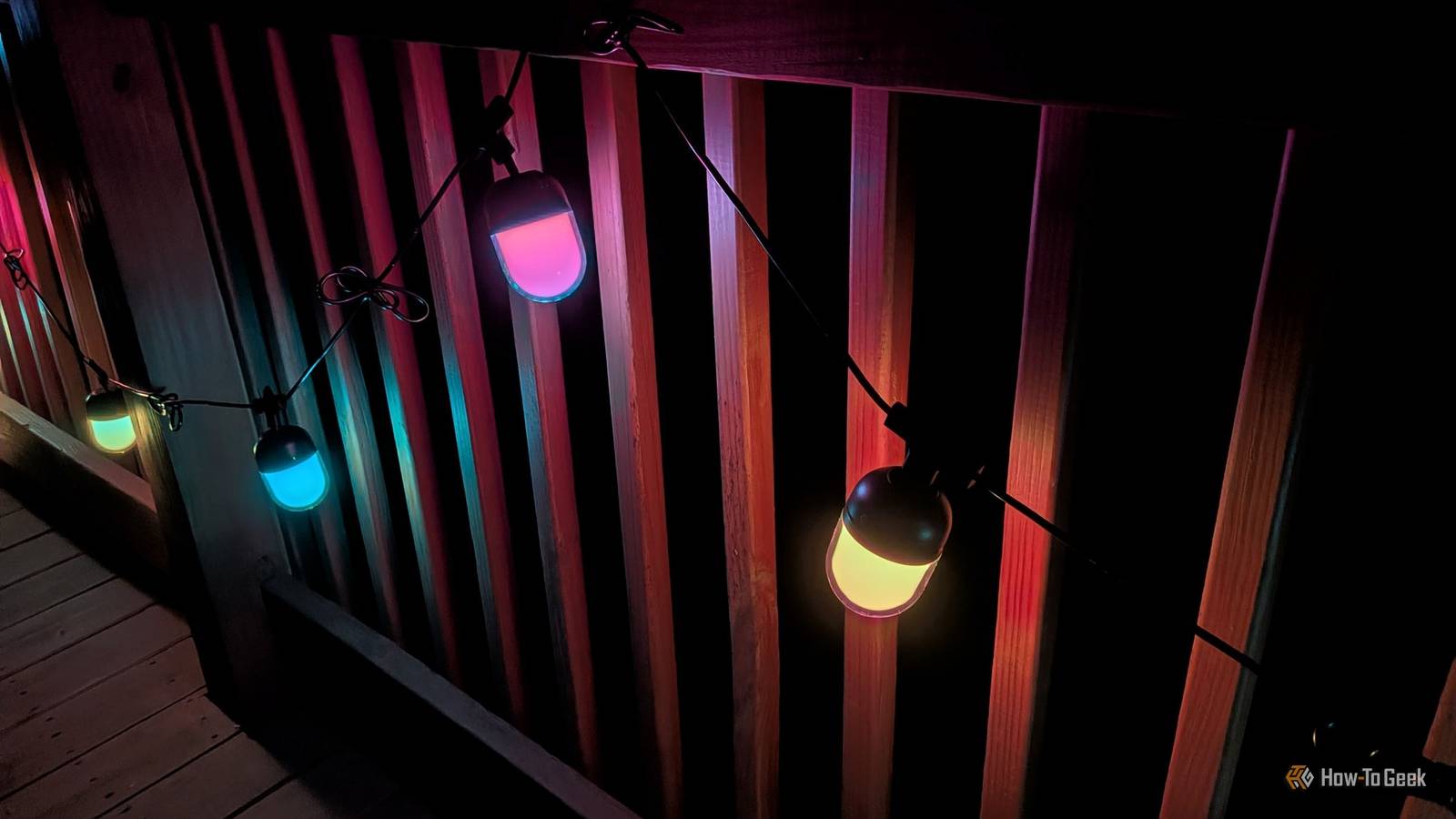
But, Uptime Kuma doesn’t just monitor my lab, I have it monitor all of my servers and websites that I host.Uptime Kuma has a webhook that supports a custom body, which can set heartbeatJSON[‘status’] to 1 for up or 0 for down.This means that I can have an ESP32 programmed to show a green LED when all sites are returning 1 for up, and flip to a red LED when a site goes down.
I can also further customize this to be on a site-by-site basis with enough LEDs as each site gets its own webhook.So, I could have my homelab on one LED, my Minecraft server on another, my websites on a few more, my wife’s website on yet another, and so on.It’s really as customizable as you want it to be.
A few dollars of ESP32 can do more for your network than you think The ESP32 is probably one of the most versatile microcontrollers on the market today.The Arduino popularized the consumer microcontroller market, but the ESP32 is what's keeping it going.The fact that ESP32's have built-in Wi-Fi and Bluetooth radios, are super cheap, and can can do everything on this list make them a fantastic upgrade for any homelab.
Read More