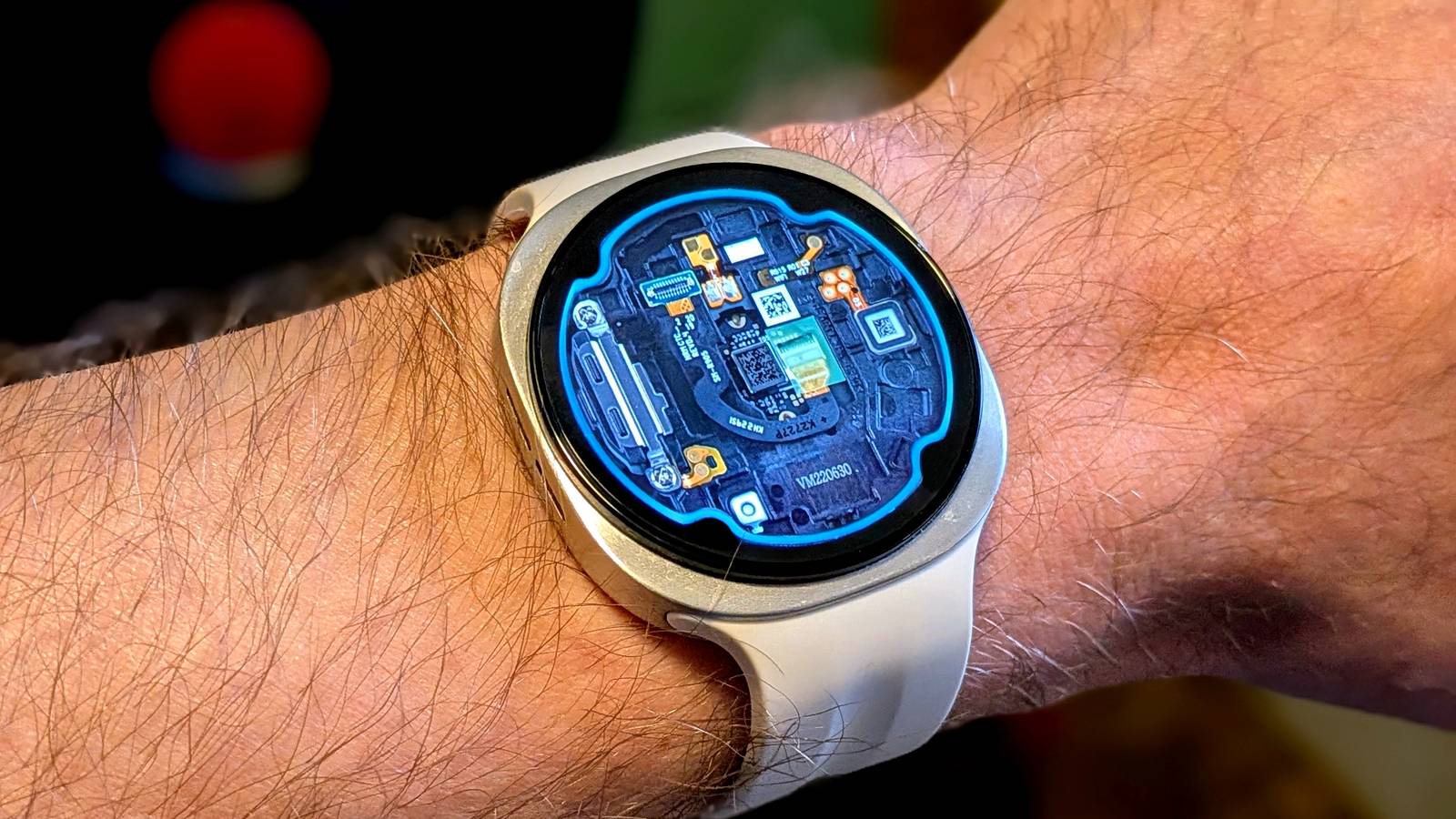
It’s no secret that a Galaxy Watch contains a lot of sensors; maybe even more than a Galaxy phone.That’s due to the suite of health tracking tools, but not all of these features are activated out of the box.You might be missing out.
Add How-To Geek on Google Add as Preferred Source Follow on Google Discover Certain health features are pretty much running from the moment you finish setting up the watch.Things like step tracking, heart rate monitoring, and even sleep recording.However, some of the more advanced health sensors need to be manually enabled or used on-demand.
Electrical heart sensor Much more than basic heart rate monitoring Starting with the Galaxy Watch 4 in 2021, Samsung has included an electrical heart sensor in every Galaxy Watch model.This sensor is used to take electrocardiogram (ECG) readings, which are a far more sophisticated measurement of your heart’s activity.The ECG readings are taken with electrodes in the underside glass and the Home button.
To take a reading, you touch your finger to the Home button, which completes the circuit with the electrodes touching your skin under the watch.An ECG can detect conditions such as AFIB, inadequate coronary blood flow, hypokalemia, and more.Close To put the electrical heart sensor to use, you need to have a Samsung phone connected to your Galaxy Watch.
Even if you do, ECG readings are not taken automatically.You must take them manually from the Samsung Health Monitor app.It will guide you through the process and explain the results.
Related I finally paired my Galaxy Watch with a Samsung phone and realized what I was missing I live with the strange dichotomy of liking Samsung Galaxy Watches but not Galaxy phones.So, for years, I’ve used a Galaxy Watch with a Pixel phone.Recently, I decided to give a Samsung phone a chance, and it immediately unlocked some extra watch features.
Posts 4 By Joe Fedewa Bioelectrical Impedance Analysis (BIA) sensor A score for your entire body Next up is a lesser-known sensor: Bioelectrical Impedance Analysis (BIA).The BIA sensor has also been included in every Galaxy Watch since 2021.It uses the same electrodes as the electrical heart sensor, plus electrodes in the Back button as well.
The BIA sensor is used to measure your “Body Composition.” This is a comprehensive analysis of body fat, skeletal muscle, body water, and BMI.It does all of this by sending a weak electrical current through your body and measuring the tissue resistance.Close Unlike the ECG readings, you don’t need a Samsung phone to measure your Body Composition.
But it is something that needs to be manually performed.Open the Samsung Health app on your Galaxy Watch, tap Body composition > Measure, and follow the instructions.When finished, you’ll get a nice readout of the results.
Photoplethysmogram (PPG) sensor Probably not being fully utilized You’ve no doubt noticed the light show on the underside of a Galaxy Watch.Those lights are from the optical heart rate sensor, otherwise known as a photoplethysmogram (PPG) sensor.The PPG sensor is a workhorse, but it may not be doing it can.
First and foremost, the PPG sensor is responsible for continuous heart rate readings, irregular heart rhythm notifications, blood oxygen tracking, and sleep apnea detection.It works by shining green, red, and infrared LEDs into your skin.Then it measures the light absorption changes that are caused by blood flow and oxygen levels.
These things generally happen automatically, but there’s one PPG-enabled feature that needs to be performed manually: blood pressure monitoring.It’s another tool in the Samsung Health Monitor app, which means you need a Samsung phone to use it.But more importantly, you need to calibrate it for accuracy with a third-party upper-arm blood pressure cuff.
Maximizing the potential of your Galaxy Watch’s health tracking It’s definitely nice to let your Galaxy Watch do its thing in the background and keep tabs on your activity and heart rate.If health and fitness aren’t the primary reasons for wearing the watch, that’s more than enough information.However, if you want to dig deeper into your body’s metrics, you’ll need to go out of your way to use these extra sensors.
One thing to keep in mind, though, is that a Galaxy Watch is not a substitute for medical-grade equipment.Some of the features have been cleared by the FDA, but a smartwatch is a smartwatch.It’s limited by its size and form factor.
You should always consult a physician if you have questions or concerns about your health.Related After two years with a Pixel Watch, I realized Samsung's smartwatch approach is still unbeatable Android owners have two main smartwatch brands to choose from: Samsung Galaxy Watch or Google Pixel Watch.I’ve spent extensive time with both, but I just recently switched back to a Galaxy Watch after wearing a Pixel Watch for the last couple of years.
I’ll explain why.Posts 11 By Joe Fedewa
Read More