Losing cell service mid-drive is a big deal because it can mess with your maps, music, and a whole lot of other things, and then you're stuck looking at the screen instead of the road.Most people don't notice how much Android Auto leans on the internet until they're staring at a frozen screen somewhere outside coverage.The good news is that you can prepare and use your apps in places where you have no reception, as long as you know where to look.
You need to download your maps before you leave The map still works offline, but you lose live traffic Close Driving through the countryside or a tunnel can kill your cell signal fast.When that happens, navigation apps that need the internet tend to freeze up or just show you a blank screen on your dashboard.You can avoid this by always downloading your maps before you leave.
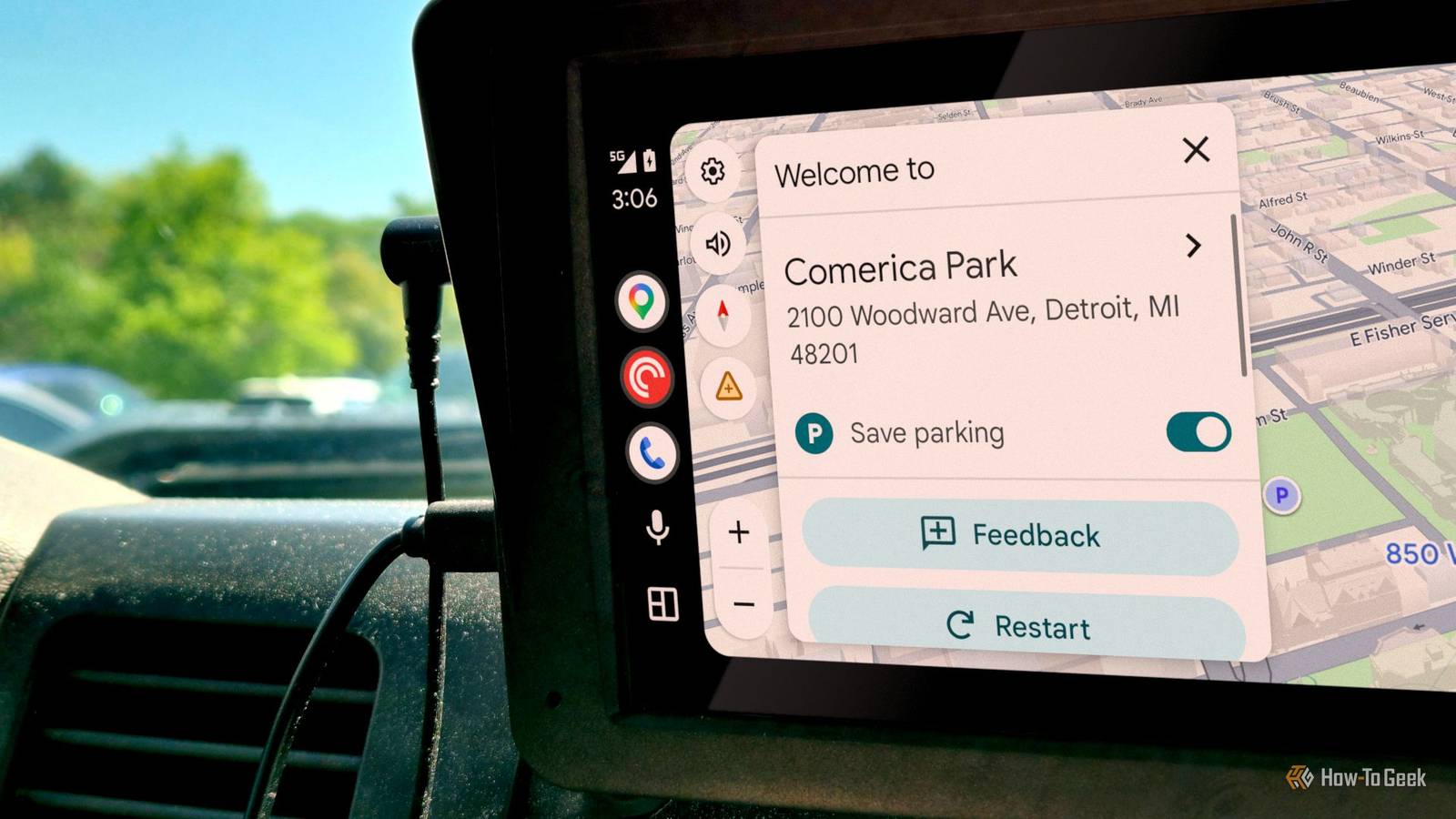
Google Maps lets you save map areas right to your phone.When the signal dies, it just keeps working.The biggest change is that the blue line that leads the way will turn gray.
You also won't get updates on faster routes or traffic anymore.It's basically showing you the map as it was when you downloaded it.While that isn't exactly as good as an online traffic indicator, it's better than nothing at all.
It only takes a minute to set up.Tap your profile picture in the top right corner, then Offline maps, then Select your own map.You'll see a box overlaid on the map that you can drag around and pinch to resize.
Move it until it covers everywhere you're planning to go: your starting point, your destination, and everything in between.Then hit Download, and it saves right to your phone.After that, Google Maps runs off whatever you saved locally.
It can still give you turn-by-turn directions on every road in that area, and you can even search for addresses or businesses within the downloaded zone.None of it needs a cell connection because everything is already sitting on your phone.Your car's display just pulls it all from there in real time.
Streaming apps will cut out without cell service You need a paid subscription to save music to your phone Close If you're driving somewhere with no cell service, anything that streams over the internet is going to cut out, buffer, or just go silent.You should make sure to download whatever you want to listen to before you leave.Android Auto just uses the audio apps already on your phone, so once something's saved locally, you can browse it right on your car's screen and play it through the speakers with no data.
The app you use depends on what you're listening to and what you're willing to pay.For music, Spotify Premium and YouTube Music Premium both let you save albums and playlists to your phone, but you need the paid subscription.Spotify and YouTube Music both require your phone to connect to the internet at least once every 30 days.
Otherwise, your downloads get locked.The free versions don't really do true offline downloads.You can also save the music on your computer and upload it to your accounts to listen offline.
That is something I know some people do, but I'd rather just pay the small fee.I like Audible because you just need to own the audiobooks to download them, but if you pay for a subscription, you can also download titles from the Audible Plus Catalog and use monthly credits (Premium Plus) to buy new ones.Audible runs free trials all the time, so it's easy to get ready if you've got a long trip coming up.
Your calendar events are already saved on your phone Your schedule will not sync until you get your signal back Close Android Auto will still show your calendar on the car screen when you lose service.It's pulling from data already saved on your phone, so no connection is needed.Meeting names, start and end times, and any notes you added all show up because none of that has to come from the internet.
The calendar also works with navigation, which is really handy.If an event has an address on it, you tap it on the car screen, and Google Maps opens with that location ready to go.And if you downloaded offline maps for that area beforehand, Maps will build the whole route without using any data.
So you go from your schedule to directions in one tap, even in the middle of nowhere.The only catch is that you can't sync with Google Calendar, Outlook, or whatever you use because you're not connected.Only events that synced before you lost signal will show up.
If someone cancels or moves a meeting, or sends a new invite while you're offline, you won't see it until you're back in coverage.That can be annoying.The same thing happens in reverse, too.
If you add or change something on your phone while offline, nobody else sees it until your phone syncs again.The easiest fix is just making sure your calendar fully syncs before you leave an area with coverage.This is easy to set up None of this requires anything unusual, which isn't always the case with tech fixes.
You probably already have these apps and pay for the subscriptions.For most drives through spotty coverage, you won't be offline for long, so short bursts without service are no big deal if you prepare this way.
Read More