You want your phone to last as long as it can on a charge, but you should pause before you swipe away those background apps — closing them might cause your phone to use more power, not less.It's counter-intuitive, I know, but here's why.Most background apps aren't actively running in the background Android suspends them, using your available RAM instead When we open multiple apps on our computers, they all run at the same time, putting more strain on the CPU and using up more power in the process.
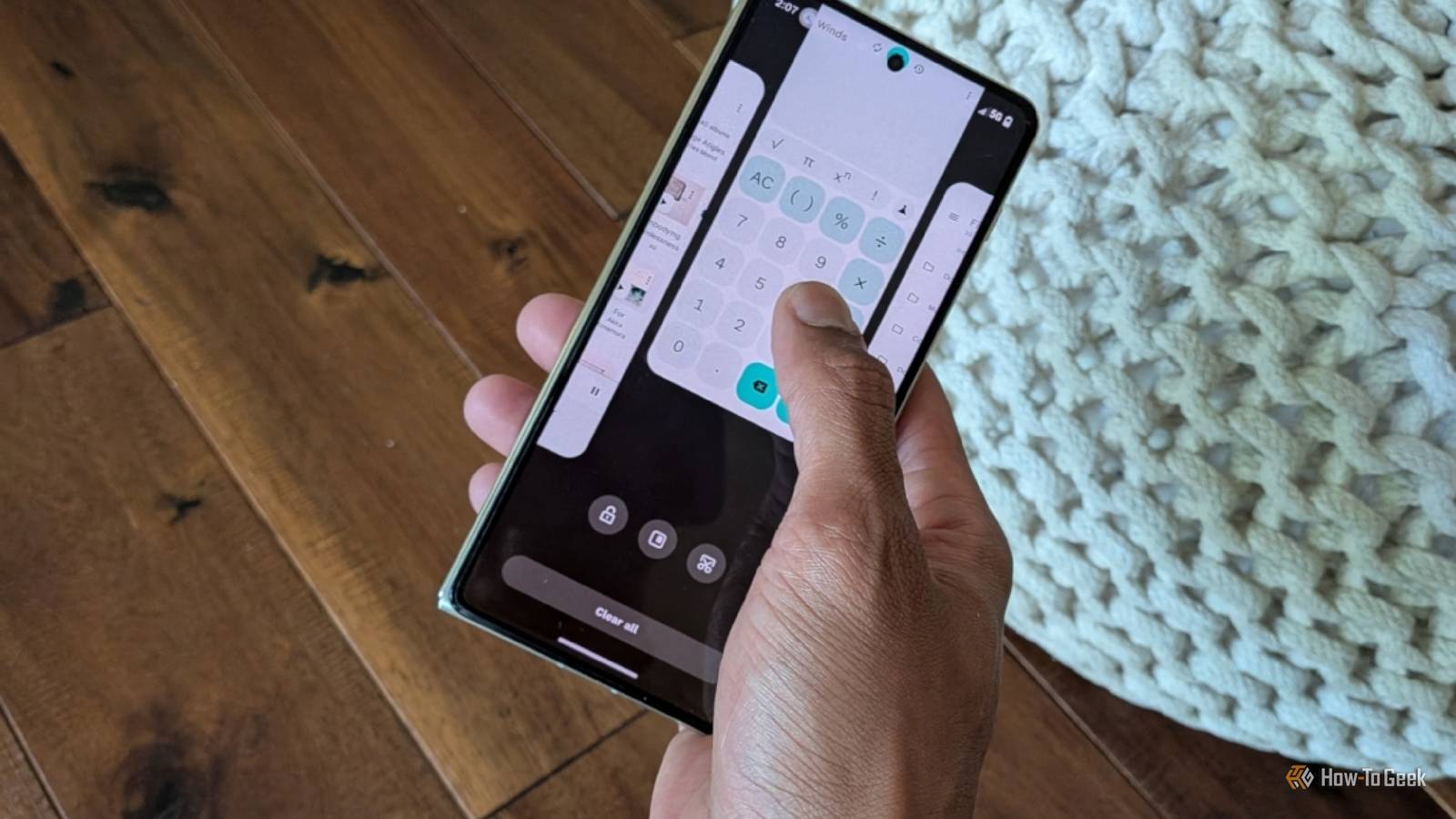
Despite how it looks when we swipe up from the bottom of our phones to begin flipping through our recent apps, our Android phones are not doing the same thing.Android freezes most apps when they are no longer open in front of us.These apps are saved in RAM, where they aren't using any additional power.
When you switch back to the app, Android restores it from memory so quickly that it appears to have never stopped running.There are a few exceptions, and they tend to make themselves known by requesting your permission for them to always run in the background.As Android explicitly warns you in the pop-up that appears, granting this permission may result in a noticeable reduction in battery life.
These apps — which often include messaging apps, backup and syncing services, VPNs, and media players — do put added pressure on your processor as you open more of them, using up more power in the process.Closing apps forces your phone to fully reload them This is a bigger strain on your CPU and battery When you browse between your recently opened apps, swiping upward flings them off the screen, closing the app and allowing that RAM to be allocated to the next background app.Aside from those apps that you allowed to always run in the background, these apps weren't using any power anyway, so the end result is little more than a shuffling of cards — at least until you decide to open this app back up again.
This is where you have actively made things worse.When you reopen the app, Android can no longer pull a frozen version out of the freezer.It has to reassemble all the ingredients in the fridge and cook them from scratch.
This involves firing up the CPU and accessing files from storage.It's a task that requires more components and takes longer, increasing power consumption.Shorter battery life isn't the only detriment.
Instead of your app being exactly as you left it, you may find yourself looking back at the initial home screen.If you had words typed in an unfinished message or document, you may have lost them.You can also often perceive the app taking a bit longer to load, even on a premium phone.
Here's what you should do instead There's a better way to manage background apps Close Android is a mobile operating system designed to run exclusively off a battery, quite unlike a desktop computer or even a laptop where plugging into a wall outlet can be taken for granted.Your phone is designed to maximize battery life and run optimally, but you may reduce this optimization over time by giving too many apps permission to run in the background.To keep tabs on what background apps are doing, it's time to dive into your phone's Settings app.
You'll then want to go to Settings -> Battery -> Battery usage to see what your problematic apps are.You can then choose these apps manually, but there's a better long-term solution.You can uninstall these apps if you don't need them at all, or you can go to Settings -> Battery -> Manage background apps.
On newer versions of Android, you will see three options: Always allow, Don't allow, and Smart Usage.For most apps, Smart Usage is the right call, but if you have a rarely used app or one that is poorly optimized, you can revoke its ability to run in the background entirely.Be sure to check the "Always Allow" list every so often.
There are apps you may have granted permission to when you first installed that you ultimately discovered you didn't use all that much.Culling this list is the best way to go about closing apps to give your battery a boost.It's not how many apps you have open in the background, but what they're doing Having a gallery or note-taking app open in the background won't stress your battery nearly as much as a single GPS navigation app like Magic Earth.
Likewise, I can expect to take a hit if I have Syncthing set to mirror every file on my phone to a NAS.In other words, it's not how many apps you've recently opened that matters, but what you've asked them to do.
Read More