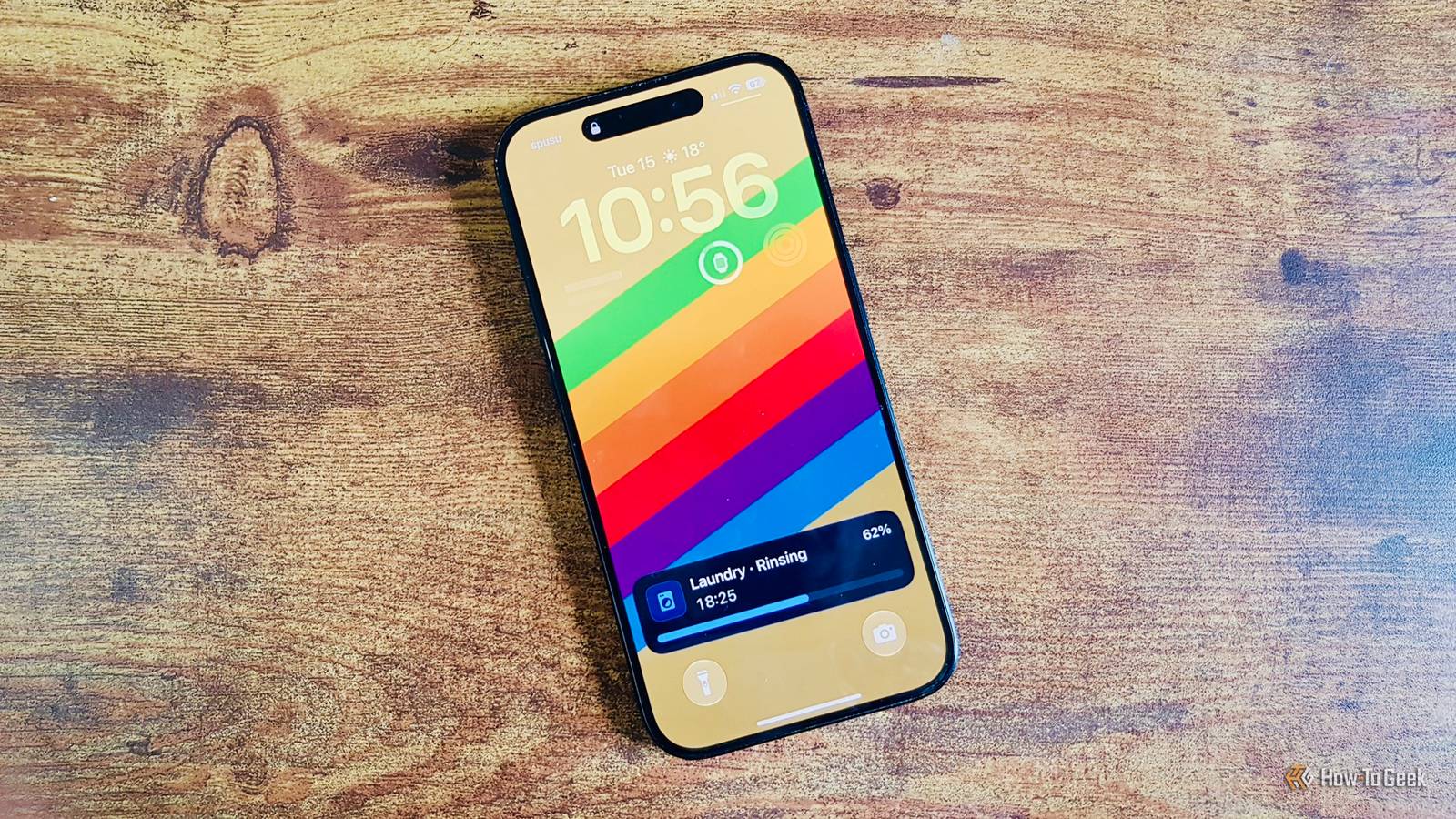
Giving your old phone to a friend or family member is a great way to get some extra life out of a device you no longer need.But before you hand it over, consider more than deleting your photos and removing a few apps.Your phone may still contain personal information, remain connected to your accounts, or have hardware inside it that you don't want to accidentally give away.
Fortunately, preparing an old phone for its next owner doesn't take much effort, provided you know what to check first.A few simple steps can help ensure that your important data is safely preserved, your accounts are no longer tied to the device, and the person receiving it gets a clean phone that is ready to use.Taking a little time to go through everything before handing it over can save you from a potentially frustrating security or privacy problem later.
Back up your data, one way or the other Make sure you have a copy Even if you've already transferred your data from your old phone to a new phone, it's a good idea to keep a backup somewhere, just in case.Before giving a phone away to a friend or family member, I often repurpose old devices, meaning that they have data that hasn't been transferred to my new device.In these cases, having a data backup is a good idea, since it lets me access it or transfer it to another device.
There are a ton of different ways to back up your data.You can back up data to your Google account or your iCloud, depending on what device you have.On my Samsung, I can also save my data to Samsung Cloud, and most manufacturers have their own cloud system.
If you want an alternative to the cloud, you can also save your data to your PC, with a lot of third-party applications making the process pretty simple.Log out and unlink your accounts from the device Keep your accounts secure You obviously don't want whoever ends up with your old device to have any kind of access to any of your sensitive accounts, so making sure that you log out and unlink the phone from anything important is a must.If, for whatever reason, accounts stay linked to your old phone, the security of those accounts can be compromised.
It can also be difficult to move things like two-factor authenticators to your new phone after you've factory reset your old phone.The most obvious accounts to sign out of are your Apple and Google accounts.In Settings, go to Accounts and unenroll them from specific devices.
Also remove banking cards from your digital wallets, as well as the banking apps themselves.You should also unpair any accessories, such as smartwatches, and deregister from messaging services, like iMessage.Remove all the physical hardware from your device Don't leave anything behind Close As you protect yourself digitally, make sure you're not leaving any physical hardware behind.
This is something that is the easiest to forget, especially as newer devices move farther away from physical hardware.You can do the previous steps on this list perfectly, but you leave yourself at risk if you don't take care of anything plugged into your old phone.The main things to look out for are SIM cards and SD cards.
If you've been using your old device before you decided to donate it, there is a good chance that you've been using these bits of hardware.Check the SD card port as well as the SIM slots to make sure that nothing is being left behind.Digital SIMs aren't physical, but make sure you've transferred this off your old device as well.
Finally, perform a factory reset on your old phone Clean the old device up Once you've backed up your data and taken steps to ensure no one else can access your accounts from your old device, the next step is to perform a factory reset.This not only keeps your data out of someone else's hands, but also gives the new owner a clean device free of bloat.On some devices, you're going to want to make sure that Factory Reset Protection.
Then go to Settings and perform a factory reset.On an Apple device, you want to make sure you select the option to erase all content and settings.Be sure to back up your data before you do this so you don't accidentally lose anything important.
You're now ready to donate your old device Donating your old phone is a great practice, especially if you know someone who could make use of it among your friends and family.However, make sure you protect yourself by ensuring your data and accounts cannot be accessed by the new owner.Once you've backed up your data, unlinked your accounts, removed any physical hardware, and performed a factory reset, your device is ready for its new home, and you can have some peace of mind that you've done what you can to keep yourself secure.
Read More