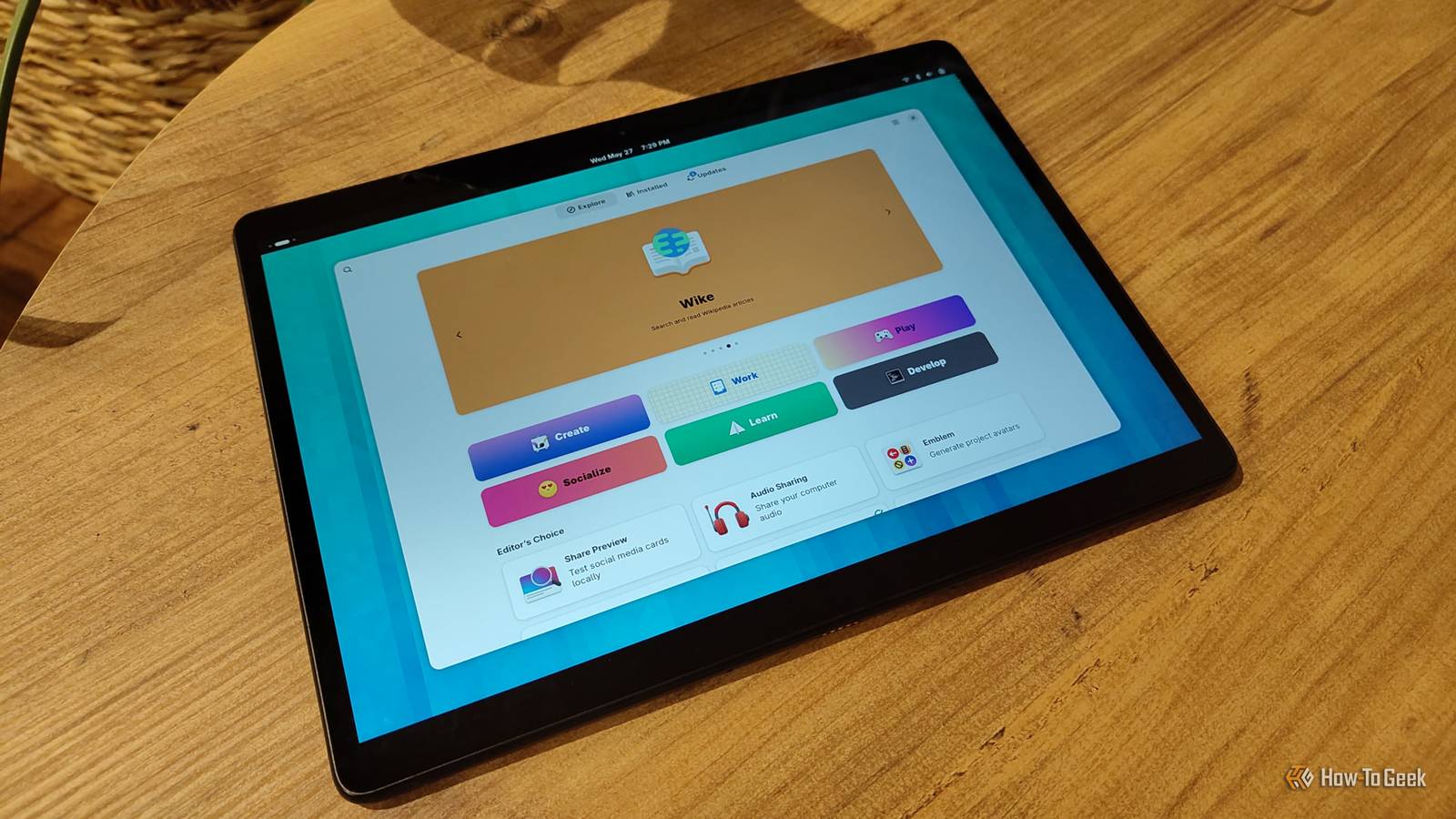
- I like running Linux on a tablet.It's portable; I can switch to different distros more quickly and without partitioning, and it's a nice change from the typical tablet environment/user interface.It also offers more of a computing platform and feels less restricted than the standard Android UI.
On the downside, you won't get the same experience using Linux on a tablet as you would on a desktop PC.Here are my two favorite distros to run on Android tablets and how to get them running on your Android devices today.Getting ready to install your Linux distro You'll need a few apps before getting started Close There are a couple of ways to install Linux distros on your tablet or Android device.
But before we even get to that, make sure you have the Terminal emulator, Termux, installed.Typically, I would use a utility like proot-distro inside of Termux to do this without rooting your Android phone or tablet.Use F-Droid to download Termux, as the version on the Google Play Store is no longer updated.
Lately, I've been experimenting with an app called Andronix that basically provides you with the commands you need to download and install a particular distro.You go through the app, select the distro you want to try, choose a GUI environment (full desktop, windowed), and it gives you a command to copy/paste into Termux.You could absolutely just run your distro through Termux and use it as a command-line-only sort of thing.
But you don't have to.You can use a VNC viewer to have a full (ish) desktop experience.A VNC viewer is a program that connects to a remote system.
The VNC protocol itself connects remotely to a GUI.That's essentially what you're doing when you run Linux on Android through a Terminal emulator.As with code you find online, research it typing it into your Terminal to make sure it's accurate and won't randomly download malware onto your system.
As a reader helpfully pointed out, it's not the GUI itself; it just connects to it.Andronix recommends RealVNC (RVNC), but I should note that it's a commercial viewer.You only really need a viewer for this project.
You do not need to install the server component, as you won't need it for running a distro locally (it's also safer that way).I chose to switch to MultiVNC, which is an open-source VNC viewer app.If you use Andronix to install a distro, select the one you want in the app, choose your GUI, copy/paste the code into Termux, and then relax while it installs your new distro.
Debian The one I use for audio, writing, and tinkering Debian isn't the first distro I ever installed on a tablet, but it is the one I find myself using the most.I've been using it for a few months for those times when I don't feel like booting up a computer or if I'm out of my home office.My primary use case is audio recording and writing.
I've been experimenting with Debian on a tablet for a while now.It works very well right from the initial install, and I was able to get Audacity running just fine inside of it.I've been using it to record song snippets and do some minor writing, but it also works surprisingly well as a testing ground for various apps.
I've been learning Python with it and experimenting with building things with Textual, like making a custom recipe terminal.I've been having a lot of fun with it, and it even inspired me to run Debian in Gnome Boxes alongside my existing Linux Mint configuration.I even got it to install a local instance of Ollama: Debian also gave me the least amount of difficulty during installation.
Alpine only works with the command line on my tablet and phone, and Void Linux wouldn't install at all.But as awesome as Debian is, Ubuntu is better on Android (in my experience).Ubuntu Good for getting a feel for Linux While I would 100% recommend Mint to a brand-new Linux user using a PC, I think Ubuntu is probably the best learning tool for tablet-based Linux.
This one works great on a standard Android phone or tablet.While it's not going to be as polished as, say, Ubuntu Touch, it's going to work for quite a few things.I've been exploring its use on a Motorola phone for some time and decided to install it on my tablet as well.
It can do everything I was doing with Debian, but it just feels a bit more intuitive on Android.Since things run slightly slower, and you don't have full access to everything a desktop-based distro would have, you can still get a good feel for the distro, some of the built-in programs, and get to know the command line and desktop environment before committing to putting it on a computer.While running Linux on a tablet might not make sense for serious work, it's a fun, interesting way to check it out without using a virtual machine or a partition.
Android and Linux work well together While you might not use Linux on an Android device every single day, it's still a great way to experience the OS in an accessible way.Despite some of the setbacks, it's usually my first test of a new distro before I throw it in GNOME Boxes or commit to a desktop refresh.I believe Linux has a lot of potential and value on an Android device, whether it's for testing, learning, or just for fun.
Related Termux gives your Android phone access to tools Google doesn't want you to have There's a hidden world of apps that Google really doesn't want you to find.Here are three of them that are accessible through Termux.Posts 3 By David J.
Buck
Read More