Before the comments blow up on me, I'm not claiming these are the four most technically impressive Linux applications ever written.There are plenty of more ambitious or technically complex programs out there.What makes these four stand out is that they helped solve the kinds of problems almost every desktop user runs into, especially people defecting from Windows, whether that's browsing the web, working with documents and spreadsheets, playing media, or editing images.
These apps have also stood the test of time.Each one remained useful across generations of Linux distributions and, more importantly, reduced one of the compromises people had to accept when choosing Linux instead of Windows or macOS.That's the standard I'm using here.
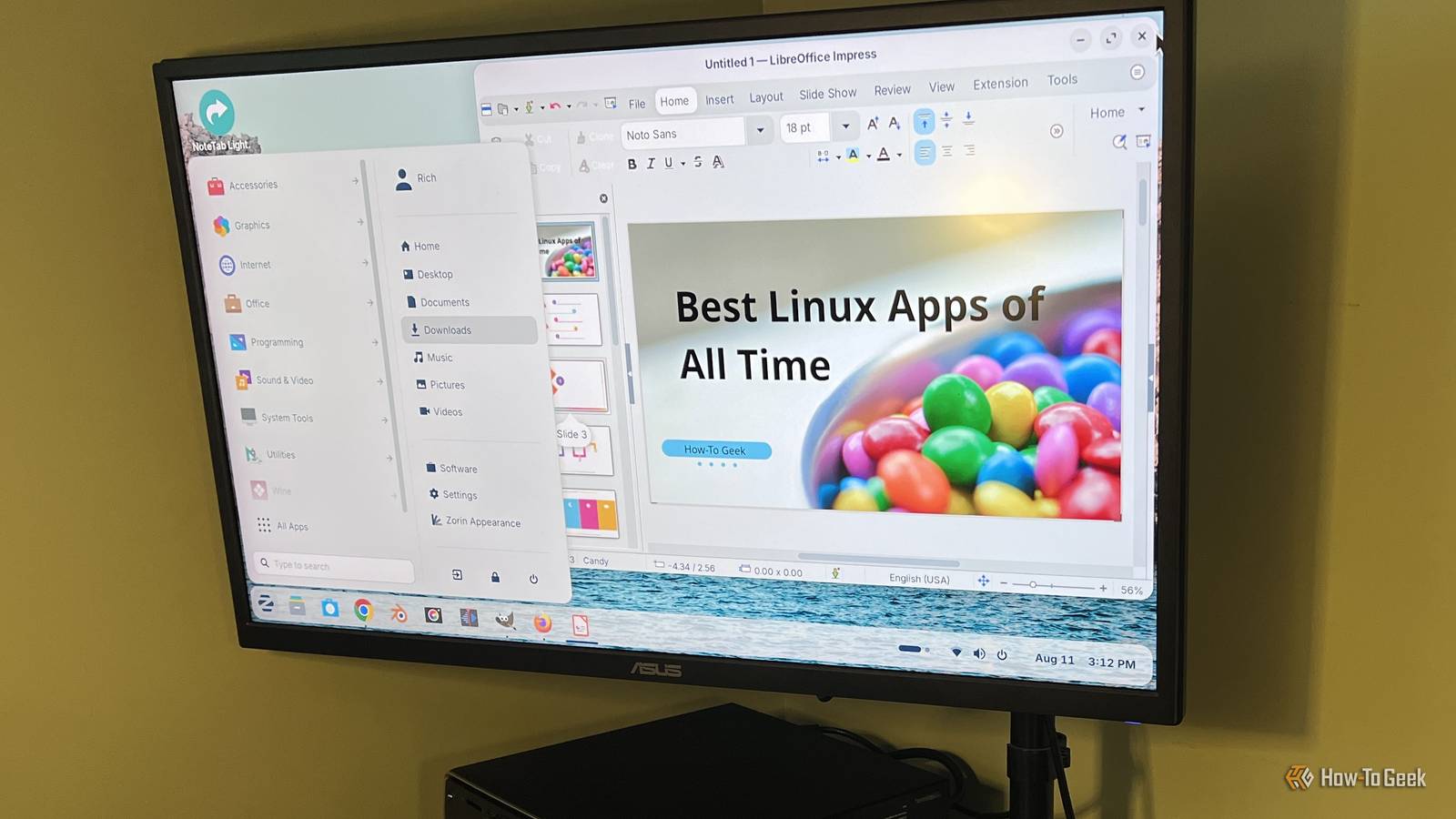
For me, the best Linux apps don't need to be the most complex or impressive.They're the ones that made Linux feel like a complete, practical desktop for regular people.LibreOffice gave Linux users a complete productivity suite It covered most of what people relied on Microsoft Office to do Close Before LibreOffice, Linux users had options like OpenOffice.org, KOffice, AbiWord, and Gnumeric, but office software could still feel like one of the compromises you made when moving away from Windows.
LibreOffice changed that by giving Linux users a complete, free productivity suite with tools for documents, spreadsheets, presentations, databases, and more.It also continued improving compatibility with Microsoft Office formats, which made it much easier to open, edit, and share Word, Excel, and PowerPoint files without having Microsoft Office installed.That compatibility is a big part of why LibreOffice still matters.
I recently spent time using LibreOffice Writer instead of Microsoft Word for my own writing, and I was able to do the same kind of day-to-day work I normally do in Word without much adjustment.LibreOffice isn't limited to Linux either, so you can use the same suite on Windows and macOS, which makes moving between operating systems much easier.After more than a decade, it also remains a common preinstalled productivity suite on Linux distros, and it continues to remove one of the biggest compromises that came with using Linux as your primary desktop.
Firefox made web browsing feel normal on Linux Linux users finally got a browser that didn't feel like a compromise Before Firefox became the default choice on so many Linux desktops, browsing the web could feel a lot more fragmented.Depending on the distro and desktop environment, you might have been using Mozilla, Netscape, Konqueror, Galeon, or some other browser that worked well enough.That said, web browsing didn't always feel like the same experience people were getting on Windows.
Firefox changed that.It gave Linux users a modern, full-featured browser with tabs, extensions, strong standards support, and a familiar interface that worked much the same way no matter which operating system you were using.That mattered because the web was becoming the center of computing for users everywhere.
You didn't need a special Linux browser or have to accept a noticeably different experience just because you'd switched operating systems.Firefox also proved it had staying power.It has remained a major browser for more than two decades and is still preinstalled or offered as the default browser on many popular Linux distros.
Yes, there are more specialized browsers out there, but Firefox helped remove one of the biggest compromises of using Linux.VLC solved Linux's media compatibility problems It became the player I could count on to open almost anything Before VLC became the obvious choice for so many users, media playback on Linux could feel pretty fragmented.Different distros shipped with different players, and whether a file worked often depended on the codecs you had installed.
You could end up bouncing between apps, installing extra packages, or troubleshooting a video that simply refused to play.VLC simplified all of that by bundling broad format support into one player and making it much easier to open the kinds of audio and video files people actually had.It's been my go-to media player on both Windows and Linux because it gives me an easy way to watch just about whatever media format I throw at it.
I've used plenty of other media players over the years, but VLC is the one I keep coming back to because it usually just works without making me think about codecs or file compatibility.It has also been around for decades and remains widely available across Linux distributions.Even today, VLC is one of the first apps I install whenever I'm setting up a new Windows or Linux PC.
GIMP brought serious image editing to the Linux desktop It gave Linux users a powerful Photoshop alternative without the price tag Before GIMP matured, Linux users who needed more than basic image editing had far fewer options.There were simpler graphics tools around, but few came close to giving regular desktop users the kind of layer-based editing, selections, filters, retouching tools, and format support they expected from professional image editing software.GIMP helped fill that gap and proved that moving to Linux didn't mean giving up serious image editing.
I still use GIMP today on both Linux and Windows, largely because I'm not willing to pay for Photoshop when GIMP handles most of what I need.Its interface has always been a little different from Adobe's approach, but there are plugins and customizations that can make it feel much closer to Photoshop if that's what you're used to.GIMP has been around for decades and remains one of the most recognizable image editors in the open-source world.
For me, GIMP is a tool that I install on whatever OS I'm using.These apps earned their place The common thread that runs through all these apps is that they made Linux easier to live with, and the fact that they're still useful decades later is what really sets them apart.They became dependable tools and several of them are apps I still use regularly on both Linux and Windows.
Plenty of Linux software has come and gone, but these four have lasted because they kept solving real problems that users actually had.
Read More