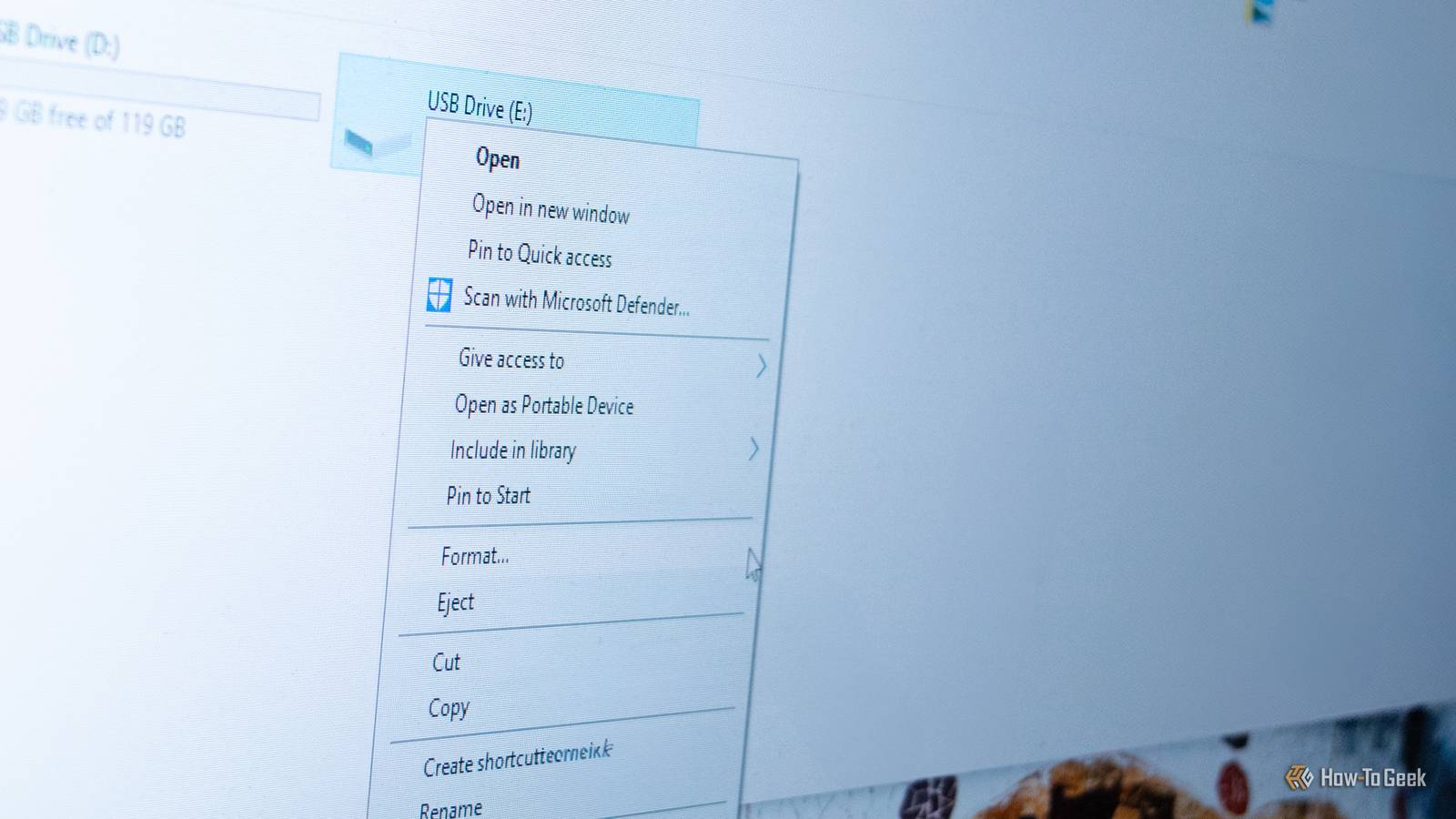
Many things that we consider temporary at first become a permanent part of our daily lives, for one reason or another.As an example, I placed my first SSD on top of my case's built-in 3.5-inch drive enclosure because I couldn't be bothered to properly install it and left it there for years until I built a new PC in a new chassis.In the case of Windows, a stopgap dialog box created in 1994 still lives on as a permanent part of Windows.
The Windows Format dialog box was supposed to be a temporary solution But it somehow has lived on for more than three decades Close Dave W.Plummer, a veteran Microsoft engineer who worked on legendary Windows elements such as Task Manager, Space Cadet Pinball, and HyperTerminal, had an urgent task to do in late 1994.While he and his coworkers ported tons of lines of code from the Windows 95 UI to Windows NT, they couldn't port one element due to the differences between the two operating systems.
So Dave decided to whip up a custom UI element that would become the Windows Format dialog.The initial idea was to create a stopgap solution that would later receive a facelift with a more elegant UI, so he wrote down all the options you can find in the box on a piece of paper, opened the ancient VC++ 2.0 (Visual C++), and created the dialog box that same day.The initial version of the element was supposed to be updated, but it looks more or less the same in 2026 as it did on that rainy morning in late 1994.
It contains many of the same options as the original version, uses the same layout, and features a lightly updated visual design that sticks out like a sore thumb from the majority of the Windows 11 UI.But the UI element has worked well all these years, and somehow Microsoft never got around to updating or replacing it with something more modern.What's also interesting is that Dave was responsible for the infamous FAT32 32GB formatting limit.
According to him, he "had to decide how much "cluster slack" would be too much, and that wound up constraining the format size of a FAT volume to 32GB." For some reason, Microsoft hadn't adjusted the limit for about 30 years, until the company finally raised the FAT32 formatting limit from 32GB to 2TB in 2024.The 4GB maximum file size, however, remains unchanged.Granted, 32GB was a massive amount of storage space in 1994, so we can't blame Dave for imposing such a limit, but Microsoft is definitely to blame for taking three decades to increase it.
While undoubtedly well-designed, it's ripe for an update Microsoft ought not only to refresh its UI, but also add new features I don't know about you, but I've used the Format dialog probably hundreds of times during my 20+ years of owning Windows PCs.The period when I used it the most was in the late 2000s and early 2010s, during my college days.Back then, everyone had multiple flash drives they carried around with them, so I usually formatted most drives before transferring files to them (music, videos, college essays, and a bunch of PDFs) because the common answer to my question, "What should I keep?" was, "Just delete everything, I don't care." For what it's worth, the dialog box is a well-designed piece of UI, especially for something that was created in a single morning.
It's got the most important options you need when formatting a storage drive, it's compact, and it works well even more than three decades later.That said, I wouldn't be remiss in saying it's ripe for an update that would give it a fresh coat of paint and a UI redesign that's in line with the rest of Windows 11, while also equipping it with new options.For instance, being able to create partitions right in the box, merge or extend them, change the drive letter, choose between MBR and GPT, and so on.
Still, considering that the box was meant to be a placeholder that would do the job before someone created a proper Format dialog, Dave's solution is kind of ingenious.It's been so good at what it does that Microsoft never got around to updating it, and you also won't see many Windows users complain about it.I'd call that an exemplary job.
Windows 11 is teeming with remnants from old Windows versions The Format dialog box isn't the only remnant of old Windows versions hiding in plain sight in Windows 11.In fact, Windows 11 is full of them.You can still access the Windows 7 personalization menu, the Windows Dialer is still alive and kicking three decades after it debuted and looks about the same as it did in Windows 95, and another storage-related component, the famous Disk Management utility, is still rocking the vintage mid-'90s design, which I have no qualms with because it still works great.
Read More