.Most people celebrated when Microsoft loosened its grip on Windows updates.The forced restarts were annoying, the timing was always wrong, and it felt like your computer was making decisions that belonged to you.I get it, but the more I think about what mandatory updates were actually doing, the harder it is to feel good about losing them.
Why Windows forced you to update How unpatched computers led to massive attacks Close Microsoft's move to mandatory Windows updates was a pretty significant change in how the company handled keeping its OS up to date.For most of Windows' history, you could just pick and choose which Service Packs and hotfixes were installed, which gave users a lot of control but created a real mess overall.Since everyone's machine ended up with a different combination of patches, you'd get networks full of untested configurations, software that wouldn't play nicely together, and serious security holes left wide open.
To get a handle on all of that, Microsoft rolled out Windows as a Service alongside Windows 10, which basically meant updates were no longer optional.You were getting them whether you wanted them or not.A big part of what pushed Microsoft in this direction was that unpatched software is one of the most common reasons things go wrong.
The WannaCry ransomware attack in May 2017 was one of the most avoidable issues to ever hit Windows users.The unfortunate part was that Microsoft had released a fix for the vulnerability WannaCry exploited two full months before the attack.The patch existed, but people just hadn't installed it.
That likely made it pretty clear that making updates available wasn't enough if nobody was going to bother applying them.To actually close those gaps, Microsoft built the update process directly into Windows 10 in a way that didn't ask for permission.The system used the Unified Update Platform and the Update Session Orchestrator.
This was a background service running with high-level system privileges that handled downloading and installing everything from security patches to driver updates.Every monthly update bundled all the previous fixes together, so installing the latest one brought your machine fully up to date in one shot without having to worry about anything in between.Windows would check for updates on its own, download them quietly in the background, and then restart your computer on a schedule.
If a restart was needed, and you hadn't done it yourself, the system would eventually do it for you, even if you were in the middle of something.Giving control back to users comes with real risks Putting off updates makes it easier for hackers Windows update policies have changed a lot in recent years.Microsoft has moved away from the old model where updates were basically forced on you, and has given users a lot more control over when and whether they install them.
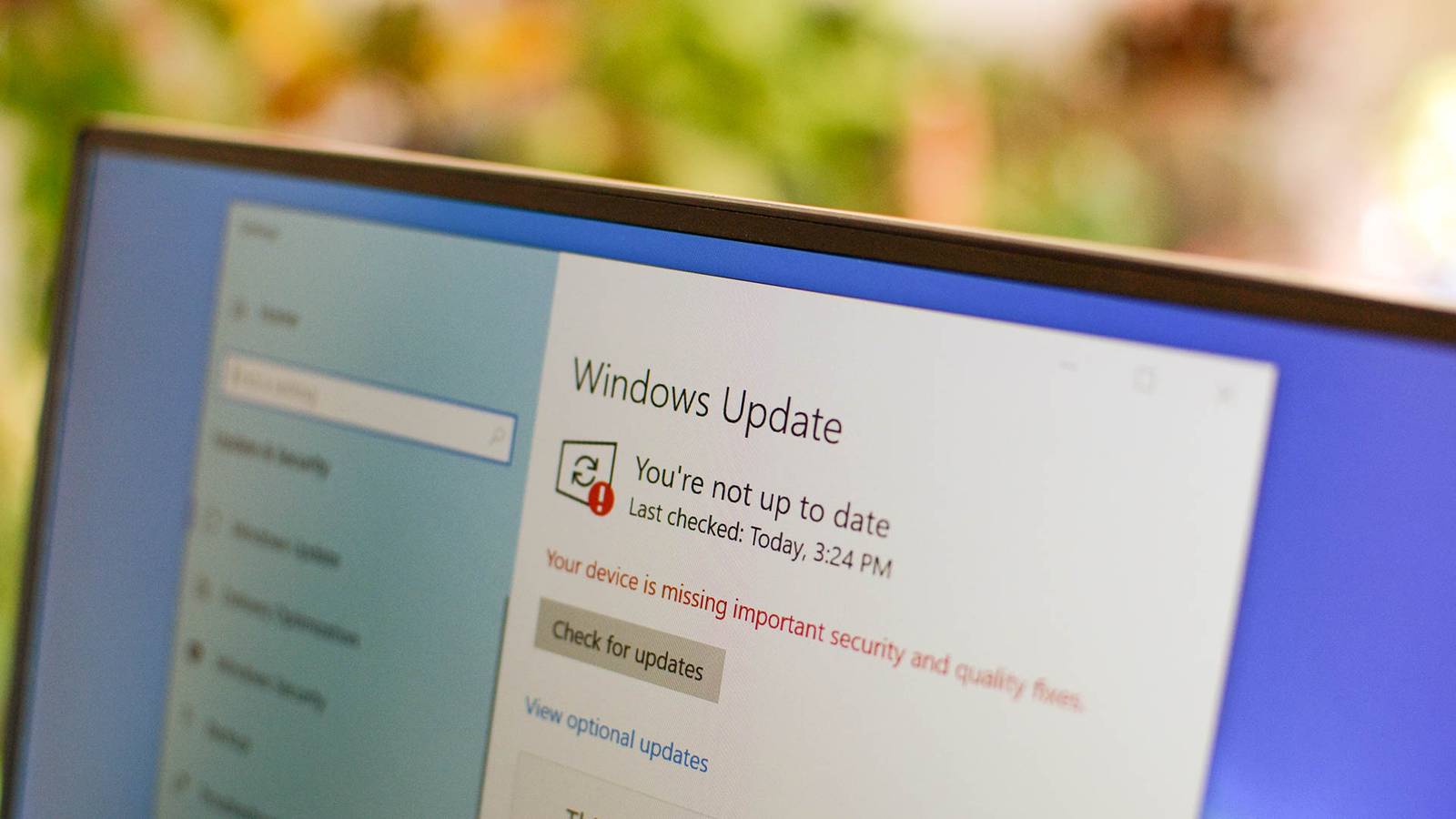
You can now pause quality updates for up to 35 days, put off major feature updates for up to a year, and even pick and choose which optional updates you actually want.That sounds great, but keeping a system patched now depends almost entirely on whether the person sitting at the keyboard actually gets around to it.Plenty of people don't do this, which is why it was mandatory to begin with.
It's even worse when you think about how something like that can mess with a workday.If you had to choose between meeting a deadline and restarting a server or a bunch of computers, you're likely going to choose your job's priorities.That kind of thing adds up until it's too late.
The security fallout from all of this is pretty serious.Systems that rely on manual patching could take over a month to get a fix.It only took two months of computers not installing an update for WannaCry to infect entire servers.
If you understand this as a hacker, you're going to exploit it the minute you see an update is in for it.I worry more about businesses than regular users, because that's how hackers get personal information.As I mentioned before, it would be easy for a business to just skip an update, leaving them vulnerable to any exploit that was already fixed.
Besides security, every skipped update is a skipped improvement.If you don't update, you miss things like rounded corners, refreshed icons, the Mica background effect that mirrors your desktop wallpaper, a redesigned File Explorer that ditches the old Ribbon toolbar in favor of something cleaner, tabbed browsing, Copilot integration, live captions, voice access tools, and native support for file formats like RAR and 7z.If you keep hitting pause on Windows' updates, you're not going to get any of that.
Choosing between total control and real security Why mandatory updates kept everyone safer It's hard to argue that things were better when updates were forced, since you can't easily say Microsoft should decide when your machine updates.However, mandatory updates are ultimately safer because they shut down malware vectors before exploits can spread.The big downside is that automatic updates don't care if you're in the middle of something important.
It is a real argument that an unexpected reboot or a patch that breaks existing software can stop operations entirely.The issue isn't that updates are bad.It's that administrators need to test a patch first and choose when to roll it out, instead of having that decision made for them.
That kind of power taken away can also hurt businesses.No side is totally clean, but I felt a lot safer knowing everyone was up-to-date.This isn't a win-win situation There's no clean answer here.
People have real reasons to want control over when a patch hits their machines, and an update that breaks something mid-shift is a legitimate problem.Unfortunately, the alternative is a world where a fix exists for two months and ransomware still tears through unpatched systems because nobody got around to installing it.I don't think that's an ownership question as much as it's a public safety one.
If a business holds your data, you have a right to expect them to keep their systems current, and optional updates make that much harder to count on.
Read More