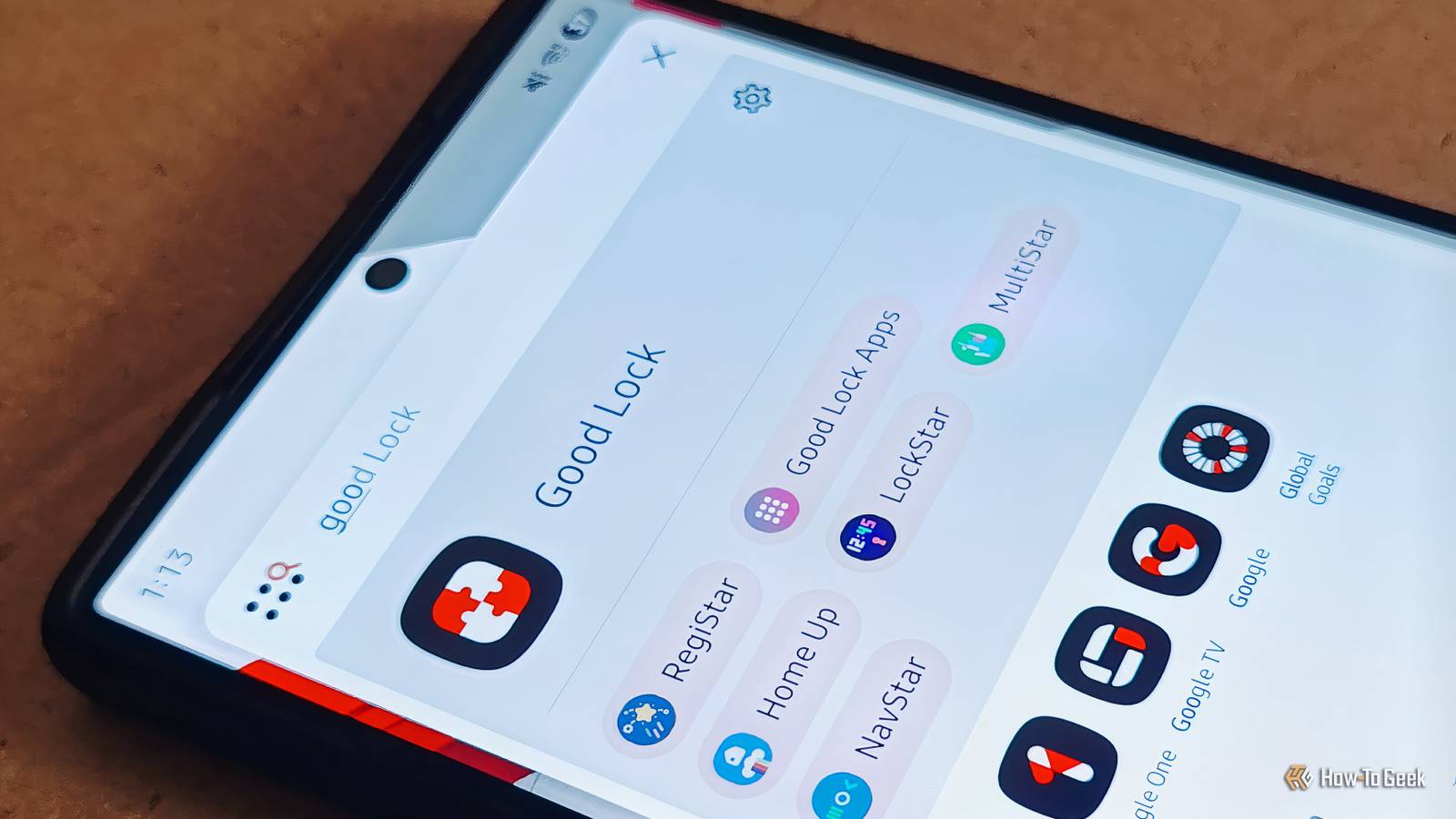
Samsung is a leader in Android features and UI options, but that hasn't stopped it from continuing to up its customization game.If you're a seasoned Samsung owner, you probably know about the Good Lock app.It's a suite of tools that took me by surprise, especially when it broke Android’s own rules to deliver better experiences.
Learning more about these buried apps and their features can drastically alter your device.Camera Assistant Tame the camera Samsung cameras, despite not getting any drastic hardware upgrades in recent releases, are great.While some may like the over-processed HDR skies in Samsung photos, I find them unnatural.
Thankfully, the Camera Assistant app gives me modular control over the device’s cameras.Hate how images can look over-sharpened after Samsung’s aggressive processing? You can change that with this app.I also enabled the Faster Shutter; my baby gets the zoomies, and I can’t miss the action.
The Quick Tap Shutter option also helps by capturing as soon as I press the shutter button instead of when I let it go.The standard camera app doesn’t have these advanced options.Camera Assistant gives you the choice of prioritizing speed, quality, or consistency depending on your needs.
Some Samsung Good Lock apps/modules are not available on every device or in all regions.Check availability by searching for the app name on the Galaxy Store.Or you can side-load the apps if obtained from a trustworthy source.
MultiStar Splitscreen Pro Max Android has a long way to go in multitasking.Open a new pop-up app window, and the other apps pause, making things harder in most situations.Thankfully, with MultiStar, you can easily watch a YouTube tutorial while chatting on WhatsApp.
Both apps remain active, the video runs smoothly, and messages still come through regardless of which window is active.Some apps refuse split-screen; MultiStar can force compatibility without having to root your phone.It’s a powerful tool on normal phones, but it becomes even better on Galaxy Folds.
On compatible Fold phones, it offers cover-to-main screen continuity, Fold-enhanced multi-windows, and a bigger workspace.I have a shortcut set up to make any app a pop-up window.I can pull up the calculator mid-task, while the app I’m working on remains in the background.
If I’m stuck writing on my Fold, the split-screen feature is a lifesaver; I can have two windows side by side without any hiccups.Related This Overlooked Feature Made My Samsung Phone Twice as Useful Make your Samsung phone serve you better.Posts 13 By Ayush Jalan RegiStar Take proper control The RegiStar app has features that make day-to-day use easier.
I rearranged my settings to have stuff that’s important to me right on the top.Battery, display, storage — you can have anything right at the start instead of using search.You can also hide certain menu options, great if you have a teen messing with the settings too much.
The biggest customization isn’t in the settings, though; it's the back taps.Double-tap for one action, triple-tap for another.I have a screenshot shortcut on double-tap and a pop-up window on triple-tap.
There’s a surprisingly large number of actions you can do with these shortcuts.The RegiStar app also lets you assign different functions to the side button.Don’t want the assistant popping up? You can launch the camera app with a long press of the side button.
This side-button option is not available in the standard Samsung Settings.I also have the flashlight assigned to a double-press, making it super easy to turn it on with one hand.By the time my phone is out of my pocket, I already have the camera or the flashlight on, depending on the situation.
LockStar Make lockscreen useful While there are some basic lockscreen customization options available in One UI, LockStar gives you modular control over each element.You can change the app shortcuts, the clock face, display widgets, and more.I changed the shortcuts to Phone and Camera for easier access.
You can also edit the lockscreen with frames, colors, and custom backgrounds.Want to change the unlocking animation? You can do that with LockStar.There’s a small text box you can add to the lock screen, too.
I display my emergency contact and blood group right on the lockscreen.That is useful information in case of an emergency.I also enjoy customizing the clock faces on the lock screen.
Finding the right clock to go with the custom background is fun.Samsung hid all these minute settings in an app within an app and forgot to mention that anywhere.So it’s a delight to explore all these lockscreen settings, which are otherwise unavailable.
NavStar Navigation Bar who? I don’t use the navigation bar on my Samsung.The gestures are easy, fast, and reliable.NavStar lets me modify how the gestures behave and make them feel right.
I have my phone set up with swipes; swiping from the bottom takes me to the home screen, and the left and right side swipes work as the back button.The best part? I get to set the swipe sensitivity, so there is very little chance of accidental touches.I keep the sensitivity low, and it still works well.
You can also make the Bottom Gesture Handle transparent, so the screen displays more content.I also reduced its size to be as small as it can go.You also have a selection of back icons to choose from now.
I have mine set as a little puppy.Why have a boring arrow when you can have a tiny dog appear every time you back out of an app? No reason to have boring navigation arrows on a Samsung.Related I didn't know this Samsung Galaxy feature existed, but it changed how I use my phone Do more with that big phone.
Posts 3 By Cory Gunther Room for Improvement Samsung is doing great, giving users these functional customization options.Cosmetic options are great too, but I prefer changes that make my life a tiny bit easier, like launching apps with the fingerprint scanner.Samsung does need to make every Good Lock app available to everyone, regardless of the hardware or region, though.
Hopefully, we’ll see fewer restrictions and more customization options with future updates.
Read More