In its early days, Android was pretty barebones.You had to install standalone apps to perform all sorts of basic tasks and get functionalities that Android simply didn't include.Many built-in features we now take for granted actually started life as standalone apps before Google folded them into the OS itself.
Google Pixel 10 Brand Google SoC Google Tensor G5 Looking to upgrade to a Pixel but not sure if you need all the bells and whistles of the more expensive models? You won't be disappointed with the standard Pixel 10 model.Coming in striking colors, Gemini features, and seven years of updates, you can't go wrong with this purchase.See at Amazon $799 at Best Buy $799 at Google Store $799 at AT&T Expand Collapse Flashlight If your phone didn't have an LED flash, the screen acted as a flashlight.
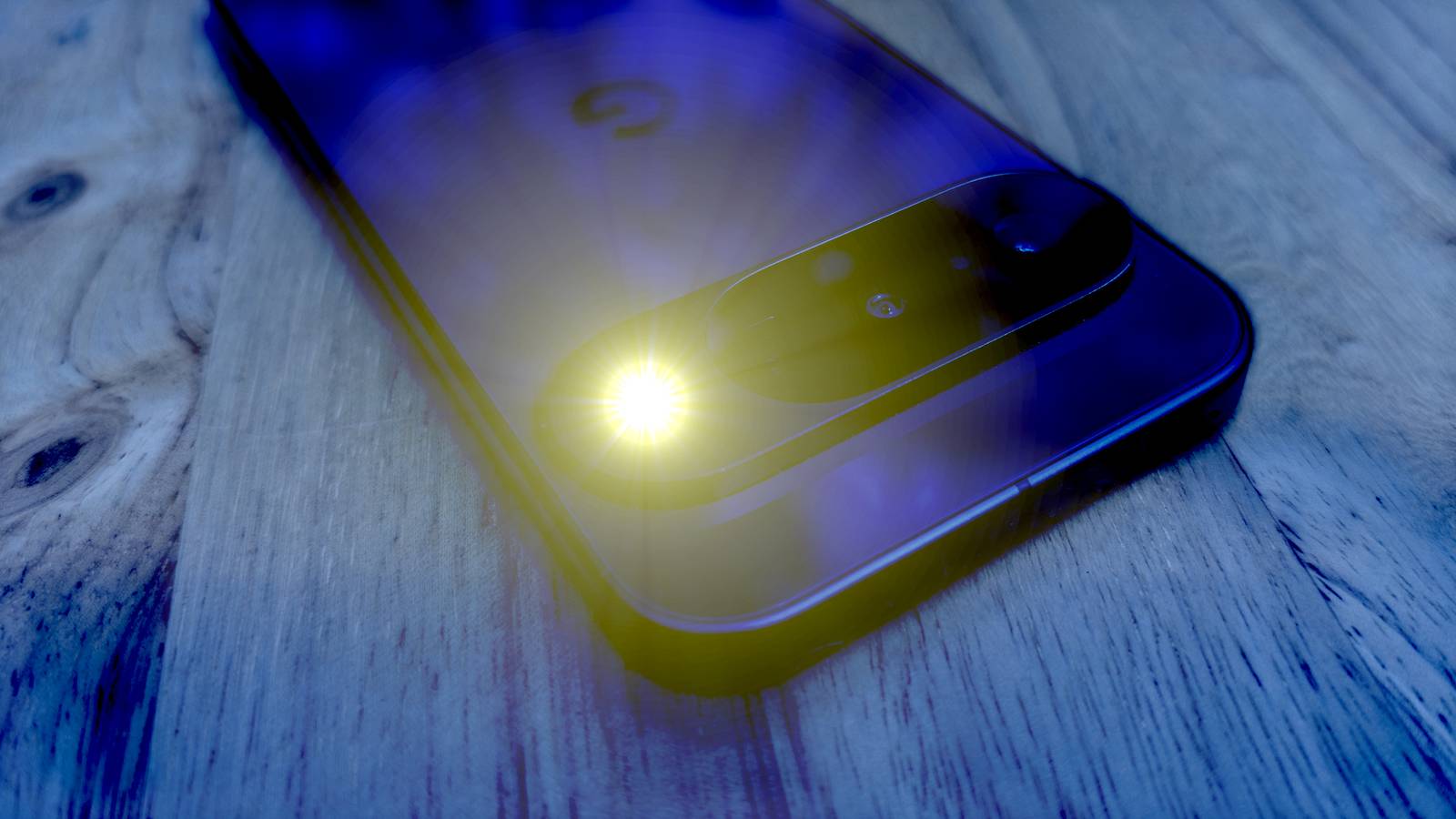
Google introduced a built-in Flashlight toggle in the Quick Settings panel with Android 6.0 Marshmallow back in 2015, and we then had to wait another decade or so to get a brightness slider.Introducing the built-in flashlight feature was a huge deal at the time because we had to rely on standalone flashlight apps for years, which not only felt wrong because this seemed like such an easy feature to implement, but also because some of those apps were a bit, how should I put this, shady.On the other hand, not having a feature as basic as a flashlight didn't sound that unreasonable back then, considering many phones didn't even include an LED flash in the first place, and because you had to root your phone to perform an action as basic as taking screenshots until Android 4.0 Ice Cream Sandwich finally included a screenshot-taking feature.
Wuben G5 rechargeable EDC Flashlight Dimensions 1.47 in x 0.59 in x 2.44 in Max beam distance 82m This compact USB-C rechargeable flashlight has a rotating head, RGB lighting, and a magnetic base, making it the perfect daily carry. See at Amazon Expand Collapse Blue light filters Indispensable for doomscrolling at night.Blue light filters have been an indispensable utility on my Android phones and tablets for more than a decade.On my Google Pixel 10 Pro, I often combine the blue light filter with Comfort Filter to make the screen easier on my eyes, which works wonderfully.
But for years, we had to install third-party apps to bring this functionality to Android phones and tablets.Stock Android received a native “Night Light” feature with Android 7.1.1 Nougat in 2016, but you can still download various blue light filter apps from the Google Play store.Personally, I used an app called Bluelight Filter for Eye Care for years and even paid for a premium version because it was indispensable for reading books at night on my Google Nexus 7.
File managers Third-party file managers are still better than built-in solutions.As someone used to Windows' file system and a Symbian veteran by the time I got my first Android phone (an HTC Tattoo), one of the first things I installed on it was a file manager.I used ES File Explorer and ASTRO File Manager for quite a while before switching to the Android version of Total Commander in 2012, which has remained a must-have app on my Android phones to this day.
Google did introduce a sort of file management solution in Android 6.0 Marshmallow and later created its own file manager, Files by Google, but manufacturers such as Samsung and HTC had already been offering built-in file managers for years.Third-party file managers still rule supreme over built-in solutions, although I have to admit that Google's and Samsung's file management apps are more than usable for the majority of Android phone and tablet owners.QR code scanner Nowadays, all you have to do is open your phone's camera app.
I used QR code scanner apps for what felt like an eternity on my Android phones.The first time I realized a built-in camera app could scan QR codes was either in 2016, when I bought a used HTC One M8, or in 2018, when I got a Xiaomi Mi Mix 2.Officially, Google added native QR code scanning support to Android around 2018 with Android 9 Pie and Google Lens integration, but other manufacturers had introduced similar functionality years earlier.
Later on, we also got a built-in QR Scanner shortcut that can be launched right from the Quick Settings panel.That said, there are still plenty of third-party QR scanner apps roaming the halls of Google Play if you don't want to use built-in solutions.Mobile hotspot Sharing your phone's internet connection wasn't always an integral part of Android.
Back in the day, you had to use standalone apps such as PdaNet to use your phone as a mobile hotspot.The process involved installing the app on both the phone and the computer you wanted to share your phone's internet connection with, and the setup was a bit too convoluted for comfort.Some Android manufacturers, such as HTC, offered similar features, but they often required a bit of tinkering as well.
Still, the feeling of being able to browse the web on your laptop using your phone's mobile internet connection was one of those proper “the future is now” moments the early days of Android were full of.Android introduced the built-in mobile hotspot feature quite early actually, with Android 2.2 Froyo in 2010.These days all you have to do is tap a toggle in the Quick Settings panel to activate it.
Always-On Display Still inferior to the notification LED.Always-On Display replaced LED notifications years ago and is now a staple feature on most Android phones.But back in the day, you could be too cool for school by installing a third-party AOD app that mimicked the Always-On Display features found on Symbian and Windows Phone handsets, the former of which had similar functionality as far back as the late 2000s.
The only caveat was that your battery life would go down the drain if you had a phone with an LCD display.I was never a fan because I loved LED notifications too much—and still miss them to this day—but I do understand the allure of having critical info always visible on your phone's screen.On Nokia Windows Phone devices, the feature was known as Nokia Glance Screen, which was introduced in 2013.
One of the first Android phones to feature something similar to an Always-On Display was the Moto X, but AOD didn't really become mainstream until Samsung introduced it on the Samsung Galaxy S7.Nowadays, most Android phones come with built-in AOD functionality, but you can still use third-party apps such as Always On AMOLED.Lock screen widgets WidgetLocker was a proper revelation back in the day.
Ahh, lock screen widgets.I was first introduced to them back in 2011 through WidgetLocker.The app had a steep learning curve, but once you got the hang of it, you could customize your lock screen almost as extensively as you could customize home screens with custom launchers.
The thing is, I wasn't exactly impressed.Sure, the custom themes you can still browse in an ancient XDA Developers thread were cool for a while, but after a few months of playing around with them, I moved on with my Android journey without lock screen widgets.Android 4.2 Jelly Bean officially introduced support for lock screen widgets, which I briefly played around with on my 2012 Google Nexus 7 before moving on again a few days later.
Google then did the same thing by removing lock screen widgets in Android 5.0 Lollipop.That wasn't the end of it, though, because lock screen widgets returned again with Android 16.Naturally, I checked out the feature shortly after getting a Google Pixel 10 Pro, added a few widgets to the lock screen (you now have to swipe left on the lock screen to access them), and forgot about them the next day.
I guess lock screen widgets just aren't for me.All I need are a music player widget and a step counter, and I'm a happy camper.Related Android's golden age was built on apps that don't exist anymore—here's what happened to them Apps that defined early Android.
Posts By Joe Fedewa Home Screen customization We have custom launchers to thank for many of Android's home screen customization features.Back in the early days of Android, home screen customization was limited as heck.I didn't mind that during my time with the HTC Tattoo because just having an Android phone equipped with HTC Sense was enough.
But then I sidegraded to an HTC Wildfire I got in a random raffle my carrier ran, and HTC Sense started to feel too limiting.I then stumbled upon LauncherPro and was immediately hooked.The launcher offered tons of ways to customize your home screen, and I'd used it for a few years before switching to the legendary Nova Launcher in 2012 or 2013.
Nova was my go-to custom launcher for years.It was one of the first apps I installed on my HTC One M8 when I returned to Android from Windows Phone in 2016, and it was a must-have on my Xiaomi Mi Mix 2 because MIUI felt a bit too much like iOS for my taste.The Samsung Galaxy S21 FE was the first Android phone in more than a decade on which I didn't install a custom launcher.
One UI, combined with Good Lock, offered such a high level of home screen customization (and user interface customization in general) that I finally didn't feel the need to use a custom launcher.Good thing, too, considering Nova was acquired that same year and then slowly left to rot until 2025, when it was effectively abandoned.My Google Pixel 10 Pro's default launcher doesn't come close to the level of customization One UI offers, which is one of the rare negative things I have to say about the Pixel experience.
That said, METROV, one of the best reimaginings of the Windows Phone experience to date, reinvigorated my interest in custom Android launchers, and now I switch between it and Pixel's default launcher every few weeks.While Android has come a long way when it comes to home screen customization, Google needs to step up its game because Samsung and One UI put the level of customization you get on Pixel phones to shame.Android has never been more packed with features, and while I love it, some of the magic is gone Modern Android brims with useful features, many of which started life as third-party standalone apps.
While that's undoubtedly a good thing, I still can't help but occasionally yearn for those messy yet exciting early Android days when I spent a good portion of my free time on the Android Market (and later the Play Store), F-Droid, and numerous XDA Developers threads, searching for an app that would add the latest feature I needed that wasn't yet built into Android.Related 5 forgotten Android apps you’ll still love Aged like fine wine.Posts 3 By Cory Gunther
Read More