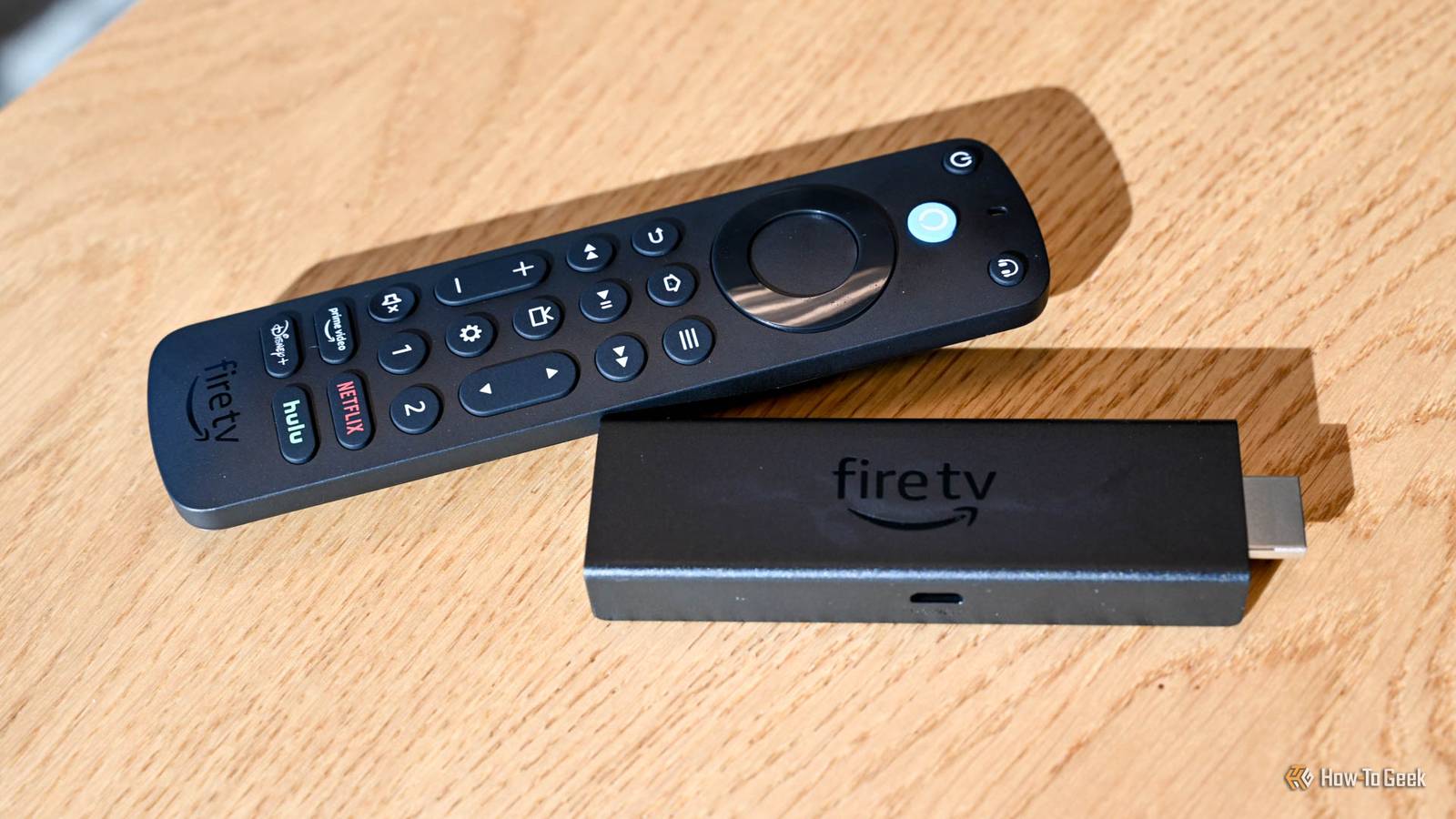
As good as Amazon's Fire TV Sticks are, pretty much every user knows that they become a lot more sluggish over time.It isn't because the hardware has suddenly become obsolete.Although they were never powerhouses in terms of performance, they remain capable for many years.
The most likely culprit is that the storage is running low, and it's an easy fix.Your Fire TV Stick probably has less free storage than you think They're built to do one job Even though the Android-powered Fire Sticks were able to do many things thanks to their fully fleshed-out app stores, the hardware itself was designed for its main purpose — to stream video.As a result, they start out with pretty limited amounts of storage.
And although you can augment them with an external drive, as I do, there's a limit to what you can put on it.It's essentially a workaround that most people don't bother with anyway.Devices come with 8-16GB of storage in total.
That isn't a lot, and it's actually less in usable terms since the operating system takes up 3-4GB on its own.An entry-level stick will only have a few gigabytes that are actually available.Over time, it starts to fill up without you even realizing.
Through general use, your Fire Stick will cache a lot of data.It saves things like thumbnails, icons, text descriptions, settings, and much more.It does it to make things faster.
Instead of downloading new images every time, the software will simply retrieve them from storage.Pretty much every device does the same thing, including your phone and laptop.Fire TV Stick 4K $24.99 $50 Save $25.01 Operating System FireOS Resolution 4K $24.99 at Amazon Expand Collapse It isn't just limited to the native Fire Stick software, either.
All your streaming apps, including Netflix, Disney+, and even Plex, will all create their own caches, bringing the same performance benefits and potential longer-term problems.Over time, this can use up a lot of space.Add in all the other apps and games that you install, anything you download, plus software update files, and you will eventually start to run short of space.
It's a problem because the storage isn't only used for your data, apps, and files.It's used constantly by the operating system, which needs a certain amount of breathing room to function properly.Once your storage starts running low, the Fire TV Stick has less room for temporary files and background tasks, which can hurt performance.
Apps take longer to open and become slower when you are using them.This is why a freshly unboxed Fire Stick feels responsive in a way that an older one never does.How to free up space on your Fire TV Stick A one-click solution What feels like an old device that's ready to be replaced can often simply be a device that's in need of a little spring-cleaning.
Signs that a lack of storage is causing you a problem include slow app launches, sluggish menus, update errors, and random crashes.You'll see it in general use, but you can also try it out by opening Netflix, scrolling around for a bit, then exiting and returning to the Fire home screen and seeing how responsive it is.Fortunately, it's easy to fix.
On your Fire Stick, go to Settings > Applications and select Manage Installed Applications.Now select Clear All Application Caches, followed by Confirm.This won't log you out of your apps and services but will free up potentially lots of storage space.
On older devices, you had to clear the caches one app at a time at Settings > Applications > Manage Installed Applications > [App] > Clear Cache.You can also set about uninstalling any apps you've got that you no longer use.Games can take up a lot of space.
And remember those apps, such as podcast players, where you might have downloaded large files for offline playback.With that done, you should notice an immediate improvement.If there isn't, there's one more option available to you.
The factory reset.You'll have to re-download your apps and re-enter your passwords, but it will give you the fresh-out-of-the-box experience once more.Clear your storage to revive your streaming stick And check your Wi-Fi, too The Fire TV Stick hardware is modest, but good enough for its main purpose.
The further you go from that, the more apps you've installed and services you've got running, the more you'll push it to its limits.You don't need to obsess over it, but clearing your storage every now and again will help.Ideally, the more free space you can keep, the better your performance will be.
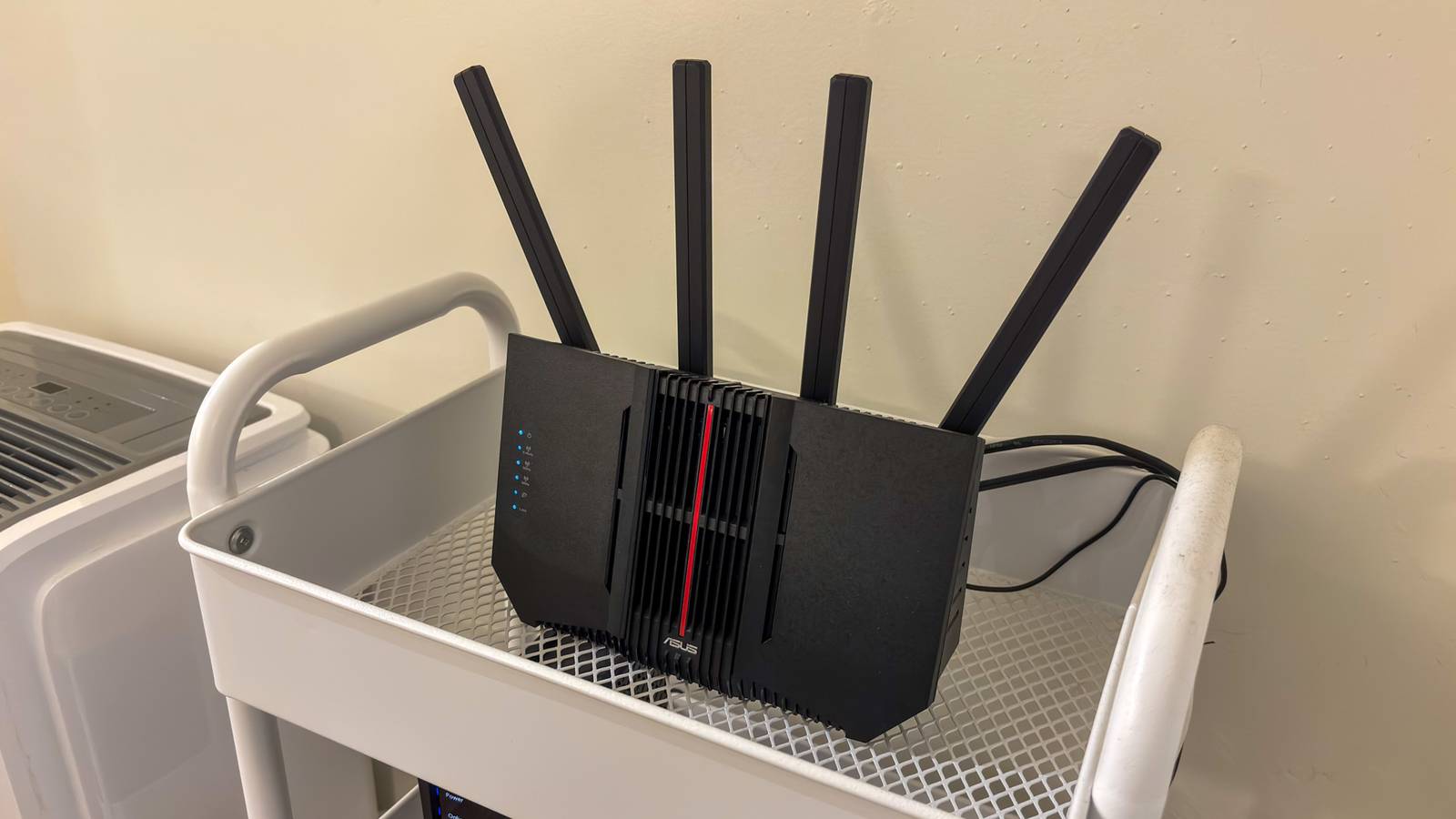
And there are some other things you can do to speed up a sluggish Fire Stick.Another common issue is slow Wi-Fi.It's more likely to be caused by a poor signal than by the slow internet itself, so try repositioning your stick to fix that.
You can take the most reliable option and go wired, adding an Ethernet connection for a faster and more consistent connection. Ethernet Adapter for Amazon Fire TV Devices Input Ethernet Output USB-C Take advantage of the speed and reliability of a wired internet connection with your Amazon Fire TV device.$15 at Amazon Expand Collapse
Read More