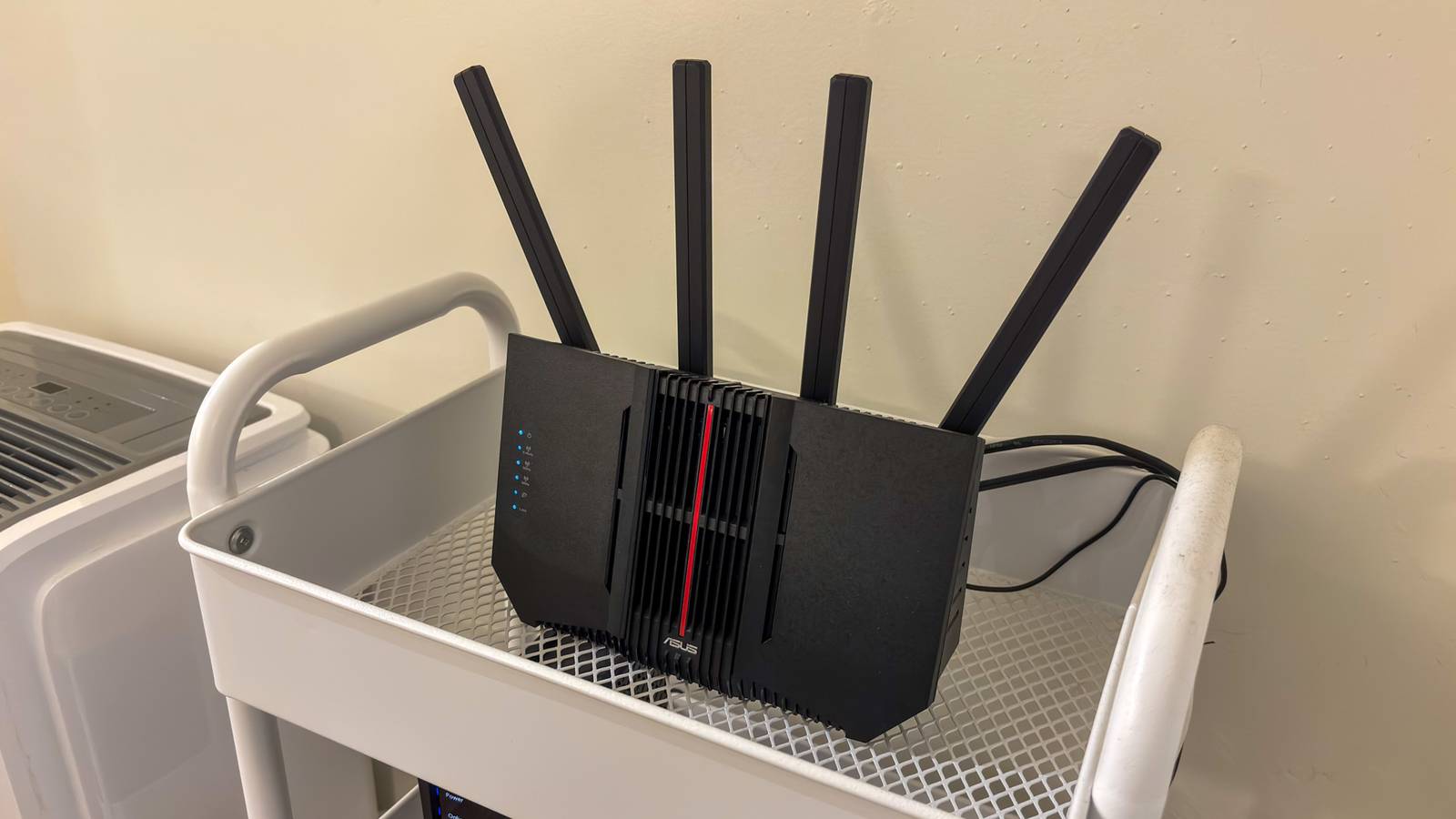
If you're still on Wi-Fi 5, you're probably waiting for Wi-Fi 7 routers to come down in price before you upgrade.However, it's going to be a while before Wi-Fi 7 prices are reasonable for even midrange gear.Besides, most of the devices in your home aren't even Wi-Fi 6, much less Wi-Fi 7, right? You have maybe a few newer devices, like a smartphone or laptop, that supports newer Wi-Fi, but your smart TV is a couple of years old, and your family members are still using some hand-me-down tech.
So there's no point in a single-generation jump, right? Wrong! Wi-Fi 6 helps older devices too There's room for everyone It's easy to just concentrate on the Wi-Fi portion of a Wi-Fi 6 router, but remember that it's not just Wi-Fi performance that's changed since you last bought a Wi-Fi 5 router.Assuming you're staying on the same tier of router, upgrading to Wi-Fi 6 means a better processor, more memory, and potentially faster Ethernet ports too.It's a cumulative upgrade across the entire device.
With better hardware under the hood, the router can do a more efficient job of managing all the devices on your network.After all, in the intervening years, the network demand of these devices has only grown.While a Wi-Fi 5 device can't achieve Wi-Fi 6 speeds, it can get closer to its theoretical maximum Wi-Fi 5 speed.
You see, although Wi-Fi 5 is rated on paper for multiple gigabits of bandwidth, in the real world you're going to see something more like 200–600 Mbps.A Wi-Fi 6 router won't change that dramatically, but you'll probably find that your Wi-Fi 5 devices run closer to the upper-end of that range, especially when multiple devices are connected to the router and competing for bandwidth.Your network is probably more crowded than you think I'm not hoarding technology, I swear! You've also probably added a significant number of Wi-Fi devices since buying your Wi-Fi 5 router.
Smart speakers, smartwatches, consoles, TV boxes, heck even my has a Wi-Fi connection now.Wi-Fi 5 was designed to serve a relatively small number of devices at high speed.Wi-Fi 6 was developed in consideration of many devices asking for bandwidth concurrently.
So, again, Wi-Fi 6 won't make your Wi-Fi 5 devices much faster, but it can handle more of them without hurting performance, and you may also enjoy better signal strength, longer range, and less latency.Simply because the Wi-Fi 6 router is more efficient and has some radio tricks up its sleeve.New devices will quietly take advantage of it You're probably readier than you thought You probably already own several Wi-Fi 6 devices and don't even know it.
For example, every model of PlayStation 5 has Wi-Fi 6.The iPhone 11 was the first iPhone with Wi-Fi 6.Even budget laptops that have shipped in the past few years support Wi-Fi 6.
The same goes for smart TVs, smart speakers, and anything else that uses Wi-Fi released in the recent past.It's worth doing an audit of your Wi-Fi devices to see what percentage of the things you use every day already support Wi-Fi 6.You might be surprised that it could be most of them.
While not all devices benefit from extra Wi-Fi speed (your smartwatch and fridge don't), devices like gaming consoles and smartphones certainly do! Wi-Fi 6 routers are no longer expensive Wi-Fi 6 was officially released in September 2019, so it's not exactly cutting-edge anymore.It's the mainstream standard, and what I expect most people buying routers today are actually going for.This means that prices are roughly in line with what you paid for your Wi-Fi 5 router or mesh system years ago.
Consider this TP-Link AXE5400 Tri-Band Wi-Fi 6E Router that offers you Wi-Fi 6E.The "E" simply means there's an additional 6Ghz band available for Wi-Fi 6E devices, enabling even higher speeds and more concurrent connections.As of this writing, this router only costs $74! TP-Link AXE5400 Tri-Band Router (Wi-Fi 6E) Brand TP-Link Wi-Fi Bands Tri-Band If you want a great Wi-Fi 6e router but don't want to spend a whole lot of money, check out this one from TP-Link.
Supported standards 802.11ax $74 at Amazon Expand Collapse Even better, it can be extended with mesh units later, so if you haven't gone mesh yet, you can use a router like this one to get your foot in the door, and add mesh extenders later.I bet this is probably cheaper than you thought the price of entry might be, but there's a huge selection of Wi-Fi 6 routers at almost every price point.There are even somewhat affordable Wi-Fi 7 routers now, though not as affordable as this.
Read More