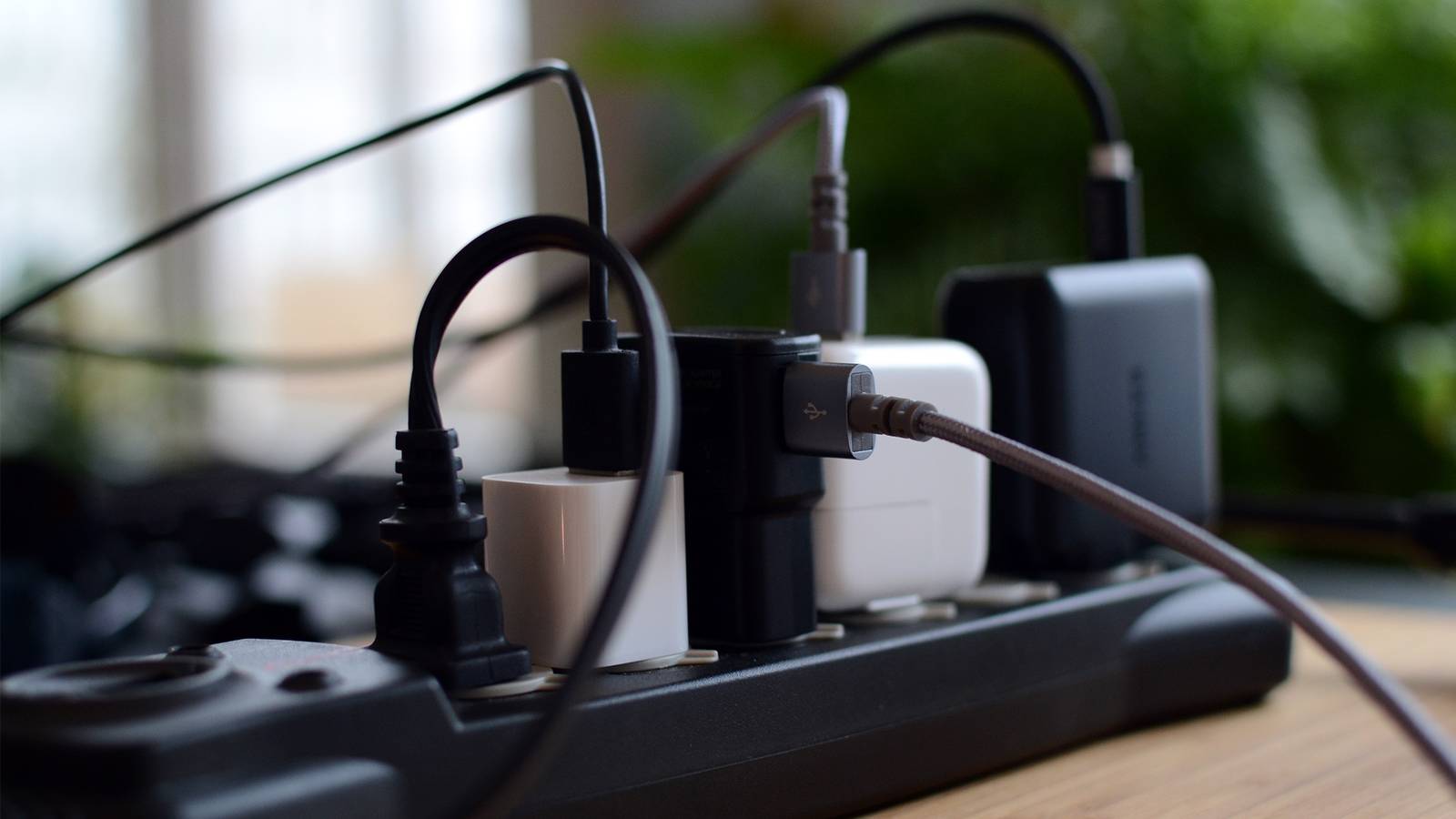
I hate cables with a passion, like any other reasonable human being.Power banks do a great job of consolidating cables, but they can be just as unsightly and difficult to deal with as the rest of your cords.Thankfully, you can 3D print your way out of the mess for almost nothing.
Fixing my messy desk was a big life upgrade I haven’t looked back I bought a standing desk frame on Black Friday 2025, and by the time December had rolled around, I had myself a desk.One thing I neglected to do at the time was install the proper power strip bracket, since I needed one with more outlets and a longer run of cable.It took until July the following year for me to finally fix the problem, buy the power bank I needed, and manage those cables properly.
That’s months of staring at a rat’s nest of cables that finally wore me down enough to spend an entire Sunday afternoon doing something I should have done right at the beginning.The first time wasn’t good enough, so I took everything down and did it again, neater.I got the zip ties out and started liberally tying things together, with just enough slack to not cause damage.
I left one or two in an easy-to-grab position, in case I head off somewhere and need to take a USB adapter or MacBook charger with me.I underestimated how much those cables would get me down, and what a big difference they’d make once they were out of the way.Now I’m turning my attention to the other areas that need it: the open-back entertainment unit, the guest room where my 3D printer lives, the nightstands in the master bedroom, even the kitchen bench-top outlets.
The best way forward, for me, is to 3D print my way out of the problem.3D-printed brackets are the easiest option Hold your power strips securely in place Close Ever noticed those small recesses in the back of a power strip, where you’re supposed to slide screw heads? If you’ve ever used them, you’ll know that they’re not particularly stable, and it’s difficult to get the spacing right.You also have to drill screws into whatever you’re mounting on, whether that’s the wall or a piece of furniture.
A far better choice is to 3D print yourself a power strip mount or holder instead.MakerWorld user 3D-Lex has an excellent parametric power strip holder that you can use.Parametric means that the model can be customized to suit the dimensions of your power strip, from dimensions like the height and width to the screw holes and spacing for the nearest socket.
If making holes isn’t your idea of a good time, consider the clamping power strip bracket by MakerWorld user Rojo instead.This isn’t a parametric model, but having two clamps that are completely adjustable means that the vast majority of power strips will fit.It’s not quite as svelte as a flat-mounted option, but it’s much better than letting everything hang loose on the floor.
For best results, you’ll still need to cable-manage your power board setup.This is a lot easier when the power board is mounted in a permanent home, since you can coil cables and tie them together with zip ties or Velcro straps, or print a few quick parametric cable mounts.You could even print a cheap copy of one successful YouTube channel’s magnetic cable clips for guiding cables down desk legs or across the back of a computer case.
Upgrade to a cable-routing system for even better results It’ll cost you more time and material Cable routing systems are even better, provided that you’re prepared to put a bit more time and filament into the project.Underware is one such project that works especially well for desks, with the project morphing into the the broader openGrid system.The two have been married together with Underware for openGrid.
The beauty of openGrid lies in how expandable it is.For example, a simple search on MakerWorld yields cable tidies, cable loops, cable spools, parametric clamshell holders, cable channels, edge channels, and even cable chains for routing multiple cables to the floor on a desk with variable height.For a simpler system that maintains modularity but loses the baseplate, try ClickRoute.
For an alternative, take a look at the Modular Cable Duct.You can even make custom raceways for small runs.Just remember that if you’re printing whole systems of organization, you’re going to want enough filament in your chosen (preferably low-profile) color to finish the job.
Looking for more organizational hacks? Check out some more ways your 3D printer can help you keep a tidy home.
Read More