Not all of your storage is the same, and you shouldn't treat it as such.There are many advantages to tiering, and organizing said tiering, over just dumping everything on your storage in no particular order.Understanding the difference between hot, warm, and cold storage might actually make a difference in your everyday workflow, so let's dive in.
The disadvantages of flat storage Before explaining storage tiers and the difference between them, we need to understand why flat storage is not a good idea.In a flat storage environment, every piece of data is treated with equal importance, regardless of its actual value or frequency of access.This means that a mission-critical database file required for real-time transactions resides on the same high-performance, expensive hardware as a five-year-old email archive that may never be opened again.
If you happen to have, say, a hard drive and a high-speed SSD, and you don't do proper tiering, you're going to end up with a bunch of unnecessary files cluttering up your SSD or important files on your slow drive.This can result over time in performance issues as well as organizational issues.Flat storage creates a significant management headache and increases the risk of data loss.
When a primary drive is filled to capacity with a mix of essential system files and forgotten downloads, the computer’s operating system often struggles to perform basic tasks, leading to sluggish behavior, crashing apps, and prolonged startup times.Furthermore, backing up a single, massive repository of data is cumbersome and time-consuming.If a user relies on a comprehensive system backup, the process must scan and process terabytes of unchanged personal videos and old photos every time it runs.
This often discourages users from backing up as frequently as they should.If that single primary drive fails—a common occurrence with aging hardware—the user loses everything instantly.By keeping all digital eggs in one basket, the consumer maximizes their exposure to hardware failure while simultaneously paying top dollar for the privilege of storing files they haven't opened in a decade.
What's hot, warm, and cold storage? There are three different tiers for storage.Hot storage refers to the data that is accessed daily or is currently essential for the computer's operation.This is the operating system, the applications, the raw video files currently being edited, or the latest games requiring fast load times.
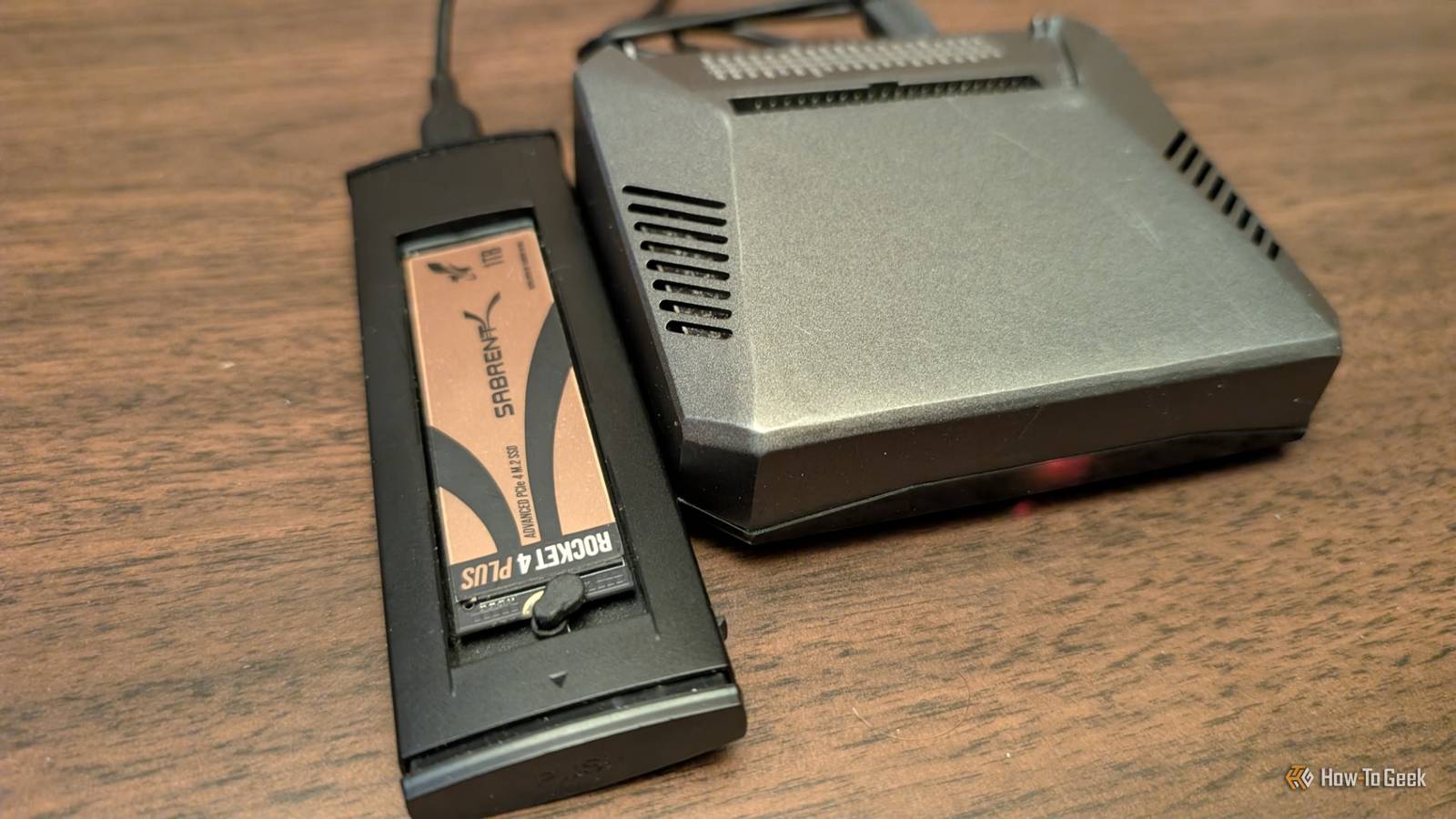
In a consumer context, hot storage is physically located on the internal NVMe SSD drive of the laptop or desktop.It is the fastest, most responsive storage available to the user, but it is also the most expensive and limited in capacity.The goal is to keep this tier lean, ensuring the computer remains snappy and responsive.
Warm storage acts as the overflow space for data that is still relevant but not needed urgently.This includes the photo library from the last few years, finished projects that might need a quick revision, or media collections that are accessed a few times a month.Accessing this data might require a few extra seconds—perhaps plugging in a portable external hard drive or waiting for a file to download from a standard cloud service like Google Drive or Dropbox.
The hardware used here is typically cheaper per gigabyte than the internal drive.It balances convenience with cost; it is not lightning fast, but it is readily available without a complex retrieval process.Finally, cold storage is the digital equivalent of a self-storage unit or a dusty attic.
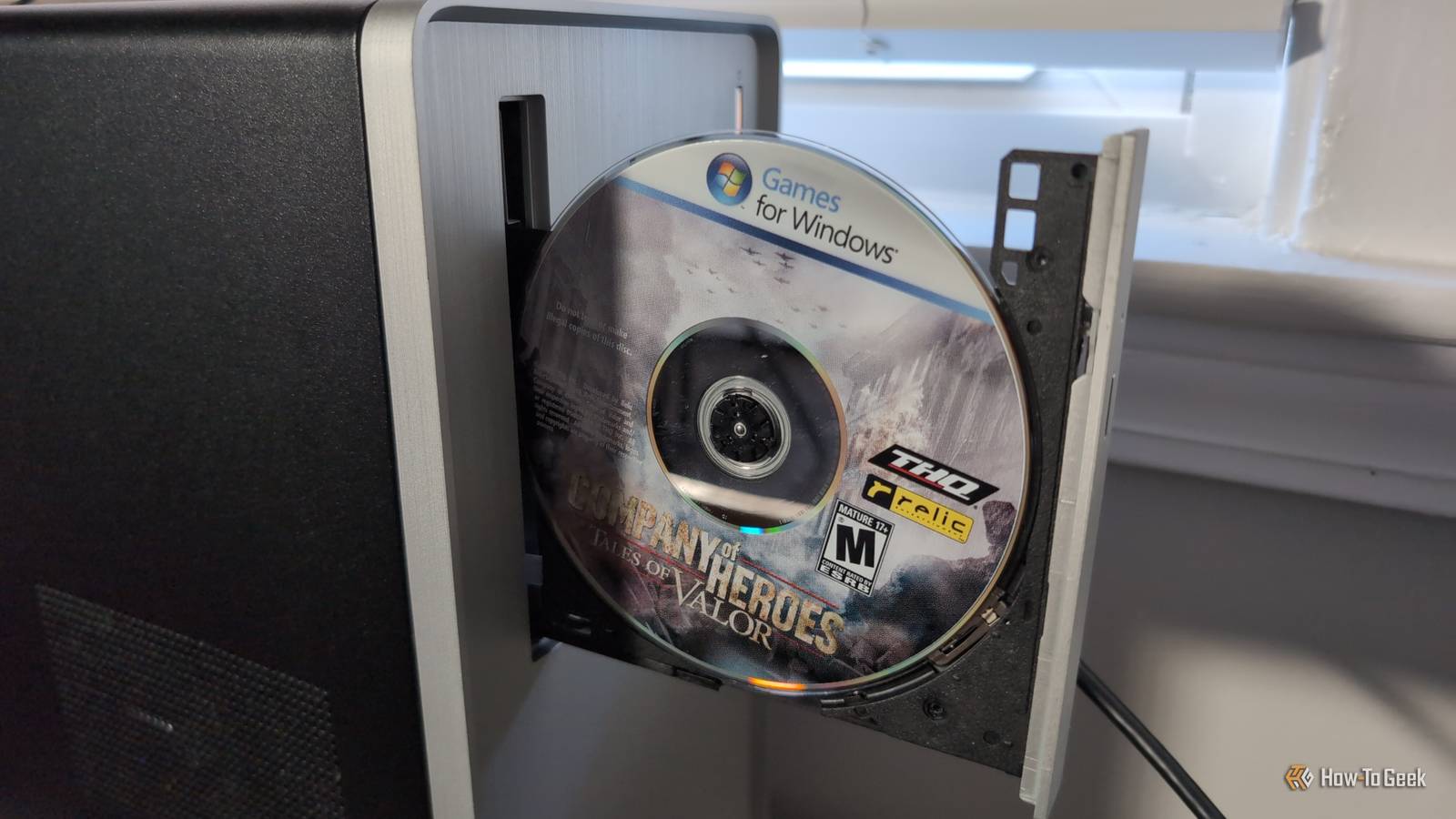
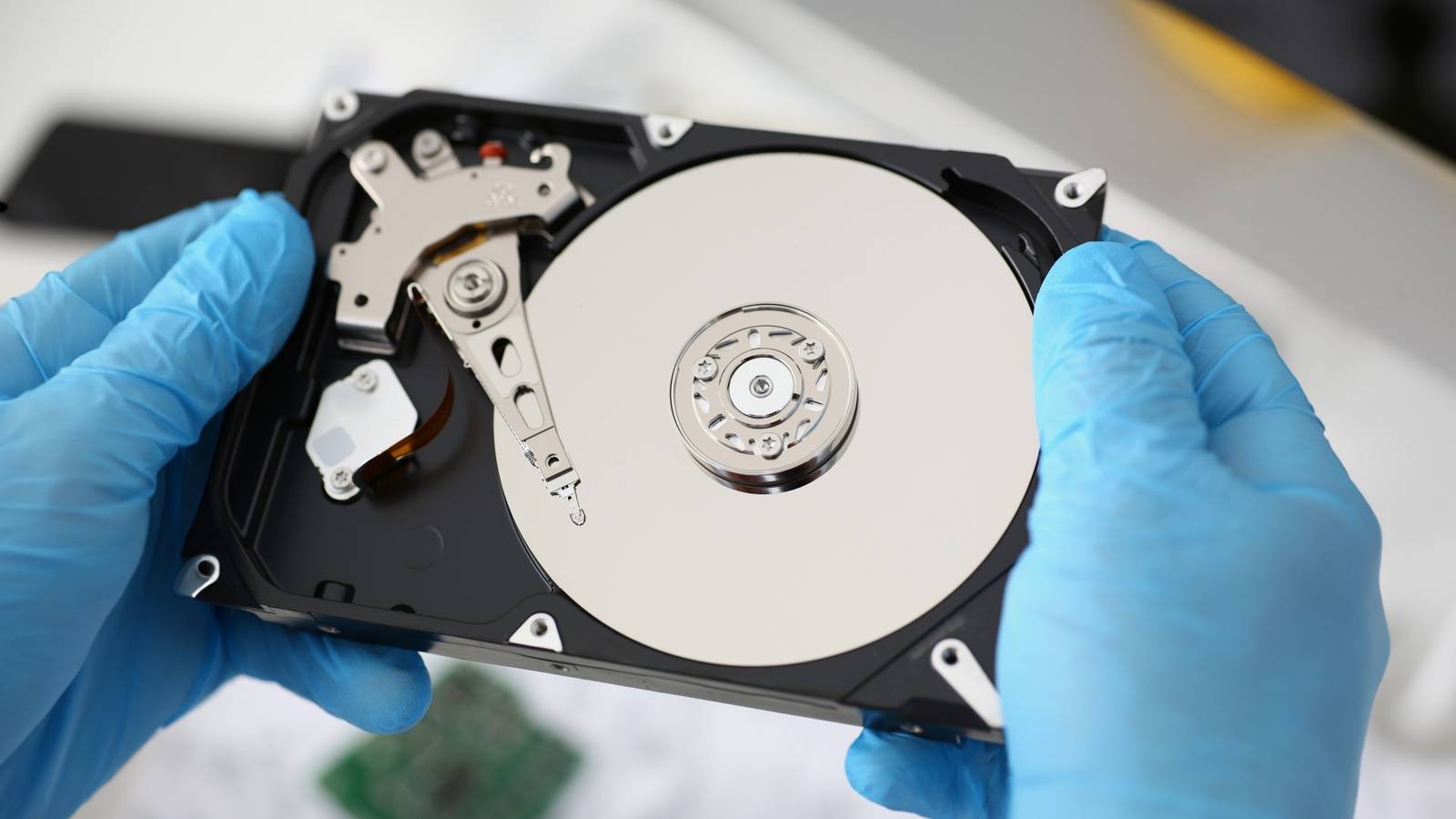
This tier is for data that must be kept for sentimental or legal reasons but is almost never looked at.This encompasses high-resolution baby photos from ten years ago, old university assignments, or complete system backups of previous computers.This might take the form of a large, bulky desktop hard drive that sits in a closet, high-capacity Blu-ray discs, or specific "archive" tiers of cloud storage where retrieving a file can take several hours but costs pennies per month.
Why should you know the difference? Understanding the distinction between storage tiers is the single most effective way for consumers to stop hemorrhaging money on monthly subscriptions and overpriced hardware upgrades.When a user realizes that only 10% of their data actually needs to be on their expensive internal drive, they can opt for a laptop with 512GB of storage rather than paying a premium for 2TB.By manually or automatically moving old files to an external hard drive or a cheaper cloud archive, the primary computer remains fast and uncluttered.
This knowledge allows consumers to "right-size" their technology purchases, allocating their budget toward processing power and screen quality rather than paying for digital warehousing on a high-performance chip.Make storage simple — subscribe to the newsletter Get the newsletter for step-by-step storage-tier guidance: how to separate hot, warm, and cold data, practical archiving checklists, and hardware decision help so you can right-size storage, protect archives, and reduce costs.Subscribe By subscribing, you agree to receive newsletter and marketing emails, and accept Valnet’s Terms of Use and Privacy Policy.
You can unsubscribe anytime.Moreover, adopting a tiered mindset drastically improves personal data security and organization.When users separate their cold archives from their hot working data, they effectively insulate their most precious memories from daily accidents.
If a laptop is stolen or infected with ransomware, the cold storage archive—perhaps an external drive disconnected from the network—remains safe and untouched.It also simplifies the mental load of digital organization.Instead of scrolling through thousands of irrelevant files to find a current document, the active workspace remains clean.
Knowing the difference empowers consumers to take control of their digital footprint, utilizing specific tools for specific jobs—fast SSDs for speed, cloud services for convenience, and cheap archives for longevity—rather than hoping one expensive hard drive will solve every problem.
Read More