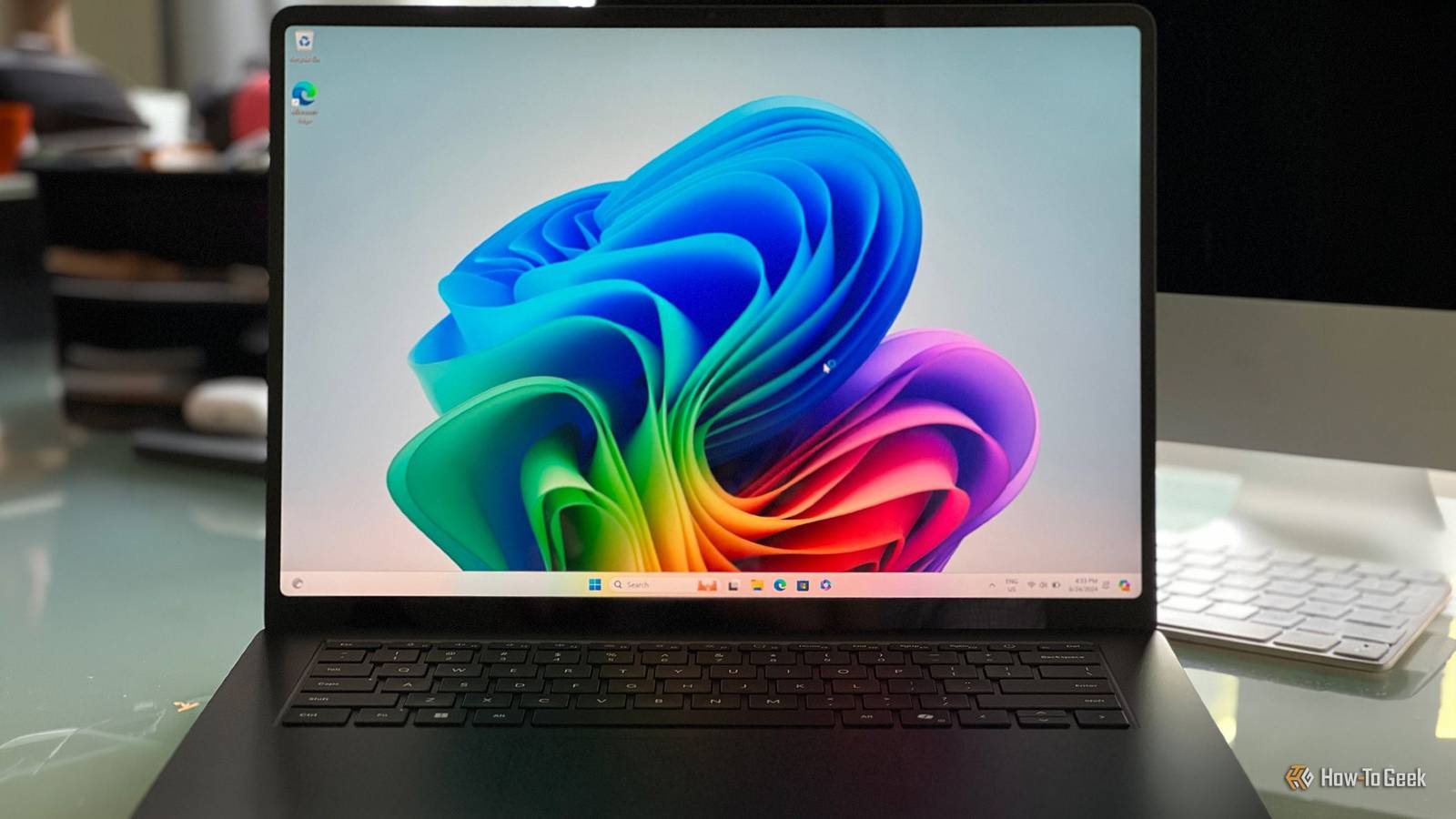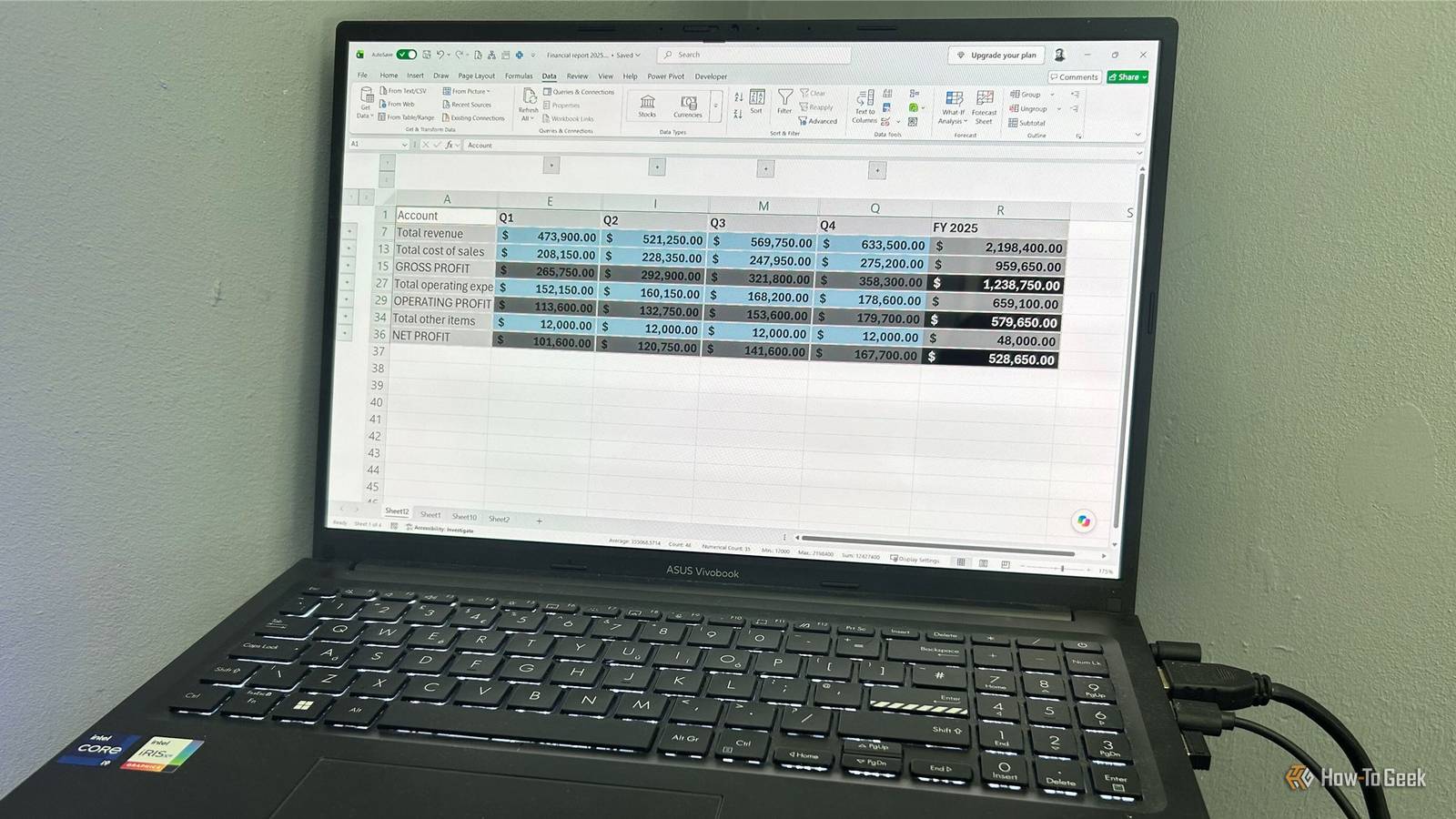
If you've got a Galaxy Z Fold you aren't using anymore and don't plan to sell, you can put it to good use even if its screens no longer work.Thanks to the phone's versatility, courtesy of its massive foldable display and beefy hardware that's quite capable even in older Galaxy Z Fold models, the most popular foldable around can fulfill a variety of roles.Turn it into a mini PC or a tiny laptop You can use Samsung DeX even if one or both of your Z Fold's screens are broken Close Probably the best way to keep using your old Z Fold is to plug it into an external screen and turn it into a proper mini PC with Samsung's desktop mode, DeX.
You can also use Flex mode, available on most Galaxy Z Fold models, and turn it into the world's tiniest laptop.The good news is that you can pull this off even if both screens are broken, because you can use screen mirroring when DeX doesn't launch automatically after the phone connects to an external display.In that case, connect a mouse (wired via a USB hub or wireless via a dongle), and you'll be able to navigate the phone even if the touch screen doesn't work.
If at least one screen works, you only need a single USB-C cable, or a USB-C-to-HDMI or DisplayPort cable, depending on which ports the monitor has.You can then connect Bluetooth peripherals, with the caveat that you won't be able to charge the phone while using DeX.I recommend getting a USB-C hub or dock instead, since that will allow you to charge the phone while using it.
A USB-C dock will also make it easier to use DeX in case the screens are busted, because you may need to activate the mode manually if DeX Auto Start isn't enabled, and for that you'll need to plug in a wired mouse (or a wireless mouse dongle).Since even older Galaxy Z Fold phones have fairly capable hardware, this is a great way to get a secondary PC for the garage, workshop, cabin, or anywhere else you need an extra computer.Related 8 things I've learned from using my phone as my PC It's not always easy, but I'm sticking with it.
Posts 2 By Bertel King Foldable phones can be great gaming handhelds Especially Galaxy Z Folds Thanks to their massive displays and beefy hardware, foldable phones, including Galaxy Z Folds, can be superb dedicated gaming handhelds.All you need is a compatible mobile snap-on controller.You can then install some games or emulators, and you're off to the races.
Better still, since the hardware in even older Z Fold devices is still quite capable, you can play a number of PC games thanks to apps such as Winlator and GameNative.If you own a gaming PC, you can stream your games to the phone with Steam Remote Play or the Sunshine and Moonlight combo.You can even stream your PS5 and Xbox games thanks to the PS Remote Play app and Xbox Remote Play.
Razer Kishi Ultra Gaming Controller $95 $150 Save $55 The Razer Kishi Ultra is a premium mobile gaming controller offering console-like controls for smartphones and tablets.It has Hall effect triggers and haptic feedback.It connects seamlessly to various devices, including PCs.
See at Amazon Expand Collapse Unfold the phone, and you'll get a fantastic standalone GPS dashboard That massive screen is great for GPS navigation You'll hardly find a better dedicated GPS dashboard than a Galaxy Z Fold.Thanks to its expansive display, GPS navigation is a breeze and much better than when using a regular slab phone.The phone can also be an alternative to Android Auto since you can, for instance, use Google Maps and a music streaming app side by side because the phone supports a proper split-screen view, or use Android Auto on the phone's screen by installing a single app, Headunit Reloaded.
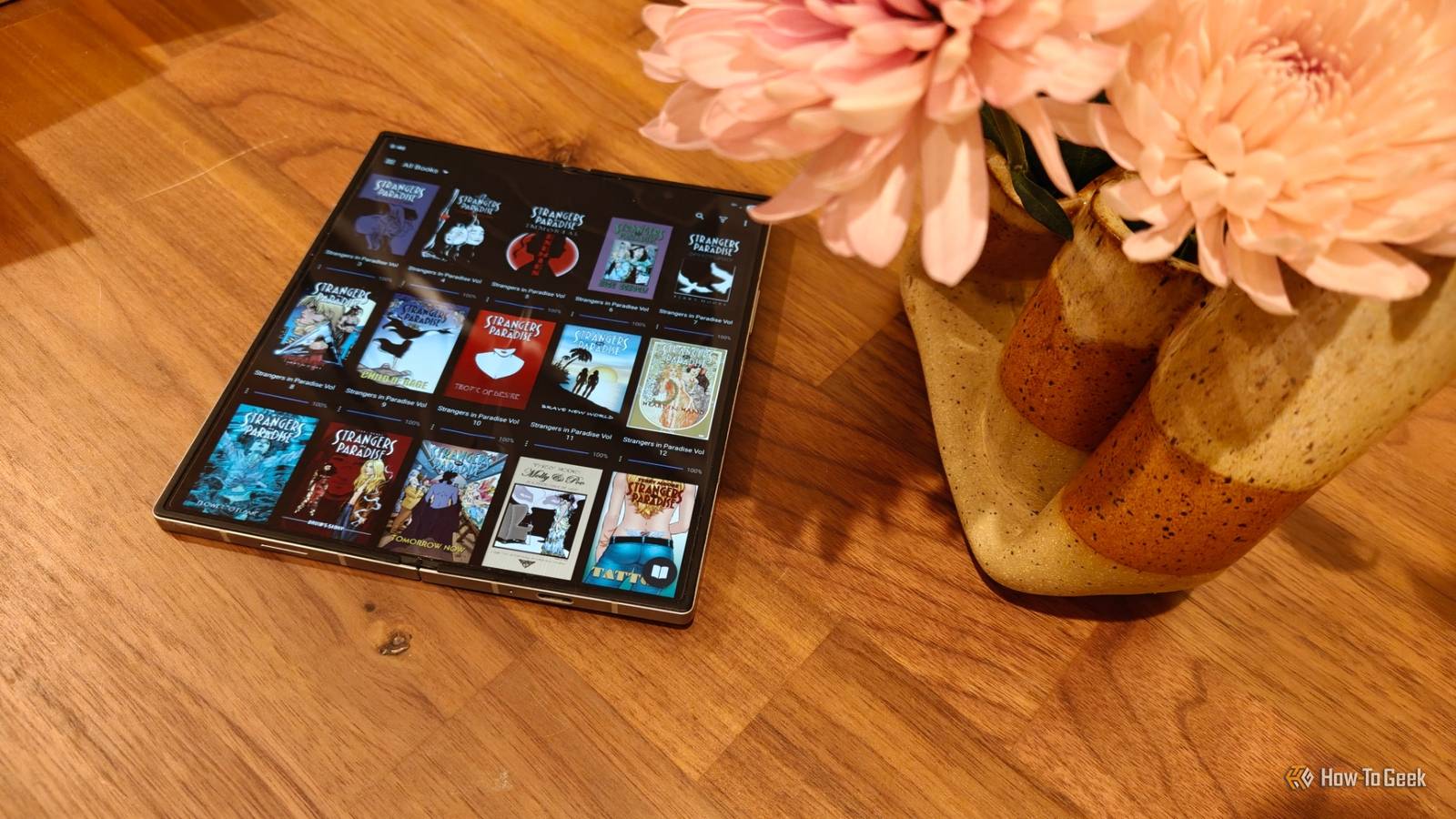
You'll need a car mount, but the good news is there are options designed specifically for Galaxy Z Fold devices that even support wireless charging.In other words, you won't have to deal with charging cables, which is a big plus.Dual Coil Wireless Car Charger Mount for Galaxy Z Fold Series This wide wireless charging car mount is designed to accommodate large phones such as the Galaxy Z Fold, with automatic clamping, dual charging coils, and support for both dashboard and air-vent mounting. See at Amazon Expand Collapse You can also use it as a dedicated eReader Put that screen to good use If you don't already own an eReader, you can turn your old Galaxy Z Fold into one.
Most foldable phones are a fantastic option as dedicated eReaders, including Z Folds.The main thing you'll need to do is decide whether you'll use the Kindle app and buy your books from Amazon, or install an e-book reader app that supports e-books bought from other digital stores, such as Moon+ Reader or Librera.Since we're talking about an OLED screen, you can also enjoy digital comics, visual novels, and manga in full color, with many e-book reading apps, including the aforementioned Librera, supporting popular comic file formats such as CBZ and CBR.
Repurpose it into a home server Could be handy, especially if its screen is broken Another option is to turn the foldable into a home server, which can be especially handy if the phone's screens are broken but the rest of the hardware works fine.If the screens are broken, you will need a USB dock to plug the phone into an external display and connect peripherals.You can use a standalone app such as Emby Server to turn the device into a media server, which doesn't require much work.
Alternatively, you can use Termux with a utility like PRoot-Distro to turn the phone into a network-wide ad blocker, web server, home automation hub, or anything else you can think of.You can get really creative with it This is just the tip of the iceberg in terms of what you can do with an old Galaxy Z Fold.For example, you can turn the phone into a PC performance dashboard, an always-on network monitor, a travel router, and more.
If you need more inspiration, visit the Android Afterlife subreddit, which has tons of ways to repurpose old Android phones you're no longer using.
Read More