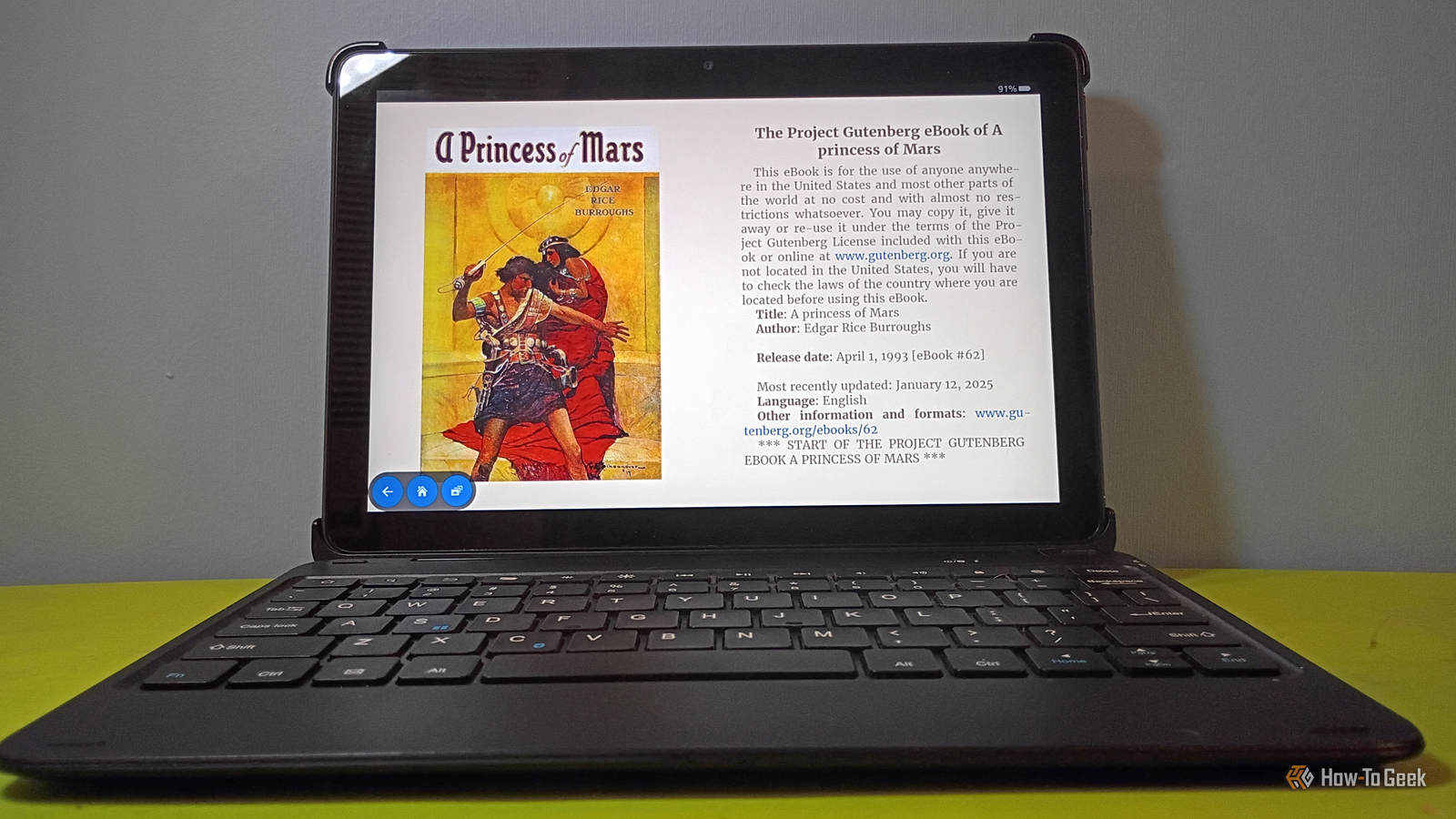
Laptops are getting kind of expensive these days.Sometimes, they can also be a bit of a pain in the neck to travel with, depending on the situation.Fortunately, I have a modded Fire Tablet that, lately, has become somewhat of a laptop replacement for those times when I need something smaller, more portable, and with fewer cables to manage.
With that out of the way, here are the main apps I use to turn my modded Fire Tablet into a personal laptop replacement.Related How to Install the Google Play Store on an Amazon Fire Tablet You're not stuck with the Amazon App Store.Posts 65 By Joe Fedewa Get started with my basic setup Here's the hardware and a few writing apps that work for me It should go without saying that you'll need a Bluetooth keyboard (I use a Made for Amazon Bluetooth Keyboard for Kindle Fire) and maybe a Bluetooth mouse if you're using an Amazon Fire Tablet HD 10 (like I am) as a laptop replacement.
I don't use a mouse since my tablet’s touch screen works fine for me.I do, however, have a 500GB microSD card available for storage.You'll also want to make sure your tablet has the Google Play Store installed.
Most of the apps I mention here are available via the Google Play Store, but sometimes the store will say the app is not compatible with your device.In my very recent experience, getting them from F-Droid can work around this for certain apps.Keep in mind that F-Droid isn't a replacement for the Google Play Store; it's just a repository for open-source apps.
Because writing is a big part of what I do on my Fire Tablet (and basically every device I own), I use Google Docs, Google Sheets, and Obsidian.They're helpful tools for outlines, drafts, and research.I don't really count them as apps that'll make your Fire Tablet more like a laptop.
But I do sincerely believe they're essential for basic setup.I'm including these two apps as a part of my basic setup because what productivity machine wouldn't be at home without an office suite of sorts? I use Docs to write my drafts and Sheets for budgeting/keeping track of ideas/sources for the time being, as I'm actively searching for alternatives.For most of my writing, however, I use Obsidian extensively.
It's often my scratch pad for jotting down quick thoughts.For larger research projects, I'll use it as a project hub to get a full picture of my subject matter before writing a piece.Related My modded Fire tablet is the ultimate distraction-free writing terminal Writing in 2026 is nothing but distractions and doom scrolling, so I'm fighting back with a modded Fire Tablet Posts By David J.
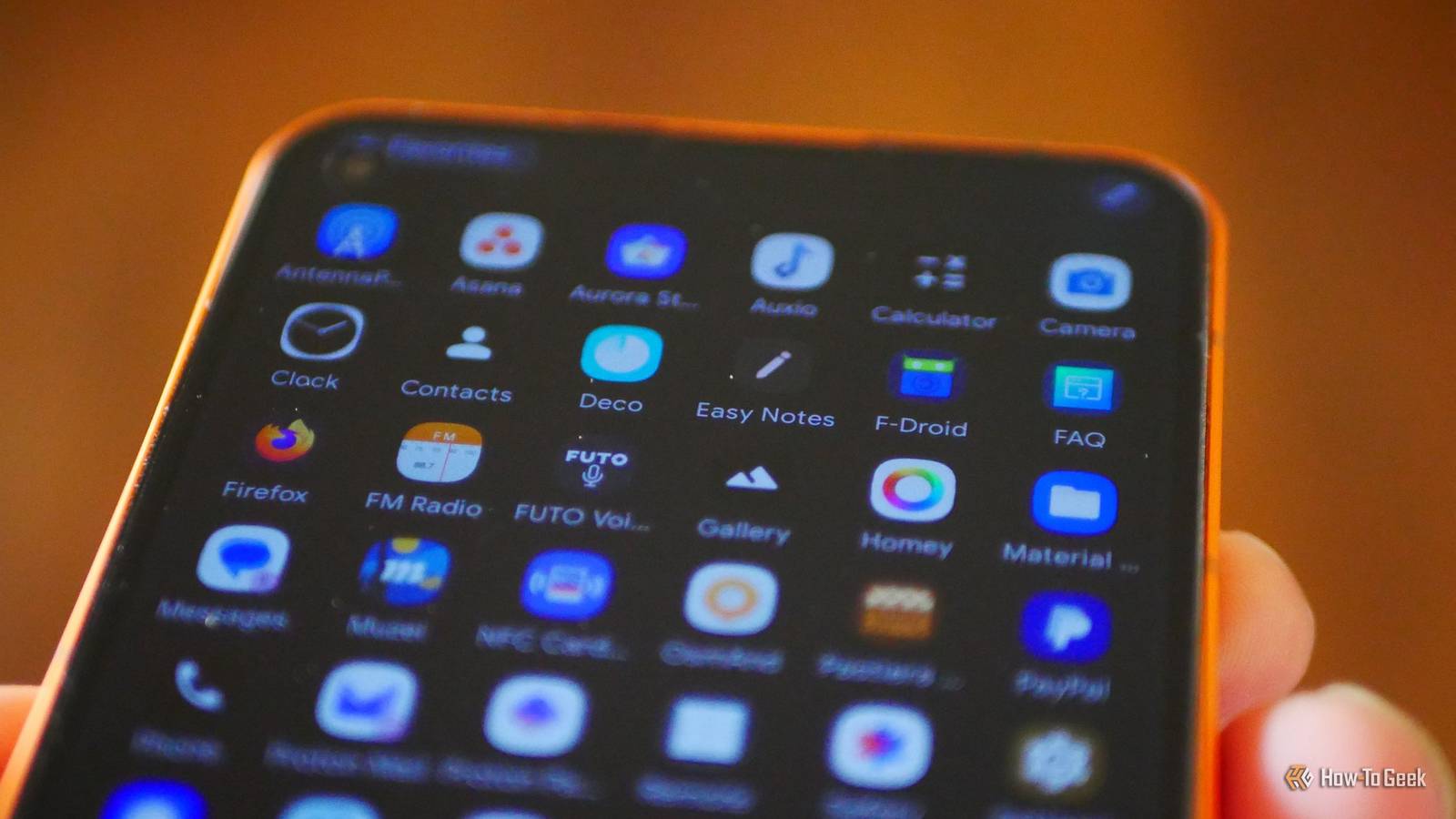
Buck Nova Launcher A fresh look and launcher for your Fire tablet I've never been very satisfied with the Fire Launcher that's included with the tablet.On this Fire Tablet, I replaced it with Nova Launcher with an app that works with another application called Automate (a special app specific to my setup) to reroute your home key and create a cleaner/less cluttered home screen.Nova also allows icon customization (I made my icons into squircles), a dark theme, and backup options.
To me, it feels like a streamlined desktop similar to how I have Linux Mint set up on my computer.If you want to go full-on laptop aesthetic, there's an app called Computer Launcher, but I didn't like it (and the ads were incredibly intrusive), so I'll stick with Nova for my setup.HTML Editor (from ALIF Technology) For doing some quick coding from your tablet I like to make websites by hand.
There's nothing more satisfying than building your own CSS, screwing it up, and then fine-tuning it until you rip out what's left of your hair, give up, and say, “Eh, it's good enough.” I use the free version of an app that's simply called HTML Editor.It has a notepad for building your page and a tab where you can immediately see a test preview after saving the HTML file.It's pretty handy for some quick coding and doesn't require a browser at all.
Firefox for Android For convenience and ad-free web browsing (with extensions) There are plenty of privacy-focused browsers out there.While I tend to go for Vivaldi on my mobile devices, I prefer Firefox at the moment for using the Internet on my tablet.I use a few specific add-ons to improve my browsing experience, like Ad Nauseum to block ads and Privacy Badger.
I'll typically use it for research, but it's also great for checking out sites like Metafilter, catching a few videos (YouTube, Vimeo, etc), and playing browser-based solitaire games.I play (and write about) of solitaire.So far, Firefox mobile handles browsing very well, and I've successfully tested Claude research from the browser, so it can handle that as well.
Hi-Q MP3 Recorder I use it for limited audio work on my Fire Tablet Did you know that Fire Tablets have microphones? I never actually thought about it much until I started modding and trying out different experiments on mine.So, naturally, I thought it would make for a good way to record practice sessions or guitar snippets.Subscribe for smarter tablet-to-laptop tips and apps Hungry for practical device hacks? Subscribe to the newsletter for hands-on tablet-to-laptop guides, curated app recommendations, modding walkthroughs, and setup ideas — plus coverage of related device and productivity topics to explore.
Get Updates By subscribing, you agree to receive newsletter and marketing emails, and accept our Terms of Use and Privacy Policy.You can unsubscribe anytime.I bought the Hi Q MP3 Recorder several years ago, but it has served me well across multiple devices.
It has several options for adjusting the bit rates, setting timers, and putting limits on recording length.You can also link your Google Drive to it if you want, for storage.It works well for some quick idea sketching or recording notes, but keep in mind it doesn't have editing capability; it's recording and playback only.
It also allows recording in WAV, Ogg Vorbis, and a few other audio formats.Who want that? There's a free version, but I use it so often that I bought the Pro version.Related 4 ways Python has turned my Android phone into the ultimate homelab companion I turned my Android phone into a homelab without buying anything new.
Posts 1 By David J.Buck As a writer, musician, and researcher, I love the convenience of a Fire Tablet as a makeshift laptop A fire tablet may not be ideal for audio or video editing, but it works well for my work and often serves me well as a sort of pseudo laptop for those times when I just want to get some quick work done.Honorable mentions go to Symfonium for playing music while I work, NEStalgia NES for testing home-brew NES games, Snapseed for the occasional photo edit, and Termux for terminal-based experiments/home lab projects.
I also use Proton VPN, but that's a story for another time.Now, to find another interesting project for my modded tablet… Made for Amazon Blutooth Keyboard for Kindle Fire Expand Collapse
Read More