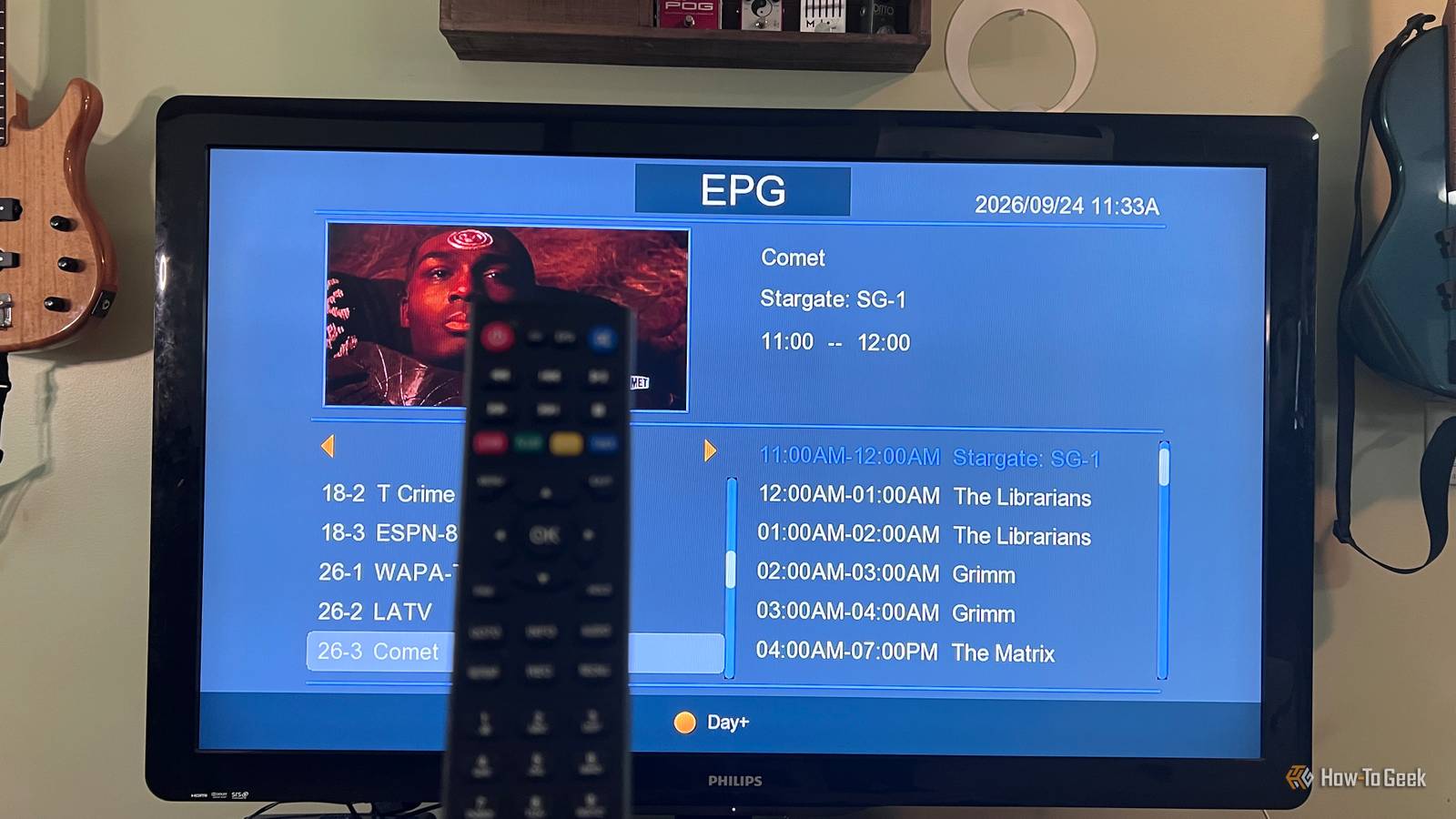
I’ve been using an OTA antenna for TV for a while.I hate monthly subscriptions and this is another way I can make the most out of what’s available for zero cost.I can access all the major networks like ABC, NBC, CBS, and FOX, but if there is a specific show I want to watch, I have to be there when it starts and watch until it’s over.
Network shows, NFL games, and reruns are all there, but what I really miss most is being able to watch them when I want, and more importantly, fast-forward through the commercials.This is when I started looking for an OTA DVR.There are several options, but I wanted something inexpensive and simple.
That’s when I found the Mediasonic HomeWorx HW135STB DVR.It’s a small DVR dongle that mounts behind your TV, and with a hard drive and OTA antenna that you provide, it lets you record OTA channels and play them back later.Adding a DVR was easier than I expected The HomeWorx handled the tuner and channel setup for me Close Setting up the DVR was very similar to connecting an OTA antenna to any TV tuner.
My previous setup had me plugging the OTA antenna directly into the TV’s coaxial input, which meant the TV was required to have a built-in TV tuner.One advantage of the HomeWorx DVR is that it handles everything in the dongle, which means you just need a spare HDMI port on your TV or even your computer monitor.The initial setup was straightforward.
I plugged the DVR dongle into the HDMI port, attached my storage device (which I'll discuss later), connected the OTA antenna via coaxial cable, and then plugged the unit into the wall.Once it powered up, I chose my language, country, and Air as the signal source.Once those were set, I selected Channel Search and pressed OK.
The scan took less than five minutes, and once it was done, I was watching live broadcast TV.There wasn’t a lot of configuring or troubleshooting, which made me quite thankful.The remote has a couple of features I immediately liked One small thing I liked right away was the Info button.
Pushing it once brought up the name of the show being televised along with the details.Pushing it again brought up another screen showing the signal strength of the channel.This screen gives me a quick way to confirm whether the channel is going to have reception problems.
I also really like the Recall button.Pressing that takes you back to the last channel you were watching.This is something I wish Pluto TV and The Roku Channel would replicate.
Recording live TV changes how useful OTA feels Fast-forwarding through commercials makes a big difference Being able to record something and watch it later is a game-changer for me.The antenna already gives me plenty to watch, including network shows, football, local news, and older shows, but live TV still expects you to work around its schedule.With the DVR, I can record The Tonight Show, which is too late for my wife and me to watch live, and watch it in the morning as we start our day.
I also forgot how much I missed being able to fast-forward through commercials.Platforms like Pluto and Tubi have gotten me used to watching things on demand, but a lot of free streaming services still make you sit through the ads.With a recorded OTA show, I can just skip past them.
There are a few compromises The guide is limited, and the box never really sleeps The HomeWorx works fine for a $36 device, but it doesn't feel as refined as a DVR from a cable provider.The interface feels outdated.The next compromise is that you have to provide your own storage.
I'm using a 1TB Western Digital drive that I had available.If you need to buy one, a drive can run $50 or more.That's more than the cost of the DVR itself.
I also tried recording to a thumb drive, and it worked, but unless you have a really large one, it's probably going to fill up pretty quickly.The built-in guide only shows whatever program data the local stations are broadcasting, and in my case that usually means the current day.I miss being able to find a show in the guide, hit Record, and trust the DVR to follow it whenever it airs.
Instead, I have to use TVGuide.com's free listings to see what's coming on, then schedule the recording manually with the HomeWorx timer.While the TV can be turned off, the DVR needs to stay powered on if I want it to record something later.It runs off a 5V phone charger, so it still uses less power than the old cable DVRs I've had.
It would be nice if there were a standby mode.Related 5 free fixes that make every smart TV perform like a premium model I've made 5 free "upgrades" to every smart TV in my home, so stop accepting the default settings your TV manufacturer doesn't want you to change.Posts 20 By Jorge A.
Aguilar The remote needs to be pointed directly at the IR receiver, so where you put that receiver can make a big difference.Finally, the IR receiver has a little red LED display that shows channel numbers when powered on, along with the time, and a red light when the unit is powered off.It is bright in my living room at night, so I covered it up with some black tape and the remote works fine.
My OTA setup finally feels complete This DVR isn't going to replace a polished cable DVR feature for feature, but that isn't what I needed.I wanted to be able to record the broadcast TV I already get, watch it when I have time, and fast-forward through the commercials.It does all of that without adding another monthly bill.
I have to put up with a dated interface and do more planning when I schedule recordings.
Read More