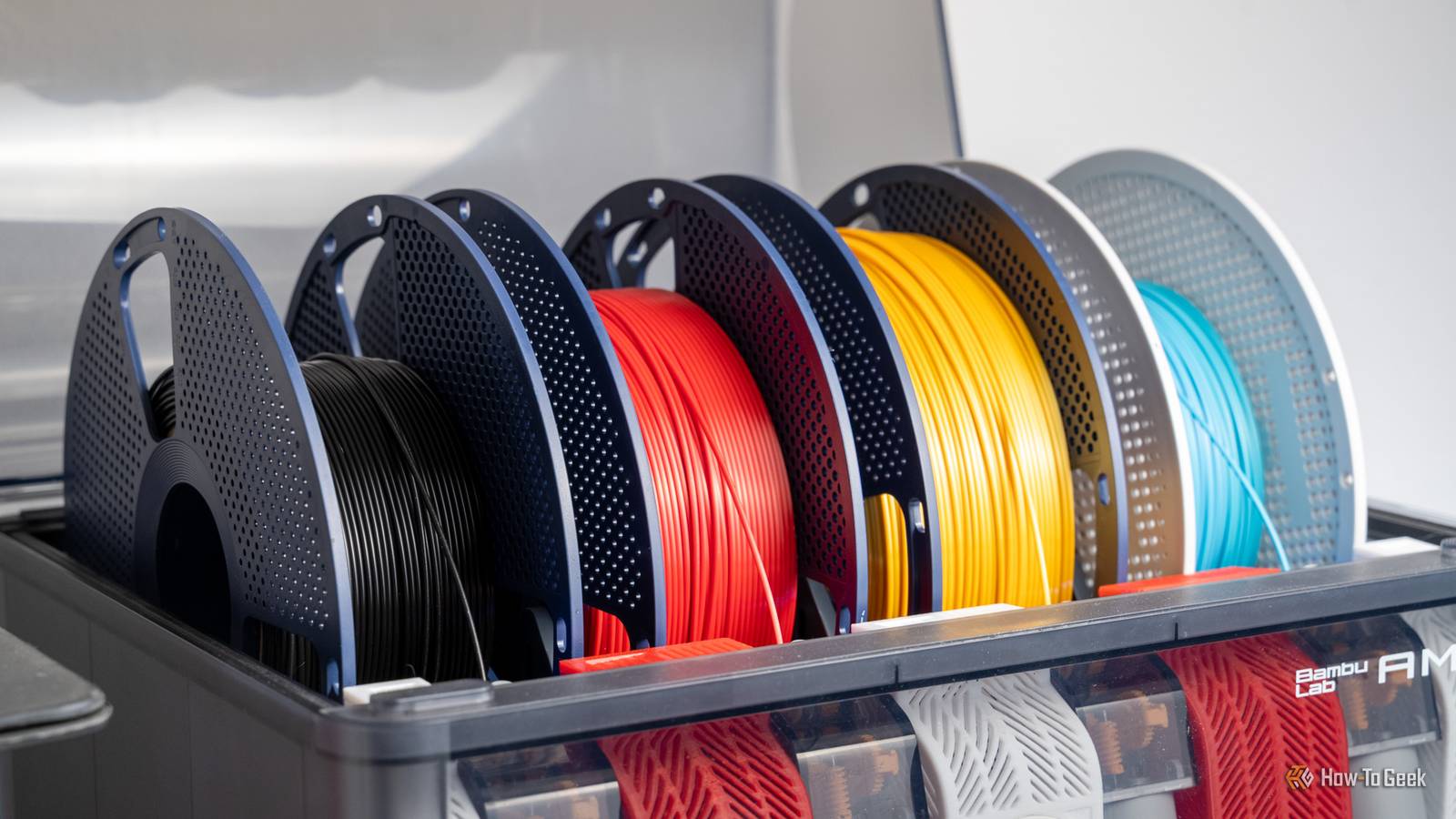
Multicolor and multi-material 3D printers aren't new, but they are quite a recent development if we're talking about the world of affordable, consumer 3D printers.With affordable machines like the Centauri Carbon 2 Combo rolling into town, I suspect quite a few people are going to make the jump to a printer that can take multiple filaments at once.Even the original Centauri Carbon has a cheap upgrade kit that will turn it into a four-filament printer in the span of an afternoon.
But going from a single-filament printer to a machine that can handle between four and sixteen rolls of the stuff for a single print isn't just a change in quantity.There are some real misconceptions about how these printers work, and what it's like to live with them.Multicolor and multi-material printing are the same thing They both have "multi" in the name, at least If you're printing a model with four different colors of PLA, then you're probably not going to have any issues.
If, however, you start mixing PLA, ABS, TPU, or other more exotic filament types, you'll quickly realize that some things were just not meant to mix.When you decide what filaments to use in a design, you really need to do your research, and remember that even within the parameters of a single filament type, there's infinite variation.Which means you'll probably want to make some simple mixed test prints with the actual filament you have, and not waste a 50-hour print only to realize one of your filaments has an additive that makes it shear off another.
ELEGOO Centauri Carbon 2 9 Build Volume 256 × 256 × 256 mm Connectivity Wi-Fi The ELEGOO Centauri Carbon 2 builds on the solid foundation of its predecessor and adds an affordable, effective multicolor system to the mix.Heated Build Plate Yes Top Print Speed ≤500 mm/s Max Plate Temperature 110°C Max Print Temperature 350°C MULTICOLOR PRINTING Yes See at Amazon Expand Collapse If the filament fits, the multicolor system can use it It's not just about caliber, guys I ran afoul of this one personally quite recently.There's a nice semi-transparent multicolor PLA that I've been using with my regular single-filament printer, without problems.
So I thought I'd try it in one of my multicolor systems, and now that machine is out of commission until I can find the time to take the extruder apart and clean out all the shattered little pieces of filament clogging the gears.It turns out this filament is fine being pulled on, and with a small amount of minor retraction, but when the printer tries to do a filament change, which involves a long reversal back onto the roll, it just snaps and shatters.So if you want to use a filament, check if it's been cleared for AMS use, because the brittle or abrasive types might not like what happens when filaments change.
Multicolor printing only uses a little extra filament My sweet summer child Close "Purge waste" or "poops" as everyone likes to call them, are a major point of contention with multicolor printers.Basically, every time you change filaments, you need to cut and purge the filament still inside the hot end.How often this happens all depends on your specific design.
If you plan your color changes carefully, you can have a truly minimal amount of purge waste, but if you just paint the model to your taste with no consideration for how many filament changes you'll need, then you could be looking at hundreds or even thousands of purges.All multicolor printers waste huge amounts of filament But it ain't cheap This myth has only recently become a myth because engineers have been working on the problem of purge waste for years at this point.There are several different solutions, but it seems the most promising one right now is "tool changing" printers.
The whole reason you need to purge is to clear the hot end, but what if you had a dedicated hot end for each filament in your machine? All it has to do is swap hot ends with each filament change.Well, it sounds easy, but these printers are mechanically complex and still cost quite a bit of money.However, you can no longer assume that just because a printer uses multiple filaments, it's going to have purge waste.
The purge tower is just pointless waste It's not even the right name See that little tower behind those multicolor skeleton sharks I was printing? That's what people often call a "purge tower," and you'll see folks on forums sometimes say that you don't really need it.The thing is, it's actually a "priming" tower, and its purpose is to get your nozzle pressure right before continuing the print.It's the same thing a single-filament printer does at the start of the print, but obviously it only has to do it once.
If you turn off the priming tower, you can have under-extrusion and layer adhesion issues.For most people, it's probably best to leave it on.It really doesn't use that much material.
These printers are still a work in progress While basic filament-switching printers are affordable and fairly reliable, 3D printing technology has a lot of room left to grow.There are some crazy technologies emerging at the high end, working to tackle the downsides and introduce new capabilities.That's before we even touch on the world of full-color resin printers, which still cost as much as a (very nice) car, but at some point that too will be a desktop device.
Read More