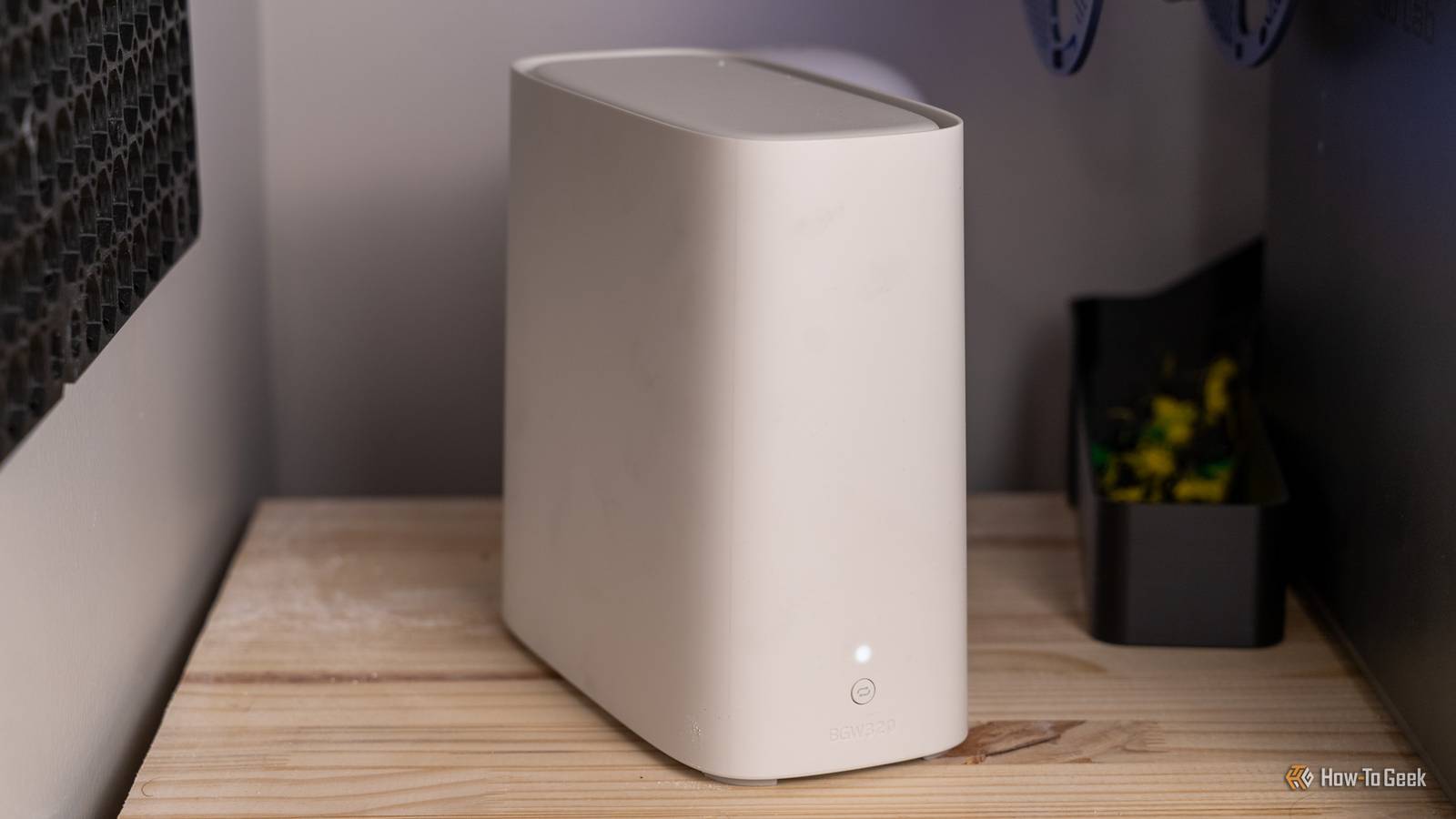
Wi-Fi is super convenient, but when it comes to its ability to travel through walls and cover the entire house, things can get a little sketchy.It's not just about the stability of your connection, but also about the speeds.Many people choose to use Wi-Fi extenders to fix the problem, but the truth is that they don't help much.
I wanted more coverage, so I decided to move the network closer to where I really needed it.I stopped trying to extend Wi-Fi with more Wi-Fi The backhaul was the part I cared about most Close When you think of the idea behind Wi-Fi extenders, it becomes quite clear why they're ...underwhelming, let's say.
An extender, or even a wireless mesh node, still needs some way to both receive the traffic and get it back to the rest of the network.If Wi-Fi is already struggling to cross the distance, asking it to handle even more of that journey is kind of counterintuitive.Sure, it's marginally better than hoping your router will do the job from half the house away, but you're still adding another link that can be affected by interference, weak signal, and shared airtime.
Knowing all this, I'm no fan of Wi-Fi extenders.I am, however, a big fan of Ethernet.So instead, I used Ethernet for the part of the journey where the stability is a non-negotiable (to me, at least).
The connection from my main router to the second access point traveled over cable, and only the final stretch between that access point and my devices stayed wireless.This saved me from having to use precious Wi-Fi airtime just to ferry that same traffic back toward the router yet again.Doing this helped me avoid the inevitable drop in speeds and/or stability.
I got better coverage without building another bottleneck right into my network.I basically wasn't trying to make the original Wi-Fi signal stretch even farther; I extended the wired network first, instead.Related 6 networking upgrades that are a giant waste of money for most homes I’m a tech enthusiast, and I’ll never buy these 6 expensive networking devices again Posts 15 By Monica J.
White I put the access point where I actually needed Wi-Fi Ethernet freed me from the halfway point problem Doing all this also changed where I could put the access point, and that was huge.With an extender, you don't get as much of a choice as it might seem; after all, the thing still needs a steady connection back to the router.You might think that the logical placement is smack-dab in the middle of the dead zone, but that's not always going to get you the best coverage.
It's hard to find that perfect middle, where the extender isn't too far from the router, but is still close enough to cover everything you need.Ethernet removed that entire problem for me.As long as I could get the cable there, I could put the access point much closer to the devices that needed it, essentially removing the entire dead zone.
It sounds like a simple fix, and it is, but it made such a difference.I effectively created a new Wi-Fi cell right where the signal was weakest.The access point didn't need to hear the main router at all because the cable was there for just that.
I made the two access points cooperate instead of competing Same network name doesn't mean same channel Optimizing where my access point was (plus the whole Ethernet thing) largely solved the coverage problem, but there was another problem for me to look at: I still had two Wi-Fi radios operating in the same home.A recipe for disaster if ever I saw one.Keeping things too aligned might end up with the two fighting over airspace.
I kept the same network name and credentials, security settings, and so on.But I went out of my way to make sure that they weren't using the same Wi-Fi channels.This is especially crucial on 2.4GHz, where there isn't much non-overlapping spectrum to begin with, but it's worth thinking about 5GHz and 6GHz, too.
You don't have to make two access points entirely the same, you just want them to work well together.I tested the connection locally first Full bars weren't good enough for me Once I've got everything set up as I wanted, the time came to test whether it was actually successful.(Spoiler alert: it was.) Full Wi-Fi bars only give you so much useful data, and they can be misleading.
A better way to test your connection is to do it locally first, so not through an online speed test.To do that, I used a local throughput test between a wired device and a Wi-Fi client.That takes the ISP out of the equation entirely and lets you check whether your wired backhaul is working as intended.
I was happy with the results.If you're doing the same thing, check for whether the local speeds look good near the new AP; if they don't, that means it's time to start looking elsewhere.The cable was the annoying part, but it was worth doing once Look, I get that having excess cables in the house is hardly ideal.
I love wired internet, but I don't love having to figure out ways to make these cables blend in.Depending on your home, you may have to route cables along baseboards or send them through walls, which, I realize, can't always be done.But if it can, it's so worth it.
Plus, you only have to do this once.Fix it once and enjoy it for years to come? That sounds pretty good.Related I stopped rebooting my router to fix Wi-Fi, and these 7 tricks worked instead Rebooting your router won't fix your Wi-Fi: 7 tricks that actually work Posts 2 By Monica J.
White
Read More