Planning a trip and making sure you hit every destination or restaurant can be stressful, which is why a lot of people use travel planners or itinerary apps.But did you know you can build a trip itinerary on Google Maps? Not only that, but all the most memorable stops on my last vacation came from two Google Maps habits.During a recent summer trip to Alaska, I found all the best attractions and restaurants ahead of time, or places I'd been before, pinned them to my favorites, then added notes explaining why to stop and which day I planned to go.
Here's what you need to know.Find the best attractions or places to eat with ease Google Maps is simpler than most travel apps Close Google Maps has all the power of Google search inside, which is why it's one of the best apps you can use while you're on vacation.It knows everything about most locations and has tons of reviews, photos, and detailed information, all of which make deciding where to go or what to eat easier than ever.
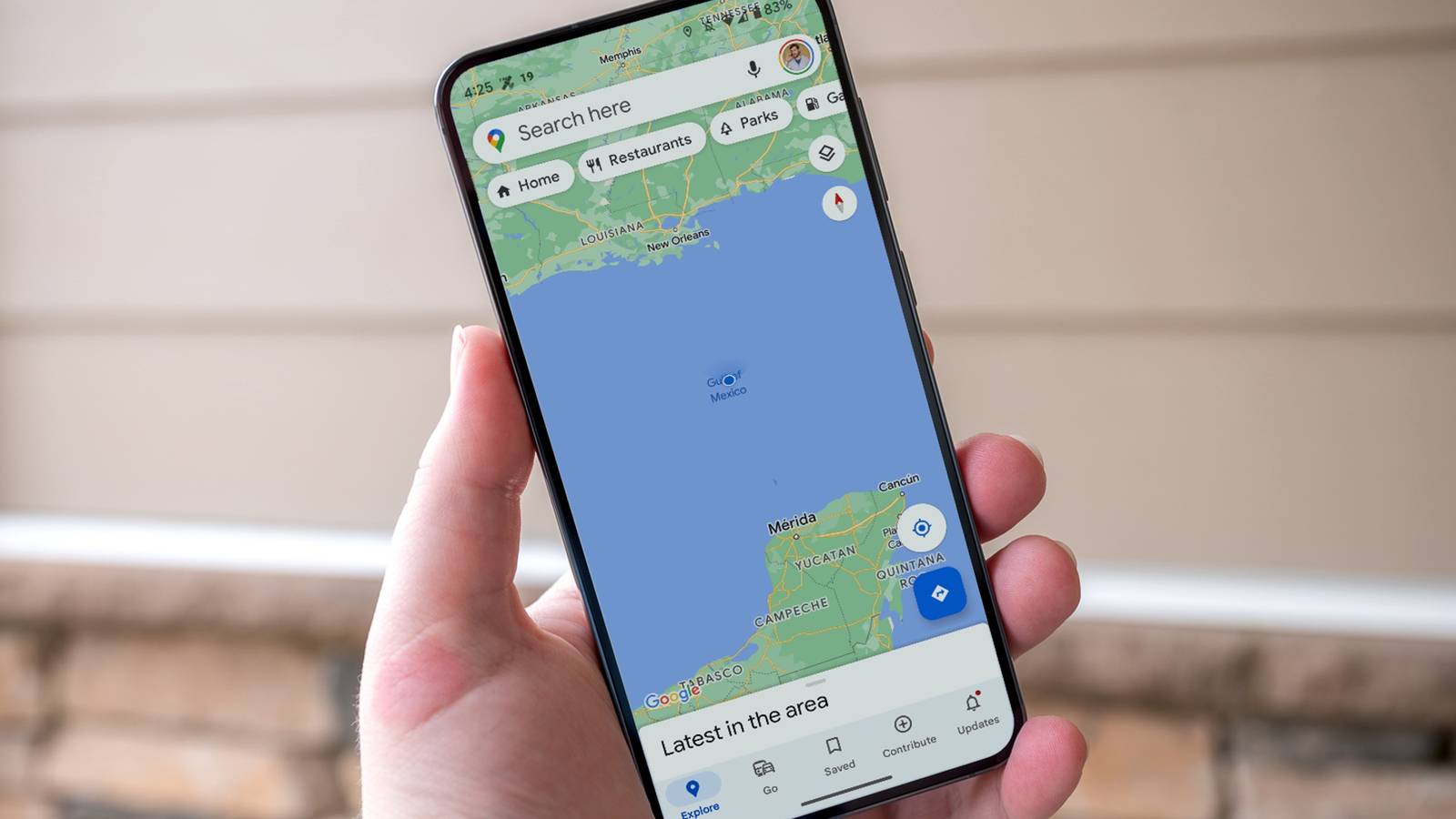
While I'm probably not alone in this, one of the first things I do on vacation is fire up Google Maps and tap on the attractions button near the top of the screen.There are usually small buttons at the top, below the search bar, that say "ask maps, restaurants, parks, etc.," and if you scroll to the left, you'll see "attractions." My tiny habit of constantly tapping the attractions or restaurants buttons inside Google Maps has made every vacation better.I use it to find great food, roadside lookouts, parks, popular tourist attractions, and other beautiful places to explore.
Close For example, last year I used it to find a short hiking trail a few minutes from my Airbnb cabin in Alaska that would take me on a beautiful hike to a natural glacier.What an experience! I would never have known, and the locals didn't mention it, either.I've used this same feature to find the best place to eat, a place to stop on the highway for stunning views, and all sorts of other things.
If you're constantly just typing in a location in Maps, you're missing out.Use this feature to find wonderful things and places all around you.Now, the glacier hike and my favorite seafood spot are both saved in my favorites in Google Maps, with a note reminding me to stop in next time.
And that's my next tip or habit, and it's a big one.Add pins and notes to destinations Google Maps can do more than you think Close Whenever I find a great restaurant, a neat hike, or a cool place on Google Maps, whether during a vacation or beforehand while planning, I make sure to save it to my favorites or starred places and add a note with a few more details.Yes, you can add notes to pins and saved places.
During a vacation, you can go to the "You" tab in Google Maps and see the list, complete with titles, images, hours, reviews, along with your specific notes or days you plan on going.Then, once you're on the trip, you can go in and scroll through all your saved spots and notes.It's pretty helpful, so here's how to add pins with notes in Google Maps: Open Google Maps and find a place you want to go, then long-press the destination to drop a pin, tap the bookmark-shaped save button, and save it to one of your lists.
Now, tap back to return to the main Google Maps screen, then tap the "You" button at the bottom center of the screen.Scroll down, open the list where you saved it, and you'll see each destination with a space below it labeled "Add a note about this place?" and an edit pencil.Related I built a trip itinerary in Google Maps, and it held up better than any travel app I've tried I don't want an extra app if it isn't necessary.
Posts By Nick Lewis Once you add notes to places you've saved, they'll instantly populate at the top of the "You" tab, complete with all the information you regularly see on Google Maps, along with all your notes.It seems small, but this is a great way to track all your favorite locations in one place, and with unique notes, you'll know why you saved it, or even which day you plan to go.More importantly, you can save any place and its notes to a starred folder or your favorites, then share those lists with friends or family members to see and collaborate.
That way, everyone has a better idea of what's around, where to go, or potential stops.These two little habits essentially turn Google Maps into the ultimate travel companion.Make memories with Google Maps In closing, there are dozens of ways to use Google Maps and tons of features you probably don't know about.
The new Ask Maps feature is super cool, and you can use it for a lot more than just navigation.For me, I have a habit of constantly tapping the attractions button, saving them to lists, and keeping notes about those places and attractions.Then, when I'm traveling, everything is better, easier and faster to find, and stress-free.
Read More