Understandably, many people have concerns about the information that their smart home is sharing.If you use Alexa or Google Home, you might not want your location data or voice commands ending up on cloud servers.Home Assistant lets you store your data locally on your own hardware, and I use it to spy on myself on a daily basis.
Bluetooth reveals which room I'm in It also helps me find my lost phone or watch Home Assistant can use geolocation to determine when you're at home and when you're away.If your phone is detected outside your home zone, then your smart home considers you to be away from home.What geolocation can't do is determine which room you're in.
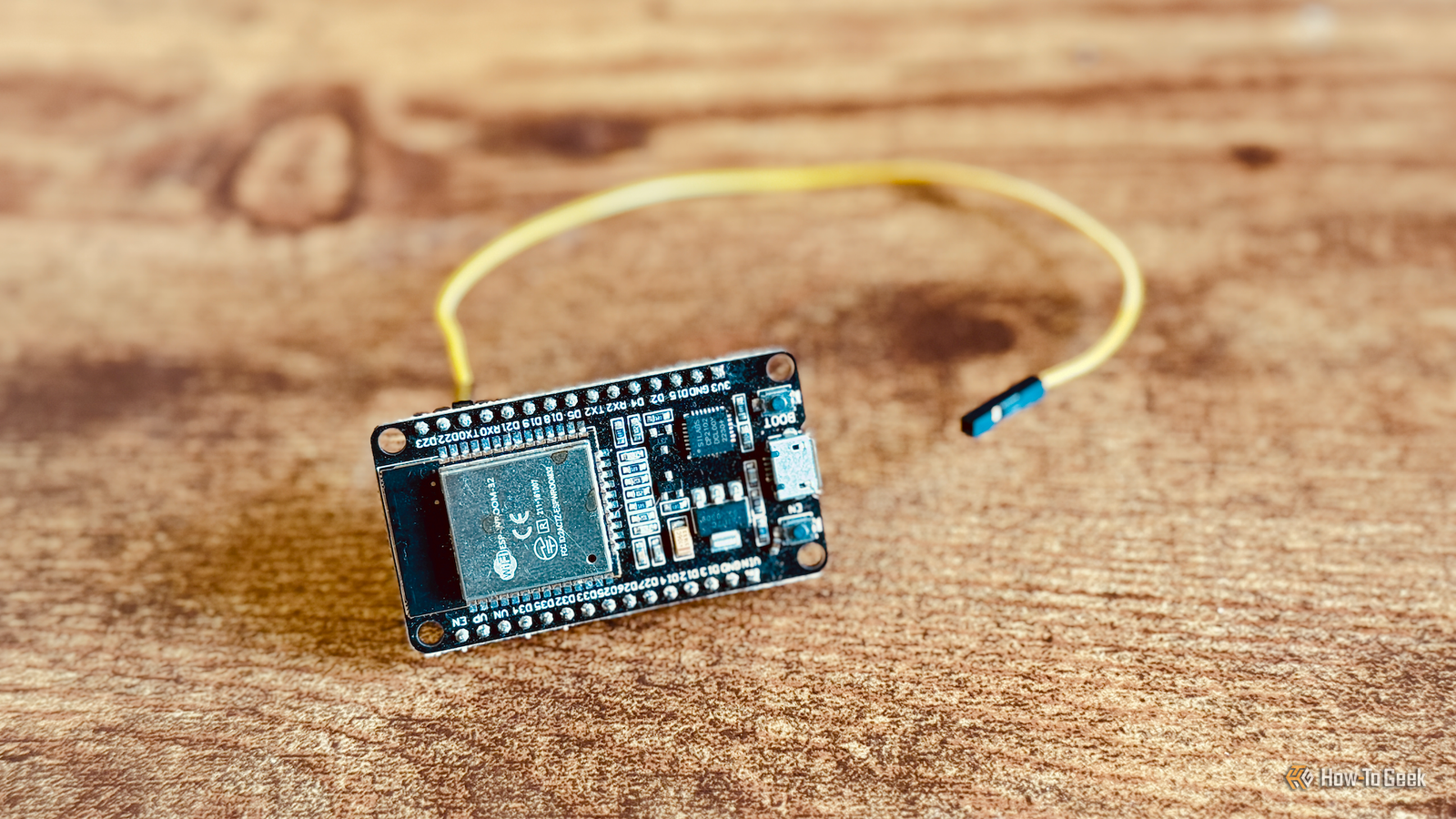
That's where Bluetooth presence detection can help.I have multiple ESP32 Bluetooth proxies set up around my home, which measure the strength of signals from my phone and Apple Watch.Using this data, the Bermuda integration can estimate the rooms my devices are in, which is usually a strong indication of which room I'm in.
It makes it possible to run room-based automations, such as having the current music follow me around the house from speaker to speaker.It's also really useful if I leave my phone somewhere and can't remember where; I can just ask Assist where my phone is, and it will tell me the current room.Related The best smart home sensors are the ones you'll never see Your smart home doesn't need to look like one.
Posts 1 By Tim Brookes My presence sensor knows how long I've been sitting down Even sitting still doesn't fool it Bermuda can determine which room I'm in, but it can't tell precisely where in the room I am.My mmWave presence sensors can.I have an Everything Presence Lite sensor in my home office.
It has a zone covering the entire room that's used to turn my lights and other devices off when I'm not in the room.I also have a second zone set up that only covers my office chair.When presence is detected in this zone, my smart home knows that I'm sitting down.
If I sit for too long, my smart speaker starts to nag me to get up at shorter and shorter intervals.Getting up and moving around for a couple of minutes resets the timers.It's a great way to ensure that I don't spend the entire day sitting at my desk.
An open-source alternative to Google Maps Timeline tracks my every move My smart home knows where I've been, but Google doesn't Close Google Maps Timeline can track your location over time and let you view historical data of the places you've been, the routes you've taken, and more.The problem is that Google isn't the most trustworthy company, even if the data is now stored locally rather than in the cloud.I set up my own Google Maps Timeline alternative with the open-source software Dawarich.
It can track my location using my phone, and all of the historical data is saved on my home server.I can look back whenever I want to see where I've been, which routes I've taken, and even which countries I've visited.My smart home knows when I'm in bed NFC tags start my bedtime routine At the end of the day, there are usually a lot of repetitive tasks to complete, such as locking doors, turning off lights, powering off devices, and changing the heating settings.
A bedtime routine can handle these tasks for you.The problem is that I don't always go to bed at the same time, and sometimes one of us will stay up a little later than the other, so running the bedtime routine on a schedule doesn't work.There are plenty of ways that your smart home can tell when you've gone to bed, from complex bed sensors to simple solutions such as detecting when your phone has been put on charge after a set time.
I use NFC tags stuck to the nightstands in my bedroom.Each of us scans the tag on our side when we get into bed, and when the first person does so, it turns off the main bedroom light but leaves the other person's bedside lamp on.It's only when the second tag is scanned that my smart home knows that we're both in bed, and the bedtime routine can run.
Home Assistant knows when I'm in the shower No more unexpected cold showers Having your smart home spy on you may sound odd, but it can definitely be worth it.Our shower uses the same hot water as the rest of the house, so if someone turns on a hot tap while I'm in the shower, the water turns freezing cold.By putting a humidity sensor in the bathroom, my smart home can detect when the humidity level suddenly rises a lot, indicating that someone is in the shower.
An automation then sends a notification to the other person's phone, asking them not to use the hot tap temporarily.It's a simple but effective solution.It's been a long time since I've been forced to dance around in the shower under a stream of ice-cold water.
Sometimes spying can be useful Having a third-party smart home system spy on you is not something anyone wants.With Home Assistant, you can provide your smart home with information that you wouldn't necessarily want to share with the outside world, because that data never needs to leave your home.That's the beauty of a local smart home: your data remains your own.
Read More