Stop thinking that you have to spend hundreds or thousands of dollars to get started with self-hosting.If I were starting from scratch today, this is the homelab starter kit I would build for just $50.I wouldn't start with a rack server again My Lenovo RD440 still works, but it was the expensive way in My first personal homelab machine that I bought was a used rack-mount server—the Lenovo RD440 70AF to be exact.
This monster of a machine was definitely more than I needed, but it served me well for over half a decade.I only very recently sold it because I've replaced it with a normal Ugreen NAS at this point.However, it was still functioning fantastically up until then.
You see, I started out with a big system like that because I wanted storage over anything else.I needed the 12 drive bays to build out a large storage server, so that was what took precedence when I was shopping for a system.Having started with a rack-mount server, I actually learned a lot about self-hosting and server-grade hardware.
However, if I was doing it again, I wouldn't start with a rack-mount system.Rack-mount systems are big, bulky, loud, and power-hungry.Instead, I would definitely start with something a lot smaller and easier to manage.
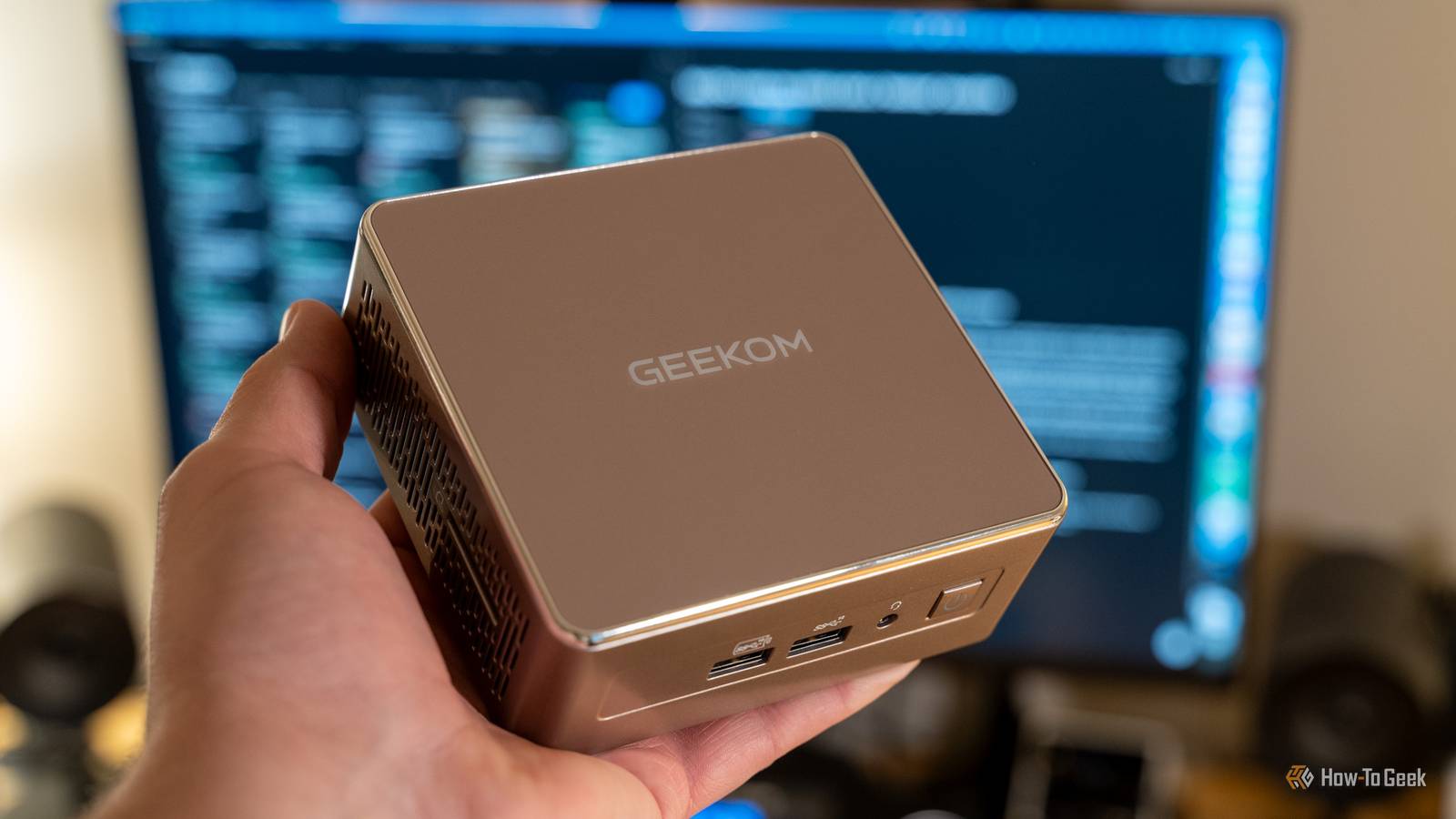
A used business mini PC is the best $50 you can spend Even a Raspberry Pi costs more than this now Close If you look hard enough, you can find a used mini PC for around $50.Sometimes it's just a thin client that you can pick up for that price, other times you can get full small office desktops for that price.It really just depends on where you live and what you're looking for.
For instance, I don't see a ton of cheap mini PCs close to where I live near Nashville, Tennessee.However, in other parts of the country, you can find even newer mini PCs for $50 to $75 when a business is closing down.Regardless, a cheap mini PC is definitely the way to go for starting your homelab journey.
Even 10-year-old mini PCs have enough power to handle most homelab tasks, including transcoding Plex or Jellyfin streams if it's an Intel box.Why a cheap mini PC or thin client? Well, they're cheaper than Raspberry Pis are now.Sure, there are some Pis that are still in the $35 range, but they're well over a decade old, and they weren't powerhouses back then, either.
You'll be hard pressed to find a deal on a Pi where you get better performance-per-dollar than a mini PC gives you.Pis will draw less power, sure, but they're also (typically) far weaker and not as upgradable.Related I turned a $50 Facebook Marketplace mini PC into the ultimate home server The next tech toy is only a listing away.
Posts 3 By Ismar Hrnjicevic The homelab starter kit that I'm talking about here is simply the mini PC.You don't anything more than that to get started.Would more storage be nice? Sure.
Would having tons of power and multiple servers help? Definitely.But, you don't need that to get started.A single mini PC with a small SSD is all you need.
One of my colleagues here at got started homelabbing by using his old laptop and buying a small 120GB SSD and Ethernet adapter for it.You might already own your first server That old laptop in a drawer is free Here's another thing—like my colleague Ismar, you might actually already own your first homelab and not even realize it.If you already have an old laptop or desktop at the house, there's no need to buy anything then.
You can just start with what's already yours.If that is the case, then I'd recommend spending your $50 budget on some networking gear.For example, Ugreen's 2.5Gb/s Ethernet switch is a must-have, in my opinion.
I swear by 2.5Gb/s networking in my homelab, and think everyone should upgrade.Why? Well, if you add 2.5Gb/s Ethernet to your laptop or desktop (or it might already have it), then you can communicate with your homelab and storage 2.5 times faster than normal Ethernet.It's also under $35 for the switch, leaving some headroom for picking up other gear you might need in the homelab.
Start with a few apps you'll actually use Docker and a handful of containers are plenty for your first weekend Once you have the hardware sorted, don't go crazy and launch dozens of apps at one time.Actually sit down and think through what apps could really benefit your homelab.Then, start by deploying Docker in your homelab as that is one of the easiest platforms to run a homelab with.
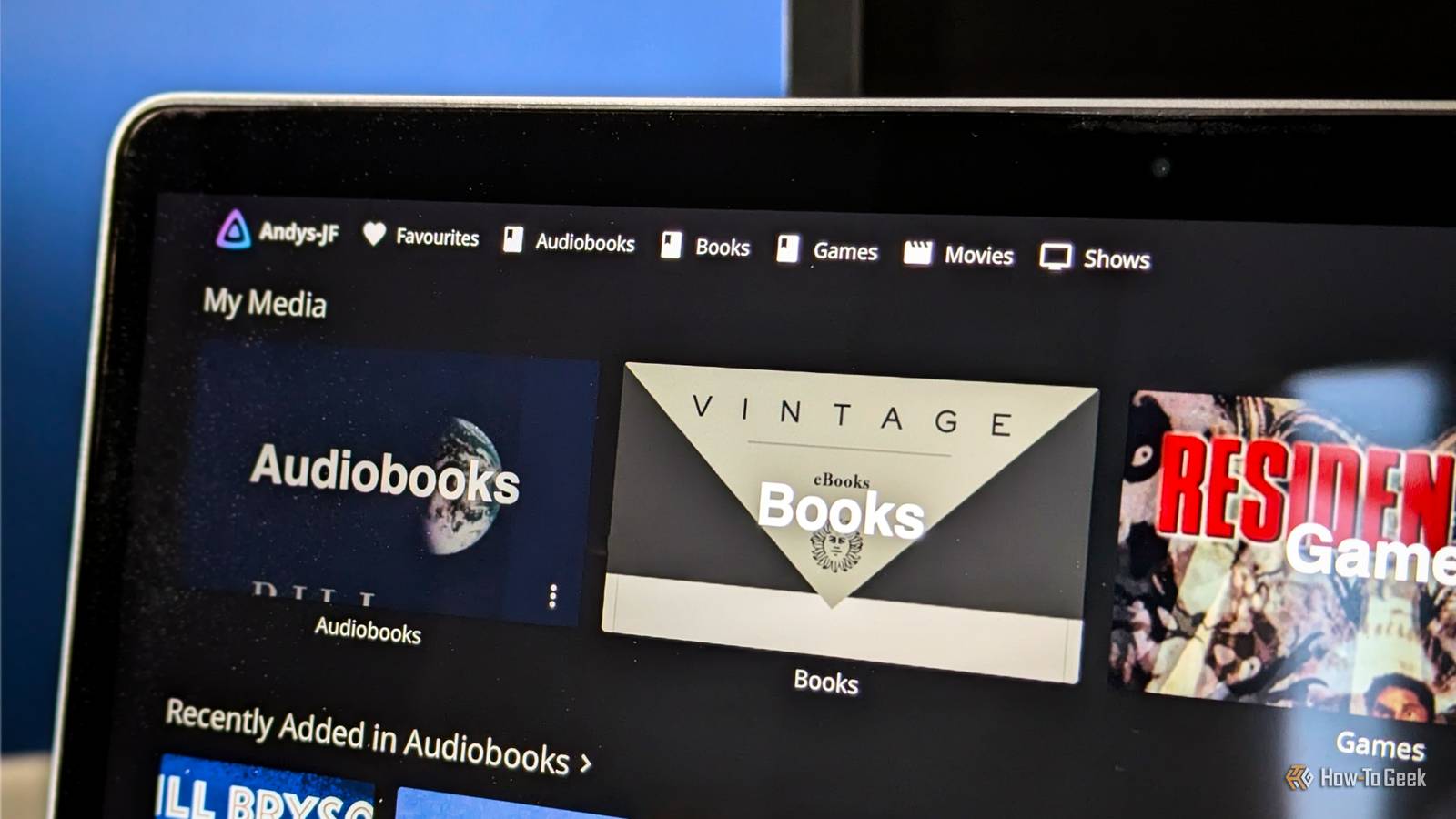
Are you wanting to replace Google Photos or iCloud Photos? Check out Immich.Ready to ditch Audible? Audiobookshelf is your ticket.Want to build your own Netflix? Jellyfin or Plex is the best place to start.
There are Docker containers for almost anything you could want to do.I use Docker to run Minecraft servers, WordPress websites, document managers, and a whole lot more.$50 gets you started, not finished Just be prepared for the $50 buy-in for your homelab to be the beginning, not the end.
Homelabbing is a never-ending hobby that you're going to constantly want to get something new for.Just recently, I added an AMD Strix Halo NAS to my setup and I'm stoked to dive into using local AI more for things.And that's just the latest addition, because I've recently moved from my 12-bay NAS I was talking about to a 6-bay NAS (where I'm only using three of the bays).
A homelab is a never-ending hobby that I love.
Read More