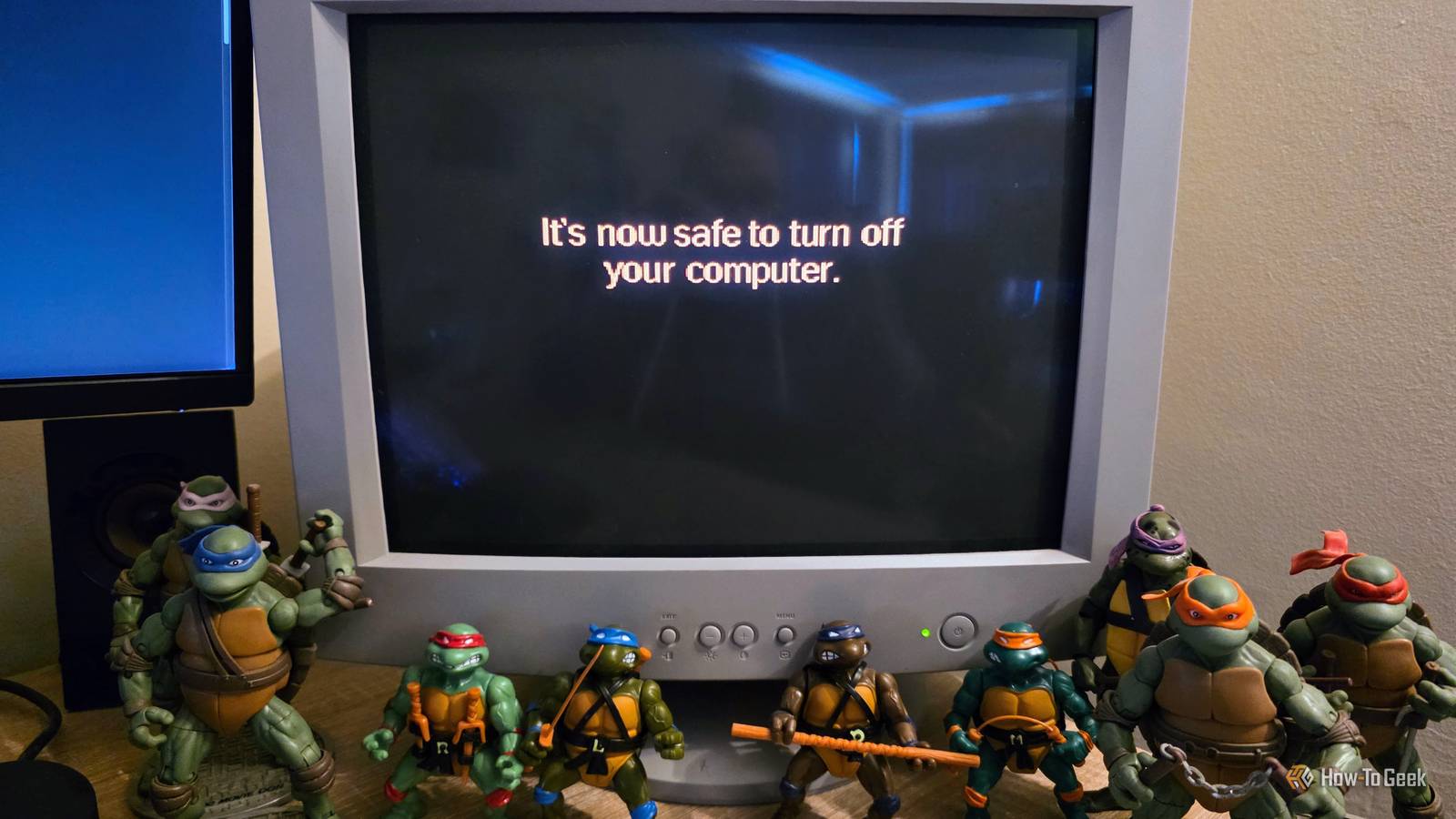
When I was growing up in the '90s, one of the first things I learned about our home computer was that I had to run the "park" command before turning the computer off.If you didn't, you might find your hard drive was corrupted the next time you turned it on.It made sense to turn the computer off too, because as it waited patiently with a blinking cursor at the command prompt, it really wasn't doing anything useful at all.
Besides, your CRT was going to burn in, if you just left it that way.But what about today? Should you still shut your PC down every night? Should you shut it down ever? Shutting down every night isn't necessary for a modern PC The point is lost in the past Close The easy, upfront answer is that you don't need to shut down your computer every night.A modern computer isn't just a single-task, isolated machine in your house.
It's a connected device that still has stuff to do when you're not using it.In fact, it's better if your computer performs updates and maintenance while you're asleep, because otherwise it will have to do those things while you actually need it for something.But what about power usage? I'm not going to say something ridiculous, like your computer uses no power overnight, but modern computers are designed around precise power management and different power states.
CPUs generally run only as fast as they need to, and that rule applies to most components in a modern PC.So your PC's power consumption numbers can range from single-digit wattages for mini PCs at idle to over a kilowatt for a high-end gaming PC under full load.You also have the option of putting your computer to "sleep" overnight.
This will prevent your applications from updating, but Windows can still set a wake timer for scheduled maintenance and then put the computer back to sleep again.Really, though, you can just leave your computer running overnight unless the few cents of power it uses while idling is unacceptable to you.Powering your PC on and off does cause wear — but nowhere near enough to worry about Don't sweat it There was a time when you'd hear the advice to leave your computer running, because of the stress and strain of a cold power-on cycle.
Some of this was mainly attributed to mechanical hard drives, which are under more mechanical strain when starting the platters up from zero to thousands of operations.Indeed, hard drive makers do offer a start/stop cycle rating for their drives.But these numbers are in the tens of thousands, so you probably won't reach them during a drive's normal lifespan.
Besides, modern hard drives stop their own platters while powered on to save power and reduce wear on the central drive motor and spindle.So whether you turn your computer off or on, the drive motors are going to turn themselves off unless they're configured to keep spinning.That's assuming you still use mechanical drives! We're using SSDs now, and SSD write endurance is a much more important consideration than power cycles.
Related Your unpowered SSD is a ticking time bomb Long-term cold storage on an SSD could be a risky business.There are better options.Posts By Monica J.
White The other reason this advice used to be given had to do with thermal fluctuations.The idea was that heating and cooling PC components caused mechanical stress due to thermal expansion and contraction.I even remember reading articles about "chip creep," where chips pop out of their sockets because of this, and a troubleshooting tip was to ensure everything was properly seated on your motherboard.
Today the only chip on your motherboard that's socketed (on desktops) is the CPU, and the clamping force of your cooler isn't letting it go for a stroll.Still, thermal cycling does cause physical stress, but as far as I'm aware, modern computer components don't have any sort of manufacturer directive about this, and there are no widespread reports of heat-cracked motherboards.Instead, you should probably be more concerned with your fancy high-end GPU catching fire.
A shutdown doesn't necessarily give Windows the clean slate you think it does Restarting is not the same thing as shutting down We all know the "have you tried turning it back off and on again" meme from , but while restarting your Windows PC can give you a clean slate that often sorts out driver issues and other startup needs, a cold power-on might not.This is because you probably have "fast startup" turned on, and this actually hibernates the kernel from your last session.So any accumulated issues that were there when you turned the PC off will still be there when you turn it on.
Related These 3 Windows settings made my old PC feel new again These 3 Windows changes made my aging PC feel faster, cleaner, and far less frustrating to use every day.Posts 3 By Rich Hein Shut down when it makes sense — not because the calendar says it's bedtime If you're going to put your laptop away in storage, or you won't use your computer for a few days or longer, shutting it down makes perfect sense.In most other cases, you're better off just using sleep mode, hibernating, or leaving it on and letting it manage its power and maintenance automatically.
Read More