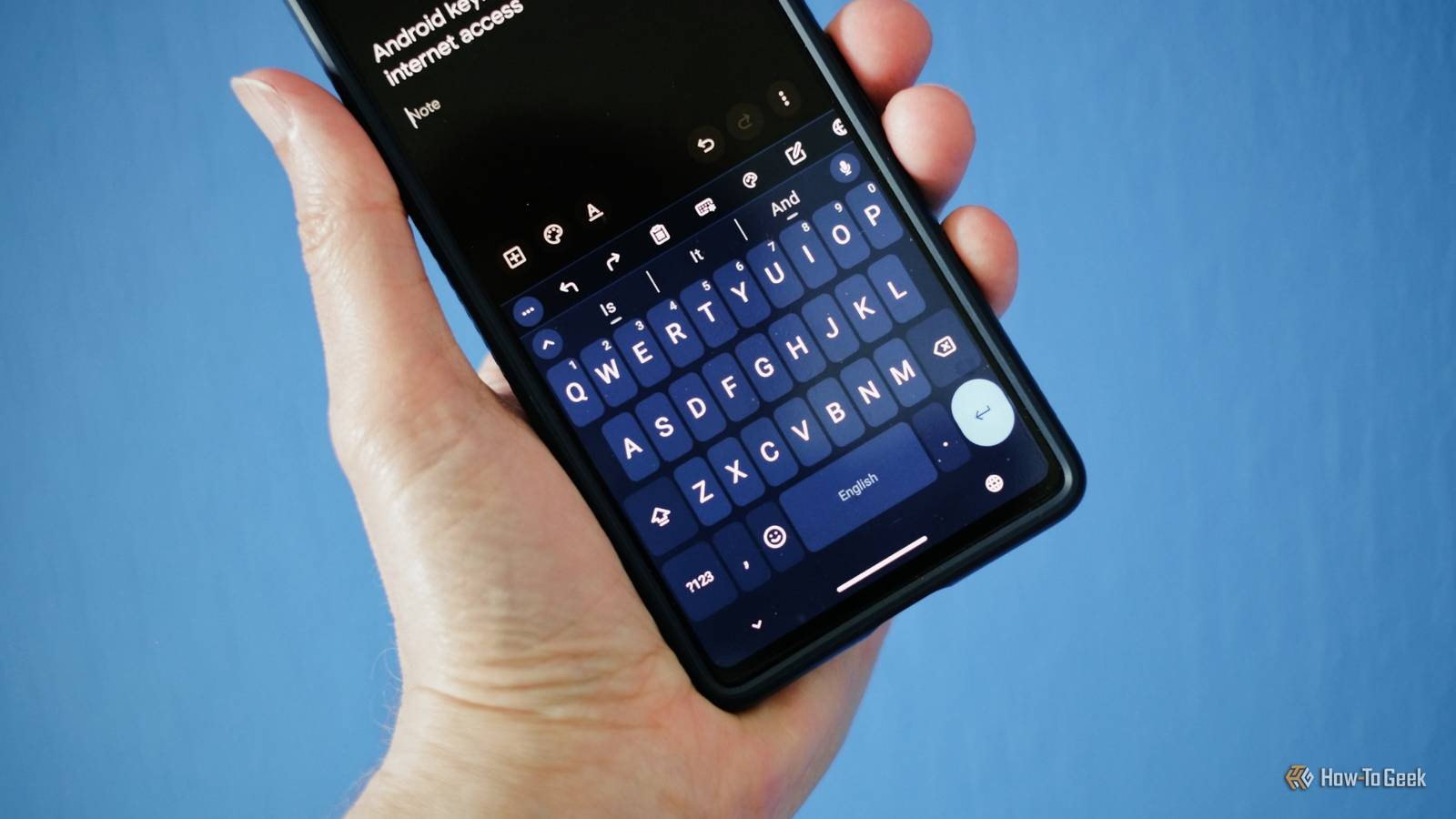
Gboard has been my go-to Android keyboard for years, but lately, I’ve found myself wondering whether I’m really getting the best typing experience.Customization feels limited, privacy can be a concern, and some features I’d like to have simply aren’t there.None of these issues is a deal-breaker on its own, but together they made me curious about what else was available.
So, I decided to try four of the most popular Gboard alternatives I could find, ranging from familiar options to more unconventional choices.I was particularly interested in keyboards that offered more customization, better privacy, or simply a different approach to typing.After spending time with each one, I found that the keyboard I ended up keeping wasn’t the one I expected.
FUTO Keyboard Tons of customization options If you're looking for something as similar as possible to Gboard, then FUTO is the way to go.It offers a lot of the same functionality as Gboard, but comes with quite a lot more customization.One of the main reasons to opt for FUTO over Gboard, though, is the fact that it is completely offline, meaning that it isn't collecting your information.
It even has a Whisper-based voice typing model that is handled locally.One of the things I liked most about FUTO was its increased customization.You can change just about everything about the keyboard in its settings.
You can easily give your keyboard unique themes, change the size of keys, enable swipe typing, and download additional models for text prediction.It also has a much larger clipboard, which can definitely be useful.Samsung Keyboard The most obvious choice if you have a Galaxy device My Android device is a Samsung Galaxy S24 FE.
If you also use a Galaxy device, then you don't really need to search that hard for a Gboard alternative, as one comes preinstalled on your Samsung.While it isn't as often talked about as some of the other options on this list, because it is exclusive to Galaxy devices, it is every bit as good.I used it for a long time before switching to Gboard, and there were quite a few things that it did better.
In my opinion, Samsung offers better customization than Gboard, with there being quite a lot that you can change from your devices' settings.You get even more customization options if you install the brand's Good Lock app and get Keys Cafe.The strongest reason for sticking with Samsung Keyboard, though, is its integration with your Galaxy device, with it offering built-in Galaxy AI tools as well as it supporting unique inputs, such as handwriting with a stylus.
Another really useful feature is its integration with Samsung Pass.It allows you to access things like addresses, notes, and log-in credentials easily.Microsoft SwiftKey The popular choice If you're looking for a Gboard alternative, the most common recommendation you'll likely get is Microsoft SwiftKey.
It does everything that Gboard can do, with a little extra functionality in a couple of key areas.Like all of the other keyboards on this list, one of its core advantages is its customization.For instance, it offers a lot of different layouts, and it allows you to freely adjust the width and height of your keyboard.
Another reason why SwiftKey is so popular is that it comes with CoPilot built-in.It acts as an assistant, checking things like tone and grammar and offering suggestions if you want to rewrite your message.Microsoft's keyboard also supports running multiple languages at once, which is something that few other options can do.
The thing that appealed to me most, though, is the fact that your clipboard can sync directly with Windows.As someone who constantly works across both my phone and PC, it is super useful to have the same clipboard accessible on both devices.Typewise Custom Keyboard A unique layout meant to reduce typos Close The big selling point of Typewise is its unique layout.
Instead of the traditional keyboard setup that most others use, Typewise is set up with each character in a hexagon.The idea is that this means each letter has more space on the keyboard, so you'll make fewer mistakes while typing.It also features some other interesting features.
Some hexagons contain multiple characters.Tapping it inputs one icon, and you can tap and swipe to access the other icons or accents.You can also delete entire sentences by holding your finger down on the keyboard and swiping to the left.
Holding down and swiping to the right restores the sentence.You can also swipe up to capitalize letters.It includes some typing games that help you get used to its hexagonal layout as well.
Another appealing aspect of Typewise is that it is 100 percent offline.This means that it doesn't collect or sell any of your data, something that can't be said about Gboard.All text predictions and corrections run locally on your device.
Typewise is the most interesting choice to me The average person looking for a Gboard alternative will likely be happiest with SwiftKey.It offers a lot of the same functionality with some extra customization and cross-device compatibility.However, as someone with fat fingers who constantly hit the wrong keys, Typewise's hexagonal layout actually helped reduce typos by quite a lot in my experience.
The fact that you can download custom text prediction models is really cool as well, and I like that it functions completely offline.It may have been the keyboard I was most dubious about, but it is the one that I've ended up sticking with.
Read More