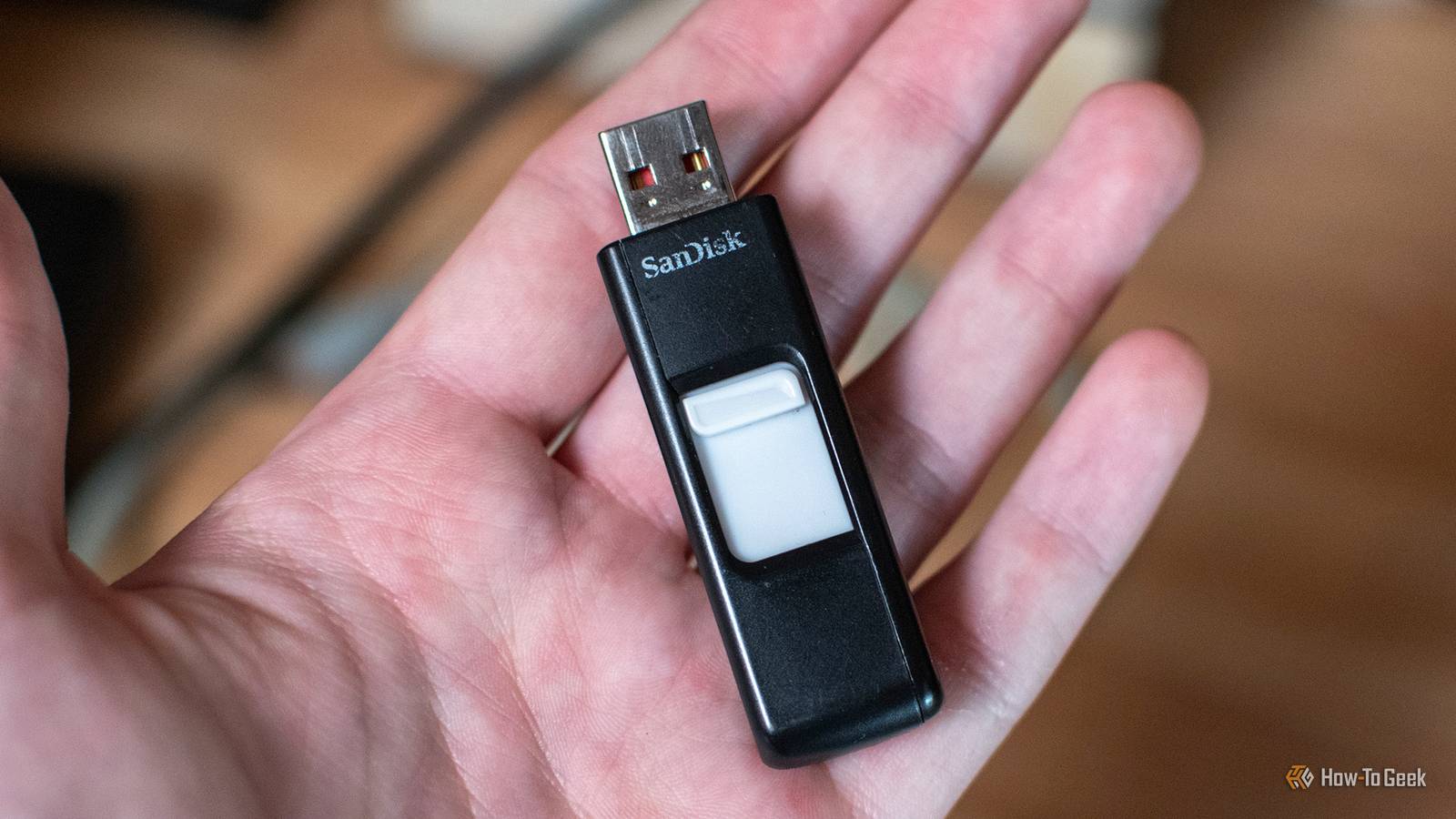
When I got my first flash drive, it changed my world.I was never concerned about how fast it was, even for a minute.I'd gone from a 1.44MB floppy disk to a 64MB (yes, ) flash drive that cost a whole month's allowance.
This was also when I started using portable apps, but even then, that old drive was more than fast enough to run apps from.Today, where a typical flash drive has dozens or even hundreds of gigabytes of storage space, speed does matter.Especially since the latest USB ports are capable of moving hundreds of megabytes per second.
But the more you use your thumb drives, the slower they get, sometimes to the point where it affects usability, so what's going on here? Your flash drive can't simply overwrite old data If only it were so simple Close On a floppy disk or a mechanical hard drive, you can simply write data over old data, but when it comes to flash memory, it's not that simple.Instead, data is stored in blocks, and even if you only want to change the data in one small part of that block, you have to erase the whole thing and then rewrite all the data.That means the data you don't want to change has to be buffered somewhere.
This is why a new flash drive feels so snappy.It has access to plenty of clean blocks, which it prioritizes until it's forced to erase and rewrite blocks instead of writing to empty ones.So, logically, your drive will slow down when it has to cache, erase, and then rewrite blocks, rather than simply writing to a clean block.
To be clear, this makes the drive slower when it comes to data.It has no effect on reading data.So if you're mostly using your flash drive to read files, like videos or music, then this is a non-issue.
However, if you're running portable apps or making incremental backups, it can be an issue.The smaller the flash drive, the sooner you'll hit the wall.Cheap USB sticks have a disadvantage your SSD doesn't It's a difference in quality, not quantity What's the difference between a USB flash drive and an SSD? These days you even get USB SSDs, so why not just call them flash drives? After all, they use the same basic NAND memory chip technology.
There are quite a few differences, but the key one is the drive controller.This chip manages the drive's hardware-level operations.Your operating system can send commands and requests to the drive, but it's the controller that actually executes those commands and does basic maintenance.
SSDs, in general, have sophisticated controllers that can perform thorough preemptive maintenance to maintain drive performance and health.A cheap flash drive won't have a controller chip that costs more than the drive itself.The quality of garbage collection isn't great on flash drives A dirty job, done poorly Both flash drive and SSD controllers perform "garbage collection," where the drive uses idle time to erase data blocks and consolidate data so that there are plenty of fresh, empty blocks to write to.
A modern SSD has a sophisticated drive controller that can do this faster, more intelligently, and with a high level of precision, knowing what data to group together.More importantly, your operating system can actually send a command to your SSD like the TRIM command pictured above.Telling it that certain blocks are safe to erase, so it doesn't have to wait until there's idle time to clean up the drive.
That's not possible on common simple flash drives, and so you have to rely on the drive being plugged in, powered on, and for its internal controller to decide if things are now quiet enough to get its house in order.The fix nobody wants to hear is to empty the drive It's a chore, but worth it for the speed You might think one solution is to leave your flash drives plugged in overnight, so maintenance algorithms can run.That's not a bad idea if you have the time, but a faster solution would be to periodically back up the contents of your flash drive, and then format the drive (usually with exFAT) before copying everything back again.
I recommend a "quick" format, because a full format puts extra wear on flash drives, and isn't the same as proper garbage collection anyway.If you move all the files back in one copy operation, it gives the drive controller the chance to reduce fragmentation and create more free blocks, with any unused ones ready for simple garbage collection.Sometimes the actual fix is a new flash drive At some point, the flash memory in your drive will wear out, slow down, and stop working.
New flash drives will have better technology, durability, and faster performance.So, ultimately, the best move when it comes to thumb drive performance is to buy new ones when nothing you do seems to help.
Read More