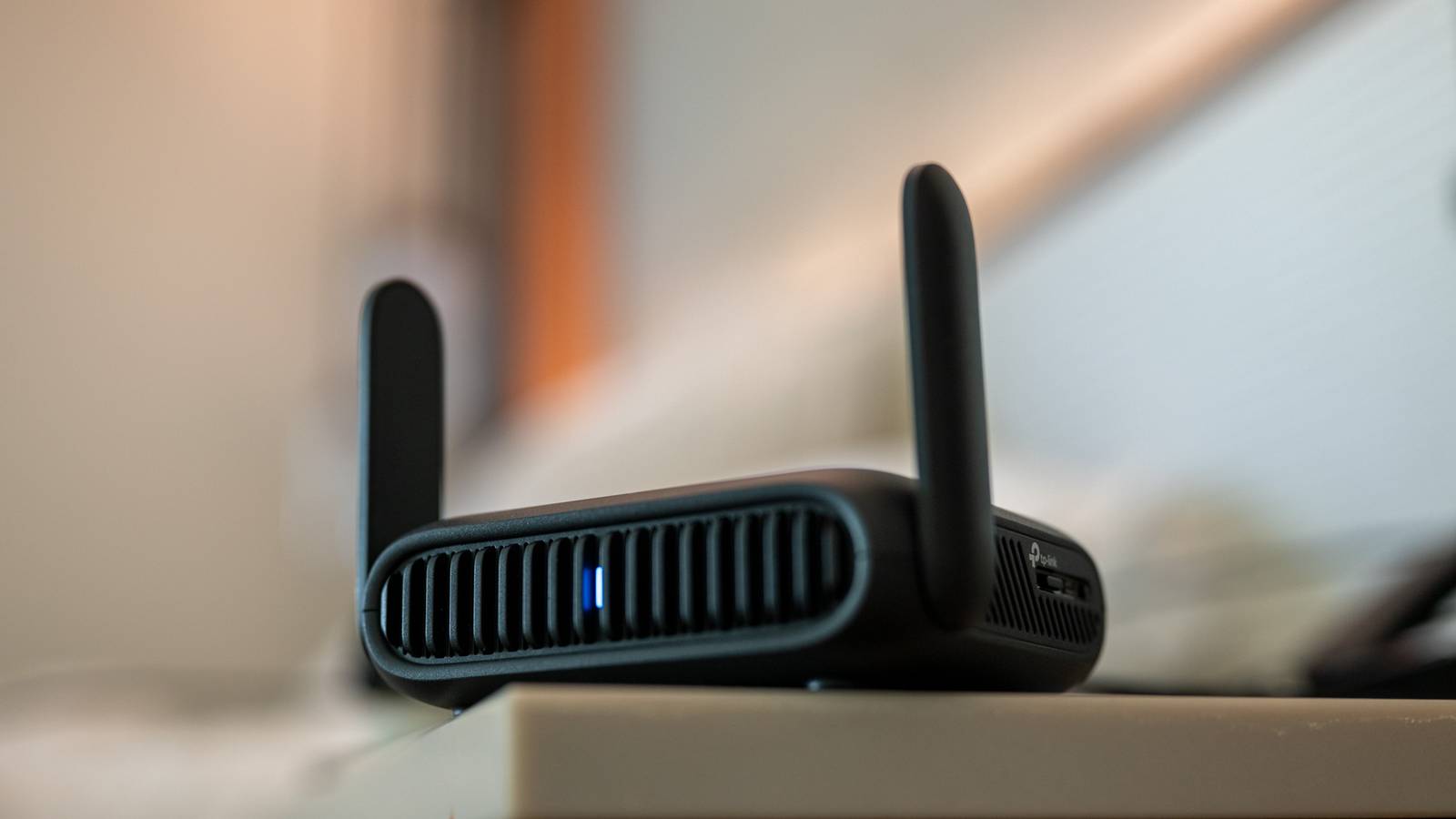
When I started creating my smart home, I decided I would avoid Wi-Fi wherever possible.Outside of my server, the only smart home devices that depend on it are my HVAC controller, garage door opener, and a single smart speaker (all through no choice of my own).I’m happy to report that I’ve had very few issues, especially with non-Wi-Fi devices.
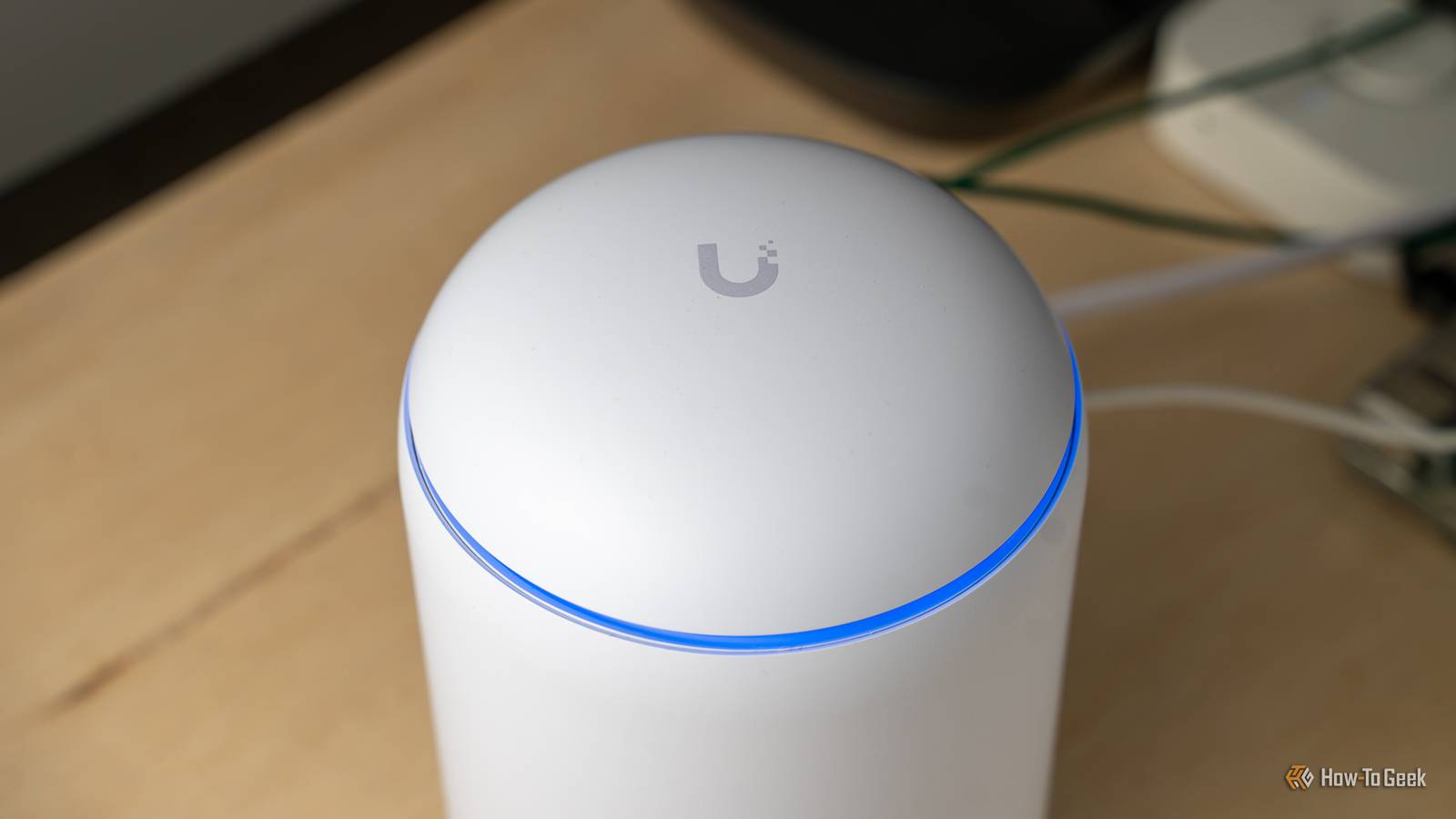
Too many devices can bring your network to its knees Wireless routers are among the most thrashed pieces of technology in your house.They’re never off, almost always transferring data of some kind, and you’re probably making use of multiple devices that depend on them.Even the best routers occasionally crash and become unresponsive, at which point you’ll need to manually power-cycle to get things working again.
The more things your router has to do, the more it has to work.Minimizing the number of devices that depend on it to a minimum can help avoid problems.This is especially true in the smart home, where your connected devices can easily reach into the hundreds once your setup is complete.
Smart plugs, switches, and lightbulbs are the most common smart home devices.For every dumb device (like a bedside lamp) that you want to control, you’ll need a plug.For every set of lights or ceiling fan, you’ll need a separate switch or controller.
For every individual light fitting, a smart bulb.Your router’s boast of being able to handle “hundreds” of devices will quickly be tested when you add 50 additional devices that don’t need to be there.Your router becomes a point of failure for your whole house I’ve had good routers and bad routers, with the determining factor being whether or not they tend to crash or partially stop working often.
When the worst happens, everything that depends on the router also stops working.Your laptop can’t reach the internet, your smart TV can’t stream video, and any smart home devices also stop working.That’s not the case with competing wireless technologies like Zigbee or Z-Wave.
Even if my router crashes and my Home Assistant server is “offline,” my smart plugs and sensors all continue to work as normal.My automations still fire, switches and remotes still work.You can even use non-Wi-Fi smart plugs to automatically reboot your router if a problem is detected.
Giving random devices access to your network can compromise security Giving random Wi-Fi devices access to your network can be a recipe for disaster.Ideally, we should all be placing smart home devices on a separate VLAN or a guest Wi-Fi network to separate them from the devices we depend on most.Banning them from talking to the internet at all is also a good idea, given the persistent threat of botnets and malware dissemination.
But most of us don’t do this.You’ll need a pricey router to set up a VLAN, and guest networks just don’t offer a comparable level of control.It’s a lot easier to just connect these devices to your Home Assistant server or smart home hub directly using another technology, cutting out access to the wider internet and preventing them from spying on the rest of your network.
Wi-Fi is too unreliable for security cameras While Wi-Fi cameras exist, they’re far from the most dependable home security devices.The best models are those that stream on demand while recording to a microSD card, but this requires you to physically access the camera to retrieve the footage.A more dependable option is to stream to a network video recorder (NVR) on your local network, which is possible with a tool like Frigate.
But there’s a reason that the Frigate documentation warns against using Wi-Fi cameras, and that’s because they’re not reliable in the same way that Ethernet cameras are.While using a wired network will still tax your router, the end result will be a rock-solid stream that doesn’t randomly disappear based on interference from the weather, your neighbors, or a network jammer.Low-power mesh networks are the answer Not to be confused with mesh Wi-Fi, a mesh network is a separate form of wireless communication for your smart home.
These are low-power networks that talk to and receive information from devices like smart plugs, switches, sensors, thermostats, locks, and more.Subscribe to the newsletter for smart-home networking guidance Explore smart-home networking in greater depth—subscribe to the newsletter for focused coverage of mesh protocols, wired vs Wi-Fi tradeoffs, camera reliability, and security approaches tailored to this topic.Get Updates By subscribing, you agree to receive newsletter and marketing emails, and accept our Terms of Use and Privacy Policy.
You can unsubscribe anytime.The main examples are Zigbee, Z-Wave, and Thread.Zigbee is arguably the most common example of a mesh network, and the cheapest of the bunch.
Z-Wave excels at range but comes at a cost, and Thread is used in the newest standard that’s used for Matter devices, but isn’t as widespread yet.Picking between them depends on budget, availability, and which platform you’re using.Home Assistant Connect ZBT-2 Dimensions (exterior) 83x83x179mm Weight 157g The Home Assistant Connect ZBT-2 supports both Zigbee and Thread, although it must be set up for use with either one of the two protocols.
It offers 4x the responsiveness of the previous model, and is designed to be easy to open for modding, with accessible pins and pads.$65 at Amazon Expand Collapse Home Assistant Connect ZWA-2 Z-Wave Antenna Compatibility Home Assistant Connectivity Z-Wave The Home Assistant Connect ZWA-2 Z-Wave antenna connects to your Home Assistant setup through a simple USB cable.Offering nearly a mile of range from the hub, you can connect Z-Wave devices even from outbuildings on your property to your Home Assistant setup with this hub.
$80 at Amazon $69 at CloudFree $69 at Seeed Studio Expand Collapse A dedicated mesh network can handle hundreds of devices without taxing your home Wi-Fi.They operate independently of your router, so they work even if your router doesn’t.Devices connected to a mesh network talk directly to your smart home server or hub, rather than the internet (and are kept separate from other devices).
Mesh networks use powered devices as routers or repeaters.You can expand the reach of your mesh network by dropping a few smart plugs into the mix.If you use Home Assistant, you can deploy all three of these technologies at once.
You can have multiple networks of the same type simply by adding multiple coordinators.For other platforms, like those run by Apple and Google, Matter over Thread is your best bet.If you’re building a home security system, consider Power-over-Ethernet to do data and electricity over a single cable.
Read More