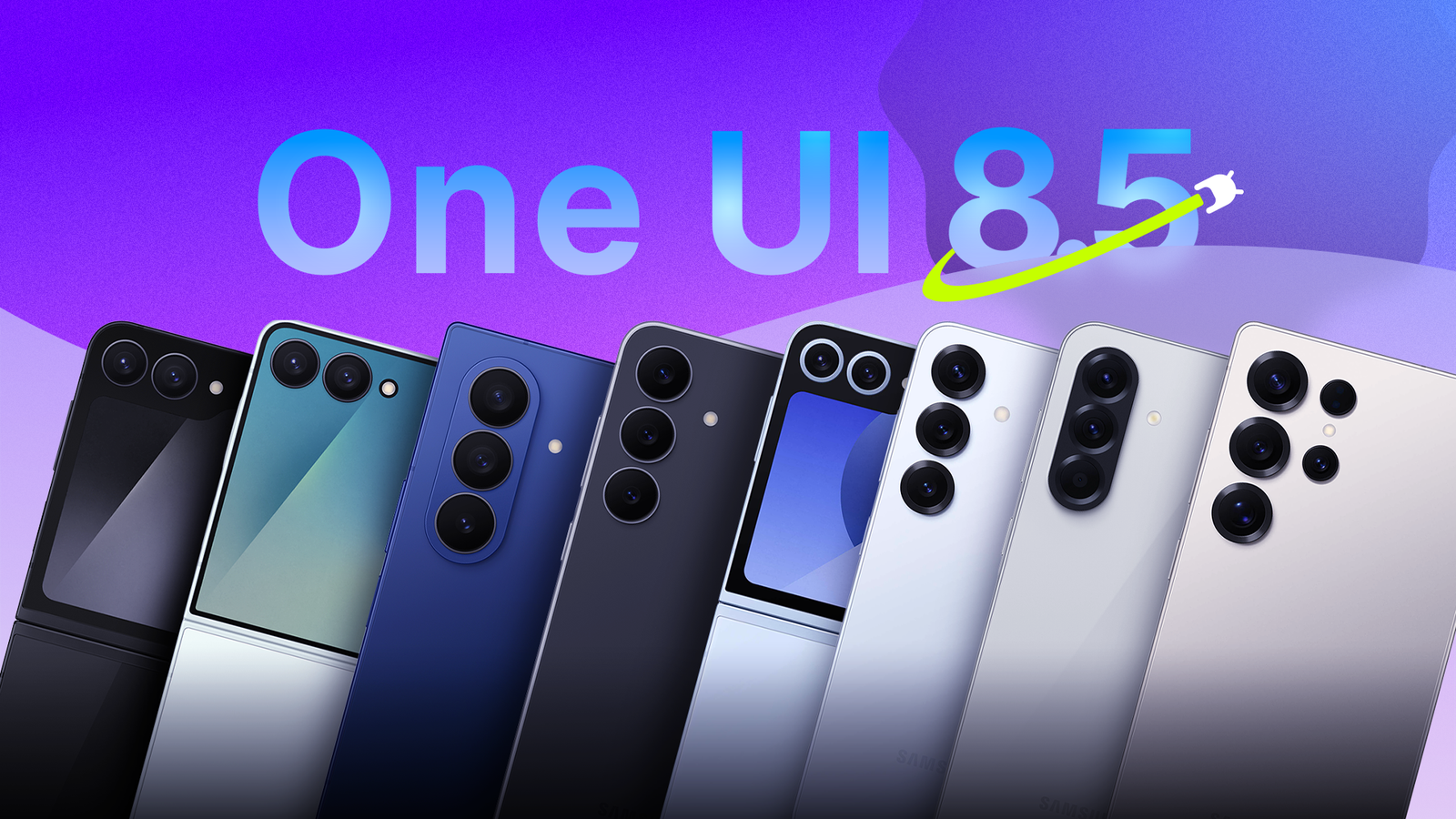
After months of beta testing and a first launch on the Galaxy S26 series, Samsung's highly anticipated One UI 8.5 update (based on Android 16) is finally rolling out to more phones and tablets.The upgrade to One UI 8.5 is packed with a few visual changes, new features, and AI goodies, but it's easy to overlook some of the best new additions.Whether you just got the update on your Galaxy S24 or you're patiently awaiting its arrival on another phone, here are a few of my favorite features in Samsung's latest software that you might not notice right away.
Customize the quick panel of shortcuts More customizable than ever before When One UI 8 arrived, Samsung finally added some much-needed customization controls to the quick panel of settings and controls in the notification pull-down bar.And while that was nice, everyone wanted more.One UI 8.5 brings a massive overhaul to Quick Panel customization.
You can add, remove, resize, and reorganize individual controls freely without any restrictions.You can change anything and everything exactly as you see fit, including the brightness scale and slider, media widgets, and the background for panels or buttons.It's wildly customizable, so give it a try.
Android has always excelled at customization, especially Samsung Galaxy devices, but for whatever reason, it took years for us to finally get control of the quick panel.Send files, photos, and videos to iPhone Airdrop support in Quick Share is a big deal For those unaware, Google recently figured out a workaround that allows select Android devices to use one of Apple's best features.Yes, many Pixel and Samsung Galaxy devices can now easily and quickly share files, photos, videos, and more to iPhones using AirDrop and Android's Quick Share.
It seems like a small thing, and while it's been mentioned a ton online, you might not realize it's a huge new feature arriving for most people with the One UI 8.5 update.Related Who needs AirDrop on Android when this open-source alternative exists This app lets you transfer files across various devices without compression.Posts 6 By Cory Gunther Being able to easily share files from iPhone to Android has been a problem since the very beginning, and it's finally over.
I didn't think I cared that much, but now that it's an option, I've been using it far more than I ever expected.Make sure the iPhone has AirDrop enabled and set to receive from "Everyone".Then, open a photo or file on Android, tap Share, select QuickShare, and look for the iPhone in the share menu.
It's that easy, although you may have to enable the new "Share with Apple devices" option in settings.Audio Eraser in third-party apps Make YouTube and Netflix easier to hear And finally, while I could ramble on and talk about over a dozen features, one of my absolute favorites is the update to Audio Eraser using Galaxy AI.Samsung released its AI-powered Audio Eraser feature with the Galaxy S25 series last year, and if you've never tried it, you should, because it's even better now.
Audio Eraser will analyze videos and separate the audio into categories such as voices, music, noise, and crowd.After the process is complete, you can adjust each category individually to remove crowd noise or people talking in your video.Starting with the Galaxy S26 series and now available on select newer phones running One UI 8.5, this feature now works with third-party apps like Netflix or YouTube TV.
You know how dialogue is always hard to hear in streaming apps? Well, this fixes that in seconds.Open Netflix or a third-party app and start playing a video, and the Audio Eraser mode will appear at the top of the Quick Settings menu.Let it analyze the audio, and then you can increase the volume of voices or other sounds on the fly.
All sorts of goodies in this new software While these are a few of the features I use most, they're certainly not the only ones.Bixby is smarter than ever.There's a built-in time zone converter tool, better DeX support, the ability to block apps with excessive ads, and partial screen recording is pretty neat, too.
Then, there are tiny changes throughout that you'll slowly start to notice.For example, if you have a 5-day-a-week alarm in the clock app, but randomly disable it for a day off or holiday, One UI 8.5 will give you a little pop-up letting you automatically re-enable it for the following week.Sometimes, it's the little things that make updates the best.
Keep in mind that not all Galaxy devices getting One UI 8.5 will get every new feature.If that's the case, maybe it's time to upgrade.Samsung Galaxy S26 Ultra Brand Samsung SoC Snapdragon 8 Elite Gen 5 Get the new Galaxy S26 Ultra with AI smarts and an all-new privacy display.
It's big, powerful, packed with AI, and you'll love the S-Pen stylus. $1300 at Samsung See at Amazon Expand Collapse
Read More