Most smart home accessories have very clear use-case scenarios: toggle power, light up your house, open the curtains, and give you advanced warning of water leaks.So what if you could use these devices in unusual ways? It turns out that you can! Here are six unconventional ways to use common smart home devices that you probably haven’t thought of.Curtain openers can hide storage and unsightly cables Why didn’t I think of this? This might not be the easiest idea to implement in the world, but to the right person this will be a lightbulb moment.
I first saw this on the What Retro Game Instagram page, where it currently has more than 300,000 likes.The creator uses artwork to hide unsightly cables and store consoles or controllers out of sight.The project uses a SwitchBot Curtain opener ($100) and a piece of curtain rail that’s been cut to size and attached to the back of a canvas.
The canvas itself sits on a sliding rail, while the SwitchBot is anchored in place so that when it actuates, the painting is the only thing that moves.The example use works well considering the proximity of outlets means it’s possible to permanently connect the curtain opener to power and never worry about charging.If you’re willing to occasionally charge the system, you could use it for all sorts of things including secret hiding spaces or to access a wall safe.
SwitchBot Curtain Rod 3 Brand SwitchBot Dimensions 9.45 x 2.36 x 2.36 in SwitchBot's Curtain Rod 3 automates the simple task of opening and closing your curtain through SwitchBot's dedicated app.The smart device can be activated virtually anywhere, allowing you to regulate your home's environment to reduce energy costs.See at Amazon $89.99 at SwitchBot Expand Collapse Smart light bulbs as colored signals A visual notification system Last week I discovered the value of adding a “signal light” to my Home Assistant setup.
With a custom integration and a colored light bulb, you can tie certain sensor or device states to a particular hue to get an immediate visual indication of what your smart home is doing.Think of it like a traffic light for your smart home.After nominating a light, my first move was to use the light to indicate when the garage door is open using a red signal.
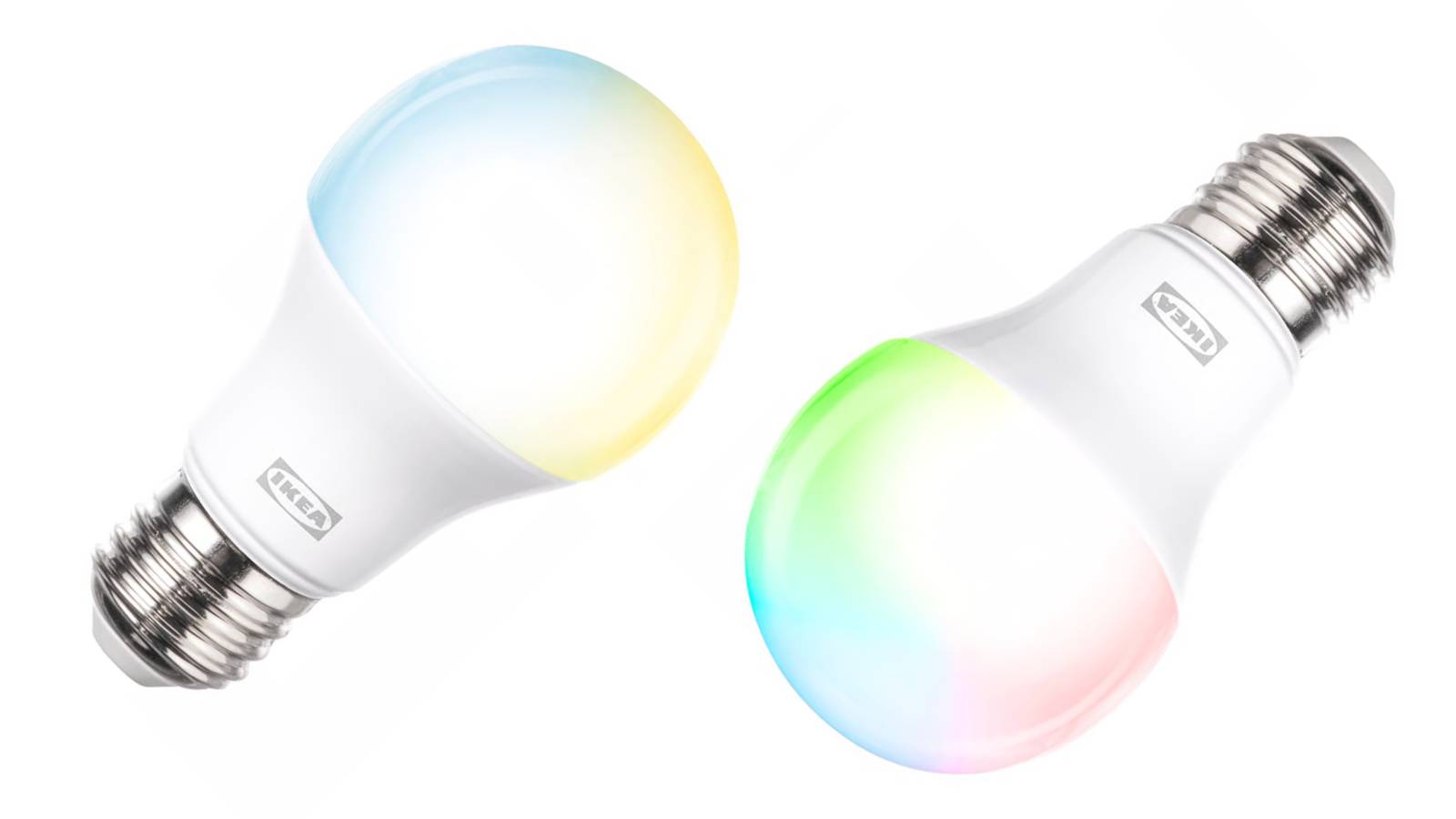
I then used Home Assistant’s neglected calendar feature to send a yellow signal every other Monday to remind me to put the recycling out for collection.Signals can persist for as long as a certain state is maintained, or you can send a one-time signal that expires after a set time period.IKEA KAJPLATS LED bulb E26 1100 lumen, smart color and white spectrum Movie night, hanging out with friends or making the kid’s room even more fun? This smart bulb can change color, be dimmed wirelessly and adapts to suit any need.
Based on the universal standard Matter.$13 at Ikea Expand Collapse Battery-powered remotes as wall switches Here’s one for the renters Smart light bulbs are the easiest way to give a light fixture extra powers.Even though they’re more expensive than dedicated switches in the long run, they also have their upsides.
They’re quick to install, you can use colorful bulbs if you want, and they’re perfect for renters for whom switches aren’t an option.The only problem is that the “dumb” switch has to remain in the “on” position or your automations, app-control, and smart speakers won’t be able to control it.At the same time, not having a dedicated light switch can be less than ideal (especially for your guests).
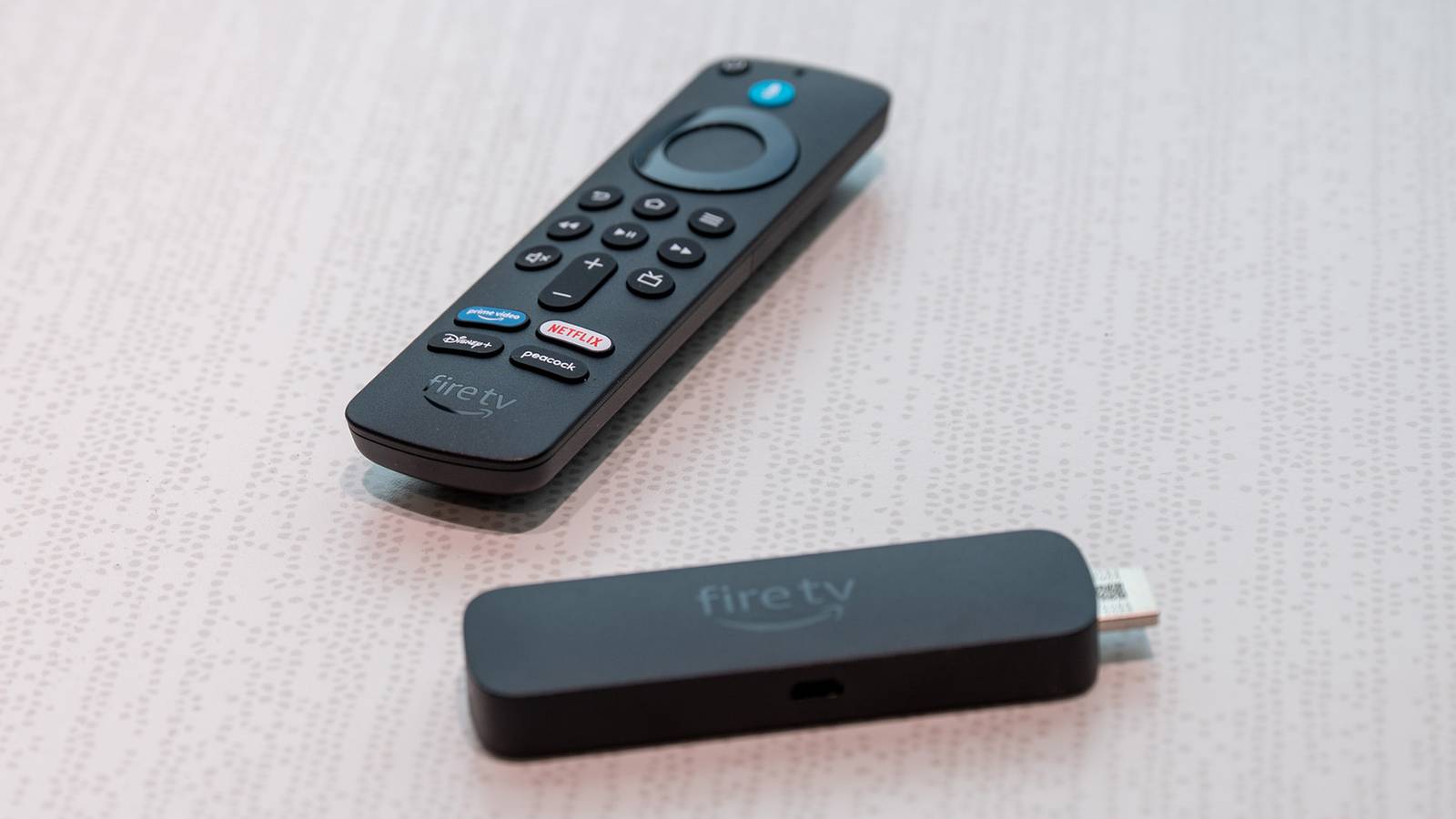
The answer is to use cheap, battery-operated remotes like IKEA’s Bilresa.3D print remote holder covers for light switches (like this one) to accommodate common remote models and never worry about accidentally turning the light off again.IKEA BILRESA Connectivity Matter-over-Thread Color White The IKEA BILRESA is a smart remote with two buttons that can control Matter devices or trigger automations.
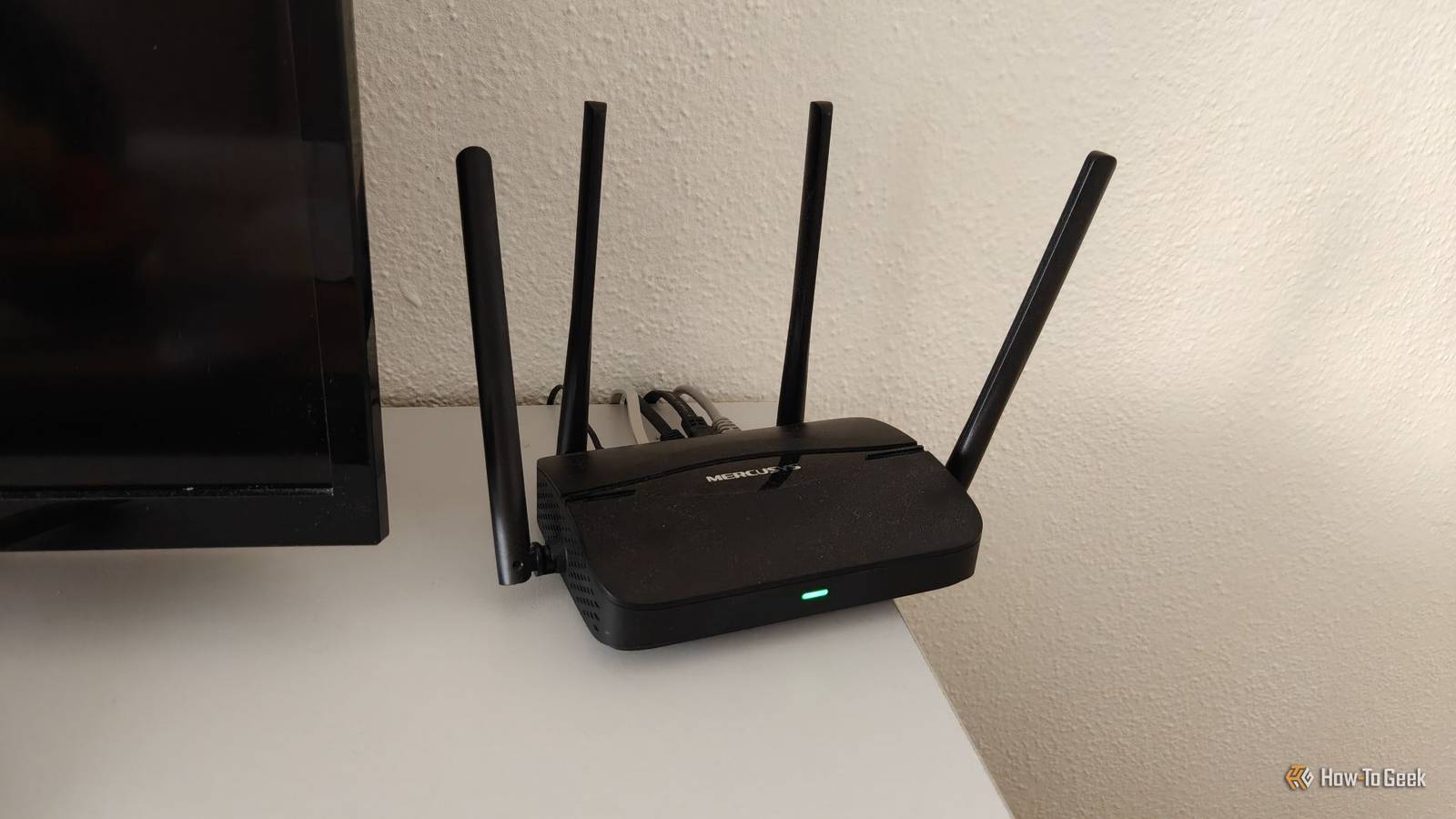
It's powered by a AAA battery and comes with optional adhesive on the back for mounting to a wall or furniture.$6 at Ikea Expand Collapse Smart plugs as mesh network extenders No need to plug anything in Every powered device on your Zigbee, Thread, or Z-Wave network acts as a repeater.As long as its placement overlaps with an existing powered device—be it a light bulb, wall switch, plug-in climate sensor, your coordinator, and so on—you’ll be able to extend the range of your network.
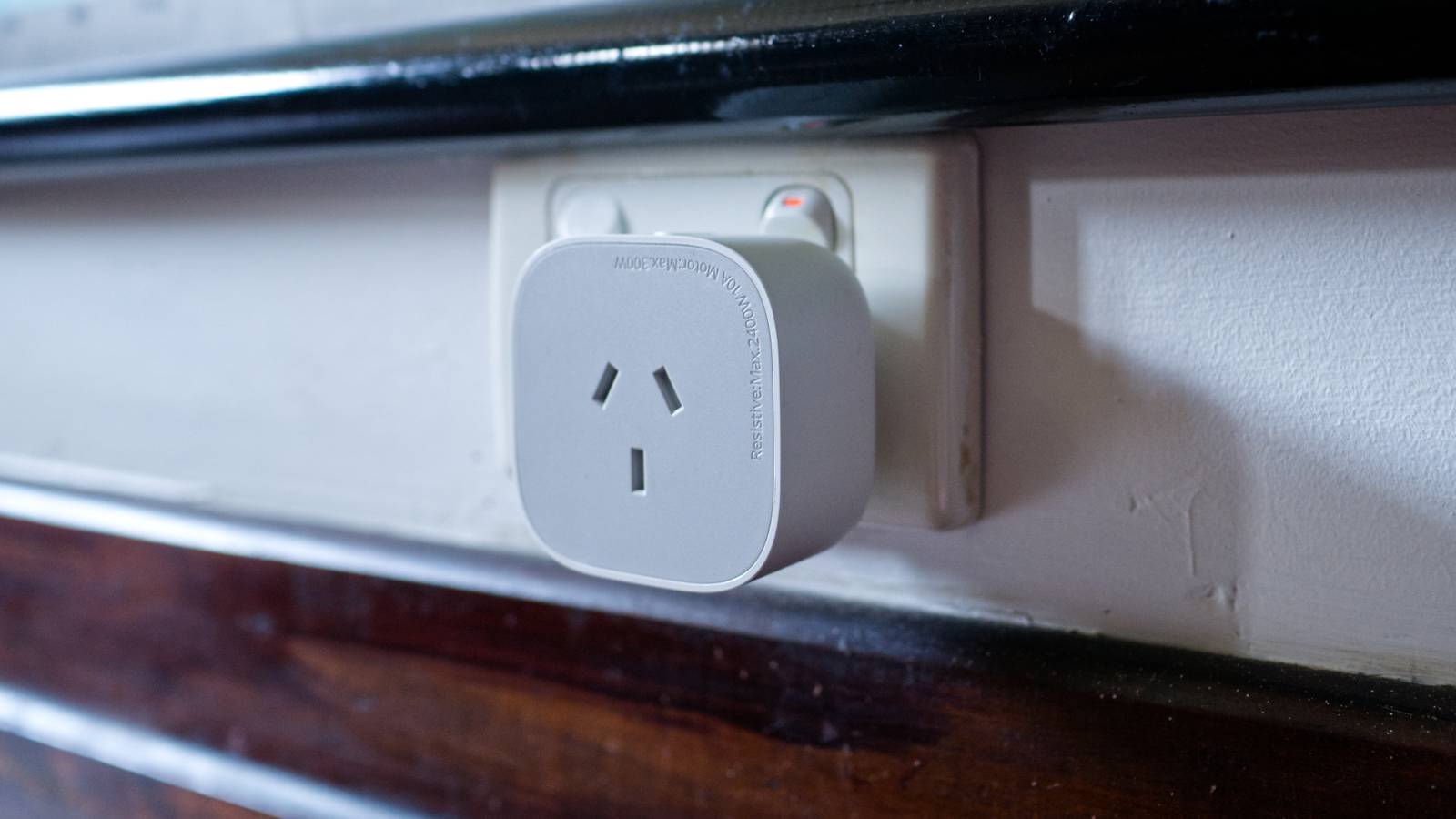
Got some battery-powered temperature, motion, or door sensors that either don’t reach or tend to drop off the network from time to time? Rather than investing in another radio and setting up a new mesh network, throw down a few cheap smart plugs.The plugs don’t need to actually supply power to anything; they just need to be paired with your smart home server and the socket they’re plugged into needs to be on.New Eve Energy Smart Plug Dimensions 2.36 x 2.76 x 1.52 inches Hub Required No The latest Eve Energy HomeKit smart plug supports Matter and Thread networking, a protocol that extends the range of your smart home devices.
It can also monitor energy usage.$40 at Amazon $40 at Eve Home Expand Collapse Turn water leak sensors into anything sensors Make sure you label them accordingly to avoid a panic Water leak sensors are among some of the simplest sensors you can buy (and you definitely should have them in your smart home).They rely on two contacts, located on the underside of the sensor.
Since water is conductive, when current is passed through the liquid, the circuit is closed, and the sensor is triggered.You can test this by manually closing the circuit yourself with your skin or a piece of metal.My favorite example of this type of device is a pressure-sensitive mat.
You can buy pressure pads for relatively little, then wire them up to a water leak sensor (as you can see in this nielstron blog post).You can then redefine the water leak sensor in Home Assistant as whatever you want.One Reddit user remarked that this is perfect for detecting their cat sitting on the doormat, indicating that they wanted to be let out.
It could work for dogs, as part of an alarm system, to detect seat or bed presence, and more.Water leak sensors are battery-powered, so you can deploy them anywhere—just use a mesh network rather than Wi-Fi for optimal battery life.IKEA Klippbok water leak sensor Connectivity Matter over Thread Wi-Fi No This water leakage sensor keeps track of water leaks by beeping when it comes into contact with water – helping you make life at home smoother, more comfortable and safer.
When connected to a hub, the sensor sends a notification to your smartphone with information about the water leak.The small size makes it easy to position under the sink, appliances or other places where a water leakage can occur.$8 at Ikea Expand Collapse Vibration sensors to monitor for disturbances This isn’t obvious to everyone Vibration sensors are a bit of an outlier.
They’re often sold as vibration, fall, and tilt sensors, since they’re capable of detecting all three.Perhaps the most common use case is to detect when an appliance like a clothes dryer is running, so that you can get laundry alerts when it’s done.Personally, my favorite vibration sensor use is to detect a disturbance.
This could be the loose floorboard under which you store your precious Pokémon card collection, the cookie jar, or as a means of checking when the dog’s water bowl was last refreshed.It can also work as a cat litter tray monitor to notify you there’s business to attend to (and even vent the air if the tray is located somewhere like the bathroom).ThirdReality Zigbee vibration sensor Built to Zigbee 3.0 standards, the Third Reality Zigbee Vibration Sensor can detect vibrations and movements of various objects, perfect for triggering alerts when windows break or to monitor the status of appliances like washing machines or dryers.
With four distinct sensitivity levels, this sensor can be adjusted to suit a wide range of applications and environments. $20 at Amazon Expand Collapse A lot of what makes a smart home good is coming up with small hacks that solve real problems.Hopefully you’ve now got a few more ideas to iterate on.
Read More