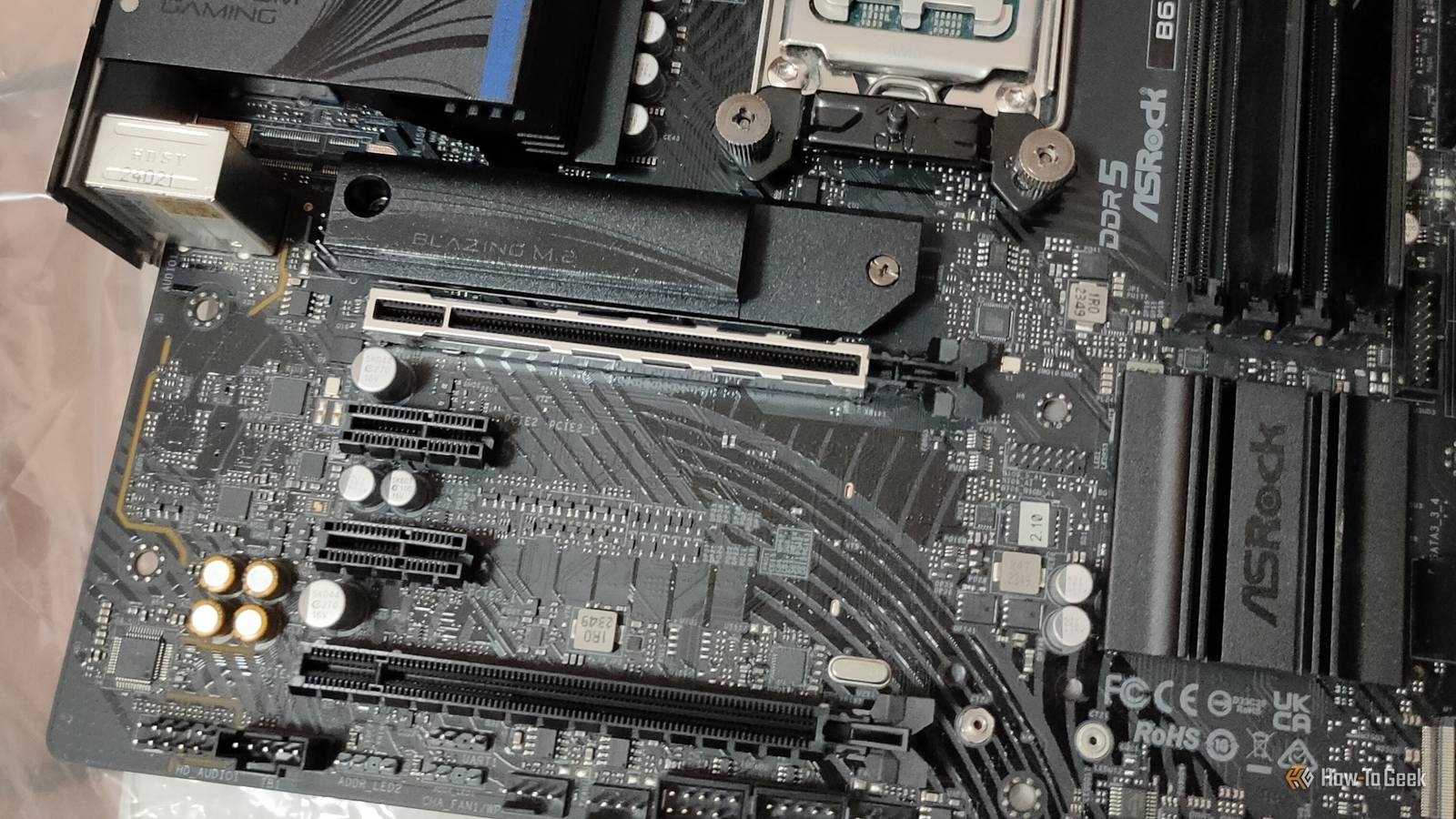
If you've built a Plex server from an old desktop PC, chances are you're already squeezing as much performance from it as you can.Or, at least, you might think you are.You see, as long as you have one or more open PCIe slots in that system, you have the option of adding inexpensive PCIe expansion cards that can improve your Plex server by a significant margin in various ways.
Starting with a new GPU! Add an Intel Arc GPU for hardware transcoding They're good for something after all! Close If you're using a PC that doesn't have a dedicated GPU, but has an integrated GPU, you can still take advantage of hardware encoding and decoding from that chip.However, older CPUs don't support the latest acceleration technologies, and even when they do, they can't compare to the performance and quality of using a dedicated GPU.The reason I'm name-dropping Intel Arc here is that you can usually pick up a used entry-level model for very little money.
Even budget gamers aren't really interested in Arc cards, which is good news for Plex or HTPC enthusiasts.Even Intel's entry-level Arc models include some of the best media engines available today, supporting hardware encoding and decoding for H.264, HEVC, AV1, and other modern codecs.Just remember that hardware acceleration is a paid feature in Plex.
My colleague Patrick Campanale wrote a great deep dive into why Arc GPUs are the best for Plex and Jellyfin you'll want to check out before pulling the trigger.Install a multi-gig Ethernet card to eliminate network bottlenecks Future-proof your home streaming If the computer you're using has an Ethernet adapter limited to 1Gbps, or worse, 100Mbps, then you can use something like a 2.5GbE PCIe card to open up those pipes.If you have to do multiple 4K streams or your actual video files are stored on a separate NAS device, upgrading your network speeds is worthwhile.
Usually I'd say just get a USB Ethernet adapter, but if your Plex server is old enough it might not have the spare USB bandwidth, so PCIe is the way to go.TP-Link 2.5G PCIe Network Card (TX201) Coverage Wired Networking What's Included TX201 PCIe adapter, standard bracket, low-profile bracket, quick installation guide, driver CD The TP-Link TX201 is a 2.5Gb/s network card that installs in a PCIe slot on your computer.Designed to deliver multi-gig networking, this add-in NIC is perfect for upgrading your desktop, server, or NAS for faster networking.
The slim profile suits even 1U servers, and you'll get both a normal and low-profile mounting bracket in the box.It supports networking speeds of 2500/1000/100, meaning it's backward compatible with standard Gigabit and Fast Ethernet connections too.Manufacturer TP-Link Type PCIe Ethernet Adapter Ports 1 × RJ45 (2.5GbE) Ethernet Bands 10/100/1000/2500 Mbps (2.5GBASE-T) Security IEEE 802.3x Flow Control Dimensions 120.8 × 98.2 × 21.5 mm (4.8 × 3.9 × 0.8 in) Inputs 1 × PCI Express 2.1 x1 CPU Realtek RTL8125B controller Speed Up to 2.5 Gbps Material Metal bracket, PCB $30 at Amazon Expand Collapse Add an HBA or SATA expansion card for more drives Is having too much storage even a thing? An HBA (Host Bus Adapter) or PCIe SATA expansion card can allow you to add more hard drives to your Plex desktop PC server than its own motherboard allows.
This way you can add cheap storage in the form of multiple SATA drives.The cards vary in price based on how many drives they can accommodate, and whether the card has RAID functionality or not.The card in the above picture can only support two drives, but there are options for eight or sixteen drives, for example.
These higher-end cards can cost in the hundreds, but most people probably don't need them.The simple two-port cards are neat, because some only need a PCIe 1x slot, and many motherboards have a few spare.Install a USB-C or USB 3.2 Gen 2x2 card for much faster media transfers Bring that old PC into the modern age of USB If you want a more universal expansion option, then consider installing a PCIe USB expansion card.
This adds USB capacity to your system without burdening the USB controller on your motherboard at all.With a modern USB card nestled in one of your PCIe slots, you can easily add some of the other things we've mentioned here, such as a 2.5GbE adapter or multiple USB hard drives.If you can live with using external USB peripherals to expand your desktop Plex server, then this is almost the optimal solution.
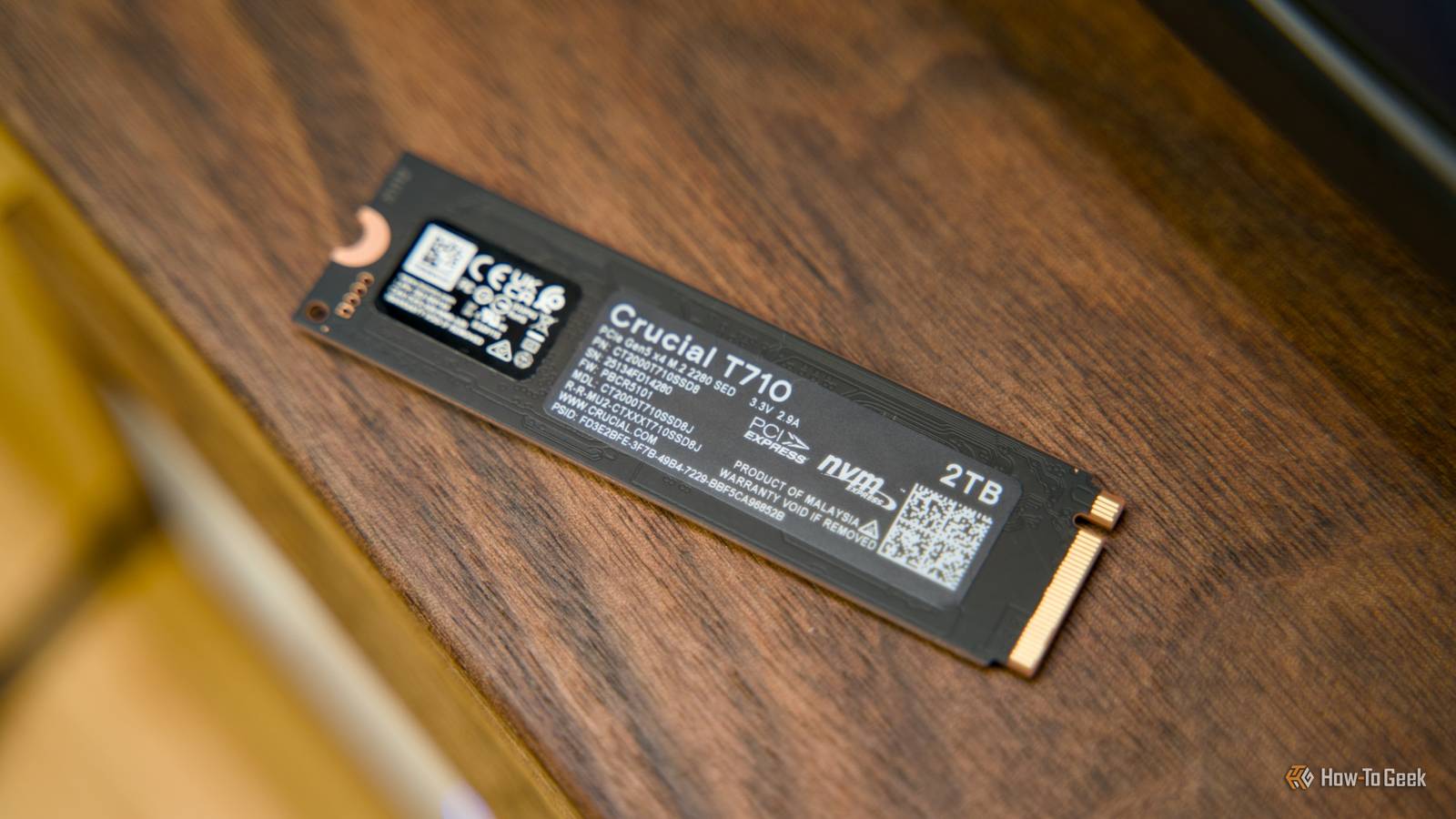
If you're using an SFF (Small Form Factor) PC as a Plex server, these usually only have one or perhaps two PCIe slots, and using them for multipurpose USB expansion is just the sensible thing to do, if you ask me.Related I Won't Buy a Mini PC for Plex Without These 4 Features Any old mini PC will work, but I've got my preferences.Posts 1 By Andrew Heinzman Add an NVMe adapter card for blazing-fast cache or metadata storage It's all about random access If your Plex desktop uses a SATA SSD or (gasp!) hard drive as its system drive and doesn't have an M.2 slot on the motherboard, you can add one using a PCIe card.
If your motherboard supports booting from PCIe devices, you can make this your system drive, but even if you can't, you can move your Plex data to that drive, as noted in Plexopedia.This is where Plex stores and manages all the metadata related to the media in your library, and this benefits greatly from storage that has fast random access and writes.It doesn't have to be a large or expensive drive, but it will still make your Plex server more snappy when it comes to anything related to managing your media database.
Don't leave those slots empty For the most part, these expansion cards aren't particularly expensive, and it's unlikely that your Plex server is using all of its PCIe bandwidth.So, considering that it is a server after all, filling those slots with useful new functionality can only be a net benefit.Best of all, when you do replace your Plex server with a newer machine, those cards can come along for the ride.
They'll probably outlast the usefulness of the system you installed them in.
Read More