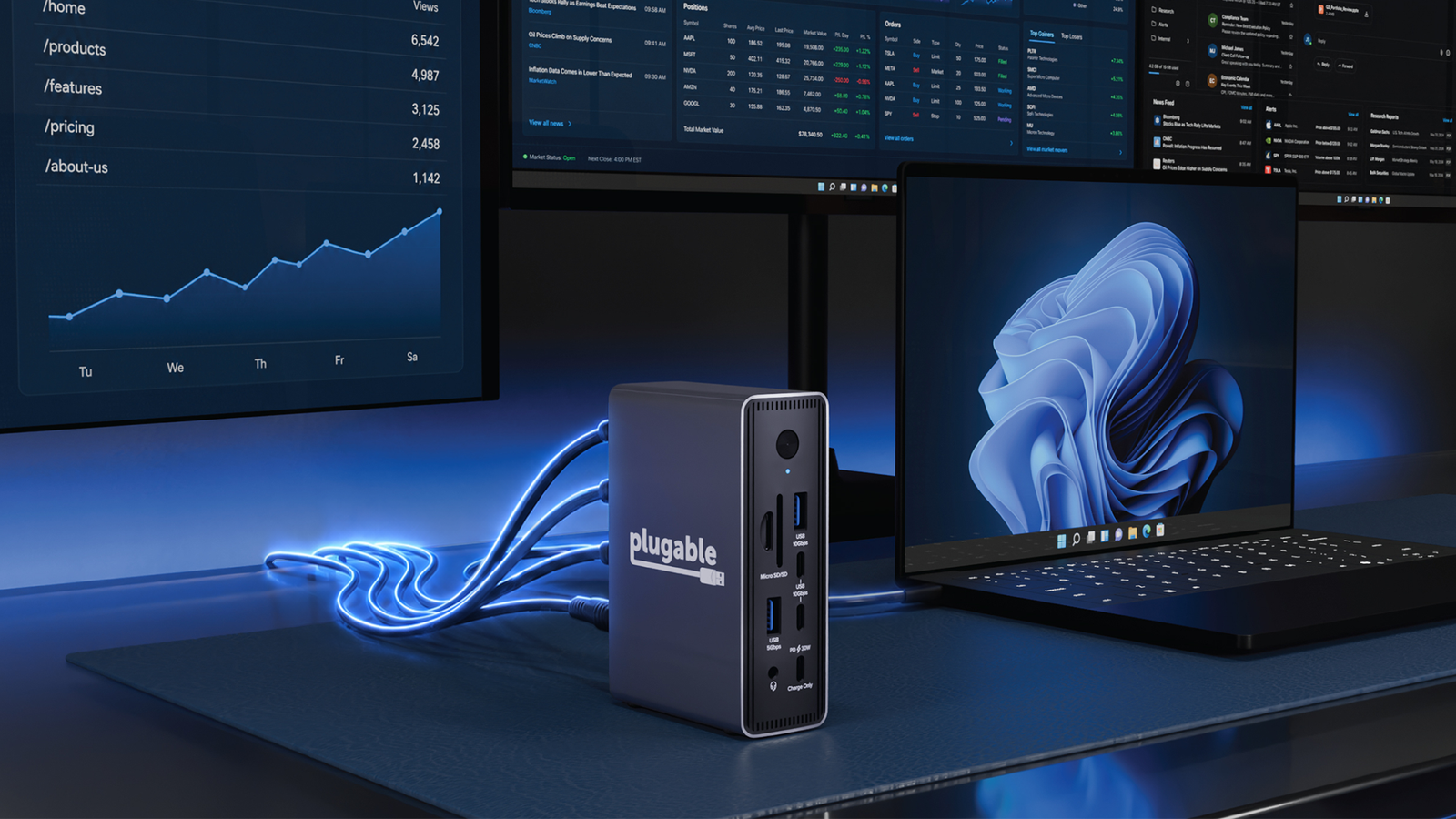
You usually need a Thunderbolt port to run more than one high-resolution monitor without software or other tricks, but it's now just a matter of plugging in a USB-C cable.Plugable has introduced a PC dock that allows dual 4K 60Hz monitors without drivers on Windows PCs and Chromebooks.The UD-MSTH3 makes use of the Multi-Stream Transport (MST) feature in Windows and ChromeOS to deliver twin, full-speed 4K external displays with "plug-and-play simplicity," according to Plugable.
Triple monitors are also an option, although you'll usually be limited to just one 4K 60Hz display with two 1080p panels.Plugable UD-MSTH3 dock The UD-MSTH3 dock lets you connect two 4K 60Hz monitors to a Windows PC or Chromebook using only USB-C — no drivers or Thunderbolt required.See at Amazon Expand Collapse The signature feature requires at least a 12th-generation Intel CPU or one of AMD's 6000-series processors.
You can still connect a Mac to other monitors through USB-C, but without MST it will be limited to one true external display — any others will be mirrored.Thunderbolt is more commonplace with the Mac, however, so output over USB isn't as necessary.You'll find three HDMI 2.0 ports for more conventional multi-screen setups.
The dock has two full-functionality USB-C ports on the front, plus a 30W port devoted to fast-charging your phone or tablet.There are four USB-A ports (one of them 2.0), a 2.5Gbps Ethernet port, a 3.5mm audio jack, and card readers for both SD and microSD.The UD-MSTH3 feeds up to 100W of power, making it a viable docking station for most laptops.
Plugable UD-MSTH3 price and release date A good value for the right person The UD-MSTH3 is available now through both Amazon and Plugable for a normal price of $150, although a launch discount brings that down to $105.Related Should You Use HDMI, DisplayPort, or USB-C for a 4K Monitor? HDMI, DisplayPort, USB-C, and Thunderbolt are all common now, but which is best? Posts 2 By Tim Brookes Whether it's a good deal depends on your use case.If you need more than one 4K 60Hz display and prioritize ease of use, especially if you don't want to use HDMI cables, Plugable's new dock promises solid value.
It's also worth considering if you prize the 30W charging port or fast Ethernet.If you have Thunderbolt or don't see yourself going beyond one high-resolution monitor, there are more powerful and affordable options.However, Plugable might win out if you're considering a two-display setup and aren't ready to upgrade your PC (or GPU) for the privilege.
Read More