Adobe Acrobat is the definitive software if you need to work with PDFs, but for the vast majority of people, it’s almost a bit overkill.Acrobat costs between $15 and $30 per month, which works out to a $240 annual subscription .For most people, myself included, that cost is hard to justify.
I sometimes need to read a document, take down a few notes, merge something, or sign an agreement—nothing that justifies the subscription.Fortunately, the free options out there are better than ever, and if you're not authoring and editing PDFs regularly, they'll probably meet your needs just fine.Sumatra PDF is fast and light If all you need is to open and read PDFs If all you need to do is read PDFs, then Adobe's software comes packaged with way more than you actually need.
Sumatra PDF is lightweight and minimalist, and because it's so lean, the startup is almost instantaneous on modern PCs.Sumatra PDF is more versatile than a standard PDF reader.It can handle ePub, Mobi, XPS, DjVu, CHM, and comic book formats like CBZ and CBR.
If you're just reading PDFs, its simplicity is tough to beat.However, it is important to remember that Sumatra is a reader, not an editor.You can't merge files, split pages, or even sign documents with it, though you can add annotations.
Additionally, it is only available for Windows, so macOS and Linux users will need to look for a different option.BentoPDF is a PDF toolkit that runs in your browser More than 100 different tools are included If you search for a PDF editor on the internet, you'll find a huge mix of random websites that ask you to upload your file to their server and they're not doing anything nefarious.However, PDFs often contain information like your social security number, tax information, or medical—exactly the kind of sensitive information you want to blithely distribute on the web.
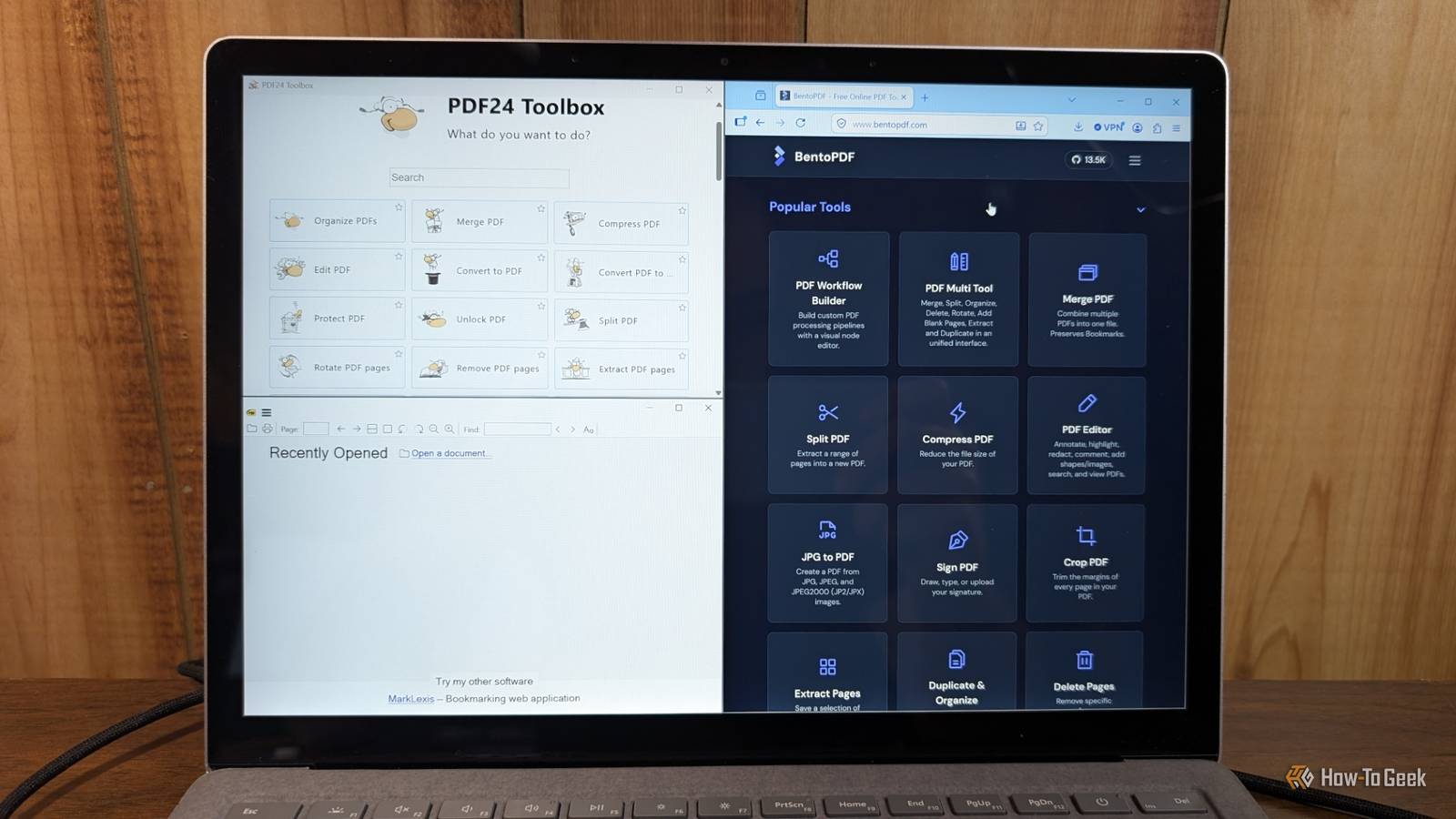
You should use those services for anything sensitive.Instead, try BentoPDF.BentoPDF is a PDF editor that runs in your browser, but it uses a client-side architecture.
That means your files never leave your machine, making it a much safer choice for privacy.Additionally, because it runs in a browser, it works on most operating systems, including Windows, macOS, Linux, iOS, and Android.It is feature rich.
You can merge, split, compress, edit, annotate, sign, and even use optical character recognition (OCR) or apply watermarks.Best of all, it is completely free with no sign-ups, no file limits, and there aren't any involuntary watermarks.Interesting, you can also self-host it via Docker.
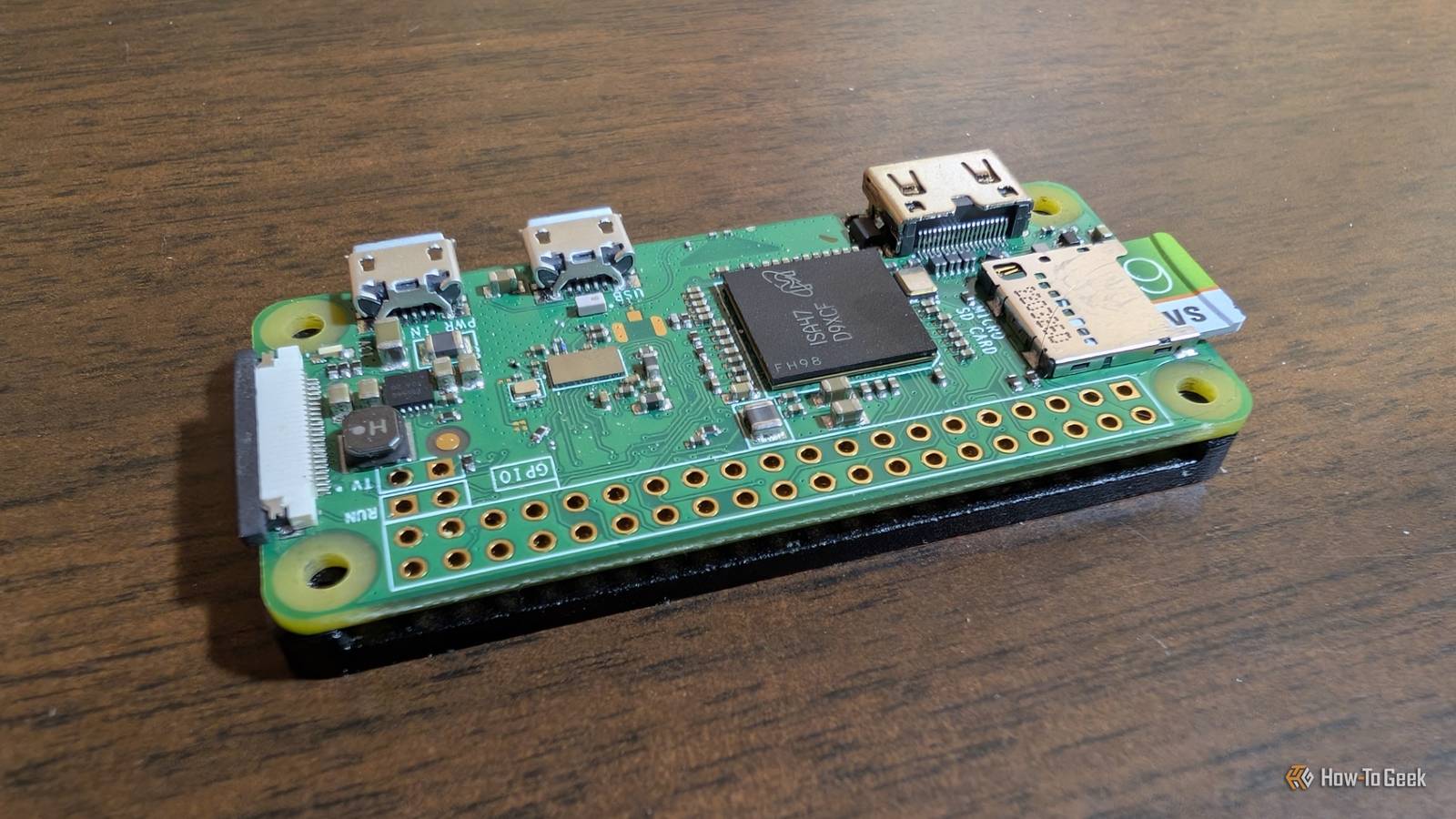
That makes it accessible to any device on your network by default, a bit like having your own private cloud-based PDF editor.I ran it on a Raspberry Pi and found it was fast enough to edit in real time without a problem.I expect that most home NAS units would also be able to run it pretty well, which is a great combination: editing and backing up your PDFs on one always-accessible device.
Raspberry Pi 5 Brand Raspberry Pi Storage 8GB CPU Cortex A7 Memory 8GB Operating System Raspbian Ports 4 USB-A It's only recommended for tech-savvy users, but the Raspberry Pi 5 is a tinkerer's dream.Cheap, highly customizable, and with great onboard specs, it's a solid base for your next mini PC.$130 at Spark Fun $172 at Amazon $175 at CanaKit Expand Collapse You should use BentoPDF if you need a replacement for the kind of editing capabilities that come with Adobe Acrobat.
It isn't a daily driver for reading, but it is the perfect tool to open when you need to change something about a file.PDF24 is the Swiss army knife A full suite of PDF tools online and as an app If you prefer a dedicated piece of software over a browser tab, PDF24 is a good alternative.PDF24 handles everything you might want to do with a PDF, including merging, splitting, compressing, signing, encrypting, and OCR.
It is also completely free—no subscription or purchase required.The version is ad-supported, but there are no watermarks or ridiculous limits on how many files you can process.If you're using Windows and want a single, installable tool that does almost everything, PDF24 is your best bet.
It is important to note that while the installable Windows app works fully offline, the web-based PDF24 exchanges data with their servers.It probably won't be an issue, but if you're especially concerned about protecting your data, I'd stick to the local version—it removes any potential risks.Related What Is Encryption, and How Does It Work? You've probably seen the term "encryption" used around the internet.
Posts By Dave McKay Three programs can replace a $240 annual subscription Spending $240 a year on a PDF editor is hard when the free alternatives are this useful.By combining an efficient desktop reader with one or two privacy-focused tools, you can replicate most of the important functions you get with Acrobat for free.If you're uncertain, try going Acrobat-free for a month.
Set up Bento or PDF24 and see if you actually miss Acrobat's professional features.More often than not, you'll find that you've gained speed and saved money without losing any actual usefulness.
Read More