I've been using Linux exclusively on my workstation for almost four years now.But well before that, I had tried (and failed) to make the switch for just as many years.I'd like to share the many mistakes I made along the way and what I learned from them.
Don't try to force Windows software on Linux There are better alternatives Early on, I wasn't sure how to get software on Linux.I had installed Mint, so I would just download .deb packages from websites and install them with the point-and-click installer.But a lot of software that I used regularly on Windows (like Photoshop) wasn't available on Linux.
At first, I tried to just run the same Windows apps on Linux using WINE.It was too annoying to run everyday apps through compatibility layers, so I kept giving up on Linux and going back to Windows.It took me a few tries to figure out that I shouldn't force Windows-only apps to work on Linux.
Instead, I should find alternatives that are native to Linux.This was my first foray into the wonderful world of open-source software.I only wish I had done it sooner.
No distro hopping I spent years chasing the "perfect" Linux distro Before I even learned what Linux was, I had this vision in my head about how I wanted my computer to look and function.I had only ever used Windows until that point, so I started customizing it.As a teenager, I remember trying on different Stardock apps for customizing the look and feel of Windows.
They were simple point-and-click tools with built-in themes you could select.I would have probably stopped there if those customizations didn't slow down my computer so much.Also, I couldn't pay for their special features.
I learned to customize my Windows desktop with free tools like Rainmeter, launchers, and docks, and cursor themes.DeviantArt is overrun with AI garbage now, but back in the day it had massive communities focused on desktop customization.That's where I would find all my resources.
At any rate, I could never make it look exactly what I had in mind.There's only so much customization a commercial OS like Windows allows.Eventually, I discovered Linux and saw how infinitely customizable it is.
Try visiting this community on Reddit and sorting the posts by "All Time." At the time, I didn't realize the modular nature of this OS.I didn't know there was such a thing as a "desktop environment" that I could just swap out.I just hopped from one distro to the next, based on screenshots.
I ended up trying more than two dozen distros.Knowing what I know now, I would just pick a distro that was lightweight and stable with a decent package manager.Everything else can be swapped out.
I did eventually get what I wanted out of my operating system.This is my MX Linux with i3 Window Manager setup using custom scripts for time and project tracking running on Polybar.Don't be afraid of the terminal It's your friend I mostly avoided the terminal because it felt cryptic and weird.
I only ever opened it when a tutorial told me to run commands, in which case, I would dutifully copy-paste them into the box.I learned that I could use this terminal to install apps, so I started returning to it often.It felt like a superpower coming from the annoying point-and-click installers of Windows.
I didn't have to worry about downloading a fake installer or random adware sneaking in just because I forgot to uncheck a box somewhere.I still didn't understand the syntax or the structure.I was just copy-pasting apt or pacman commands to install the apps, but I had no idea what apt or pacman meant.
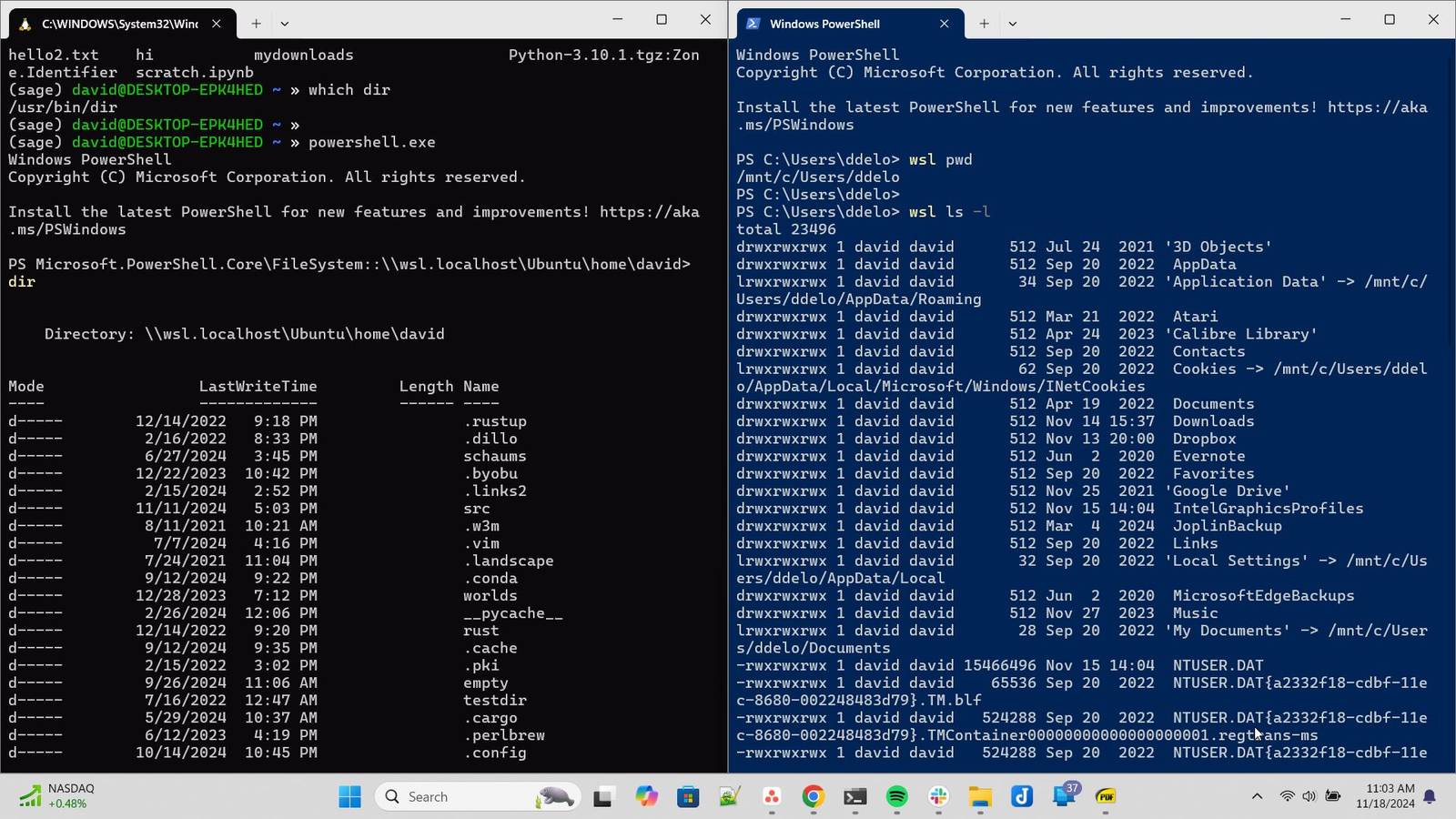
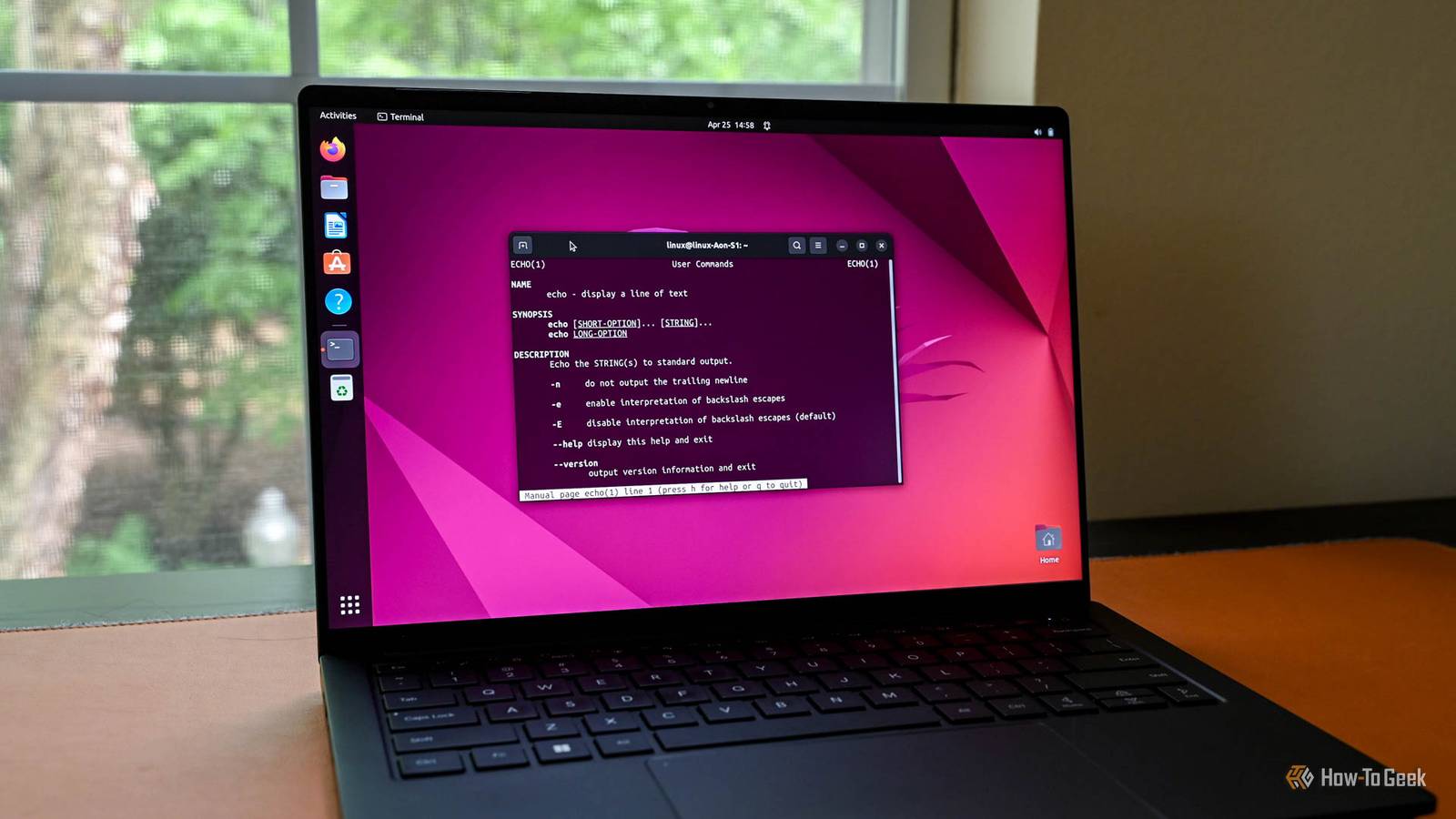
I don't remember how or why it eventually clicked for me, but it started to become less and less intimidating.By the time I started using Linux on my main machine, I had figured out the basic idea of the command-line interface and even started to prefer it for its simplicity and precision.I learned where to get help and to read documentation.
These days, there are a few things that I prefer doing in the terminal instead of my browser.And then some.I built a distraction-free workspace for myself that lives entirely in the terminal.
I even have a terminal emulator installed on my phone and it can do some awesome things.Steam Machine 4K Capability Yes Brand Steam Storage 512GB or 2TB NVMe CPU AMD Zen 4 6C / 12T, up to 4.8GHz, 30W TDP The Valve Steam Machine is Valve's first desktop designed to bring PC gaming to the masses.With a custom AMD Zen 4 CPU and AMD RDNA3 GPU, the Steam Machine will play games up to 4K60.
The Steam Machine Verified program will make it easy for gamers to know whether a game will perform well or not.Designed in a small-form-factor size, the Steam Machine could be just the product console gamers have been waiting for to make their move to PC gaming.See at Steam Expand Collapse Learn to make backups Linux fixed this bad habit of mine This is something I learned recently, but over the years, I've lost a lot of important data because I'm terrible at keeping backups.
This includes a ransomware attack.I've gotten a little bit better at it since I started using Linux.After an update, my CachyOS installation was borked, and I could not get into the drive that the OS was installed on.
I tried recovering my data from a live environment to no avail.Since then, I started keeping proper backups using Timeshift.Timeshift makes perfect snapshots of your entire file system, not just the settings and system files.
Now if anything breaks my Linux system or if I can't troubleshoot problem, I just roll back my system to the point when it worked.It actually feels like a time machine for your computer because it restores everything back in place, down to the wallpaper.I blame my poor backup habits partially on Windows because its built-in System Restore Point app is just terrible.
It only backs up system files and settings.Compared to that, Timeshift feels bulletproof because it captures a system-wide snapshot, including your files, app data, and so on.It took a while to get here, but I'm glad I did Despite taking too long to figure out some of the basics, I'm happy that I got to learn so much over the years.
And I'm excited to keep on this path.
Read More