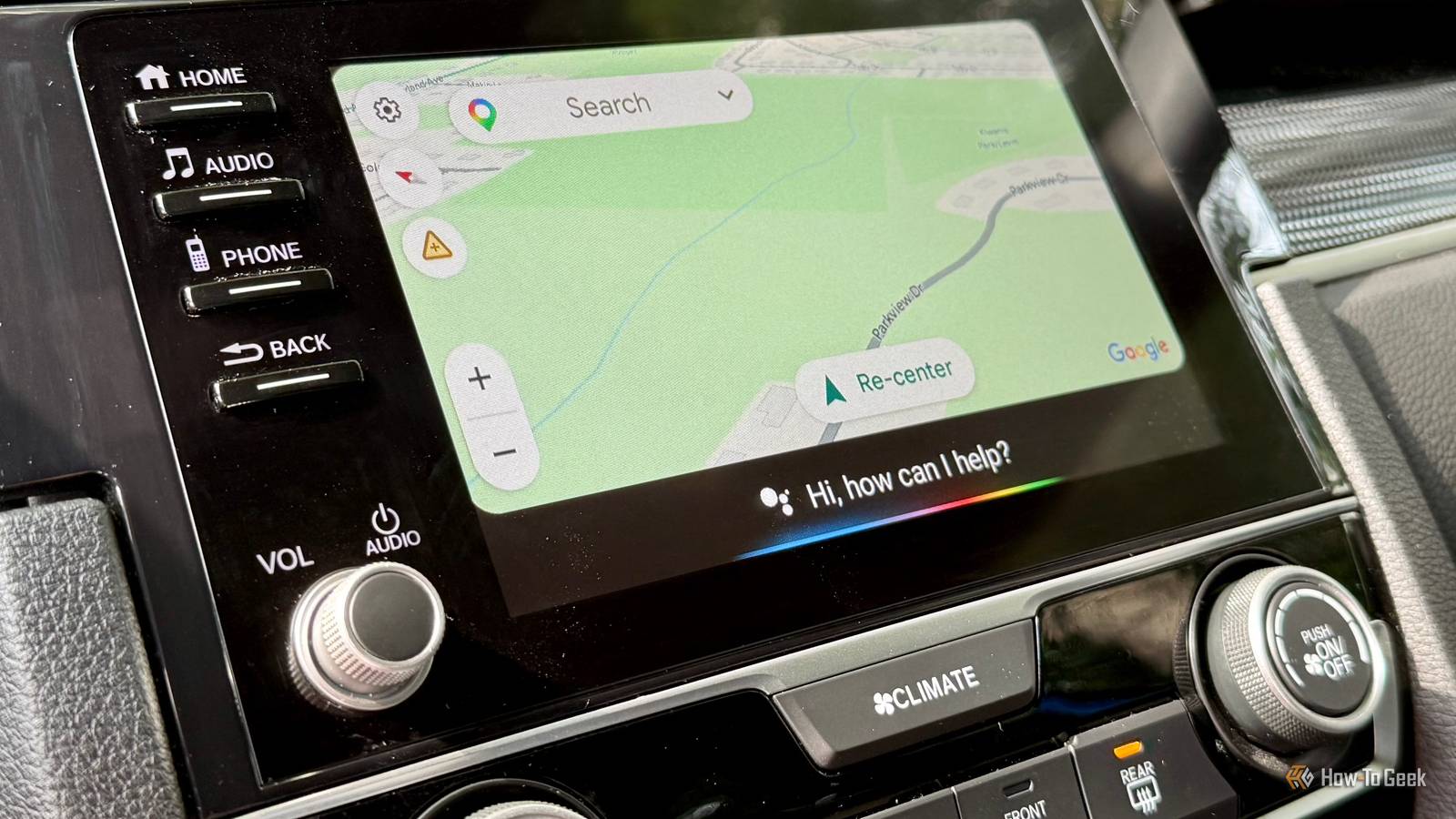
My husband and I can’t even agree on what should play in the car, so you can imagine how our Android Auto vs.Apple CarPlay debate goes.He’s a CarPlay fan, while I’m firmly on the Android Auto side.
We both think our preferred platform does things better, and neither of us likes admitting the other has a point.To win me over, he started showing me a few features that made me question my choice.I hate to say it, but now I know why he loves CarPlay over Android Auto.
From letting everyone add songs to a shared queue to showing live updates on the dashboard, there are a few things I’d genuinely love to see on my Android Auto setup.I’m not switching sides anytime soon, but I wouldn’t mind Google borrowing these four ideas.SharePlay makes road trips less of a music argument My husband might finally get his turn to pick songs My husband and I have completely different music tastes.
I can happily play Justin Bieber songs on repeat, while he prefers something upbeat.Deciding what to play on a long drive can turn into an argument.That’s why I liked CarPlay’s SharePlay feature when he showed it to me.
With Apple Music in CarPlay, passengers with an iPhone running iOS 17 or later can scan a QR code on the car’s screen to join the group.They can add their favorite songs to the queue from their own phones without needing an Apple Music subscription.The driver needs one, though, and must approve the request.
Android Auto doesn’t offer an equivalent built-in feature that lets passengers join a shared music queue this way.I’d love to see Google add something similar, so my husband can queue up his upbeat tracks while I sneak in a few more Justin Bieber ballads.Live Activities put useful updates on the dashboard One less reason to grab my phone while driving I often order lunch or dinner because I don’t always have time to plan my meals for a busy day.
Sometimes, I place an order while driving home, so my food arrives around the time I get there.I’d love to glance at my dashboard to check the delivery status instead of opening the app on my phone to see how much longer I’ll have to wait.CarPlay’s Live Activities make this easier by showing supported real-time updates right on the dashboard.
Depending on the app, these can include flight updates, food delivery progress, and live sports scores.I could glance at the screen to see if I needed to hurry or still have time to stop by the grocery store for tomorrow’s lunch.The feature requires iOS 26 and compatible apps, so not every update will appear automatically.
Android Auto doesn’t offer the same Live Activities integration.I’d love to glance at my dashboard for live football scores while driving home instead of pulling out my phone to check whether my team has scored.CarPlay lets you react to messages without typing Sometimes a thumbs-up is all I want to send Close Why type “okay” or “alright” when a thumbs-up will do? I often get texts like “Reach home by 10,” “Bring tomatoes,” or “Don’t forget to do web-check-in today.” I don’t need to write a whole reply to every one of these messages.
A quick thumbs-up or check mark is enough to let people know I’ve seen it.CarPlay lets me use Tapbacks to react to messages with options like a thumbs-up, heart, or thumbs-down, right from the CarPlay Messages interface.I don’t have to dictate a reply just to acknowledge a simple reminder.
Android Auto lets me read and reply to messages, and I can, but it doesn’t offer the same built-in Tapbacks experience in the car.I’d love to react with one quick tap instead of dictating “Okay, got it” every time a message pops up.Related 4 Android settings to disable for a better Android Auto experience Four tiny switches, noticeably less nonsense.
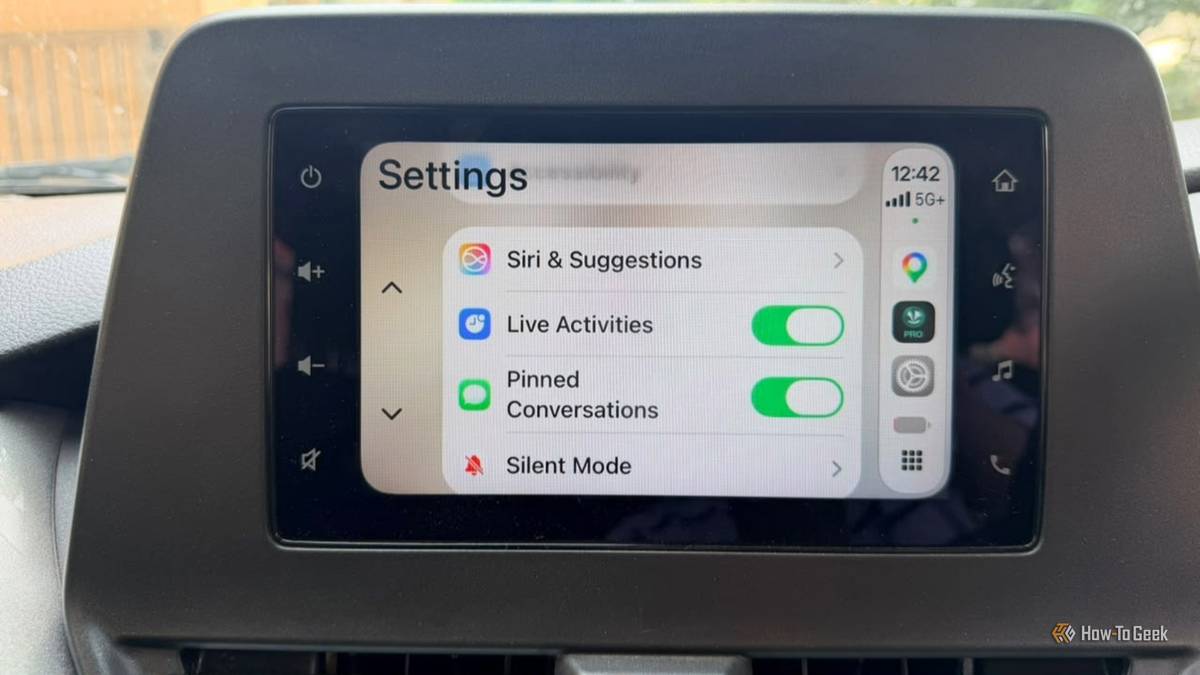
Posts 3 By Sanya Shah My important conversations are pinned Because not every chat deserves a scavenger hunt My Messages app is full of conversations, but I only need to reach a few people quickly.My husband, mom, dad, and my baby’s caretaker are at the top of that list.Whether I’m checking a message about dinner, asking my mom for a recipe, or coordinating my baby’s pickup, I don’t want to scroll through a dozen chats to find the right person.
Conversations I pin in Messages on my iPhone also appear in CarPlay.Android Auto doesn’t offer the same pinned-conversation feature.I’d love to keep my most-used chats within easy reach instead of hunting for them every time I need to send a quick message.
I’m not switching, but I want these features Android Auto has plenty of tricks of its own, and I’m happy with my setup.My husband can keep praising his iPhone, but I’m sticking with my Galaxy.That said, I'll admit Apple gets something right.
I'd genuinely use SharePlay, Live Activities, Tapbacks, and pinned conversations.I don’t need Google to copy everything Apple does.But if Android Auto borrowed these four ideas, it would be even better.
It already does a lot, and adding these features could give it a superpower.Now, if you’ll excuse me, I have a debate to win with my husband.Related 5 times Android Auto says No when your phone says Yes Because Android Auto has trust issues.
Posts By Sanya Shah
Read More