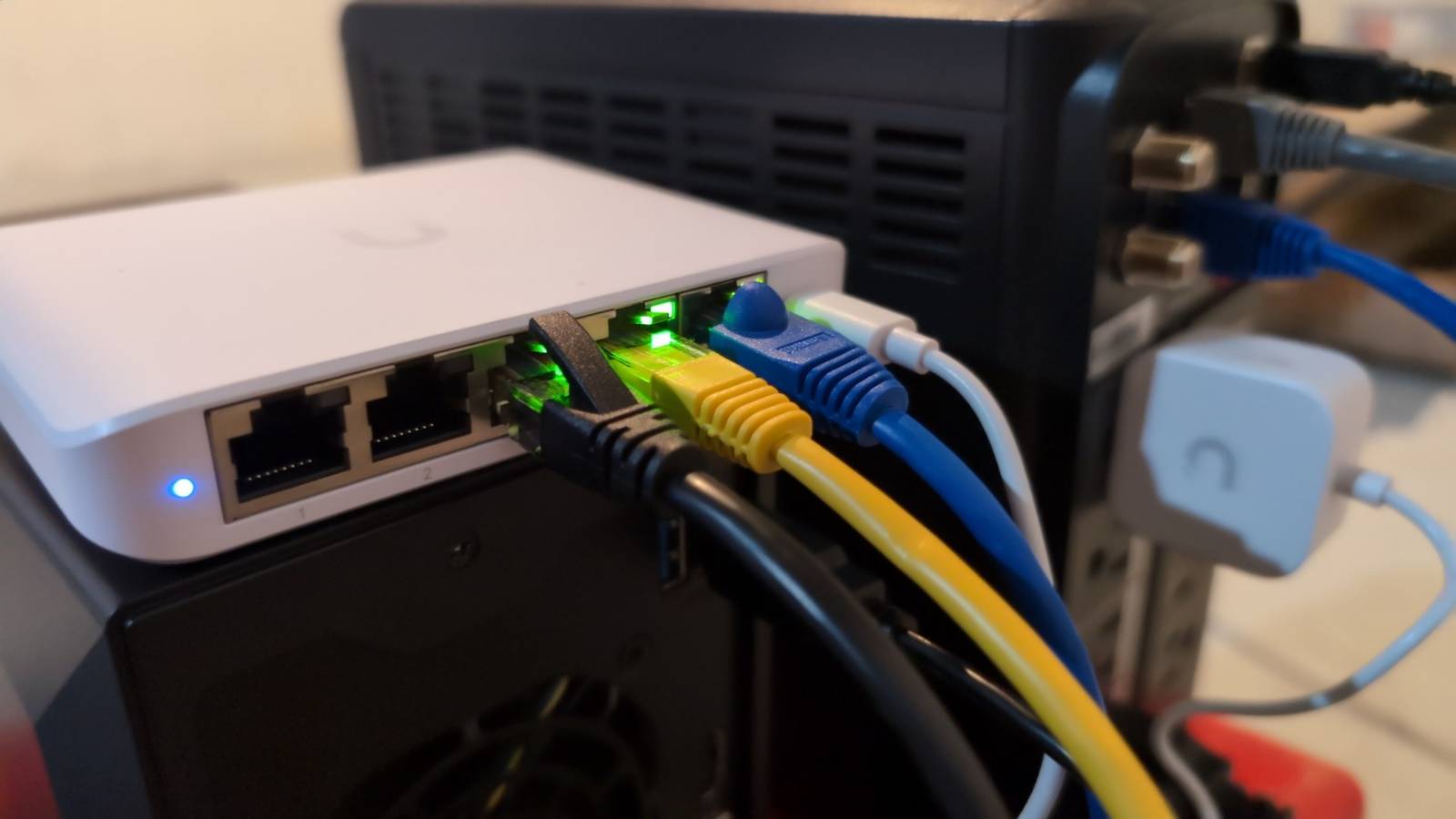
It's a bit of a hobby of mine to help people troubleshoot their tech problems, and over the years, I've built up a drawer full of gadgets for it.The one I always grab first for network trouble isn't fancy at all.It's a five-port unmanaged gigabit switch that costs about the same as the lunch I had today.
It has no app, no web interface, and no settings you can mess up.A cheap unmanaged switch does one job, and it does it exactly the same way every single time, which makes it great for narrowing down a network problem.Related Wi-Fi 7’s most interesting feature isn’t its top speed, it’s what it does when your network is busy You probably don't use the speed anyway Posts By Monica J.
White A cable that only looks fine Cables lie, and the switch catches them in the act Close All of the important stuff in a cable is on the inside, and plenty of it can break without outer damage.So, even if all your cables look fine, you can't just assume the problem is somewhere else.Bad cable routing habits make this way more common than you'd think.
Testing multiple cables might sound like a drag, but with the switch, it's super quick and simple.All you do is plug one end into a port and the other end into something you trust.If the light comes on, you've got a link and your cable is fine.
If the light is flickering (especially when you wiggle the cable), it means there's damage somewhere, and you'll need a new cable.No light at all means the cable is dead.A flaky network adapter Sometimes the PC really is the problem If your cable passes the test but still doesn't seem to be working with your PC, don't worry, you're not going crazy.
In this situation, what you need to look at is the network adapter, its driver, or a worn-out jack on the motherboard.You can use the switch to double-check that the PC is the problem by plugging the same Ethernet cable into your laptop and checking the results.If the laptop gets a gigabit link but the desktop only gets 100Mbps, you know the desktop is the problem.
And when the desktop is the problem, it's most likely the built-in Ethernet port causing the trouble.You can test this by grabbing a USB-to-Ethernet adapter and plugging it into one of your desktop's USB ports.Now repeat the experiment with the switch and see if it jumps to a gigabit (it most likely will).
There's a chance the built-in Ethernet port on your desktop might be physically damaged, but you should also check for a driver update and any weird settings, just in case that fixes it.A dying router LAN port Routers lose ports more often than you'd think The ports on your router don't last forever, and while they shouldn't be dying every other month, there's always a chance that they will be the problem.To rule it out, plug your switch into a port you know works, and plug the misbehaving device into the switch instead.
This way, you can check the lights on the switch and check the speed.If the problem suddenly disappears, then you know the port it was plugged into originally is the problem.If it's still acting up, you know that port is fine, and it's one more possibility you can cross off your list.
And, by the way, if your port is broken, you can just plug your switch into the router permanently to get those ports back without needing to buy a new router.The router itself A tiny isolated LAN strips away everything else Occasionally, you'll need to know whether two devices can talk to each other.For that, you can build a tiny test network with the switch, two computers, and nothing else plugged in.
An unmanaged switch doesn't hand out IP addresses, so you'll need to give each machine a static address in the same range (say, 192.168.50.10 and 192.168.50.11, subnet mask 255.255.255.0, no gateway).Then, ping one from the other and copy a big file across.Windows Firewall likes to block ping, so allow it temporarily.
If transfers are fast and stable, the hardware is fine, and the problem lives further up the chain, usually in the router.It's the same idea as linking two PCs directly, just with room for a third device.A bad wall jack or in-wall run Test the walls before you blame the router Hiding cables in walls is amazing for convenience and tidiness, but if something goes wrong, it's an ordeal to fix.
And there are quite a few things that can go wrong within the maze of cables hidden in those walls, and it's even possible for only one room to feel the consequences.So, to test, bring the switch into the problem room (the room your misbehaving device lives in) and plug it into the wall jack.The light will tell you how well the run inside the wall negotiated with whatever's on the far end.
If it doesn't look good, the problem is in the wall, which is annoying, but at least you know.It's not jaw-dropping, but it does the job The best thing about the unmanaged switch is how much trust you can put in it.When you're troubleshooting network stuff, it's hard not to second-guess the results you get, because there are always multiple possible reasons for those results.
The switch gets rid of all that because it has no settings to mess up.Whatever it tells you, you can safely believe it.It can't do everything, but what it can do, it does perfectly.
NETGEAR 8-Port Gigabit Ethernet Unmanaged Switch (GS308) If you need a cheap and reliable unmanaged switch, you can't go wrong with this model from Netgear.See at Amazon Expand Collapse
Read More