A lot of gamers are understandably concerned when they first boot up their new gaming PC and discover that their expensive graphics card is hitting temperatures north of 80°C.Most of the time, this is completely normal and actually happens by design, as cards are typically optimized around fan noise.However, in my case, my newly purchased RX 9070 XT developed a massive hotspot problem after a few months, and it turned out to be much worse than the GPU's temperature suggested at first.
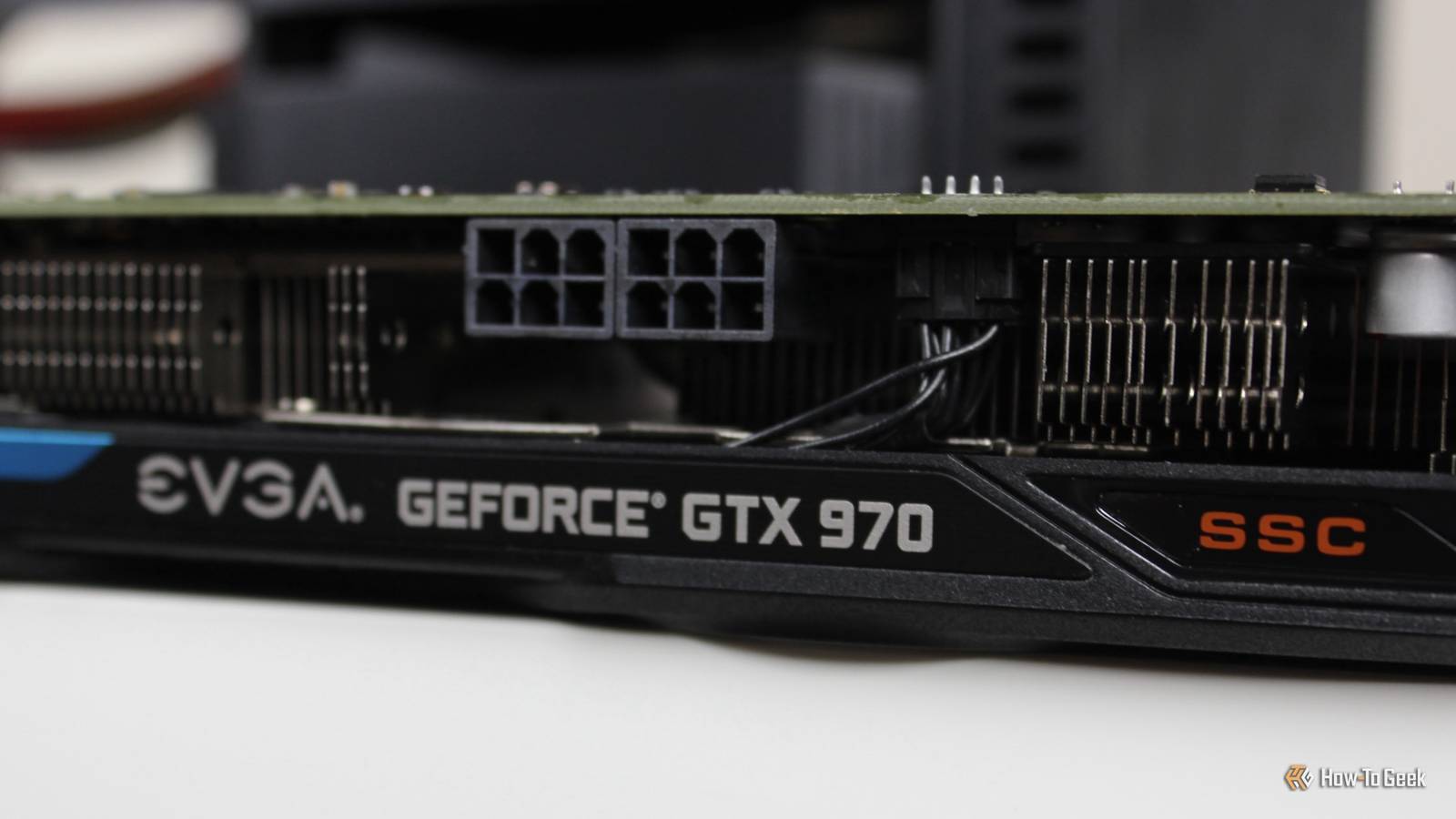
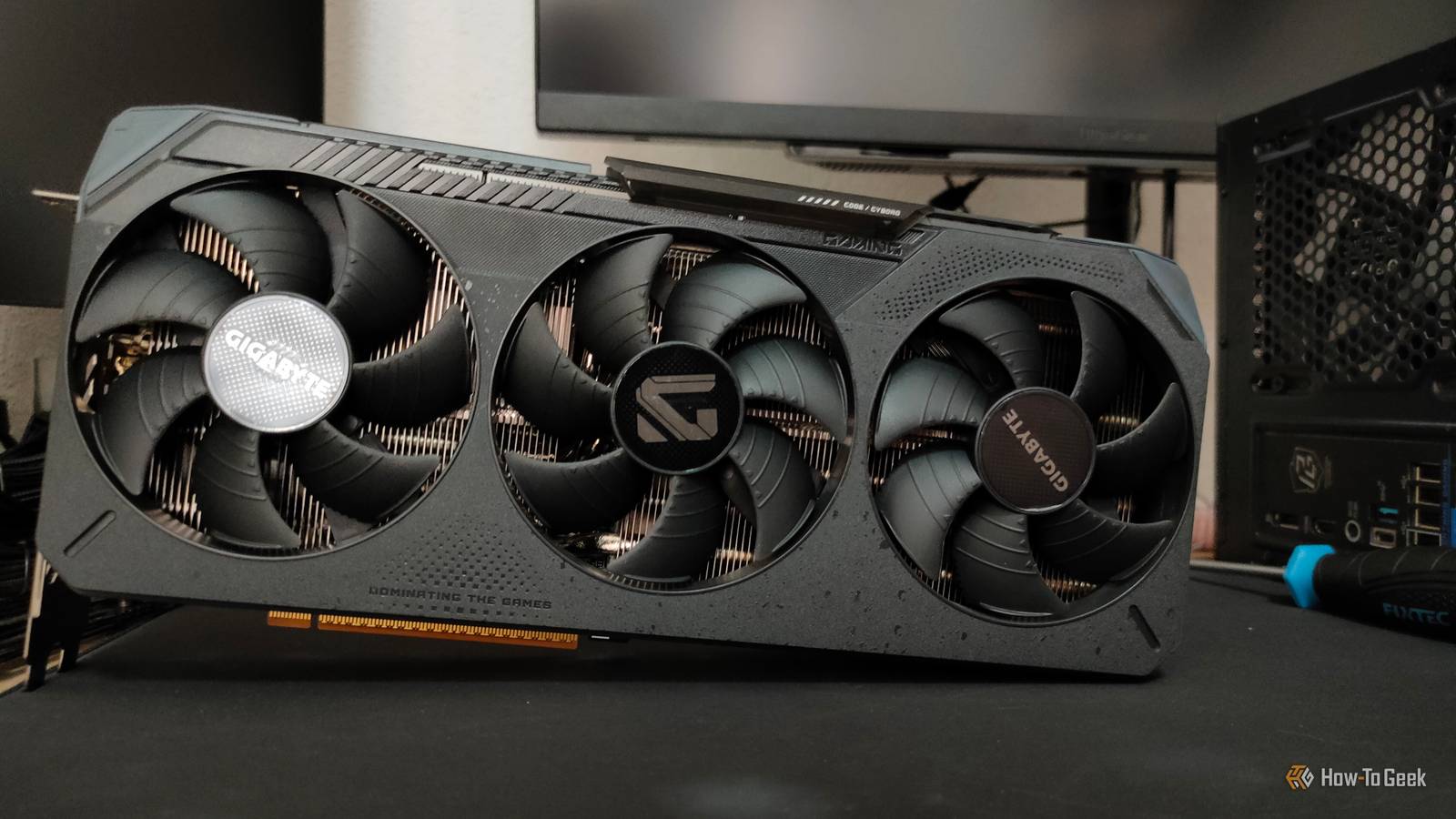
I bought the "wrong" AMD RX 9070 XT, and it's developed a huge hotspot problem It seemed fine at first...Close I bought the Gigabyte RX 9070 XT Gaming OC on New Year's Eve to replace my RX 6800 XT, just as RAM prices started surging, and I was worried they could reflect on graphics card prices as well.I specifically picked this card because it was the cheapest model that used a 3x8-pin PCIe power layout instead of the notorious 12VHPWR connector.
I didn't care much about any of the other features.I had a Gigabyte card in the past, and it worked really well, so I didn't think much more of it.I didn't experience any problems with the graphics card at first.
I bought it in winter, and since my room stays relatively cool, I was fine with running the card at a modest GPU and VRAM overclock, along with a +10% power limit increase to allow the card to draw as much power as it wants.However, as months passed and summer heatwaves drastically increased my room temperature, I started noticing that my card was outputting a lot more fan noise than usual, accompanied by occasional crashes that only got more frequent as time passed.My $750 graphics card developed a hotspot problem It wasn't just running too hot The first time I noticed something unusual was back in June, when I was playing through and my hotspot temperatures hovered around 100°C, while the GPU die itself stayed at around 60°C.
I initially thought it was a one-off in this Unreal Engine 5 game, but things got worse as I started playing through other demanding games like and .Although my GPU temp rarely went above 65°C, my hotspot temps were always in the 100°C–110°C range, and I started experiencing more crashes than ever.Lowering the power limit brings down the temps by a few degrees, but it's still pretty bad.
I did some research and learned that this massive ~45°C temperature delta between the GPU die and hotspot could be caused by something known as "thermal paste pump-out." I found several Reddit threads from other owners of the same card reporting similar issues, while other cards were running cooler.I asked my friend to run OCCT on his XFX RX 9070 XT, and his temperature delta remained at a comfortable 19°C after more than 30 minutes.(His GPU temp is hotter, but that's because my fans are always automatically boosting at 100% under load to keep the hotspot cool).
But since AMD officially states the maximum safe junction temp to be 110°C, graphics card makers can claim that this is "normal." It's worth pointing out that high-power cards like the RX 9070 XT do tend to have a larger-than-average temperature delta between the GPU and hotspot, but a delta in the 20°C range is much more typical under a full load, making my roughly 45°C gap particularly concerning.Essentially, repeated heating and cooling cause the GPU die and heatsink to expand and contract at different rates, which can gradually push conventional thermal paste out from between the two surfaces.This is known as "thermal paste pump-out," and it can eventually leave parts of the die with poor thermal contact to the heatsink.
This is precisely why my card seemed fine at first, only to develop an increasingly large hotspot delta as I regularly played games on it.Graphics card makers are finally moving away from traditional thermal paste GPUs are getting better While my Gigabyte RX 9070 XT uses traditional thermal paste on the die, many manufacturers have shifted to phase-change thermal pads.I already mentioned my friend's XFX, but some other RX 9070 XT variants also use phase-change pads, like the ASRock RX 9070 XT Steel Legend and PowerColor Red Devil RX 9070 XT.
Both manufacturers specify Honeywell's PTM7950 phase-change material, which has developed a strong reputation among the DIY community.These pads change from a solid to a softer, semi-liquid state as they warm up, which makes them much more resistant to developing hotspot issues.In fact, they can improve after a few heat cycles because the thermal interface material (TIM) conforms more closely to the surfaces and fills microscopic gaps, enhancing thermal transfer.
Although some thermal pastes, like the Arctic MX-7 that I run on my CPU, are specifically designed to resist pump-out, not all conventional pastes are engineered to do so.This is especially problematic with direct-die cooling that we see in laptops and GPUs.Normally, an integrated heat spreader like the one on a CPU helps distribute heat and pressure more evenly.
But with direct-die cooling, the bare silicon and heatsink expand and contract at different rates, and if paste is displaced from just one part of the die, the hotspot can increase dramatically.I'll be replacing the thermal paste with a phase-change pad myself This is where things get risky While I could go through the RMA process and get my card replaced because it's still under warranty, I don't think it's worth the trouble.Even if I managed to convince the retailer to replace it, I'd likely have to wait a week or two for the replacement card to arrive.
And since it's the same model, there's a good chance it would eventually develop the same thermal paste pump-out issue.So, I've decided to order some (hopefully genuine) Honeywell PTM7950 from AliExpress, which should arrive in a few weeks.I'll also replace Gigabyte's infamous "server-grade thermal conductive gel" on the VRMs and memory chips while I'm at it.
While I normally don't mind disassembling graphics cards and replacing their TIM, I've only done that with used cards in the past.This is the first time I've bought an expensive graphics card brand-new, and it's a shame that I'll have to take the risk of disassembling and potentially damaging a card to fix an issue that doesn't seem to affect many other RX 9070 XT models.Thermal paste isn't the only thing that can cause a high hotspot Hotspots are more complicated than they seem While large hotspot temperature deltas are most often caused by thermal paste pump-out, it's worth pointing out that it's not the only thing that can cause them.
Other issues can be at fault too, with one of the more common ones being uneven cooler mounting pressure, which can result in incomplete contact between the die and heatsink.However, a far more concerning potential problem is something known as "pitting," which refers to microscopic craters on the silicon die.It's a relatively rare manufacturing defect that's often caused by hard-particle contamination during grinding, something that's been documented by Igor'sLAB.
I sincerely hope this isn't what's behind my overheating issues! Check what’s under the cooler before buying your next GPU Some graphics cards can develop a massive thermal hotspot delta between the GPU die and the hotspot because traditional thermal paste gets displaced over time.The good news is that this is largely avoidable.Don't make the same mistake I did.
Before spending hundreds of dollars on a graphics card, dig a little deeper.Look for models that use phase-change thermal pads, and check long-term reviews and owner reports to see how the hotspot temperatures hold up over time.A few minutes of research could save you from taking apart your brand-new GPU down the road.
Related 9 Reasons You Should Change Your Graphics Card's Thermal Pads and Paste Even if your graphics card isn't overheating, it will still benefit from fresh thermal paste and pads.Posts 2 By Ismar Hrnjicevic
Read More