A new tablet can be great for typical uses such as browsing the internet or watching shows and movies.If you're thinking about buying a new tablet for another purpose, then it's worth considering whether an old eReader could do a better job.Use it as a distraction-free writing screen It's ideal for working in bright sunlight I have a jailbroken Kindle 4.
I've done a fair few experiments with it, just to see what was possible.One of those experiments was seeing if I could get it to work as a portable monitor for my computer.I was able to get it to work, albeit with a fairly slow refresh rate.
The project wasn't intended to be something I'd actually use, but it turned out to be more useful than I'd anticipated.The E-Ink screen of the Kindle is far easier to read in bright sunlight.I've tried working outside before, but using my laptop in the sun has always been too much of a pain.
Using the Kindle as a monitor, I can work outside and still see what I'm typing.Another major benefit is that the small screen makes it difficult to see anything other than very large text.If I'm tempted to open Reddit and start doomscrolling, the posts are too small for me to read, so there's nothing to distract me when I'm working.
Set up an always-on smart home dashboard An eReader doesn't need constant power I'm not a huge fan of wall-mounted smart home dashboards.People regularly post images of dashboards that are packed with controls, video feeds, charts, and more.They're so crammed with information that you can't actually see what's going on.
The other issue is that you either need to leave the screen running 24/7 or have some way of having the screen turn on when you're nearby, neither of which is ideal for a tablet.Using an eReader as a dashboard can be a better choice, since the dashboard can be displayed on the E-Ink screen even when the device is sleeping.This makes an eReader ideal as an always-on dashboard that displays a small selection of key pieces of information.
You can see the information at a glance because the screen is always on.As long as you're not updating the information constantly, the eReader can keep running without power for a long time.That means you don't have to worry about connecting it to power or running unsightly cables.
Wall-mount a calendar that can run without power It only needs to update once per day A smart home dashboard may need to update multiple times over the course of a day.A family calendar only needs to be updated once per day, or even once per week if you can fit a whole week of information onto the screen.Using an eReader as a wall-mounted calendar is a great way to take advantage of the low-power E-Ink display.
If you use it to show the day's events, the screen needs to update once per day.The rest of the time, it can use very little power while still displaying the information you need.Depending on the model of eReader you're using, your calendar could be displayed for a month or more without the eReader needing to be charged.
This makes it ideal for displaying around your home; you could place the eReader within a photo frame and hang it on your wall, and you'd only need to take it down once a month or less to charge it up.You wouldn't need any access to nearby power outlets, and you wouldn't need to try to hide power cables; you could place the eReader almost anywhere you wanted.Use your eReader as a digital photo frame No need for unsightly cables In the same vein, an eReader can make an excellent digital photo frame.
Using a tablet as a digital photo frame isn't ideal, as you need to keep it connected to power.The illuminated display also makes the whole thing look like an image on a screen rather than a photograph in a frame.An eReader looks much more like a physical print, because the screen reflects ambient light instead of emitting it like a tablet's display.
If the image isn't constantly being updated, then the eReader can also display photos for a considerable amount of time without needing to be charged, so you don't need to have power cables sticking out the back of your photo frame.Obviously, monochrome eReaders can only display black and white images, but these can still look stylish.Alternatively, you can use a color eReader, which gives you color images with all the benefits of an E-Ink display.
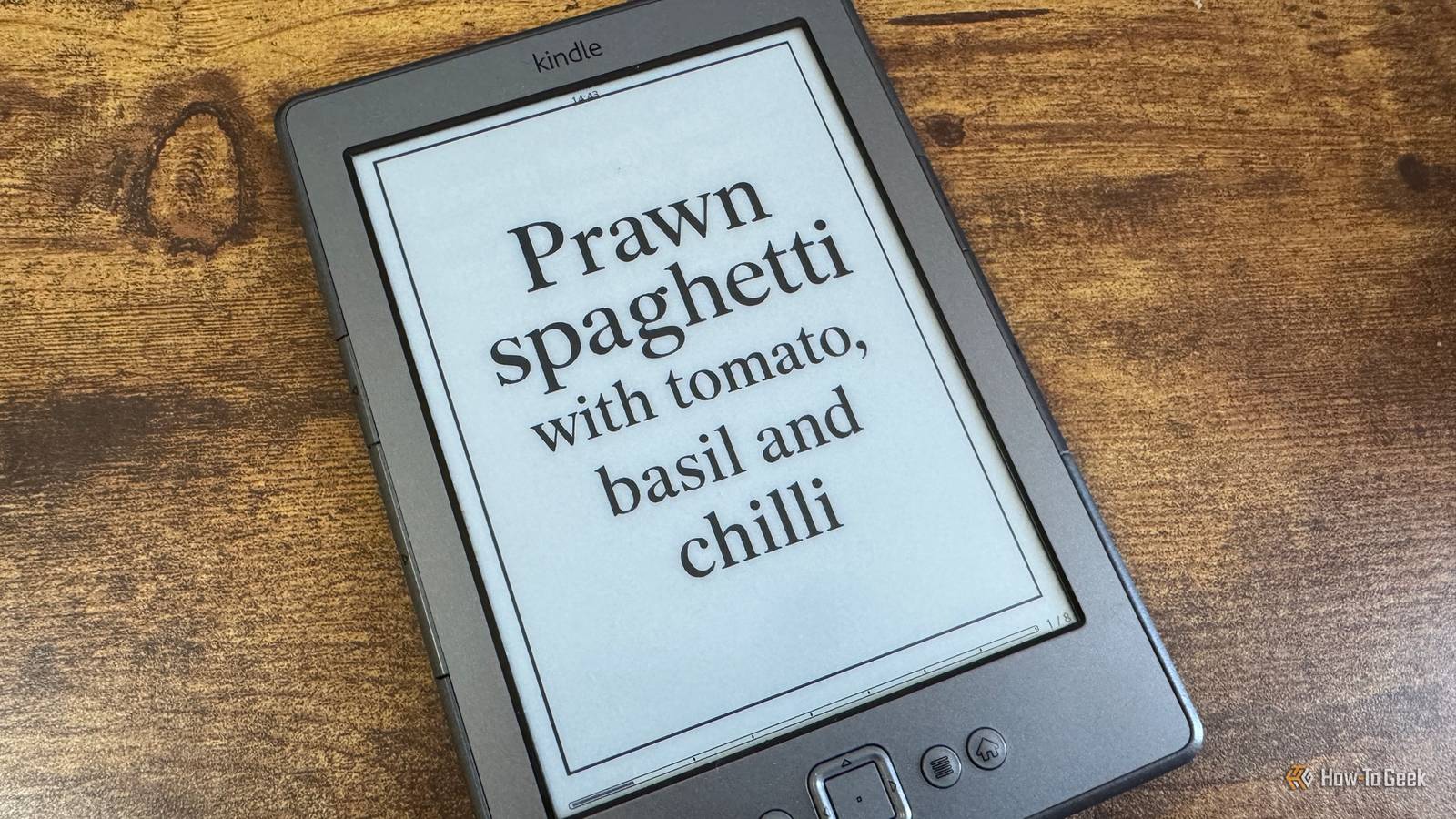
Use it as a digital recipe book No screen timeout and no messy screen Close This is something that I've set up with my Kindle, as it's perfect for the job.When I'm cooking, flicking through a recipe book with sticky hands isn't ideal, and using a tablet means trying to swipe a screen with raw egg all over your fingers.My Kindle 4 has physical buttons on both sides for turning the pages forward and backward.
I converted my favorite recipes into EPUB files with each step of the recipe on a single page.I can flip through the recipe step-by-step using the physical buttons without getting sticky fingers all over the display.The other major benefit over using a tablet is that with my Kindle, I don't have to worry about the screen turning off when I'm in the middle of cooking.
Unlike a tablet, which will often turn off the display if you're not interacting with it to save battery, the Kindle keeps the recipe on the screen the entire time I'm cooking.Related 7 things my jailbroken Kindle can do better than an Android tablet or iPad Sometimes a Kindle is all you need.Posts 5 By Adam Davidson Tablets are a better choice for some uses That's not to say an old eReader can replace a new tablet.
You're not going to want to use an eReader to browse the internet or watch Netflix.For some jobs, however, an old eReader may be the better choice.
Read More