I always thought Android Auto was about to make driving easier.I spend enough time in my car driving around town, picking up my grandparents, running errands, or waiting for my mom to finish her music class that anything promising to make those moments smoother gets my attention.So when I started testing some of Android Auto's most useful features, I expected small wins.
Instead, I started missing the '90s method: just doing it myself.I wasn't asking Android Auto to do something fancy.I wanted to get directions, deal with a message, or handle something without reaching for my phone.
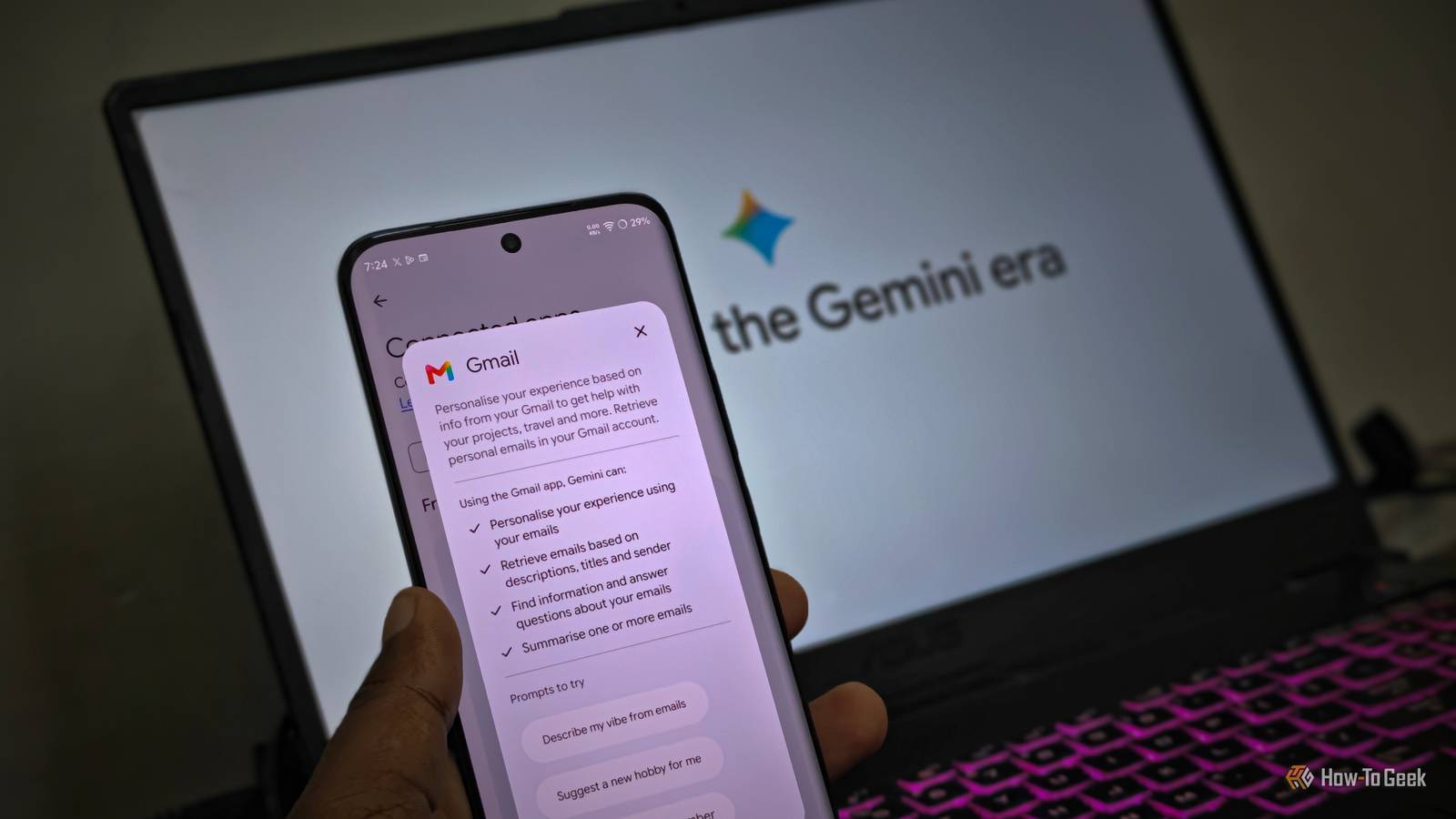
Somehow, I ended up getting frustrated.Here are the features I immediately wished I could untry.Gemini voice commands I shouldn't have to repeat myself Gemini could be your best friend, but it isn't mine.
I wanted to give voice commands a fair shot because, in theory, talking to my car should be easier than poking around the screen while I'm driving.Yesterday, when I was driving to pick up my grandparents, I gave Gemini's voice commands a shot.I said, "Hey Google, navigate to my grandparents' house." Instead of taking me straight there, it asked which location I meant.
Fine.I clarified it and moved on.A little later, I remembered I needed to call my mom, so I said, "Call Mumma." Sounds simple, right? Except I had to repeat myself before Gemini finally understood who I wanted to call.
That's exactly what annoyed me.I'm using voice commands because I don't want to touch my phone again and again and get distracted while following a route.If I have to repeat myself, clarify what I mean, and wait for the assistant to catch up, the whole hands-free idea starts losing its charm.
Gemini actions My shortcut needed a shortcut Close Gemini can do more than just respond to voice commands.It can actually carry out tasks for you.The voice command is basically asking Gemini to call mumma, but the action is Gemini actually doing something with that request.
For example, I can tell Gemini to send my mom a message, "I'll be home in the next 20 minutes", while driving, and Gemini can actually prepare the message and send it after I confirm it, instead of just telling me how to do it.My brother uses these kinds of tasks all the time, so naturally, I thought I'd give them a try too.That turned out to be a mistake.
When I told Gemini to send the same message to my mom, I kept second-guessing whether it had actually done what I asked.I found myself wondering if I should check my phone afterward just to make sure the message went through.I also wanted to check whether Gemini had sent the exact message I said or changed something along the way because, well, it's my mom! At that point, the shortcut felt like more work than it was worth.
Related 5 times Android Auto says No when your phone says Yes Because Android Auto has trust issues.Posts By Sanya Shah Incoming messages take over my screen I didn't need a giant reminder I don't mind getting message notifications while I'm driving.What bothers me is how much attention they can demand when I'm already trying to focus on what I'm doing on the screen.
When a message comes in, Android Auto can show a notification on the car's display, and depending on the setup, it can take up a pretty noticeable chunk of the screen.I was following Maps when a message from my husband popped up, and instead of quickly glancing at it and moving on, I found myself waiting for it to disappear so I could properly see my route again.I know I can have Android Auto read my messages aloud, but not every incoming text needs my attention right then.
Sometimes I just want my map back, or I want to switch to the app launcher without a notification demanding center stage.The taskbar that never leaves Another thing taking up space I get why the bottom taskbar is there, but honestly, I kept wishing it would just move.I was driving to the supermarket and using Maps to find a better route when I noticed how much stuff was sitting at the bottom of the screen.
I wanted to see more of the road ahead, especially when I was getting close to a turn I wasn't familiar with, but the taskbar was right there taking up space.I know those buttons are meant to make switching between apps quicker, but I'm not doing that while driving.If I'm using one app, I usually stick with it.
If I need something else, I'll deal with it when I'm parked.I'm all for shortcuts, but I don't need a whole row following me around.Related I finally found out why these 4 Android Auto features look different in my car My car screen was holding me back.
Posts By Sanya Shah I tried.I'm good now I think I'm finally done trying all of Android Auto's useful features.Some sounded great in theory but were a little more annoying once I actually used them.
Sometimes, simple is just better.I'd rather get where I'm going without having a running argument with my car.
Read More