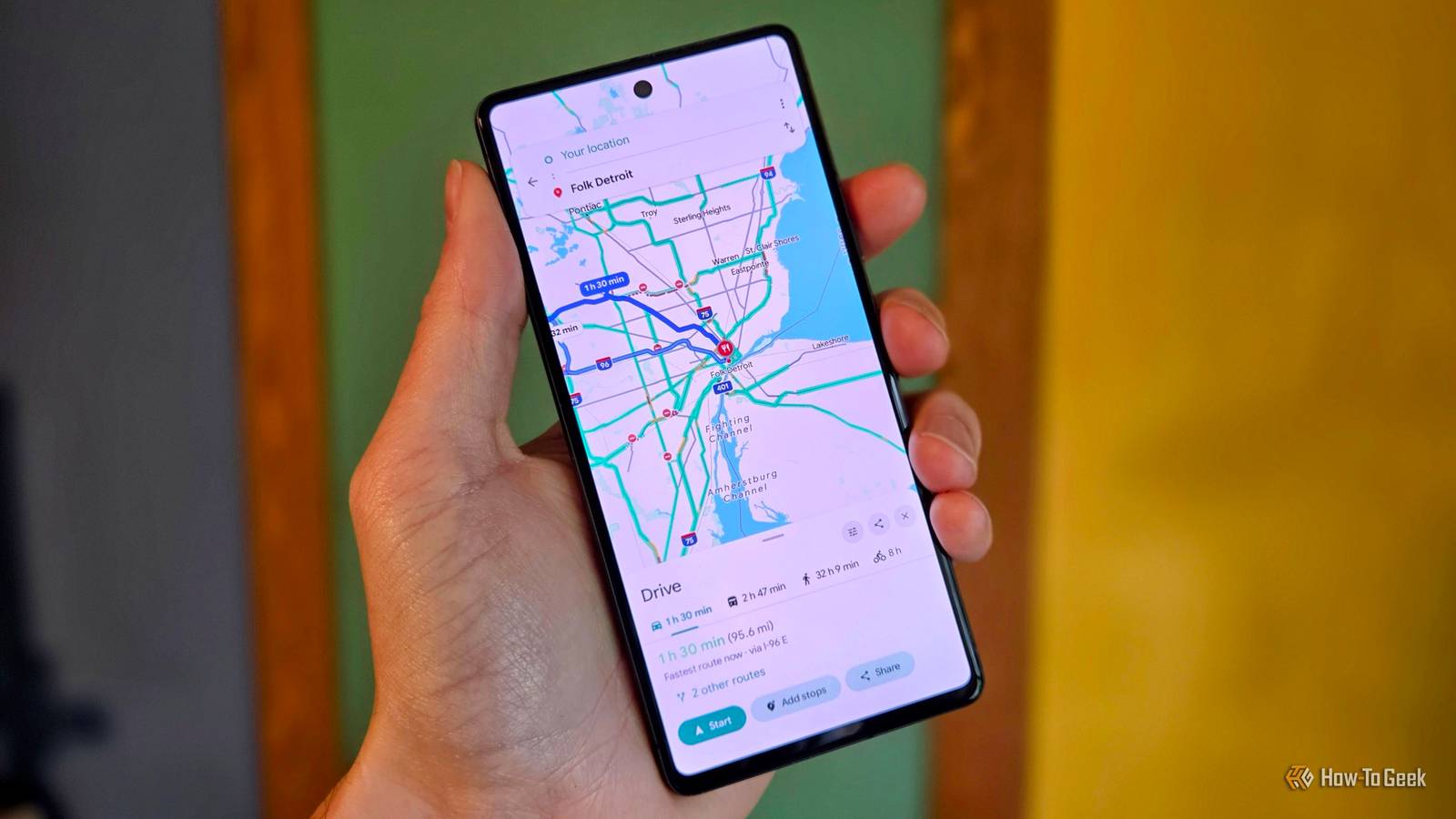
Waze gets me where I need to go, but that doesn’t always make the drive pleasant.Sometimes, it talks over my Spotify playlist, and other times, its suggested routes make me wonder what it’s thinking.I’ve used the app enough to know its basic features, but I rarely bother exploring beyond the usual directions and traffic alerts.
Recently, I got curious about what I might be missing.Was I overlooking settings that could make my driving less annoying? Waze announced several new features in , and a few caught my attention.There’s more to this app than yelling at me to turn left.
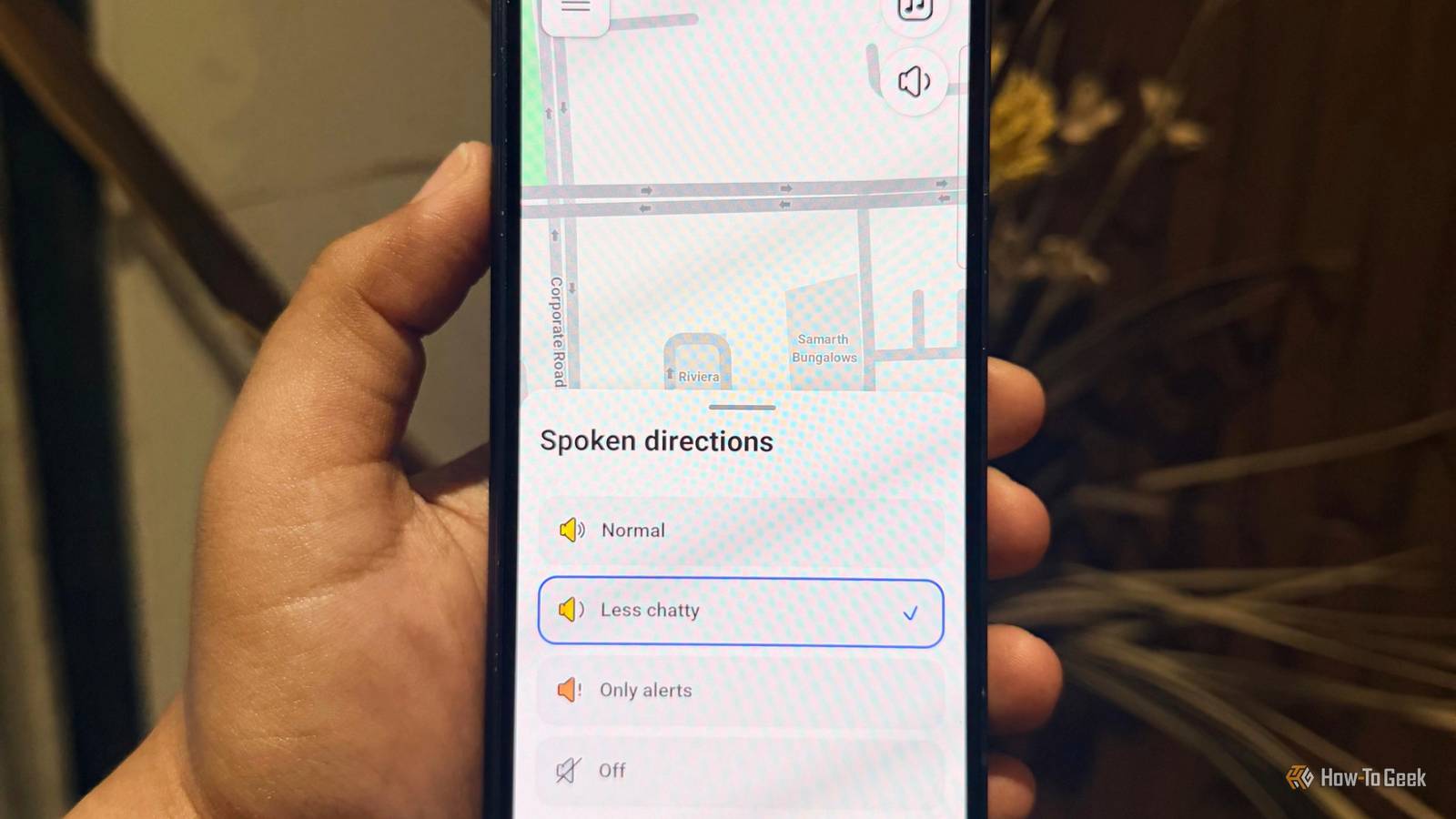
Less chatty mode Turn this on and enjoy the silence Close There’s nothing like getting into the groove of a favorite song, only for Waze to interrupt in another direction.I’m happy to hear about traffic jams and road hazards, but I don’t need to announce every little turn while I’m following the map.I just want my music and some peace in the car, not Waze constantly telling me to turn right like my mom is sitting next to me giving directions.
Now, Waze has introduced Less Chatty mode to address this problem.It promises fewer voice prompts without leaving me completely in the dark about what’s happening on the road.Open Waze and go to Settings -> Voice and sound.
Look for Less chatty and turn it on if your version of the app has it.My playlist gets more room to breathe, and Waze can save its commentary for when I actually need it.Personalized navigation Waze is finally learning which routes I hate Close Waze has a habit of suggesting routes that make me question its judgment.
I could be heading to the mall, and it'd send me down a narrow, traffic-packed street when a slightly longer route might be easier to drive.And once I’m stuck, I can only follow the directions and start calling random people to kill time.Personalized navigation is mandatory for me because Waze can learn from my driving habits.
It considers the routes I regularly take and how traffic affects my journey, which can help it suggest options that better suit me.Imagine my usual office commute takes 15 minutes on one route, but another route takes just 10.If Waze learns that I prefer the second route, it may start suggesting it more often when traffic conditions make it a sensible option.
That means fewer frustrating detours and less time calling people just to survive another traffic jam.Conversational road reporting Waze wants to hear me out There’s always something unexpected on the road.On my way to the mall, I might spot a huge pothole or find a road suddenly blocked by construction.
I want other drivers to know, but reporting it while driving is the last thing I want to deal with.Waze’s conversational road reporting makes this easier by letting me describe what I’ve spotted in everyday language instead of tapping through menus.For example, if a road has been permanently closed or a business has moved, I can describe it.
I don’t have to remember the exact reporting category or stop to type out a description.Waze can interpret the report and help submit it for verification.It’s a practical addition for everyday driving.
Next time, I am adding “beware of potholes, rogue bikers, and my questionable life choices” to the report.Motorcycle mode Bikers, this one’s for you If you ride a bike regularly, you know the quickest route isn’t always the easiest.A road that looks perfectly fine on Waze might turn into a pothole-filled mess or have speed bumps that make you regret taking that shortcut.
That’s where Motorcycle mode comes in.It’s designed to suggest routes better suited to two-wheelers and help riders spot road hazards before they reach them.To try it, open Waze’s Settings -> Vehicle details -> Vehicle type -> Motorcycle.
Select the option, and Waze can tailor navigation to your bike rather than a car.The feature is available only in selected countries.If you don’t see Motorcycle mode in your settings, it might not have reached your region yet.
Don’t judge Waze too soon Waze seems to have more up its sleeve.It’s testing Gemini-powered search with beta users, so drivers can ask for things like a nearby coffee shop or a cheaper gas station instead of typing exact names.I’d love to try that when I’m out running errands and need a quick coffee shot.
There’s also a separate pilot bringing real-time alerts from Google Maps drivers into Waze.It launched in Spain, Argentina, Colombia, Poland, and Indonesia to fill gaps when Waze doesn’t already have a report.I hope Google expands it to more countries soon.
Now, I’m curious what they’ll come up with next.
Read More