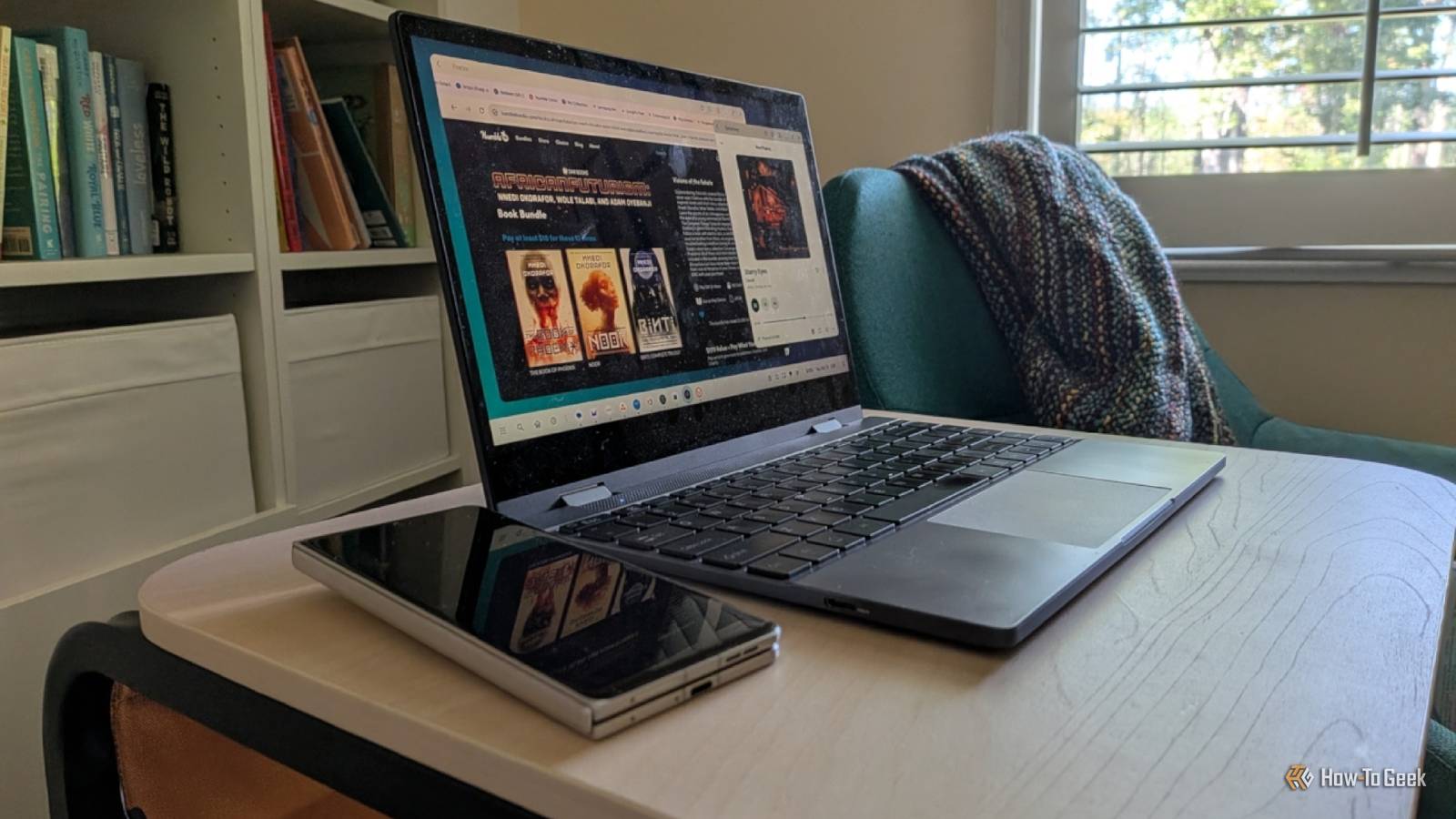
Google wants you to buy a Googlebook, but these new laptops cost a premium, and after looking at these Android-powered devices, I see very little that hasn't been available for years.Depending on your expectations, the best Googlebook for you may already be the one in your pocket.Take this from someone writing these words on an Android desktop he's used on and off for years.
A Googlebook is a laptop powered by Android There’s little about them that isn't also available for your phone Googlebooks are a successor to Chromebooks, but instead of Chrome OS, they run Android instead.Like Chromebooks, Googlebooks can run Android apps.Unlike Chromebooks, Linux apps are not available.
When I recently visited my local Best Buy (no, I haven't been sent any review samples to live with), I got to try several of the first wave of Googlebooks.There are five models from Acer, Asus, Dell, HP, and Lenovo.Each runs a near-identical version of Google's new Android-based desktop.
This interface isn’t quite the same as the Android desktop that appears when you connect a Pixel to an external display.Google has added some quality-of-life improvements.For example, you can perform actions by dragging your cursor to the corner of the screen.
More importantly, Googlebooks come with a version of Chrome much closer to the one you get on Chromebooks and other laptops.It also includes Gemini-centric features, such as the ability to call up the assistant by shaking the cursor.But the core desktop experience isn't drastically different from what's been available on some Android phones for most of the last decade, and in several jarring ways — it's currently worse.
A beta that costs $1000 to join There are several areas where your phone is better Close Googlebook OS is new, and there are many kinks to work out.Many Android apps that you can run on an Android-based desktop via your phone can't be installed from the Play Store on a Googlebook.The Play Store detects your phone as a phone, no matter if you enter desktop mode, but it detects Googlebooks as a separate category that apps need to be ported over to (sort of like a TV).
Phone apps can run just fine on a Googlebook as is, but you'll have to sideload them from another source instead.Though even then, there's another asterisk.Three of the five models available at launch run on Intel CPUs instead of ARM, and some apps still need work before they're compatible, regardless of the source.
Then there's the primary selling point: seamless syncing between your laptop and your phone.That only works if your phone is running Android 17.This feature also initially required a Pixel, though it's now rolling out to other modern phones.
Still, most of us carry unsupported devices, including my Motorola Razr Fold, released just in April of this year.You don’t need to deal with syncing notifications and files when your phone is your laptop.The fact that my files, notifications, and apps are always available in both form factors is a big part of why I ditched my PC for my phone in the first place.
I can answer calls directly on my Android desktop because it literally is my phone.I could go on, but we'll publish a full review in due time that covers the many downsides of a Googlebook at launch.The summary is this — I see very little on the Googlebook desktop to justify paying a grand for a new laptop only to run software ever-so-slightly different from the desktop that is increasingly likely to be available on the phone you already have.
How to turn your phone into a Googlebook It's all about picking the right phone and accessories Close I am writing these words using Motorola's Smart Connect desktop mode on a Razr Fold.In a way, things have come full circle for me.While I have more experience with Samsung DeX, Motorola's was my first Android-based desktop.
Back then, it was known as Motorola Ready For, and it ran on my Moto Edge+ 2023.I ultimately prefer Motorola's version over DeX, but both have the same advantages over a Googlebook.You can also use Android’s native desktop mode by connecting a Pixel to an external display, though it remains the least mature of the three options available here in the US.
For the best experience, you want a phone that supports connecting to an external display both wired and wirelessly.As Motorola’s Smart Connect compatibility chart shows, my Razr Fold and Edge+ 2023 both support wired connections, but all except the original Razr Flip phones support only wireless.Likewise, all Galaxy Z Flips used to support only wireless DeX, but the Z Flip 7 and newer can also handle wired DeX.
All of the Galaxy S and Z Fold phones support both.Google’s desktop mode is available on the Pixel 8 and above (including the midrange “a” series).Close You'll want a lapdock if you want something akin to a Googlebook, and it's worth getting a wireless one even if you opt to connect via a wire more often than not.
I bought mine from UPerfect, and I pull it out whenever I want the laptop experience.A computer monitor will also work.The easiest option is a monitor you can connect via a USB-C cable, but any monitor works if you have a USB-C dock.
You’ll also need a Bluetooth keyboard and mouse.You can also consider AR glasses, which have become my personal favorite despite my frustrations with them in the past.I’m currently wearing RayNeo GT Max connected to my Razr Fold.
To my surprise, the experience here is better than on the more expensive XREAL One Pro glasses, which have DPI issues with Motorola’s desktop and render text way too small.No matter which display you choose, you’ll have the best time with 1080p, but I’ve found that you can run DeX easily on a 4K monitor with a Galaxy Z Fold 6 or newer.Pushing that many pixels is one area where you'll notice the difference between older and newer Snapdragon chips.
Unfortunately, Android desktops scale differently across displays (Pixels fare the worst), so you may be out of luck trying to connect an ultrawide monitor with certain phones.Android desktops remain a work in progress Expect some Android desktop quirks, often related to scaling issues and inconsistent keyboard behavior.Still, these are easier to stomach in a bonus feature that is an add-on to your phone.
It’s a different story entirely when you encounter them on a laptop whose base price starts at $1,000.Googlebooks aren’t a new form-factor like Samsung’s Galaxy XR headset, where early adopters can justify spending top dollar just to experience something different.In 2026, laptops should just work.
Read More