Losing your only charging cable in the middle of a long drive is the kind of thing that makes reasonable people take impulsive risks.Buying a charging cord from a gas station is one of the worst decisions you can make.Some of them are a legitimate security threat, and the ones that aren't can still do real damage to your hardware over time.
Cheap gas station cables are a huge risk Tiny hidden chips can hijack your phone Close When I was coming back to Vegas from Texas, my tried-and-trusted USB had just died.That's the best way I could explain it because it just stopped working at the worst time.Unfortunately, I didn't have a replacement because everything was in the back of a trailer.
It's not something that can be taken lightly, and anyone else who has been in this situation would likely worry about getting lost, missing a call, or not being able to reach someone in an emergency.It's enough to make people do things they normally wouldn't, like frantically hunting for any charging option they can find.I know I was digging in the middle compartment for an extra.
Like anyone else in the situation, I pulled into a gas station and grabbed a charging cord hanging on the rack by the register.It is always a risky bet to buy any cord without doing the research, but it's even worse at a gas station or a convenience store.The biggest issue is that cheap charging cables aren't just a quality concern anymore.
They've quietly become a security threat.Not long ago, the kind of hardware that could be hidden inside a cable to spy (like a keylogger) on someone cost a lot and took a while.However, now even smaller USBs can run awful files.
One well-known example is the O.MG Cable, which is sold openly online and is visually identical to a standard Apple or USB-C cord.Inside, though, there's a tiny processor, some storage, and its own Wi-Fi signal.You would never know just by looking at it, and your phone charges just fine when you plug it in.
That's what makes these things so dangerous.They don't try to crack your software or exploit some obscure bug in your operating system.Instead, the chip inside the cable pretends to be a keyboard.
Your computer or phone is designed to trust keyboards automatically.So the moment you plug one of these in, it can start typing commands on your behalf at speeds no human could match.Within seconds, it can open a browser, pull down malware, lift saved passwords, or start sending your personal data to someone sitting nearby.
And because it uses its own built-in wireless signal to do all of this, none of that data touches your regular internet connection, so it goes by unnoticed.How to test your cable with a free app Double-check to make sure it is okay I wanted to show how easy this is to test, so I grabbed a cheap cable from a gas station and compared it to a certified one.I have since gotten rid of the one I used to get to Vegas, and it died soon after I arrived, so it didn't matter anymore.
I bought a new one to show how easy it is to test.You can use a free app like Ampere to get it going and even to check if a cable can fast charge.I plugged the gas station cable into my phone and opened Ampere to watch what was happening with the power in real time.
A legitimate cable gives you a stable, predictable reading that matches whatever port you're using.500 mA from a 2.0 computer USB port is generally good.The cheap cable was a different story.
The app showed the power jumping around all over the place, with the current behaving erratically.A big part of why this happens is that a lot of these bargain cables are missing or have the wrong resistor inside.A resistor is a small component that normally keeps the power negotiation process honest.
Without it, the cable basically lies to your phone about how much power it can handle, and your phone believes it.In my case, I expected the cord to be terrible.However, it just didn't work.
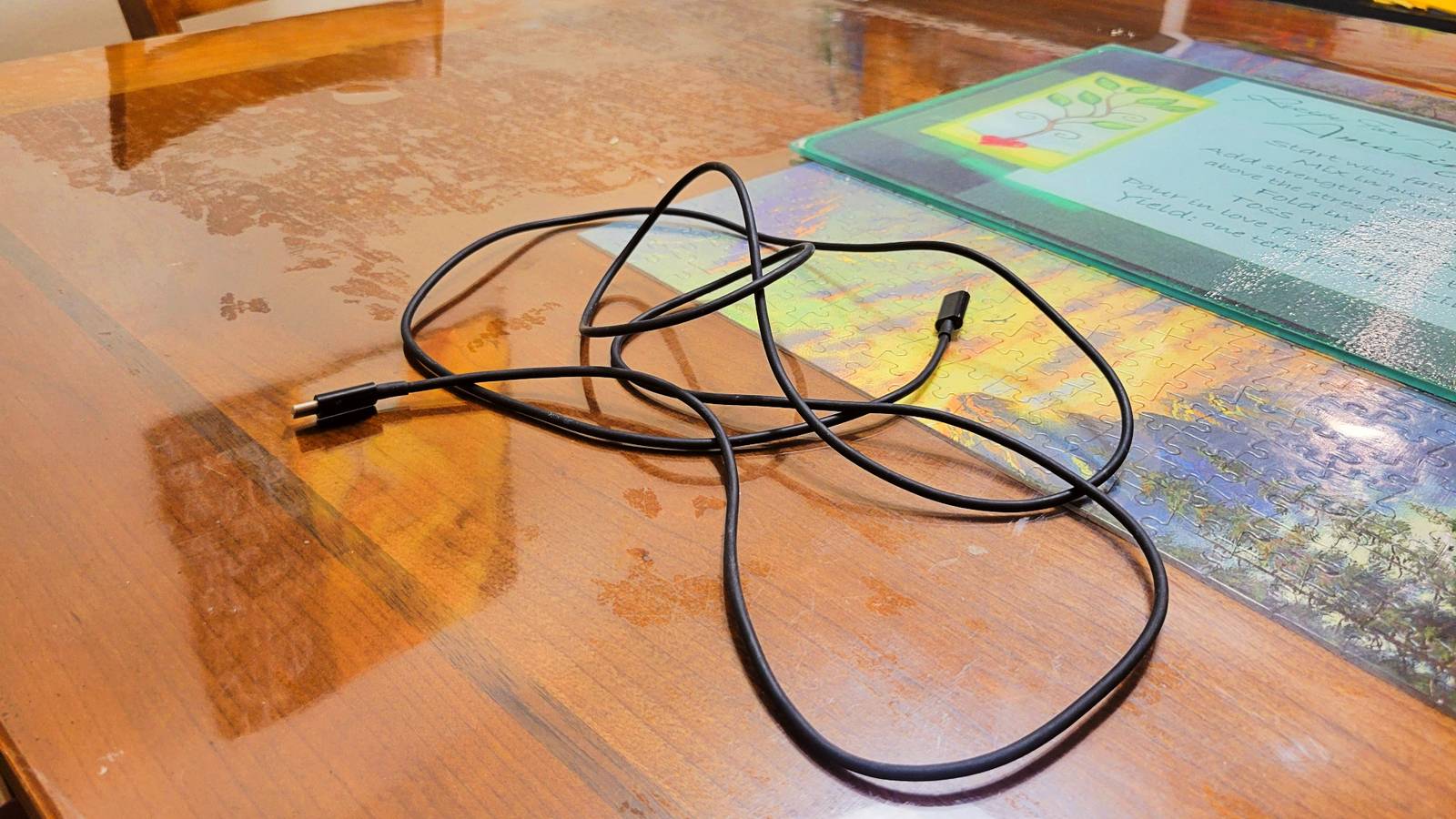
Right off the bat, it refused to charge my phone, so I made sure to have pictures showing it plugged in with a black cord I bought from the gas station to prove it came broken.That doesn't mean it did nothing, because while the phone didn't register it as plugged in, it did discharge more slowly than normal.So it is doing something, just not what it should be doing.
I made sure to test my own fast charging cable that I bought from Amazon and got 2,500 mA on average.This makes sense because my last cord died before I could even get to Vegas from Texas, and I bought it around New Mexico, so that lasted less than a day.So generally, these are so terrible that they're not worth the expense.
Watch out for these red flags Keep a spare cable in your car at all times The scarier version of this won't necessarily show up as bad power readings at all.That's what makes it tricky.A malicious cable is usually made to charge perfectly fine so it doesn't draw attention.
To figure this one out, you have to pay attention to your phone and the cable itself.Keep an eye on how warm the connector gets even when you're not actively using the phone, whether your battery seems to drain faster than normal after plugging in, or if your phone feels slower after connecting.None of those are things Ampere measures directly, but weird readings with any of those symptoms together are a good reason to just stop using the cable.
Don't assume cheap cables charge slowly and leave it at that.The best thing to do is to use the cable for as long as you need it, then throw it out the minute you get the chance.The cheaper the cable, the worse it can get.
So while you're using the app to test your cable for consistency, make sure to keep an eye on other signs as well.Have a spare cable at all times Testing a cable with a free app takes about two minutes, and the reading it gives you is more useful than anything printed on the packaging.Still, a gas station cable is always a temporary fix, not a real replacement.
Use it to get where you're going, then swap it out for something from a manufacturer you can actually trust.Anker USB-C to USBC-C cable As long as you don't plan to charge devices other than your Galaxy S24, the Anker USB-C to USB-C Cable 60W should be a perfect companion for your wall charger.$10 at Amazon Expand Collapse
Read More