More than once, I've thought a USB port on my PC was broken.It only turned out to be true once, but when it was, I was actually able to fix it.Repairing a USB port is totally doable, but before you try, make sure that you even need to.
Check that the USB port is actually dead It could be something else Close If I had a penny for each time my mom claimed all her USB ports were dead, I'd almost have enough for one of those $1.50 hot dogs my American friends sometimes tell me about.That experience has taught me that most of the time, the port is actually okay: it's whatever goes into it that's struggling.So, before we go down this rabbit hole, please make sure your port is actually the problem.
Try it with a few different devices and cables that you know for a fact are working fine, restart your PC, and make sure the connector goes all the way in.If none of that changes anything and you're on Windows, check whether the device pops up under Device Manager.Also, try another port on the same PC to rule out a driver or device issue.
If several devices all refuse to work when connected to one particular port but do just fine on other ports, then yup, that port might be toast.Related USB-C cables look identical, but one simple spec separates the slow ones from the fast ones I thought all USB-C cables were equal until this one broke my workflow Posts 57 By Monica J.White A basic USB hub may be the cheapest fix possible No hassle and little to no expense, but not an exact fix Before I send you on a whole quest where you actually repair the USB port, I'm going to be honest with you -- nine times out of 10, I probably wouldn't bother when USB hubs are a thing.
I have a reasonably high-end gaming PC, and I still have to use a USB hub.I don't have enough ports to cover all my needs, so things that can deal with a hub can and do live on a hub.My mouse, my keyboard, speakers, and even my headset receiver can stick to a hub, for instance.
If you find yourself running out of USB ports because one is down for the count, just buy a cheap hub and plug it into one of the remaining ports to gain four new ones.The only thing to remember is that you might need to test the hub, as well as your other USB ports, to find out how much they can actually do.A hub may seem dead just because the source port is struggling to provide enough power to all the devices you're trying to connect.
Anker 4-Port USB Hub $10 $15 Save $5 Brand Anker I have like 5+ of these USB hubs.They're both cheap and solid.Ports 4 $14.99 at Anker $10 at Amazon Expand Collapse Hubs have a major caveat, though It's not a 1:1 replacement I touched on this above, but yeah, USB hubs aren't a perfect fix and/or a 1:1 replacement for a USB port.
Four new ports don't create four new independent USB connections.Everything that's plugged into the hub still pours into that one port, so all devices share the same upstream bandwidth.The source port also acts like the ceiling for the entire hub.
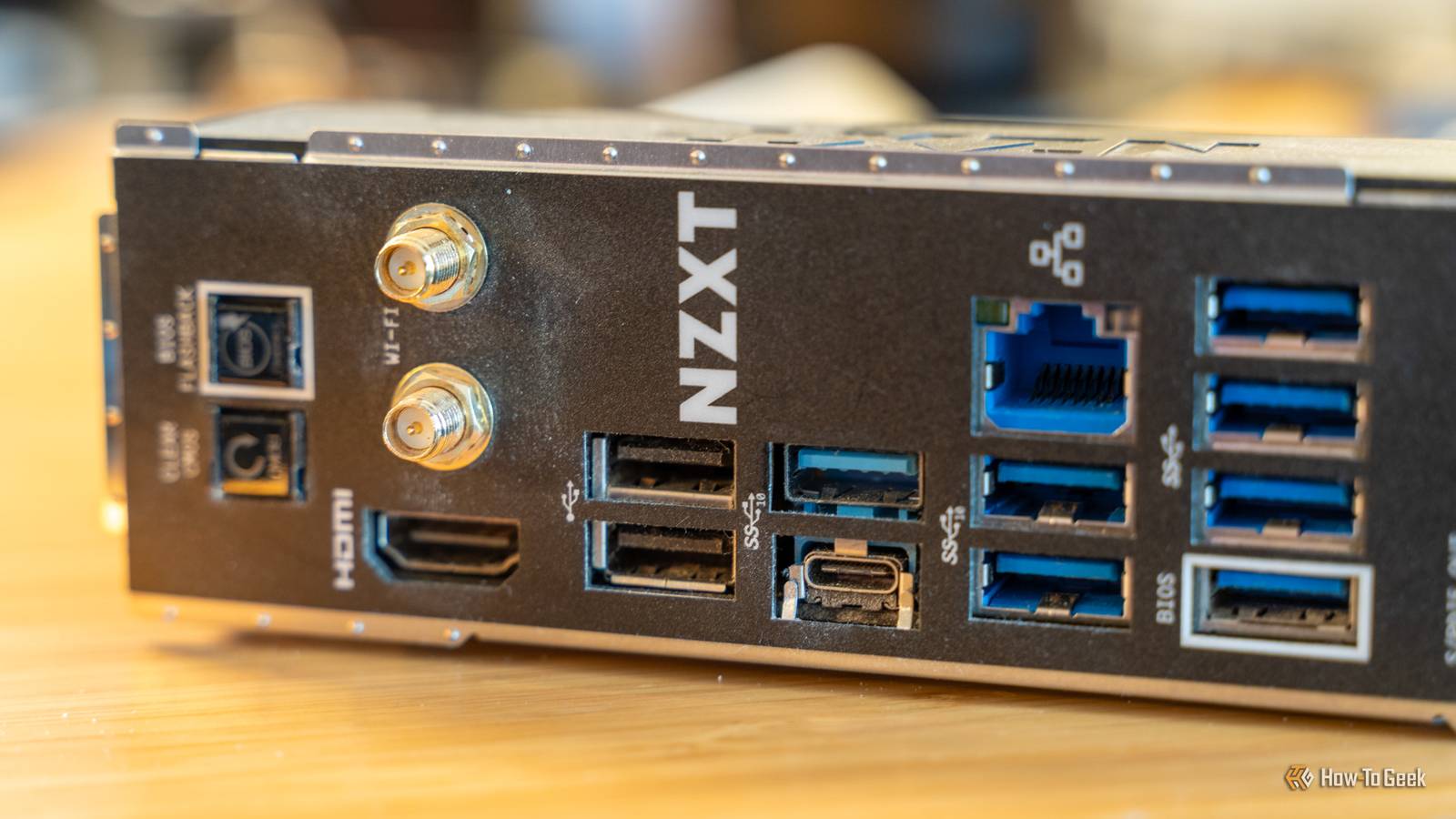
USB ports are sometimes color-coded to make it easier to tell what each is capable of, but sometimes, a plain old USB port will either be super slow or super fast, and your hub lives by the rules that the port sets.That's why demanding hardware should go straight into the motherboard and not a hub or the front panel ports.A USB expansion card is an alternative It'll cost you a pretty penny, though If you're on a desktop and don't want to daisy-chain a million USB hubs, you can get a USB expansion card that goes into your spare PCIe slot.
This adds some entirely new ports and doesn't split your existing connections; it's a blank slate.It doesn't repair your broken port, but it gives you some new ones that are just as good or better.The downside is that this will cost you more money than a USB hub, and obviously, it's also more work.
You'll need to open up the PC, make sure you have a PCIe slot ready to use (that's not blocked by your GPU), and may even need an extra power connection from your PSU.I'd say this is a solution for power users or unlucky people who somehow lost multiple USB ports on one PC.That's never happened to me, but it can happen.
You can repair the USB port itself But do you want to? Still want the dead port back? It can be doable.The simplest case that's repairable is physical damage to the connector, such as bent contacts, cracked solder joints, or a port that's come loose from the board.A repair shop can remove the damaged connector and solder a replacement in its place.
I suppose you could do it at home if you're so inclined, but I'm not going to give you a tutorial, as you'll likely need a step-by-step video guide for this type of thing.Things get more complicated when the connector looks fine and the problem lies elsewhere, such as damaged traces or a power delivery issue, not to mention the USB controller itself.Those are still potentially repairable, but you're now dealing with board-level diagnostics.
At that point, you have to ask yourself whether you have the time and energy (plus a dash of bravery) to sink into this project just to reclaim a single USB port.Might be easier to buy a new motherboard or PC case.Know when it's not worth it Missing out on a USB port can be a huge nuisance when you don't have too many of them to begin with.
I wouldn't pick repairing the actual port as my first fix here, though.For most devices, a USB hub will do just fine; just don't subject your external SSD to it.
Read More