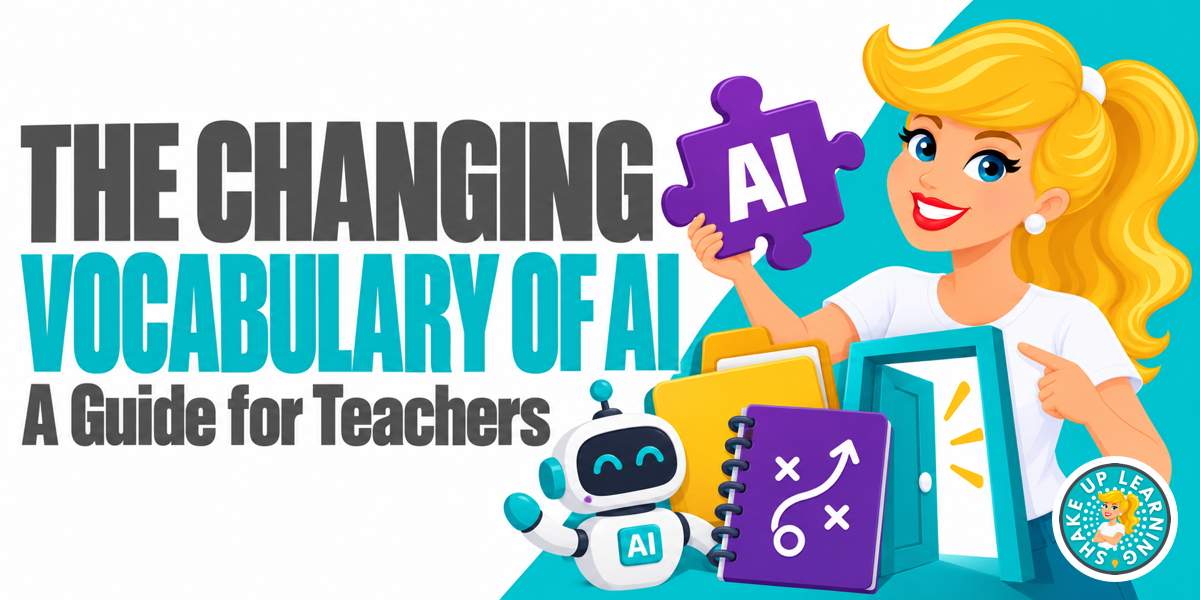
If it feels like AI vocabulary changes every week, you are not imagining it.First came prompts, Gemini Gems, and custom GPTs.Now Google, ChatGPT, and Claude are talking about Skills, Projects, Apps, Connectors, Plugins, Agents, Automations, Tasks, Schedules, and Workflows.
Many of these tools are being developed directly for teachers, like Claude for Teachers and ChatGPT for Teachers, and are even integrated into your current systems, like Gemini in Google Classroom.You do not need access to every advanced feature.You just need to understand what each piece does—and recognize what may or may not be available in your school account.
The Big Shift: From One Saved Setup to Reusable Pieces Gems and custom GPTs let users save directions, files, and tools for a particular purpose.Each platform used its own product name, but both bundled several ingredients together in one saved setup.Now those ingredients are increasingly separated into reusable pieces such as Skills, Projects, Connectors, Plugins, and tools.
Those pieces can also equip an Agent to complete multi-step work.A Skill can be used in more than one Project.A Connector can support more than one Workflow.
You do not have to rebuild the same directions every time.This pattern is appearing across the largest AI platforms: Google Gemini is moving from Gems toward Skills and uses Apps, Tasks, Schedules, Workflows, and Agents across its products.ChatGPT is moving from custom GPTs toward Plugins, Skills, Projects, Apps or Connectors, tools, and Agents.
Claude uses Skills, Projects, Connectors, tools, MCP, and Agents.The features aren’t identical, but the categories are starting to cross platforms.Related: 50+ AI Resources for Teachers The Vocabulary, in Plain Language Prompt: The Request What you type, say, or attach to tell the AI what you want right now.
A prompt may include a question, task, background information, examples, limits, and the desired format.Custom Instructions & Preferences: The Defaults Saved guidance about you and how you want the AI to respond, such as your role, preferred tone, formatting choices, and recurring rules.The name and scope vary by platform.
You may see custom instructions, global instructions, preferences, rules, or project instructions.Check whether they apply to one chat, one Project, or everything you do in that AI tool.A prompt tells the AI what you want now.
Custom instructions and preferences establish defaults for future responses.Skill: The Playbook A skill is a reusable playbook for completing a type of task.It can include directions, steps, standards, examples, templates, guardrails, files, or scripts.
A Skill can begin as a strong saved prompt, but it becomes more useful when it captures a repeatable process the AI can apply when needed.Project: The Digital Binder A Project is a workspace that keeps related chats, files, sources, and custom instructions together for one unit, event, course, or goal.Related: Claude for Teachers, Google Classroom & Canva Connector or App: The Doorway A Connector links the AI to another service, such as Google Drive, Gmail, Calendar, Canva, or Slack.
Depending on your permissions, it may retrieve information or perform supported actions.The Connector provides access.The Skill provides direction.
School policies, account permissions, and administrator settings still apply.MCP: The Common Technical Language Model Context Protocol helps an AI discover which connected tools are available and what it can do.Most teachers will not need to configure MCP, but you will hear the acronym more often as AI tools connect to other services.
Plugin: The Toolkit In ChatGPT’s current terminology, a Plugin is a reusable package that can include Skills, Apps, or Connectors, tools, or a combination of them.Tool or Action: The Hammer or Screwdriver A Tool or Action is one specific thing the AI can do, such as search Google Drive, create a file, or add a calendar event.Agent: The Doer An AI Agent is a customizable system that can understand a goal, plan the steps, use available tools, and take actions on your behalf—with your oversight.
The BIG difference here is that AGENTS TAKE ACTION, not just spit out generated text or images.A regular AI chat generally waits for each new prompt.An Agent can work through several connected steps toward an outcome.
That does not mean it should operate without boundaries.Teachers still need to decide what information it can access, which actions require approval, and what a person must review.(Unless your school is proactive and pro-AI, you likely don’t currently have access to AI Agents through any school-approved systems, but you probably will soon.) Related: 5 Unexpected Ways Teachers Can Use AI Agentic AI: The Behavior Agentic AI describes AI that moves beyond answering a prompt.
It can plan, choose tools, complete multiple steps, check its progress, and adjust as it works toward a goal.An Agent is the doer.Agentic AI is the broader way of working.
Automation: The Repeat An Automation is a task or Workflow that starts on a schedule or trigger, without requiring you to start it with a fresh prompt each time.A Thursday-afternoon family-update draft is an Automation if the system runs it automatically every Thursday.Task, Schedule, and Workflow Task = what you want done Schedule = when or how often it happens Skill = how it should be done Workflow = the complete sequence connecting the task, Skill, Project information, and tools Agent = the doer that plans and carries out the steps Automation = what makes the task or Workflow run again without a fresh prompt Dots, Muse, and Grok Bots: Product Names for Agents Lions, and Tigers, and Bears, oh my! Are you feeling like Dorothy in The Wizard of Oz yet? Here are a few more branded agentic AI products you may have heard about… Dots from OpenAI, Muse from Meta, and Grok Bots from xAI.
These are product names—not three new categories you need to memorize.They are examples of personal or persistent AI Agents designed to remember information, connect to tools, plan work, and continue completing tasks on a person’s behalf.These products may not be available—or appropriate—for use through a managed school account.
Their permissions, privacy protections, and availability differ.The useful vocabulary word for teachers is Agent; Dots, Muse, and Grok Bots are current examples of that larger idea.On a personal note, I have been using Dots since it launched at the end of September, and it’s changed how I do just about everything .
What This Could Look Like for a Teacher Imagine a seventh-grade science teacher creating a weekly family update.The Project contains the curriculum, unit files, and any relevant custom instructions or preferences.The Skills provide the family-communication and newsletter playbooks.
Approved Connectors retrieve dates or files.The Task drafts the update; the Schedule runs Thursday afternoon; and the Workflow brings those pieces together.If an Agent carries out those steps and the process begins each Thursday automatically, it is also an Automation.
The teacher still verifies the facts, protects private information, and approves the final message.Related: Keeping Parents in the Loop with Automated Communication What Is Changing at Google and ChatGPT? Google is replacing Gems with Skills, but not immediately: Skills begin rolling out in the Gemini app on October 13, 2026.Gems move into Settings on November 17, 2026, but remain usable during the transition.
Google Workspace for Education will retain Gems until at least June 1, 2027.Remaining Gems will eventually become inactive draft Skills that creators must review and activate.Gemini-app Skills do not currently sync automatically with Skills in Workspace apps.
Related: Google Classroom Deep Dive: The New Homepage, Notebooks, and Gems Access inside Workspace depends on age, licensing, administrator settings, and rollout status.If you do not see Skills in your school account, you may not be doing anything wrong.OpenAI is also moving custom GPT workflows toward Plugins.
In its documented migration, directions and reference files become a Skill inside the Plugin, while custom actions may need to be rebuilt.OpenAI’s public guide currently focuses on Enterprise workspaces, but people on other plans may also see migration notices.Timing and availability vary by plan.
Claude is already using much of the same modular language.Anthropic describes Skills as folders containing directions, scripts, and resources.Claude Projects keep project knowledge and custom instructions together, while Connectors—many powered by MCP—link Claude to outside services.
Official Update Links Google: Introducing Skills in Gemini and Workspace Google: Gems-to-Skills transition guide OpenAI: Moving custom GPT workflows to Plugins Anthropic: Introducing Claude Skills Claude: Create and manage Projects Claude: Use Connectors Anthropic: Model Context Protocol Google Cloud: What are AI Agents? Google Cloud: What is Agentic AI? OpenAI: Introducing Dots Meta: Introducing Muse xAI: Grok Bots and Team Bots One Useful Step You Can Take Now Choose one task you perform repeatedly and ask AI to interview you about how you do it: I want to document the process I use for [insert your task].Interview me one question at a time about my steps, preferences, examples, required output, common mistakes, and the decisions that should remain with me.When you have enough information, turn my answers into a reusable playbook and give me three scenarios I can use to test it.
Related: 400+ AI Prompts for Teachers to Save Time You can use that playbook as a detailed prompt today and convert it into a Skill later.There is no need to build an entire AI operating system—or migrate every abandoned Gem and custom GPT—this week.Ready for More? Get the Video Course! I’m teaching all of the above in a short video lesson available exclusively in our ALL ACCESS Teacher Membership! This is just the tip of the iceberg of everything that you get when you become a member: 75+ professional development courses with credit (new courses added all the time) 400+ AI Prompt Library designed specifically for teachers Teacher Book Club with quarterly book studies Hundreds of resources, ebooks, cheat sheets, and more in our Download Library The Shake Up Learning ALL ACCESS Fall Sale runs October 12–30.
Join for $12.50 and get the AI Prompt Library, courses, book studies, downloadable resources, and opportunities to earn professional development credit.Join ALL ACCESS at member.shakeuplearning.com Shake Up Learning 2025.Unauthorized use and/or duplication of this material without express and written permission from this blog’s author and/or owner is strictly prohibited.
Excerpts and links may be used, provided that full and clear credit is given to Kasey Bell and Shake Up Learning with appropriate and specific direction to the original content on ShakeUpLearning.com.See: Copyright Policy.
Read More