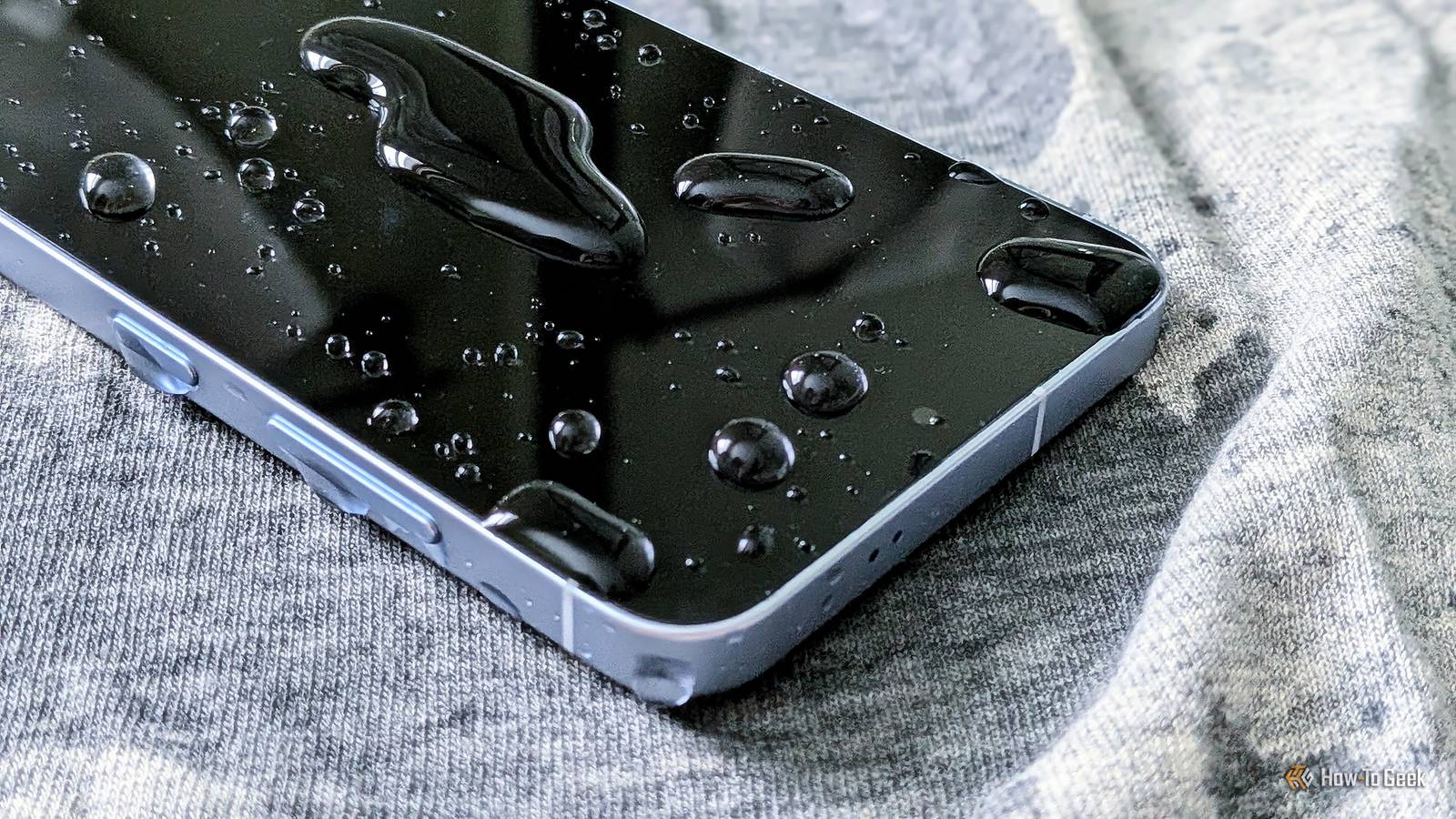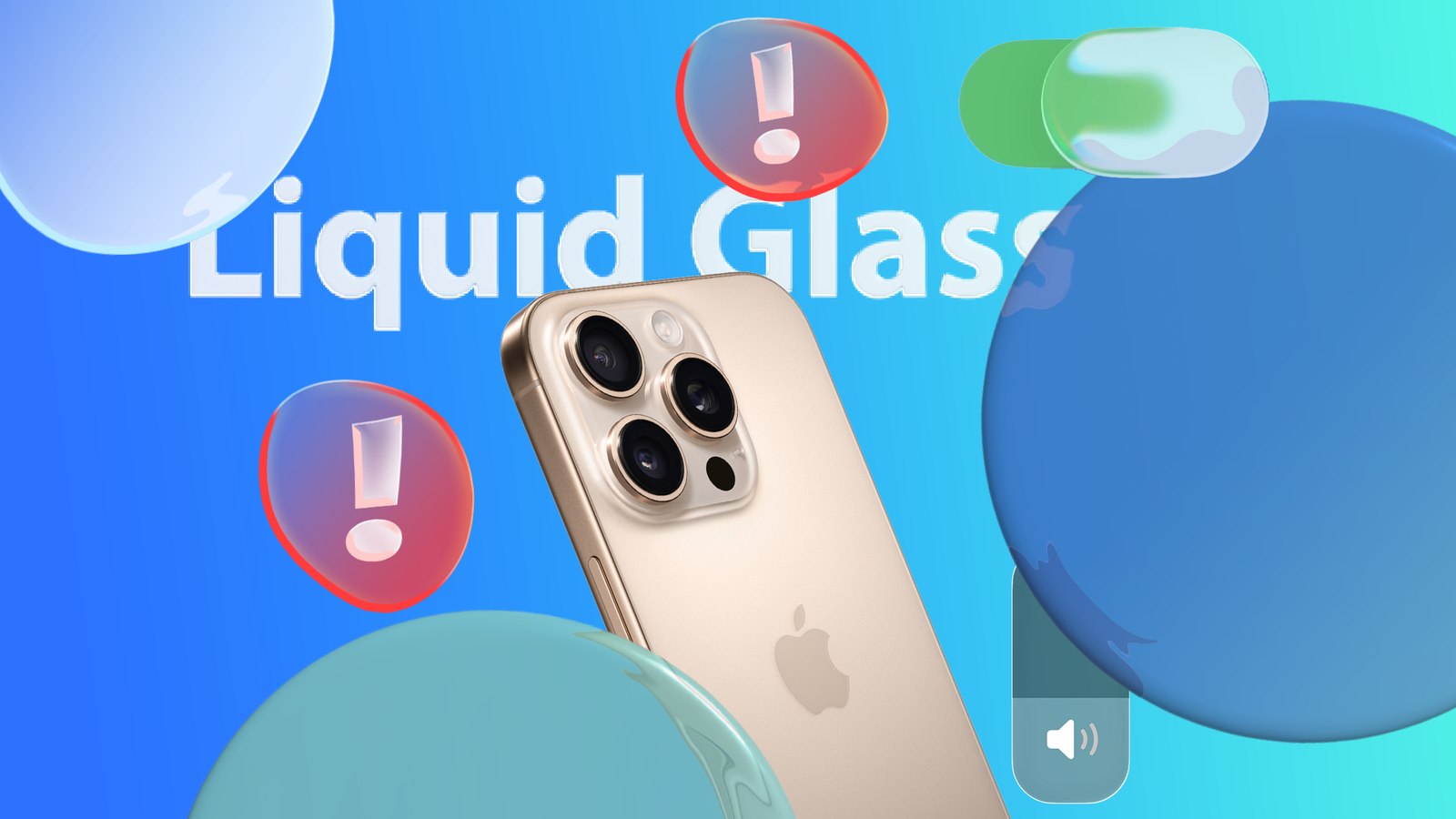
Apple rolled out a brand new look for the iPhone called Liquid Glass last year.The reaction has been mixed, to put it kindly.While Apple has added ways to adjust the design’s intensity, those options still fall short for many users.
Why don't people like Liquid Glass? Liquid Glass is a significant redesign that makes the operating system feel more fluid and better aligned with Apple’s current hardware design, particularly its rounded corners rather than sharp edges.Still, there are several reasons some users dislike the new look.One issue is that the new design can make text harder to read because of its increased translucency, especially when text colors closely match the background.
For example, I use a black-and-white photo of Lady Gaga on my lock screen.When I AirPlay a song to another device, the status text appears in a grayish white that blends into the background, making it difficult to read.I agree that the Liquid Glass effect can make text difficult to read in other areas of the operating system, forcing me to look more closely or change the background to see each letter and word.
This doesn’t happen only on the lock screen but also throughout the operating system, wherever Liquid Glass is used, whether you’re browsing the home screen or interacting within an app.Apple’s progress with Liquid Glass customization During the beta period for Apple’s newest operating systems last fall, the company repeatedly adjusted Liquid Glass's appearance.This resulted in them continuously switching between a more and less frosted look to improve legibility.
When the feature was released to the public in the fall, the design was more frosted than the version shown during WWDC in June 2025.Yet, it still gave the Liquid Glass effect more than previous beta versions did.Apple released iOS 26.1 in November with several new features and enhancements, including an option to change how Liquid Glass appears.
The update lets users choose whether the effect is clear or tinted.Choosing the clear option makes the effect more transparent, revealing more content underneath.The tinted option, on the other hand, increases opacity and adds more contrast in areas where the Liquid Glass effect is applied.
Tinted still applies some transparency to menus, but the text is more readable, and each letter is easier to distinguish.It gives menus a whiter background in light mode and a black-tinted appearance in dark mode.However, these are the only two options available, so if you don’t like either one, you’re out of luck.
This is where Apple needs to improve by offering more flexibility in the intensity of Liquid Glass.There needs to be more Adding two options for how Liquid Glass looks is a step in the right direction, but customization shouldn’t stop there.Limiting users to just two choices leaves a lot to be desired if neither option fits their preferences.
Instead of offering only two options, Apple should add a slider that adjusts the intensity of the Liquid Glass effect.It could range from clear to tinted, with the middle positions providing gradual levels between the two.Like the image currently at the top of the Liquid Glass editor, there should be a preview that updates to show the effect’s intensity as you move the slider.
This would give users a clear sense of how strong the Liquid Glass effect will be.This addition isn’t too far-fetched, since Apple already includes a similar slider elsewhere in iOS 26.You can find it when customizing your lock screen.
In iOS 26.2, Apple added an option to adjust the intensity of the glass effect on the current time display.The slider ranges from fully transparent to more frosted and tinted.Subscribe to the newsletter for Liquid Glass tips Unlock finer Liquid Glass control—subscribe to the newsletter for focused coverage, practical customization walkthroughs, slider how-tos, and readability tweaks so you can tailor translucency and get the UI look you prefer.
Subscribe By subscribing, you agree to receive newsletter and marketing emails, and accept our Terms of Use and Privacy Policy.You can unsubscribe anytime.This slider should be added to the full Liquid Glass customization, replacing the current clear and tinted options.
Users should be able to adjust the intensity freely rather than being limited to just two presets.Personally, I have my Liquid Glass effect set to clear because I prefer how it looks compared with the tinted option.That said, I would still like a slider to reduce the impact slightly—if one were available, I wouldn’t use Liquid Glass at its full intensity.
Unfortunately, with iOS 26.3 already in beta, a system-wide Liquid Glass customization slider hasn't appeared yet, but that doesn’t mean it won’t come in future updates.The third iteration of a major operating system update typically focuses on bug fixes and minor tweaks.By contrast, iOS 26.4 could potentially include this feature, since the fourth iteration of a major update often introduces significant new features.
Apple also pays attention to user feedback, and they’ve likely noticed the demand for a customization slider.Since a slider for the Liquid Glass effect already exists for lock screen time customization, it’s a promising sign that the feature could extend system-wide.Until then, however, the current Liquid Glass customization remains limited and needs to be expanded.
Read More