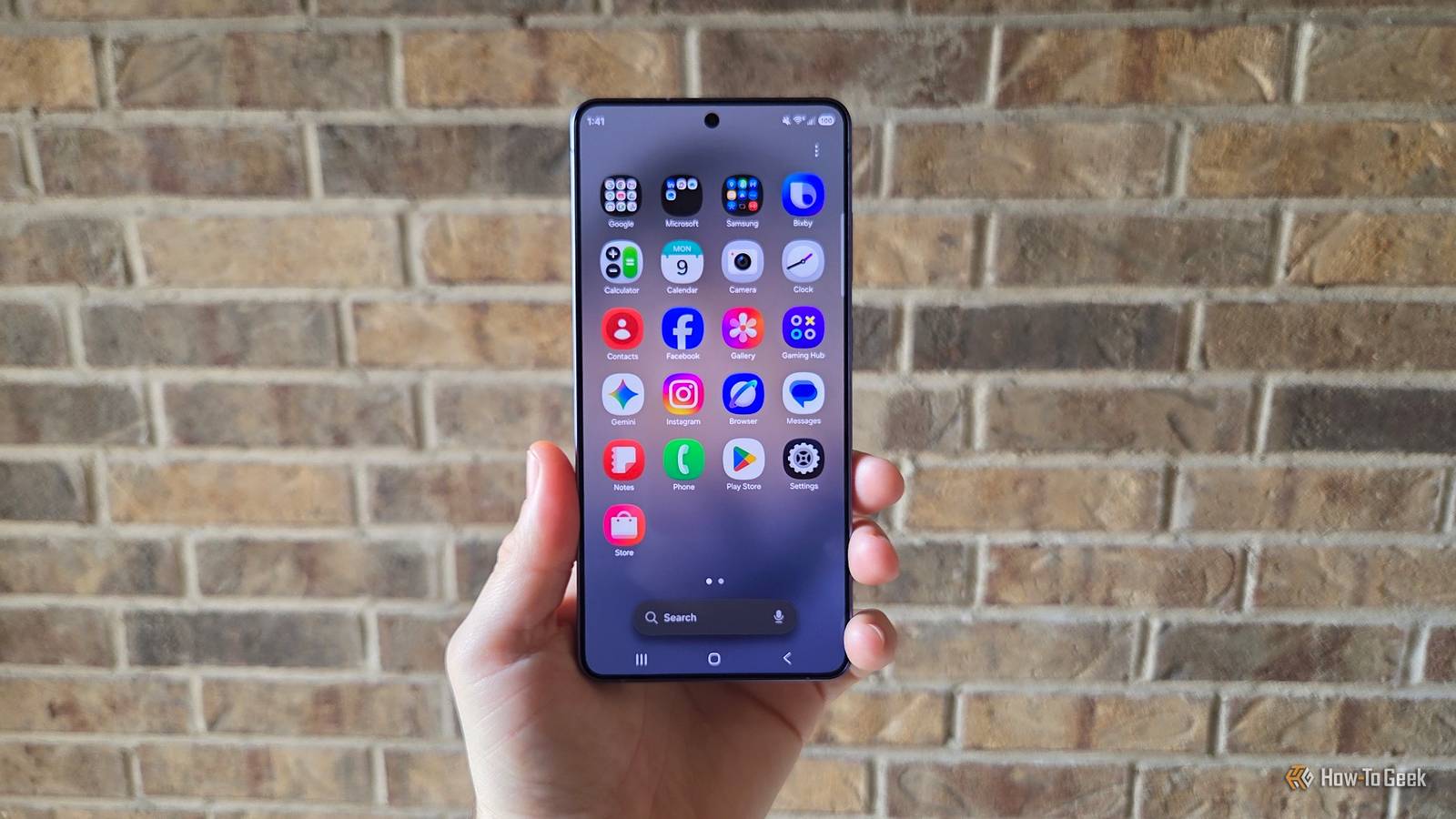
It's no secret that Samsung makes some of the best phones, but they're always full of redundant apps and bloatware that waste precious storage space.After reviewing Samsung phones for the last 14 years, I've fallen into a routine of purging all the apps I don't want.Here are several of the apps I uninstall from every Galaxy phone.
Over the years, we've seen Samsung slowly embrace Google's apps as the default option, but most of its Galaxy phones and tablets still come with a second browser, notes app, keyboard, and messaging apps, to name a few.And don't get me started on carrier bloatware or pre-installed games.Last week, I shared a list of the 5 Samsung apps I always uninstall.
But Samsung's stock apps aren't the only problem, and you'll want to get rid of these apps too.Shop Samsung An e-commerce app no one asked for Have you ever opened the Shop Samsung app on your Galaxy phone? Yeah, I haven't either.This app is essentially a portal for buying all types of Samsung products.
Sometimes, when you get a new phone or Galaxy Watch, it'll come with a discount code for accessories, like cases or watch bands, and that'll likely be the only time you use this app.Unless you're a diehard Samsung owner with a Samsung fridge, phone, watch, TV, laptop, speakers, and more, and you buy its products extremely frequently, you probably don't need this app taking up space on your phone or app tray.Give it a long press, then tap the Uninstall button.
Samsung Members A community forum and news aggregate Another pre-installed Samsung app you might want to uninstall on your Galaxy phone is the Samsung Members app.This will depend on how you use the phone and how techie you are.I keep the Samsung Members app for signing up for betas (like the latest Galaxy S26 One UI 9 beta), diagnosing issues, and the small user forum.
But if you don't want to talk to forum members or try early-release software, you'll likely never use it.Other features include up-to-date Samsung Galaxy news, device tips, app suggestions, and related content.It's nothing special, but at least it lets me access the latest beta.
Microsoft bloatware A partnership of bundled apps While my title mentioned five apps, this next suggestion will quickly get you above that number, because Samsung's partnership with Microsoft means we have a bunch of apps on our phones we'll never use.Depending on the region, Samsung Galaxy phones and tablets will come with Microsoft-owned apps pre-installed.Some of those include LinkedIn (yes, Microsoft has owned LinkedIn since 2016), CoPilot, Microsoft OneDrive for cloud backups, and more.
You probably don't need any of these, so go ahead and uninstall them all.Related I didn't know this Samsung Galaxy feature existed, but it changed how I use my phone Do more with that big phone.Posts 3 By Cory Gunther It is worth mentioning that Samsung's Gallery app uses Microsoft OneDrive for cloud backups of all your photos and videos.
Well, if you choose to use it over Google Photos.That deal is expiring and will no longer be baked into the software, which is all the more reason to uninstall it today.Apps from AT&T, Verizon, or T-Mobile More junk you probably don't need When you buy a new Samsung Galaxy phone from a carrier like AT&T or Verizon in the United States, or from similar big-name carriers in other regions, the initial setup process changes a bit once the phone recognizes your carrier SIM.
Along the way, your Galaxy will download carrier bloatware.Thankfully, it's fairly easy to remove or disable most of it.A few prime examples are Visual Voicemail, AT&T ActiveArmor, mobile security, DirecTV, MyVerizon, cloud services, Name Caller ID, T-Mobile SyncUP, and the list goes on and on.
Games that you didn't ask for Get rid of Candy Crush, Monopoly, Fortnite, and more After setting up your shiny new Galaxy S25 Ultra, A-series, or some other Galaxy phone, have you ever noticed a bunch of random games appearing in your app tray? Games that you never asked for or downloaded.It's a common situation, especially in the United States, and it's a form of bloatware on carrier-branded devices from Verizon, T-Mobile, etc.Deals Find phone deals, discounts & savings on mobile gear Explore deep discounts on mobile phones, accessories, and carrier offers to save on upgrades and essentials.
Shop deals on cases, chargers, storage, and protection plans — compare trade-in savings and seasonal offers across phones & mobile.Deals Explore Phones & Mobile Deals While the full game likely isn't installed on your phone, it'll download when you click the app icon or direct you to the Samsung Gaming Hub to get it.Furthermore, they're still junk bloating up your application tray.
Feel free to remove them all.Samsung Galaxy S26+ SoC Snapdragon 8 Elite Gen 5 Display 6.7-inch Dynamic AMOLED 2X $1100 at Samsung Expand Collapse Keep things clean and organized As you can clearly see, bloatware and unnecessary apps come in all shapes and sizes.Others that didn't quite make this list include Samsung DeX, PenUP, Samsung Health, Microsoft Office or Outlook, and even the Galaxy Wearable app for those who don't have a smartwatch.
These are just a few of the many apps I always uninstall on my Samsung Galaxy phone.And if you can't uninstall it, like a carrier app, there's usually a "disable" option that'll hide it from your app tray and prevent it from getting updates.Either way, go ahead and purge what you don't need and clean up your phone.
Read More