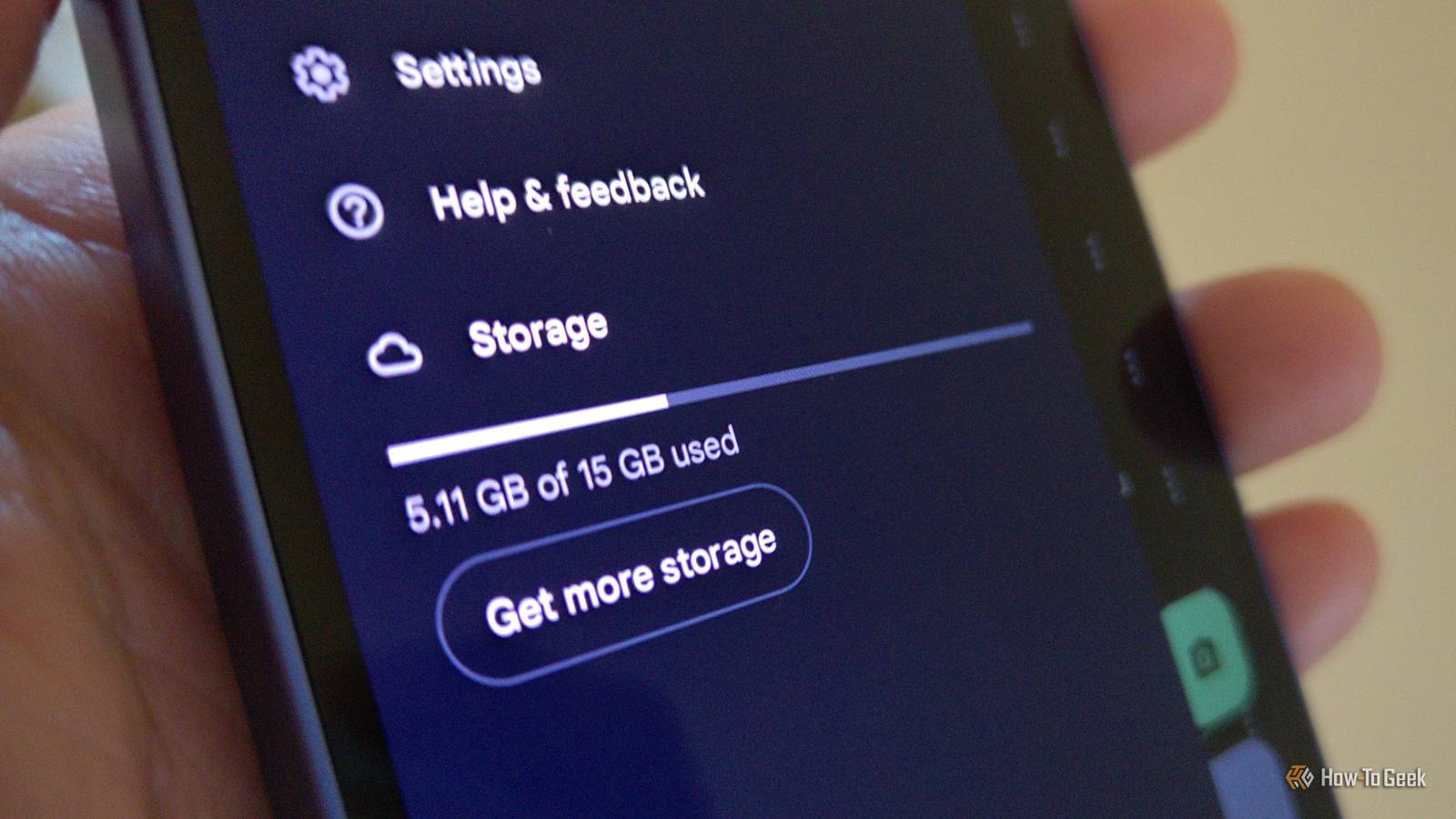
Google accounts come with 15 GB of Google Drive storage.While 15 GB may sound like a lot, it fills up surprisingly quickly, especially once you realize all the things that back up to Google's servers—pushing you to the point where Google prompts you to pay for more.Google Photos Every photo you take gradually fills up your Google Drive Close As many have learned the hard way, Google Drive and Google Photos share the same pool of data.
When setting up a new Android phone, Google Photos defaults to backing up each photo you take to the cloud.That means every time you take a photo of a receipt to save for your records, snap a picture of your license plate before going to type in those characters into a parking meter, or send your partner a picture of a can at the grocery store to check if you've picked up the right beans, you are eating away at your 15GB.The rationale here is simple.
While most of us think of Google Drive as a place to store files, like the documents we create using Google Docs and Sheets, Drive is actually more likely to fill up with photos and videos than anything else.Defaults matter, and by automatically backing up your photos, Google accelerates the amount of time before people eventually see a prompt saying they've run out of space and won't be able to preserve any more of their memories unless they purchase more data.For us geeks, this is a bit of a non-issue.
We know how to upload our files to another service or even host our own.I've recommended a private end-to-end encrypted alternatives to Google Photos, and there is a separate option for those who are comfortable with self-hosting.Yet for the vast majority who are less technical, it's easy for the photos uploaded to Google Photos to feel trapped.
If you have the money, signing up for a paid plan is the least painful path forward.Gmail All of those email attachments add up over time Gmail actually predates Drive.One of its early selling points over alternatives from AOL and Yahoo was the fact that it came with so much storage space.
Fast forward to the rise of cloud storage, and most of us no longer think of email as the primary culprit eating up our data.Yet when you get an alert that your Google Drive storage is full, it's worth taking a long hard look at all the email you've sent over the years.Google isn't necessarily trying to keep this a secret.
After all, whenever you open Gmail on a desktop, it shows in the bottom left how much storage space you have free.You can also view how much storage space Gmail is taking up directly in the Google Drive app by going to Settings > Storage.But that doesn't mean the connection between Gmail and Google Drive is obvious.
When you open the Drive app, there's little indication at all that it stores anything other than your web documents.There's no way to access your Gmail data directly from the file manager.Unfortunately, the messages likely to be using up the most data are also the ones you may least want to delete.
And if you have a family member with a tendency to email family photos with the subject line "Untitled", good luck discovering which thread has the photos you'd cry if you accidentally deleted.Your text messages All of those GIFs can slowly add up Close Gmail isn't the way most of us handle our personal communication anymore.Everything exists in group chats instead.
Now that Samsung Messages has bitten the bullet, virtually every Android phone comes with Google Messages pre-installed and presents the option to back up text messages to the cloud.Take a guess where those messages end up.That's right, your Google Drive account! Unlike with email, a lot of the images that we text to one another are nonsense GIFs and memes.
Whatever we're sending, it can build up over the years.Google Messages can eat up far more data than you expect.Your trash The files you delete aren't gone just yet Close When you initially delete a file from your Google Drive storage, your Google Photos, or your Gmail accounts, that data all goes into your trash can.
There it sits, continuing to eat up Google Drive space for up to 30 days.Most of the time, 30 days is a reasonable compromise.That is plenty of time to restore a file we didn't mean to delete.
But if you recently deleted a bunch of videos within the past few weeks, they could be eating up your Google Drive space without you realizing.How to clear up space in your Google Drive account You can get the most comprehensive view of what is eating up your data by going to your Google One storage page.But if you’re not quite sure what to look for, there are better ways to go about clearing up space in your Google Drive account than others.
Read More