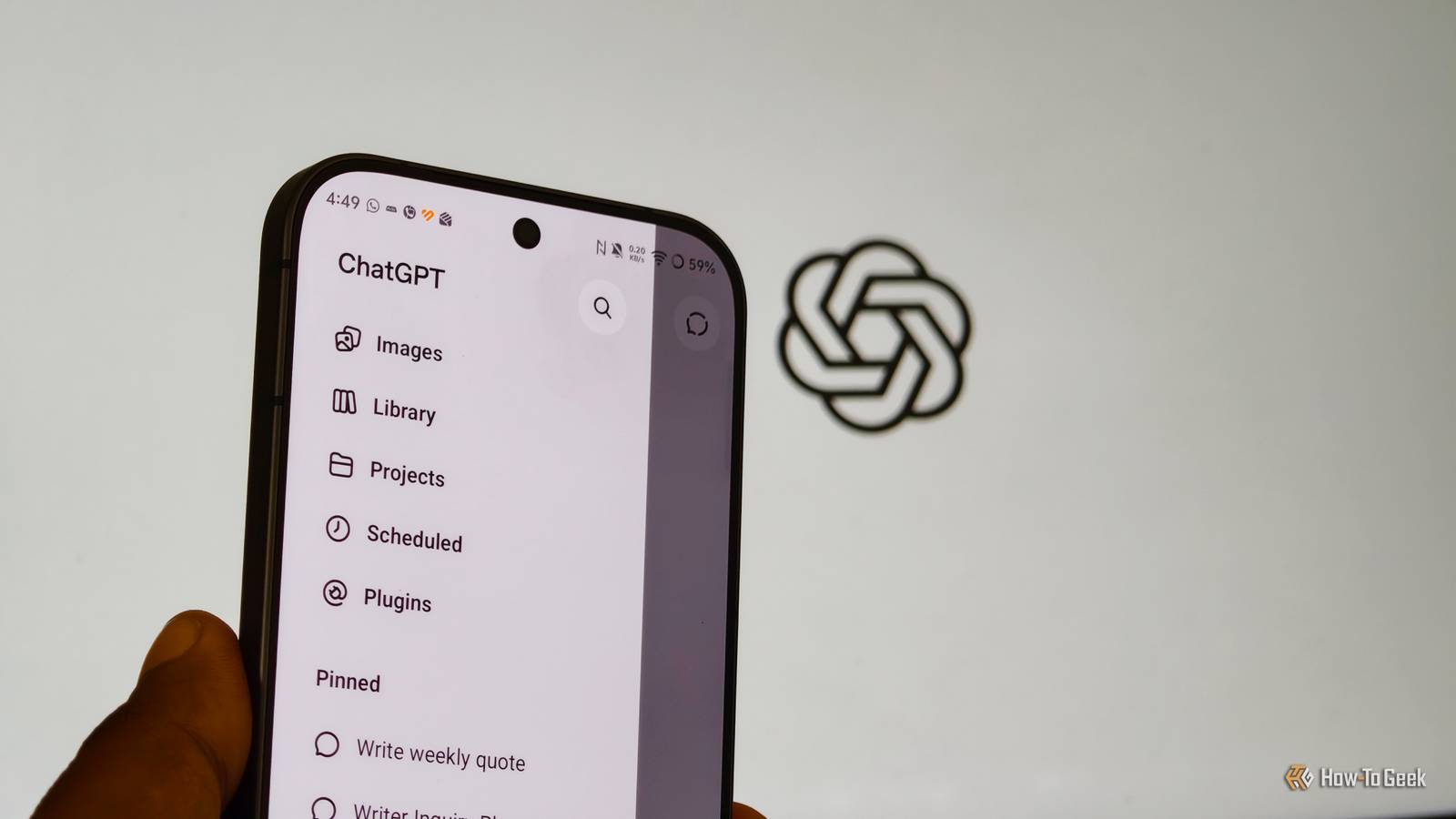
ChatGPT has been my everyday AI companion since it became popular in late 2022.Even though there are strong alternatives like Claude and Gemini in the market, perhaps because of my early-adopter bias and familiarity with ChatGPT, I still stick with it for most of my everyday tasks.But I've often found ChatGPT's advice is full of fluff and too generic, using buzzwords like "stay consistent" and "prioritize tasks"—the kind of one-size-fits-all advice that doesn't suit my taste.
Also, it's annoying to repeatedly include the persona and output format every time you prompt.That changed when I discovered one setting—Personalization—and tweaked it to my preference.The aftereffect? No generic advice, less one‑size‑fits‑all responses, and clearer recommendations with fewer contradictions.
Why ChatGPT defaults to bland, generic answers Default alignment prioritizes safe neutrality over decisive value Close ChatGPT is a mainstream AI model tailored for the masses.As a result, it often has to take a cautious approach when answering your queries, considering a broad audience with varied levels of knowledge and comprehension.Additionally, Reinforcement Learning from Human Feedback (RLHF) and other alignment techniques further shape models to produce responses that are safe, helpful, and broadly acceptable.
Hence, AI models often default their output to the average of internet opinions, thereby offering a safe, neutral list with polite padding, i.e., model fluff.So our ultimate aim is to provide the underlying AI model with enough context and constraint to produce more precise and useful responses.Adding constraints such as "give me a definitive recommendation," "stay away from generic advice and ground it on my background," or "keep the introduction short" gives the model a clear target.
That's why personalizing your ChatGPT instructions and providing relevant context can skew its responses away from generic answers and toward more personalized ones.Configure ChatGPT Personalization to bypass repetitive prompt framing Persistent system instructions shape every new conversation automatically ChatGPT offers several ways to personalize its responses based on your preferences.To explore these options, you'll need to visit the settings by clicking your profile icon available in the bottom left corner of the window, followed by Settings and tapping the Personalization option.
Here, you'll find some quick preset options for adjusting ChatGPT's style and tone.While these presets are useful for quickly setting your preferences, they don't fundamentally change ChatGPT's responses unless you fill out these two fields: Custom Instructions and More About You.I have created a prefilled template to help you get started.
It gave me much more consistent results than ChatGPT's default settings.You can use it as a starting point and replace the placeholders with your own preferences and context to get the best results.Template for ChatGPT Custom Instructions # Custom Instructions Respond in a clear, direct, and practical style.
Always tailor answers to my role, experience level, and constraints described above.Do: Start with the most useful answer first (key idea, decision, or step), then explain details.Give specific, actionable steps or examples, not vague principles.
When there are trade‑offs, state them clearly (pros/cons, risks, effort, cost, time).If my question is too vague to give a good answer, ask 1–3 focused clarifying questions before giving generic advice.Use bullets or short paragraphs for readability.
Don’t: Do not give generic advice like “stay organized”, “prioritize your tasks”, “just be consistent”, or “set SMART goals” unless it’s clearly the best tool for my situation.Do not start with long intros, definitions I can Google, or motivational talk.Do not assume I’m a complete beginner unless my question clearly shows that.
Do not give one‑size‑fits‑all frameworks; adapt to my context (role, time, budget, tools).Default response length: [short / medium / long].If I say “go short” or “go long”, adjust accordingly.
If a topic could be sensitive (health, money, legal), give practical guidance but remind me to consult a professional for critical decisions.Template for "More About You" option I am a [age, optional]‑year‑old [role: student / working professional / freelancer / homemaker / other] based in [city/state, optional].My main areas are: [field 1], [field 2], and [field 3 or “general life topics”].
My experience level in these areas is: [beginner / intermediate / advanced].When I ask questions, I usually want help with: [learning concepts / solving practical problems / making decisions / planning / getting examples / getting templates or code].Constraints that matter to me: [time: e.g., “I have 1–2 hours/day”], [budget: e.g., “low‑cost options only”], [tools: e.g., “I use Android, free apps, Excel”], [other: e.g., “I prefer text over video”] Modifications made in the Personalization settings apply only to new ChatGPT conversations, while the existing threads will continue using the default settings active when they were created.
Putting custom instructions to the test with real-world queries Side-by-side prompt comparisons prove the difference immediately To test the effectiveness of my custom instructions when it comes to offering advice and making choices, I ran the query, "Should I buy a mid-range phone now or wait for the next generation to drop in six months?" both before and after setting up my instruction set.The results were significantly different.The baseline model gave me a contradictory summary: it advised me to wait, warned me not to wait too long, and padded the answer with generic device listings.
When I ran the same query with my custom instructions configured, the tone of the model shifted immediately.Instead of a conversational tone, the model's output gave a clear buying thesis in the second sentence, saying, "Wait for holiday price cuts on existing hardware rather than gambling on next-gen promises." Further, it framed the smartphone suggestions around longevity, highlighting seven-year update commitments and chipset generations, and followed my formatting rule by ending with targeted questions around my current phone, budget for a new phone, and my preferences.You can also test these differences yourself by tweaking your personalization settings with custom instructions and context, then feeding an everyday purchasing dilemma into a default ChatGPT chat.
Related I replaced Gemini with Perplexity, and it’s a more reliable assistant for Android Gemini is no longer the only AI assistant for your Android phone.Posts 2 By Dibakar Ghosh Are your AI answers actually working for you? If not, spending a few minutes personalizing your ChatGPT instructions and explicitly telling it your requirements can save you hours of back-and-forth conversations with ChatGPT.It can not only improve the quality of responses or advice you get but also provide a clearer direction for your search with AI models.
Read More