Using Ethernet for every device that allows it is the smart thing to do.You're prioritizing stability over convenience, and if that's fine by you, then you're unlikely to regret it.But wiring up your entire home is expensive, inconvenient, and maybe even impossible.
Giving each device its own Ethernet cable doesn't make sense for most homes.A better bet is to use one cable to feed a well-placed access point or mesh node and use Wi-Fi without any of the Wi-Fi-related annoyances.Wiring individual devices gives each cable just one job Endpoint drops have surprisingly poor leverage Close When you work remotely like I do, plus spend most of your free time playing games, you need steady internet, period.
Since I'm primarily a desktop user, Ethernet is my go-to, and the lack of stability where Wi-Fi is involved drives me up the wall.So, I've often thought of buying some cable ties and embracing the endless cabling, running Ethernet to every device that could use it.What do you know, it's actually a pretty bad idea.
The biggest problem is that every one of those runs only serves to improve one endpoint and nothing else.Run a cable from your router to your desktop: great, that's going to be stable.Run another one to your NAS: same thing.
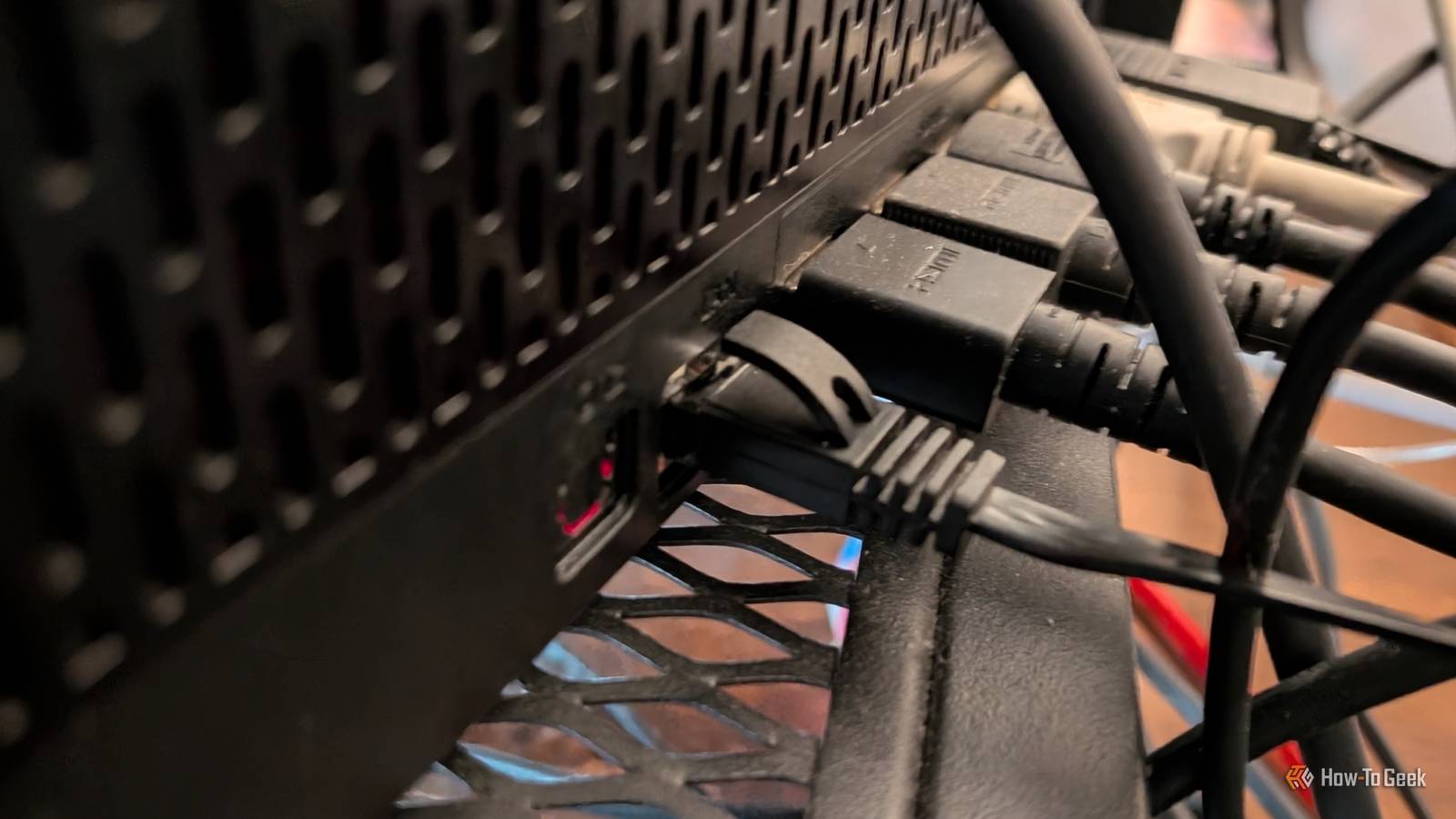
Run one more to your printer ...you get it.Basically, anything you decide to bless with a wired connection is going to be happy, but you're going to be less happy with dozens of cables running all over the house.
Plus, moving anything from point A to point B becomes even more of a chore when you have to figure out a whole new cable route.That entire hassle is what makes endpoint-first wiring such poor leverage in a typical home.It's not hard to plug in Ethernet, but it is indeed hard (or at least annoying) to run cables through walls, around doors, under floors, and so on.
Unless you want to leave them be in the middle of the room and trip over them at every opportunity.So, I thought, if I'm going through all that trouble anyway, I'd rather make that one difficult run improve connectivity for an entire cluster of devices rather than just one.Related 6 networking upgrades that are a giant waste of money for most homes I’m a tech enthusiast, and I’ll never buy these 6 expensive networking devices again Posts 15 By Monica J.
White The cable I'd prioritize is wired backhaul Put Ethernet behind the Wi-Fi instead of replacing it I'm sure you know where this is going.If you can use just one cable and boost the connection on many devices vs.using one cable per device, that's a win all around.
And this "one cable" solution wins because it goes to a strategically placed access point or mesh node.This turns it into wired backhaul instead of terminating at a single device, and that changes the role of said cable entirely.Instead of just improving one device, it'll carry the network itself to another part of the house, where the access point can solve everything else nearby.
That includes stuff you normally wouldn't be able to plug Ethernet into (unless you add a second port).Phones, laptops, and smart home gear, all things that often end up on Wi-Fi, will still reap the benefits of that one strategic cable.That's the key here: You're not really replacing Ethernet with Wi-Fi, but rather putting Ethernet behind the Wi-Fi instead, making the latter significantly less awful.
This still gives you that convenience aspect while maintaining stability, too.The connection between access points stays wired, which removes one of the biggest sources of instability in mesh and repeater setups.One backhaul cable can turn back into Ethernet at the other end The choice isn't really wired vs.
wireless The nice part is that choosing wired backhaul doesn't force you to keep everything else wireless.Once the cable is in the access point or the mesh node, you can fan that connection back out again.Some access points and mesh hardware expose Ethernet ports directly, and if yours doesn't, a small unmanaged switch can give you several.
At that point, one long run can feed the access point and a bunch of other devices that genuinely benefit from using Ethernet instead of Wi-Fi.There's a catch, though.All of those devices share the same uplink back to the rest of the network, so it's not like they each get the full bandwidth your connection has to offer.
Let's say you have 1Gbps internet: that means that the 1Gbps is split among all the devices connected, and not somehow multiplied for each.For most homes and most use cases, that won't be a problem.Whole-home Ethernet still makes sense when the workload demands it I'm not ripping Ethernet out of anyone's walls Of course, if you have whole-home Ethernet (or you want to), I'm not saying that's universally a terrible idea.
The most obvious situation where it makes a whole lot of sense is when you're already renovating or building from scratch.Building those Ethernet cables right into your walls is a great idea.Regardless of convenience, if you have a bunch of devices that regularly transfer a lot of data, that might be reason enough to go through the trouble of wiring it up.
The first cable should make every connection around it better Assuming you're not doing a whole home improvement project right now, it's alright to stick to just one cable.Just make it count.Connect the one device that can improve everything else around it instead of the one that doesn't go on to share that connection with the rest of the pack.
Related I stopped rebooting my router to fix Wi-Fi, and these 7 tricks worked instead Rebooting your router won't fix your Wi-Fi: 7 tricks that actually work Posts 2 By Monica J.White
Read More