I've gone back and forth between Obsidian and Notion for as long as I can remember.Spending a few months in one, then a few months in another is just how I do things—but the switch was never easy.That is, until I found out Codex could handle it for me.
Notion is a fantastic writing tool It's not the easiest to organize, however I love the writing experience that Notion provides.I can write in Markdown, view in Markup, and the databases in Notion are bar none.For the past year or so, I've written every article inside of Notion, as well as planned a few trips with my wife, and worked on some documentation for a few apps I'm building.
Notion works great when file structure is either optional, or handled all within a database.However, where Notion falls apart is in its organization.You can spend hours (days...weeks...) organizing and designing your Notion dashboard and pages.
There are entire communities around just that, and more YouTube videos than I can shake a stick at.The problem is, I don't want to spend more time customizing my writing program than actually writing.I just want to write.
If you want Notion to be usable, sadly, it's just not great for that.I also want to be able to write offline without having to pay money or individually toggle pages to be offline.Notion is a fantastic tool, and I love it, but it's just not necessarily the right one for the needs I have.
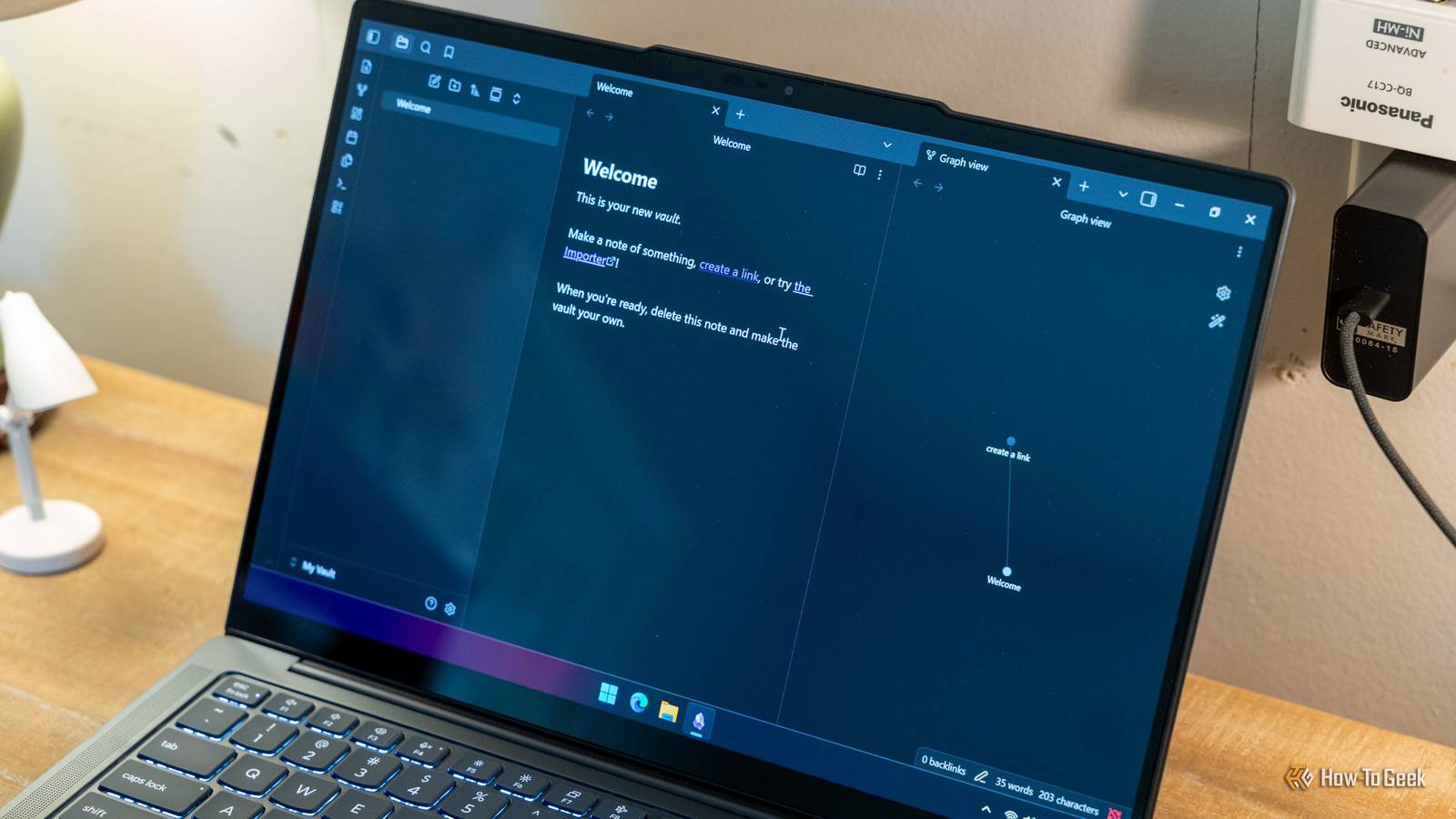
Obsidian keeps your writing local But its import tools are quick lackluster The nice thing about Obsidian is that all of your files stay local, which means they're always ready to be edited with or without an internet connection.I have wanted to move back to Obsidian for months from Notion.I've tried a few times, only to give up and just stick with Notion.
The biggest problem for me was getting the files from Notion to Obsidian.You see, you write in Markdown inside of Notion.However, the files themselves aren't stored as a Markdown file.
You can download individual files as a Markdown file, but it loses all the frontmatter (tags, statuses, etc.) and has to be done one-by-one.Technically, Obsidian does have an importer for Notion, but it's fairly new and not completely fleshed out yet.I simply don't trust it for downloading all of my files for me.
A simple prompt in Codex (or any other AI) is all it takes to easily migrate An API key later and your entire Notion stack can be neatly organized as Markdown files While I don't necessarily trust the brand-new Obsidian Notion importer, what I do trust is Codex (or Claude Cowork, which is what I did the first round of importing with).I've been using AI more and more in my daily life, and importing all of my Notion documents to Obsidian is just the latest.I'm able to use natural language with whatever AI I'm using at the time and tell it exactly where I want it to put stuff, and how I want it laid out.
All I had to do was create a .env file at the root of the folder where I was to have Codex/Claude Cowork work, put my Notion API key in there, and then give the AI the instructions it needed.I started by first telling it to pull all of my published, archived, or submitted articles and put them into a specific folder.Codex is smart enough to be able to sort through everything, including the frontmatter, and organize that way.
Then, I had it go through and put all of my pending content elsewhere.After I took care of my writing, I had Codex pull in the rest of my Notion, including application documentation, general information, laser settings I had typed out, you name it.The great part is, Codex is also smart enough to properly organize and categorize those things for me.
I didn't have to lift a finger—outside of telling Codex what to do.Everything simply ended up exactly where I wanted it, and I couldn't have been happier with the results.Obsidian OS Windows, iOS, Android, macOS, Linux Brand Obsidian Price $4/month (Sync), or $8/month (Publish) Free trial Free version available Obsidian is a note-taking and database creation app that lets you store notes privately, so others can't see them unless you share them.
It also has robust third-party app support, so you can customize everything just the way you want it.Download for free Expand Collapse AI can be fantastic if used in the right ways There are things that I use AI for all the time, and there are things I refuse to use AI for.AI writing, for example, just isn't all that great.
It's quite easy to spot AI writing these days, so I avoid that.However, using AI in my homelab and for tasks like this, that's where it really shines.Telling Codex to do these menial tasks is where I really get the benefit of AI in my life.
I treat AI as if it was an assistant to me.Just like an assistant though, I make sure to go back through and check its work.After it migrated everything from Notion to Obsidian for me, I definitely double-checked where it placed certain files to make sure it got it right.
To my surprise, everything was placed exactly where it should be.
Read More